A few reasons your Wendy’s app causes issues are that your internet connection is inactive, your app cache is faulty, Wendy’s servers are down, your app files are broken, and more.
Check Your Internet Connection
Wendy’s relies on your phone’s internet connection to fetch your account information and other items. The app has trouble doing that if your phone has an inactive internet connection. Check and ensure your phone’s internet is working. You can do that by opening a web browser on your phone and accessing a site. Your site won’t load if your phone has internet issues. In that case, try to resolve your connection problems by rebooting your router, disconnecting and reconnecting to your network, and more.
Use an Alternate Internet Connection
Sometimes, your Wendy’s app doesn’t work even on an active internet connection. That’s because your connection is either unstable or poor. This creates issues for Wendy’s to retrieve menus and other items from the company’s servers. In this case, switch your internet connection and see if that resolves your issue. You can switch to a Wi-Fi connection if you’re on mobile data or use cellular data if you’re currently on a wireless network.
Check if Wendy’s Servers Are Down
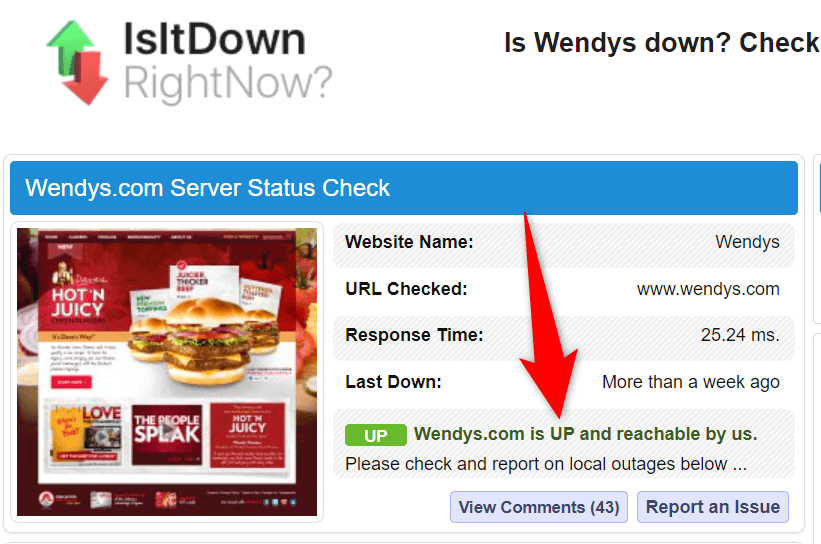
Wendy’s fetches your account data and other information from its company’s servers. You’ll have trouble using the app if those servers face an outage. It’s rare for servers to go down, but that does happen. You can head to a site like Is It Down Right Now? to check if Wendy’s servers are down. The site will tell you if users have reported issues using the app on their phones. If that site says Wendy’s servers are experiencing issues, wait until the company fixes those issues and brings the app services back up.
Restart Your iPhone or Android Phone
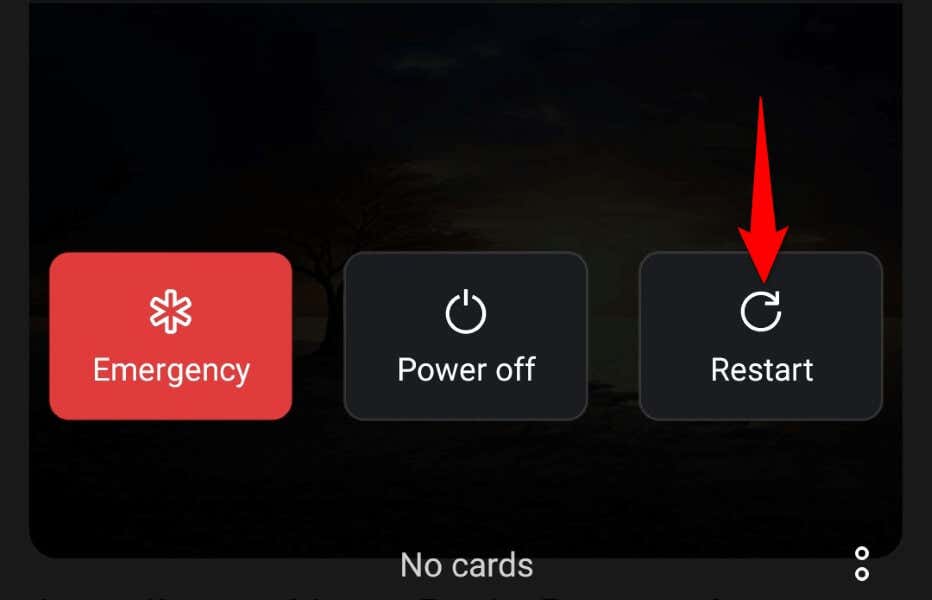
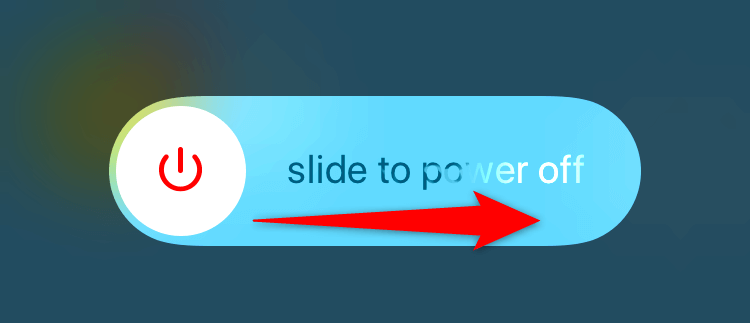
Your operating system’s minor glitches can cause Wendy’s app not to work. Although your installed apps are isolated from your phone’s system features, those apps still rely on some of your system functions. Your phone’s system having a minor issue can cause your apps not to work. In this case, you can try to fix those minor issues by rebooting your phones.
On Android
On iPhone
Clear Wendy’s App Cache
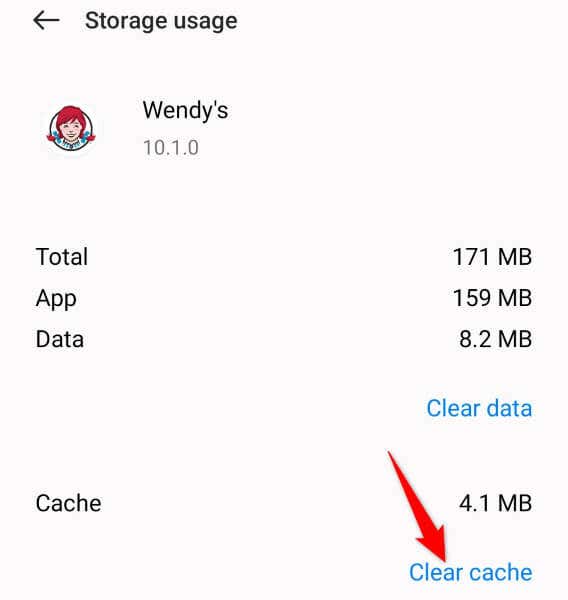
Many apps create and store cache files on your phone to improve your app experience. Sometimes, those app cache files become corrupted, causing your apps not to work or malfunction. This may be the case with your Wendy’s app. Wendy’s app cache may have become faulty on your phone, causing the app not to function. Luckily, you can resolve this issue by clearing your app’s faulty files. You don’t lose your account data or other items when you do this. Note that you can only clear an app’s cache files on Android. The iPhone doesn’t allow you to do that.
Update Wendy’s on Your iPhone or Android Phone
Outdated app versions are often the reason you have issues with your apps. An old app version usually has many issues. So, if you haven’t updated your app in a long time, that may be why you can’t use that app on your phone. You can fix that by updating your app to the latest version.
On Android
On iPhone
Sign Out and Back Into Your Wendy’s Account
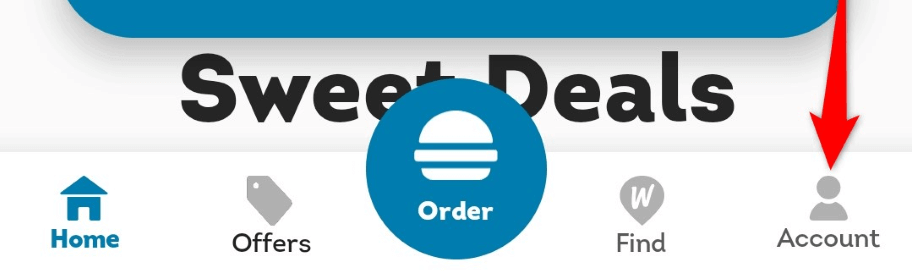
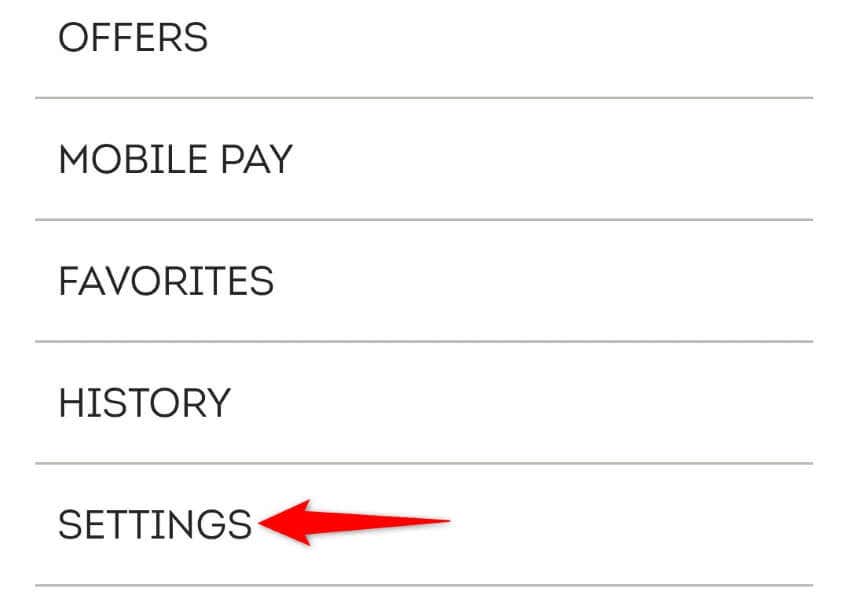
If your Wendy’s app still refuses to work, log out and back into your account in the app to fix your issue possibly. This is because your app may be experiencing a login session problem, which logging out and back in helps resolve. You’ll need your Wendy’s login credentials to log back in, so keep those details handy.
Fix Wendy’s App Not Working by Reinstalling the App
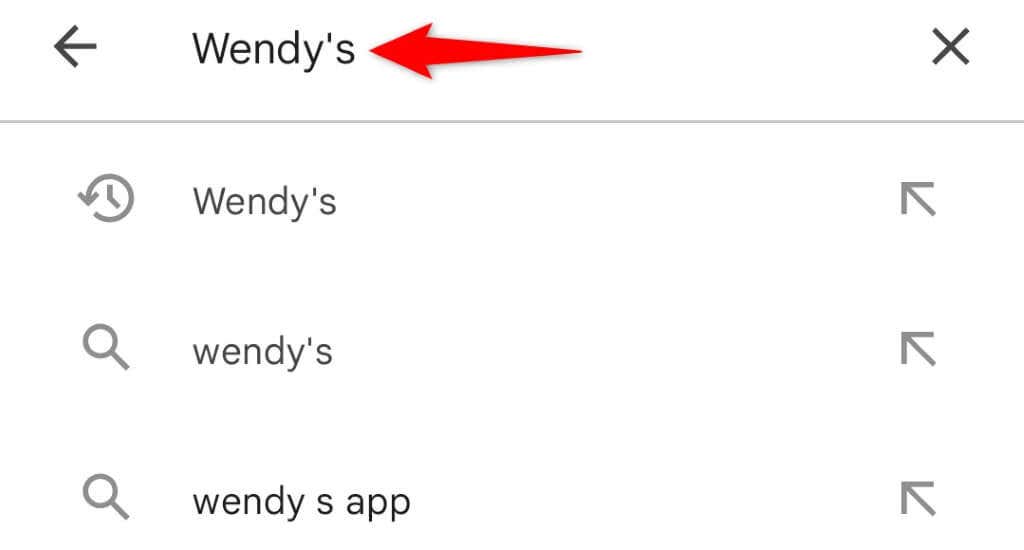
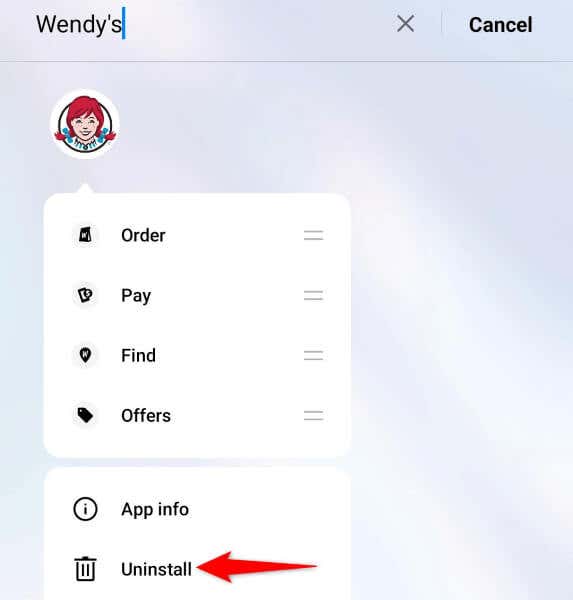
If the above methods don’t resolve your problem, your app may be problematic. In this case, you can resolve the issue by uninstalling and reinstalling the app on your phone. Uninstalling the app deletes all the files from your phone, then redownloading the app brings all the working files back. You’ll have to log back into your account when you re-download the app, so keep your Wendy’s logins ready.
On Android
On iPhone
Resolve Wendy’s App Problems on Your iPhone or Android
Wendy’s malfunctions or stops working on your phone for various reasons. You’ll have to find and fix the underlying item causing the issue to repair your app. The methods we’ve outlined above will help you do just that. When your Wendy’s app issues are fixed, you can launch the app and start ordering your favorite items. Enjoy!