In this troubleshooting guide, we’ll explain the easiest four ways to turn off a Samsung S23 (and any other Samsung Galaxy phone).
Turn Off Your Phone Using the Side Buttons
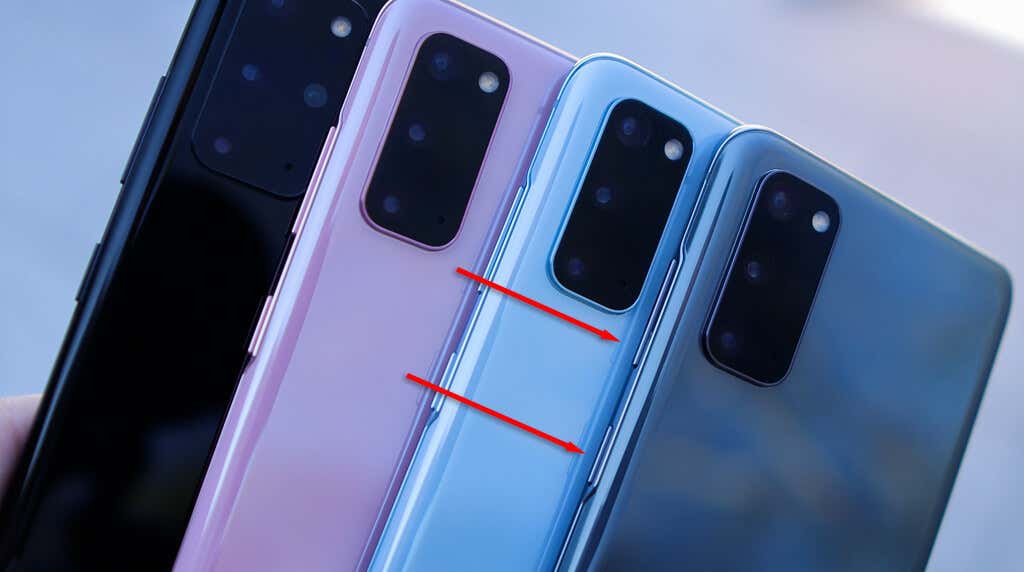
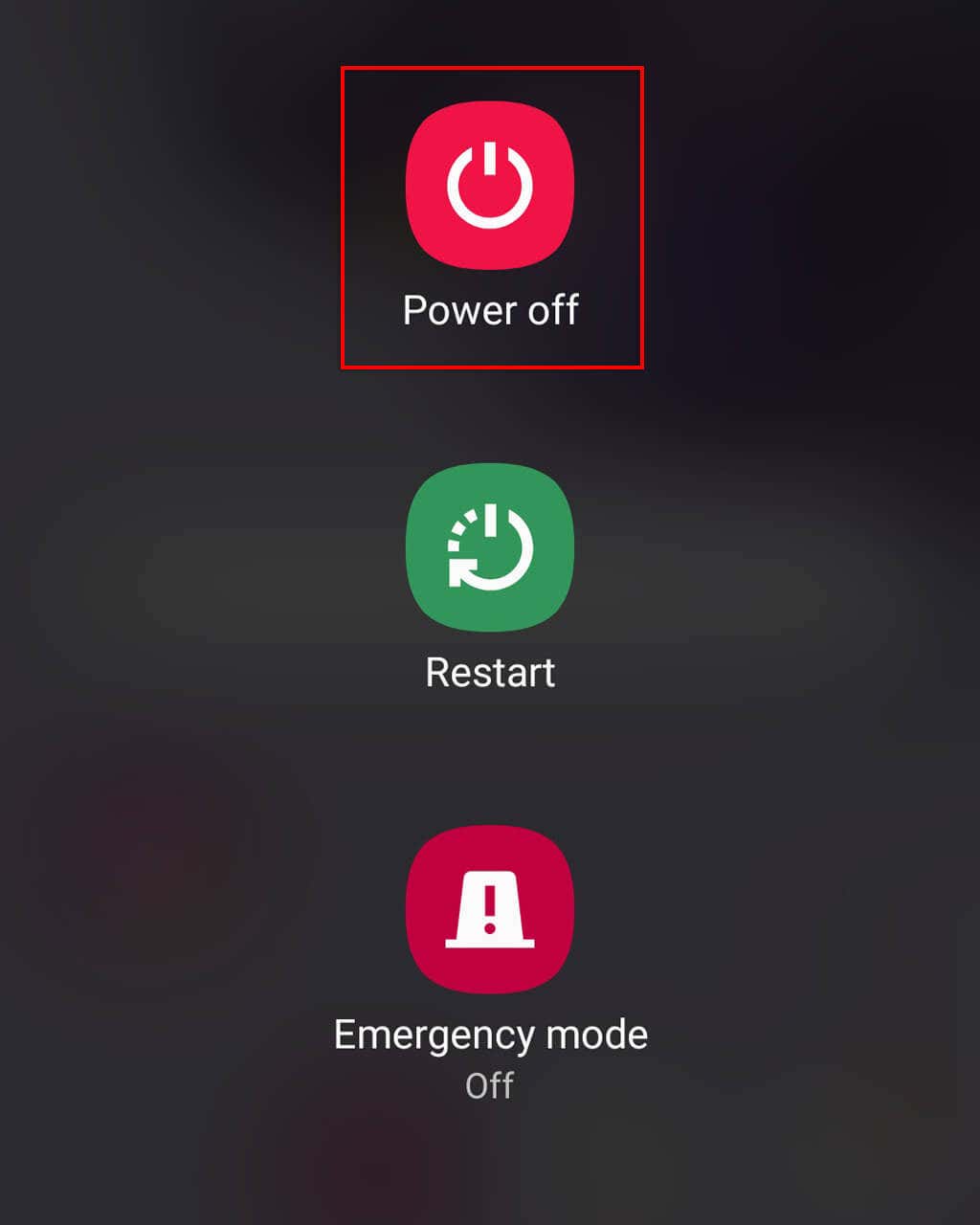
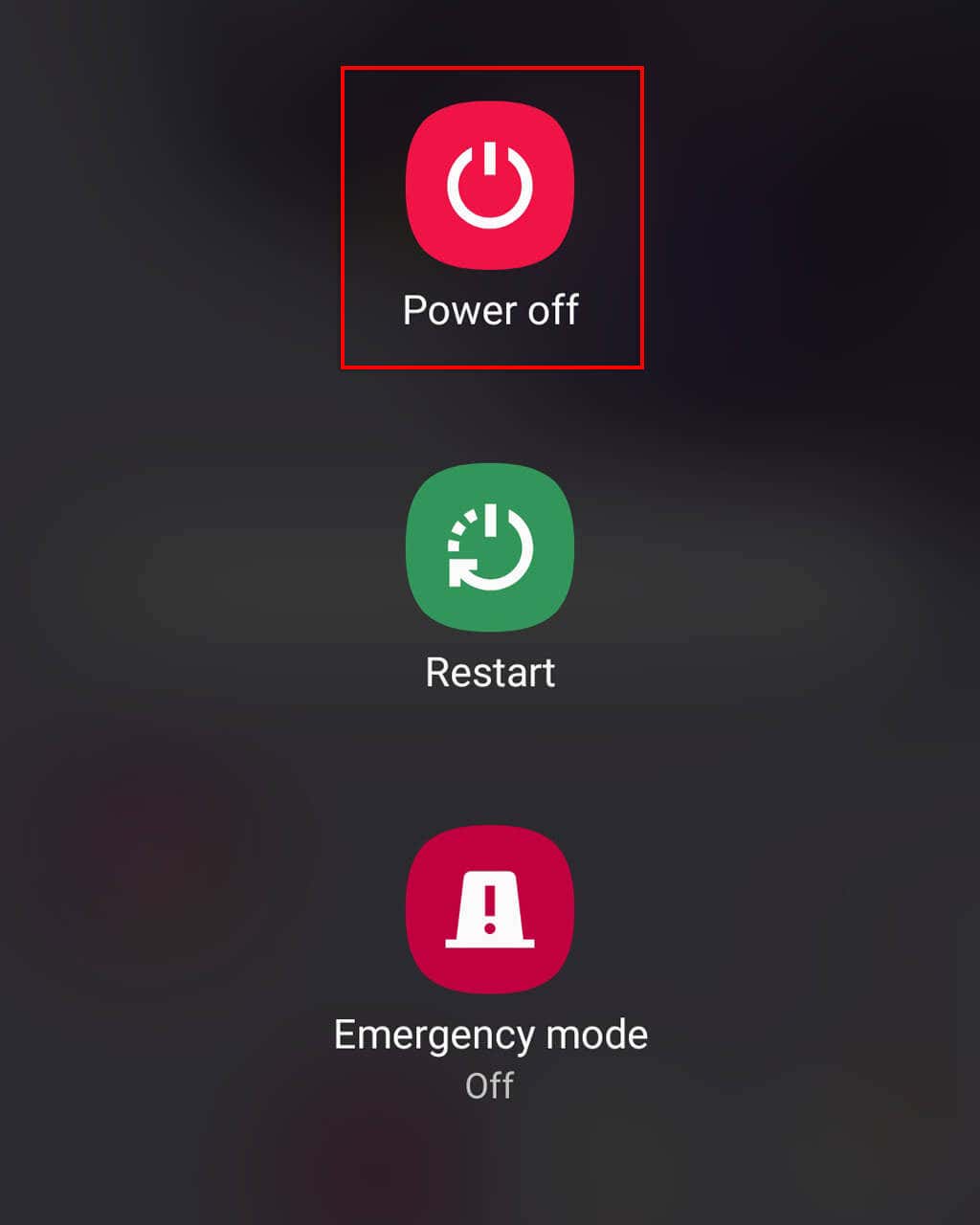
The easiest way to turn off a newer Samsung smartphone (like the Galaxy S23 Ultra or Galaxy S23 Plus) is by pressing and holding the side keys. Previously, you could turn off a Samsung device by pressing and holding the Power Off button. However, doing this now activates the Bixby voice assistant. To turn off newer Samsung models: Note: Pressing and releasing these two buttons too quickly will make your phone take a screenshot. If this occurs, just try again and hold them for a little longer.
Turn Off Your Phone Using the Quick Settings Menu
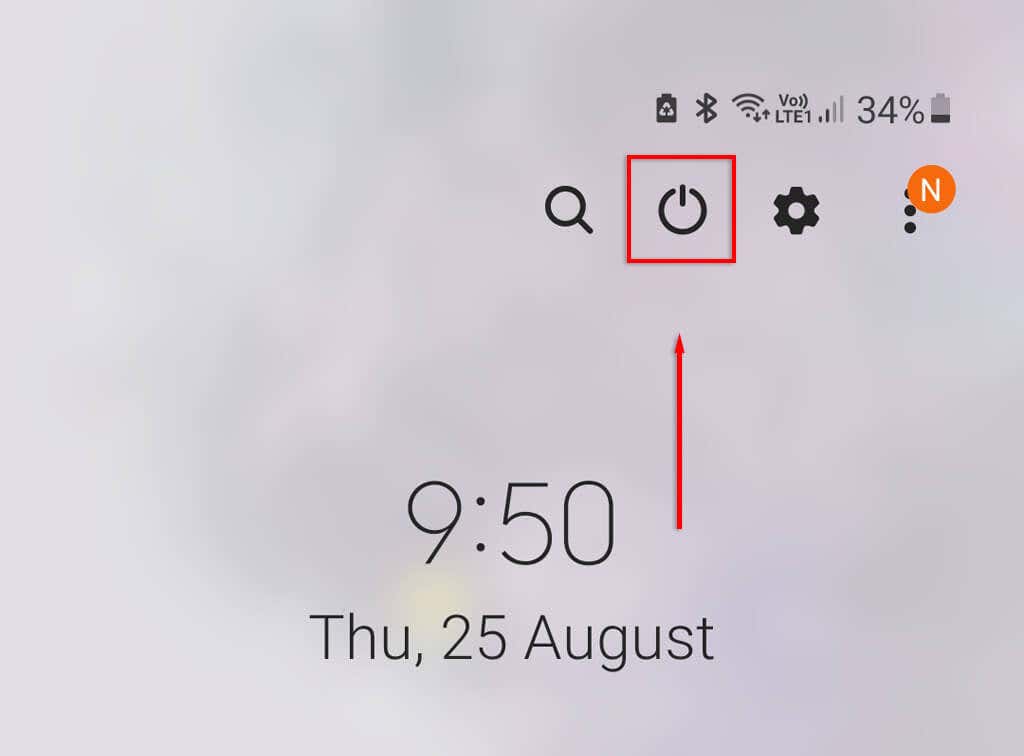
Another simple way to turn off your Samsung device is by using the Quick Settings menu which was introduced with Samsung’s One UI. This is the easiest way to switch off your phone if the power button isn’t working. To turn off your phone with Quick Settings:
Turn Off Your Phone With Bixby
The Bixby voice assistant is included with all Samsung phones, replacing Google Assistant on other Android devices. To turn off your phone, you simply need to ask Bixby to do so:
Force Restart Your Samsung Phone
If your Samsung device isn’t responding, you can perform a force restart to get it working once again. To do so, long press the Side Button and Volume Down Button. After 15-20 seconds your phone will begin a hard reset. It’ll vibrate and the screen will turn off. Then, after a couple of seconds, it will reboot.
No Power Key, No Problem
If you’re switching to Android from an Apple iPhone, it might take a while to learn the ins and outs of your new device. But don’t worry, Samsung phones are just as easy to use as iOS gadgets, and you’ll be a pro in no time!