In this article, we’ll compare Grammarly vs Microsoft Editor and help you decide which editor to go with.
Grammarly vs. Microsoft Editor: Accessibility
Grammarly’s writing tool has been around for a lot longer than Microsoft Editor, and because of that, it’s available on far more platforms. You can access Grammarly through: In comparison, Microsoft Editor is primarily available through Windows apps. You can access Microsoft Editor via web browser extensions (for Chrome, Firefox, Edge, and Safari), Microsoft Word (both the online and desktop app versions), and Microsoft Outlook. Winner: Grammarly
Grammarly vs. Microsoft Editor: Functionality
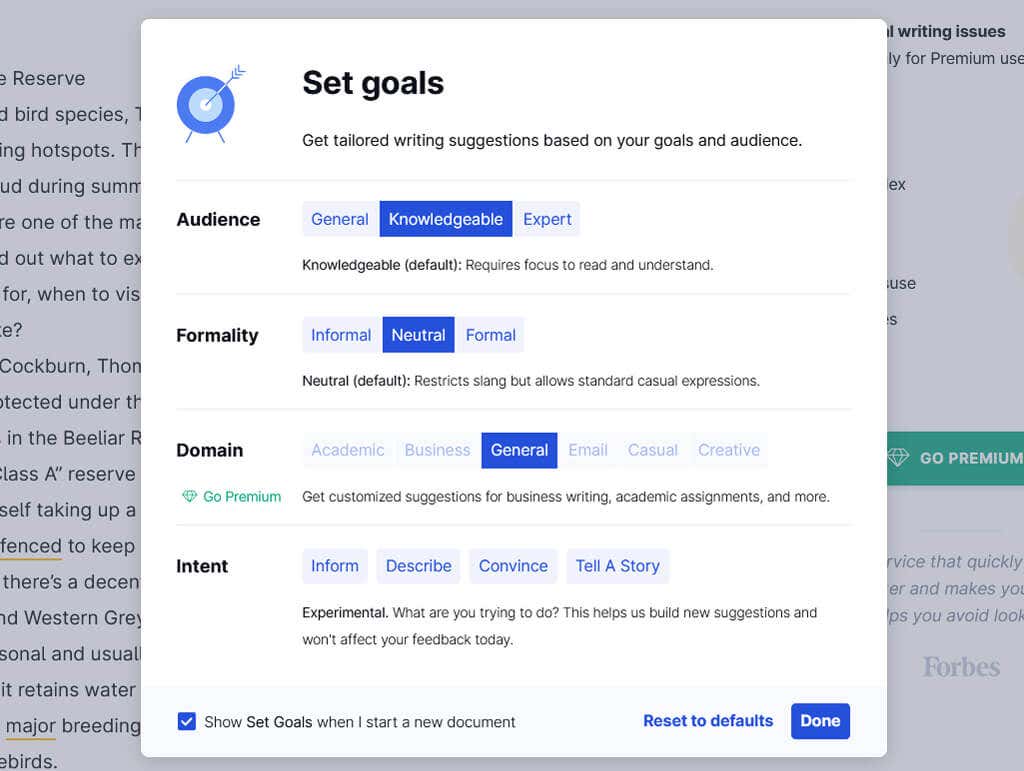
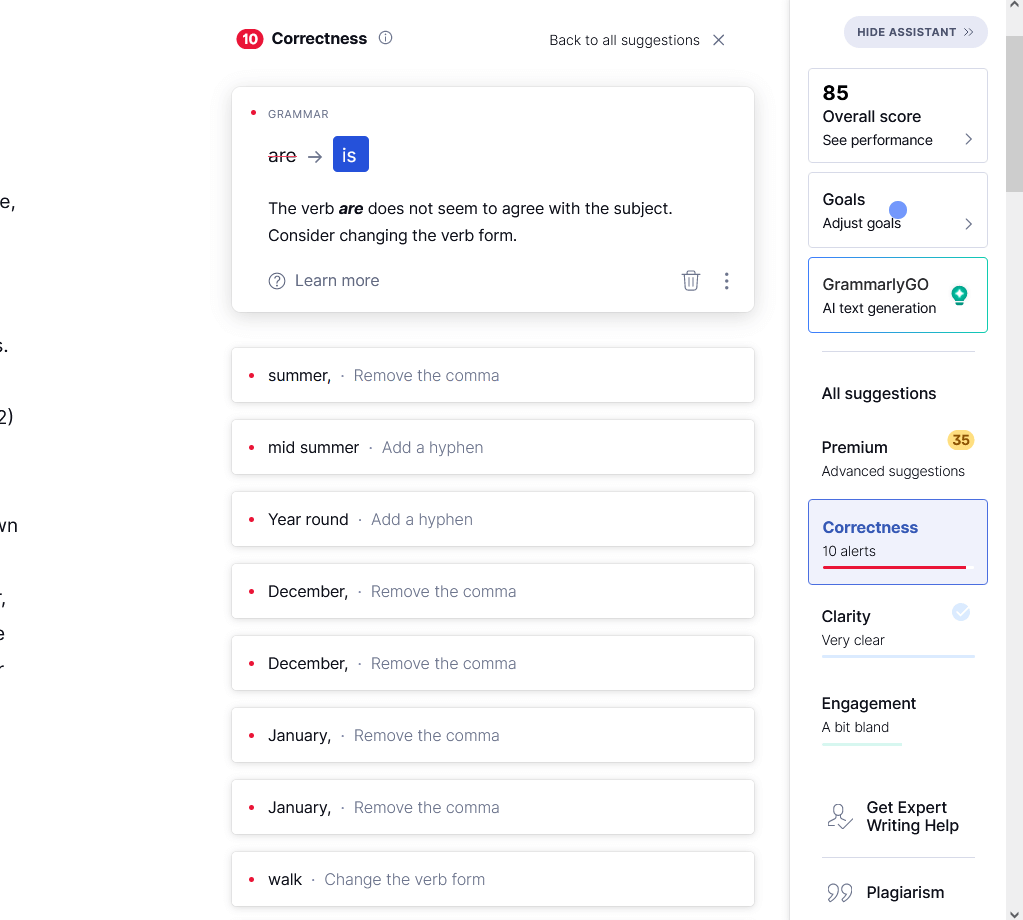
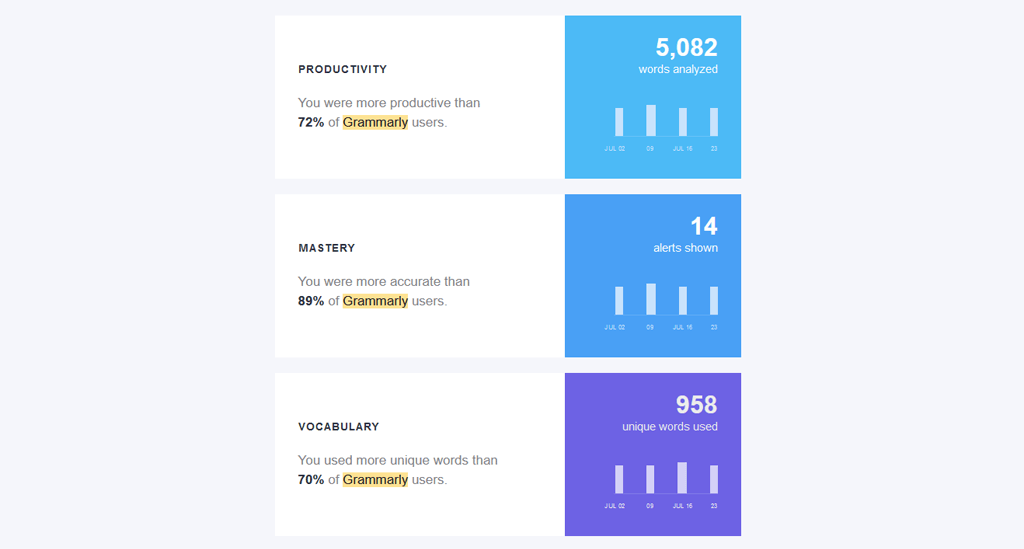
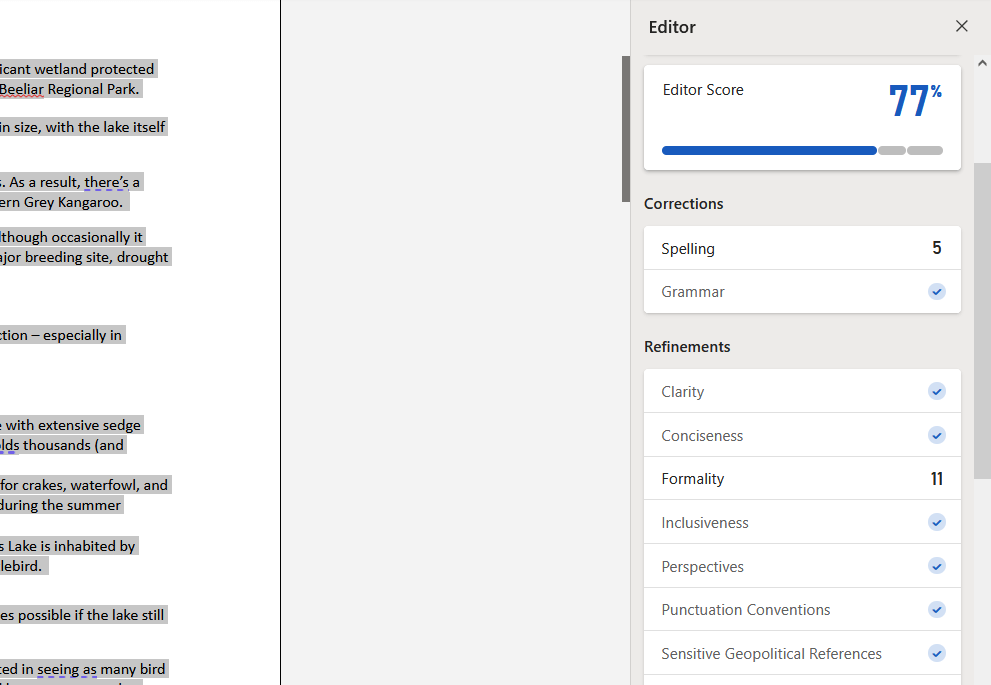
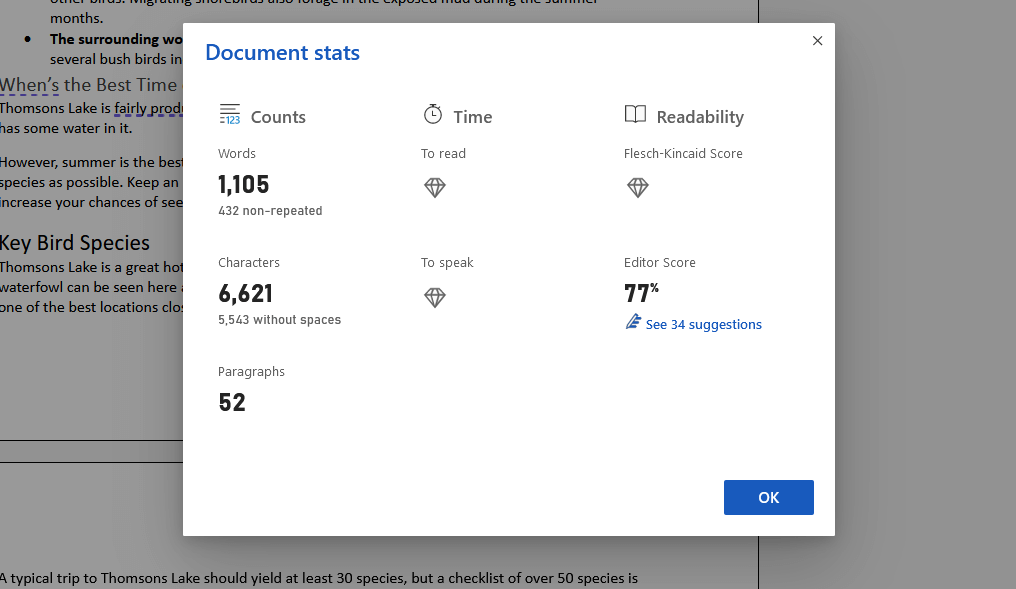
The main thing that matters when comparing two grammar-checking apps is how well they spot errors and what additional features they offer their users. Below, we’ll discuss the features offered by each app, starting with Grammarly. When you open the Grammarly editor, it will ask you to set goals based on the type of text you want to write and the audience that you’re targeting. Based on this, it’ll offer grammatical suggestions that will align your text more with your goals. Here are some of Grammarly’s key features: As a Grammarly alternative, Microsoft Editor is a lot more bare-bones. Rather than setting goals based on your target audience, it simply offers a basic grammar and spell check tool. Here are its main features: Winner: Grammarly
Microsoft Editor vs. Grammarly: Pricing
Grammarly and Microsoft Editor both offer free and paid versions. However, to access the free version of Microsoft Editor, you need a Microsoft 365 subscription. Grammarly offers three subscription tiers:
The free version of Grammarly. Checks for basic spelling and grammar mistakes (like misplaced commas and double spaces), and detects issues with writing tone. Grammarly Premium Plan. $12.00 per month (when paid annually) or $30 per month (paid monthly). Generative AI assistance, more advanced writing, delivery, and tone suggestions, and a plagiarism checker. Grammarly Business Plan. $15.00 per month (paid annually). Everything in the Premium version, with added features for teams like style guides.
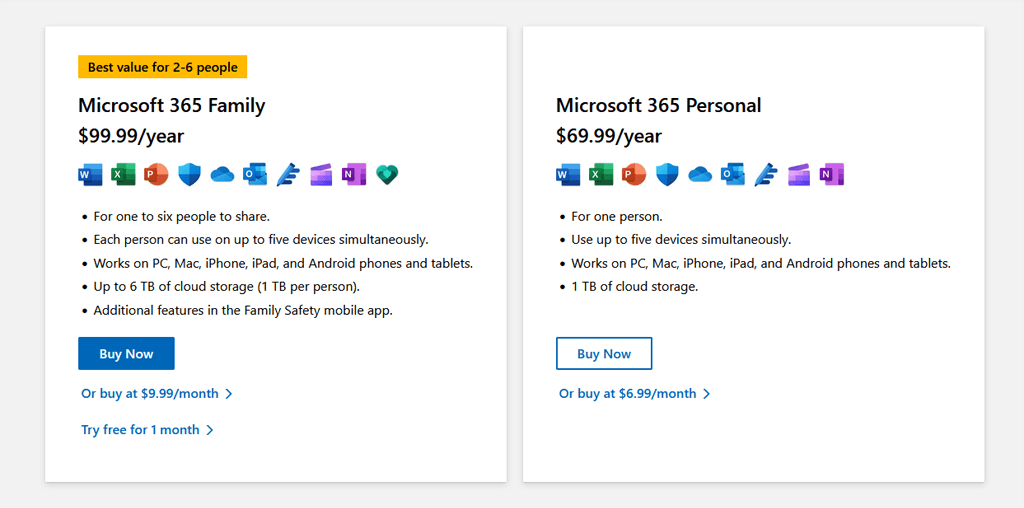
Microsoft Editor is available through a Microsoft 365 subscription, which gives you access to all Office apps as well as 1TB of OneDrive cloud storage.
Microsoft 365. $6.99 per month or $69.99 per year. Microsoft 365 Family. $9.99 per month or $99.99 annually.
Winner: Microsoft Editor
Which Grammar Checking Tool is Best for You?
Choosing between these writing assistant tools can be difficult, so we recommend giving both free versions a go before you make your final decision. Simply start a Word Online document, write a few sentences with a bunch of mistakes, and see which one works best for you. Microsoft Editor is more cost-effective, but only if you’re going to use the rest of the Microsoft Office suite. Otherwise, it’s probably better to go with Grammarly. Grammarly is more widely available, offers more advanced features, and is generally the better option for professional writers.