Some reasons your Instagram link doesn’t work are that your link is invalid or spammy, your app has a bug, your app’s cached files are corrupted, your app is outdated, and more.
Check and Ensure Your Link Is Valid
When your Instagram link doesn’t work, check and make sure your link is valid. You may have mistyped the link that takes users nowhere, causing your link problem. In this case, you can ensure your link is correct by copying the link from its source and pasting it on Instagram. This avoids typos and other issues with your link and ensures Instagram accepts your link.
Check if Your Link Is Spammy
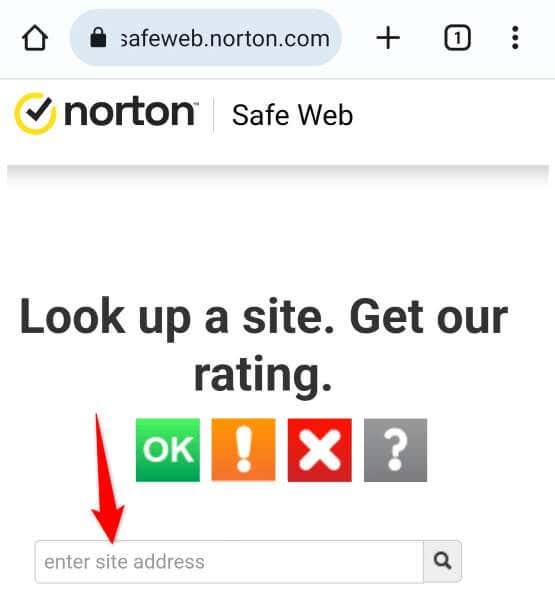
Not all valid links are supported by Instagram. This means you can’t use a valid, spammy link in your Instagram bio. Your current link may have too many redirects or leads to a spammy website, causing Instagram to reject the link. In this case, make sure your link doesn’t have many redirects and points to a legitimate site. You can use a web-based link checker like ScanURL or Norton Safe Web to check whether a link is safe to use or not.
Force Close and Re-Open Instagram on Your Phone
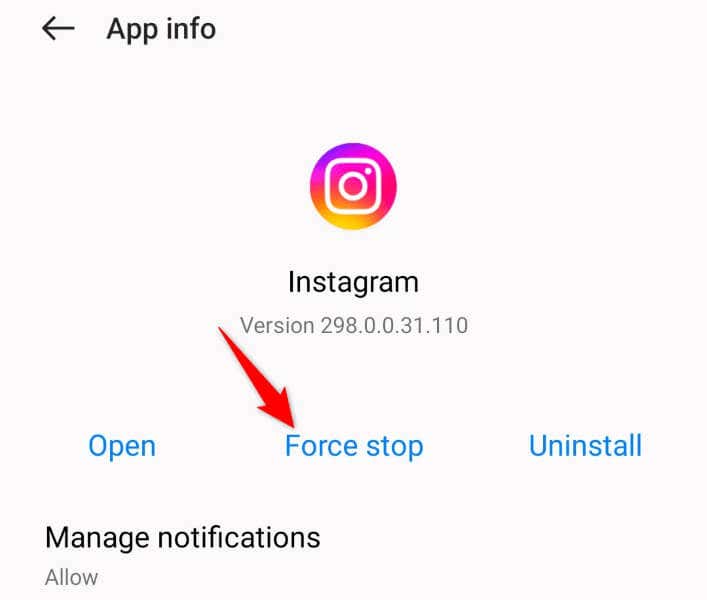
One reason your link isn’t working is that your Instagram app is experiencing issues. Such app problems are common, and these issues occur in most apps you use on your phone. One way to deal with these minor problems is by force-closing and re-opening your app. Doing that turns off and back on all app features, possibly fixing your issue. Note that you can only force close apps on Android. You’ll have to use the standard close-and-open method on your iPhone.
On Android
On iPhone
Clear Instagram Cache on Your Android Phone
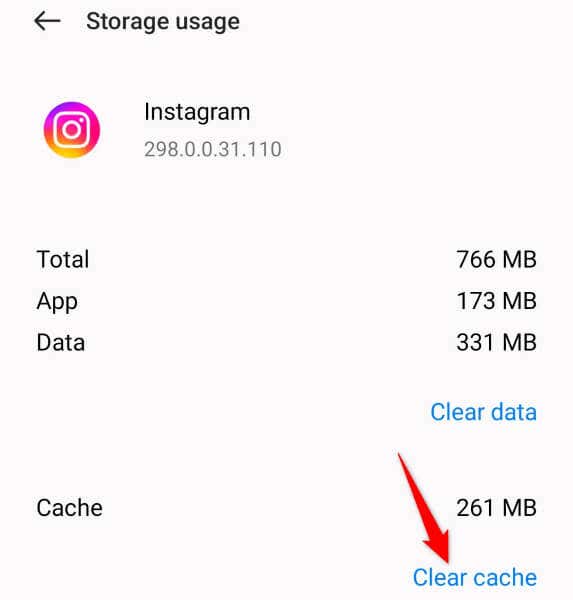
Like many other apps, Instagram creates and uses cache files to quickly serve your content. Sometimes, these cached files become broken, being unable to serve various app features. You may experience issues with your app when this happens. In this case, luckily, you can resolve the issue with ease by deleting your app’s cache files. You don’t lose your account files when you do this, and your app will rebuild the cache files as you use the app. Note that you can only clear an app’s cache files on Android. You’ll have to delete the app on an iPhone to remove the app’s cached data.
Clear Instagram’s In-App Web Browser Data
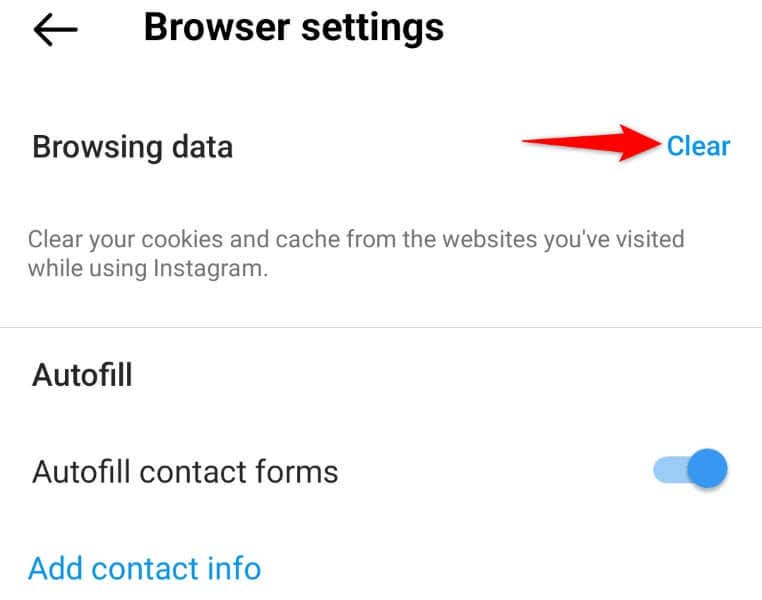
If you’ve noticed, Instagram uses an in-app web browser to load the links you tap inside the app. The app does that so you don’t have to leave your app to access a link. Sometimes, this in-app web browser’s data becomes corrupted, causing your in-app links not to work. One way to possibly fix this browser’s issues is by clearing the browser’s saved data. You can do this within Instagram, and we’ll show you how.
Update Your Instagram for iOS or Android App
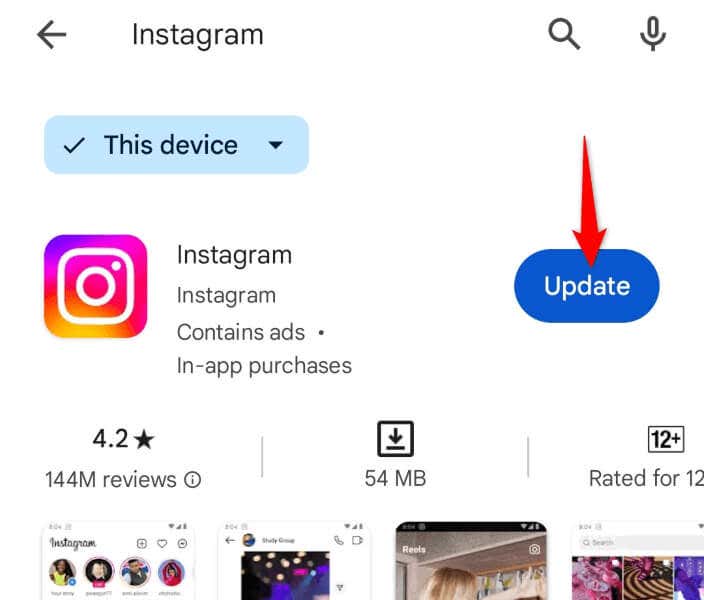
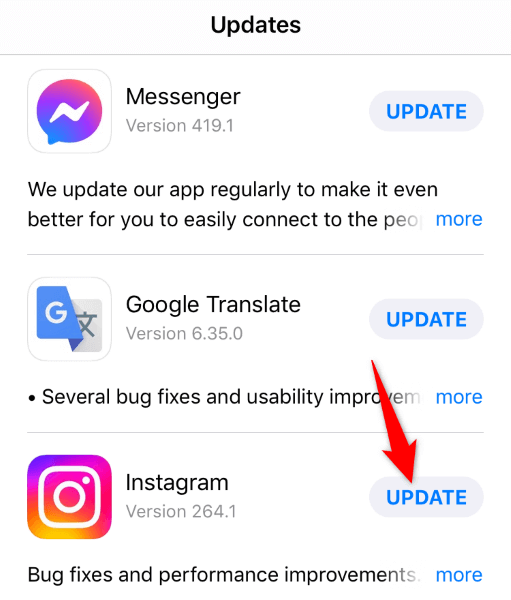
It goes without saying that you should keep all your apps updated all the time on your phone. If you haven’t updated your Instagram app in a long time, that may be why your links aren’t working. Old app versions often have many bugs, which you can resolve by updating the app version. You can possibly fix your link issue as well as add new features to your Instagram app by updating your app to the latest version.
On Android
On iPhone
Fix Instagram Links Not Working by Deleting and Reinstalling the App
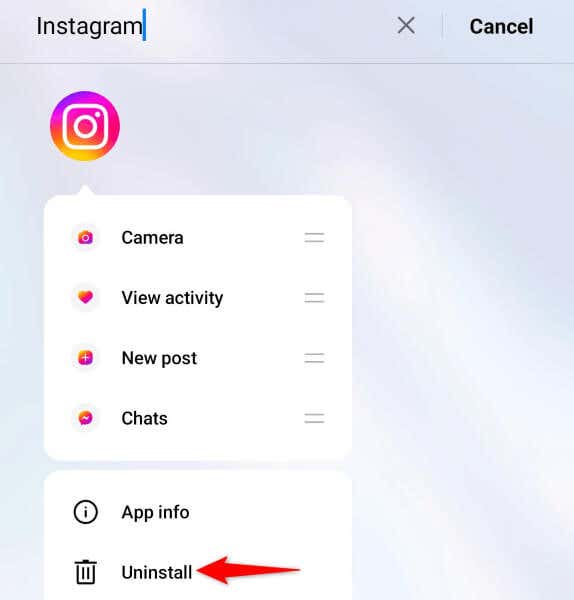
If your link issue persists even after updating your app, your Instagram app itself may be faulty. This isn’t too uncommon, as mobile apps do get broken for various reasons. Your app’s core files might be corrupted, or your app might have come from an untrusted source. Either way, you can resolve the issue by removing and reinstalling the app on your phone. Doing so deletes all the app files and brings official and working app files on your phone. You don’t lose your account data when you reinstall the app, but you’ll have to sign back into your account.
On Android
On iPhone
Report Your Instagram Links Issue
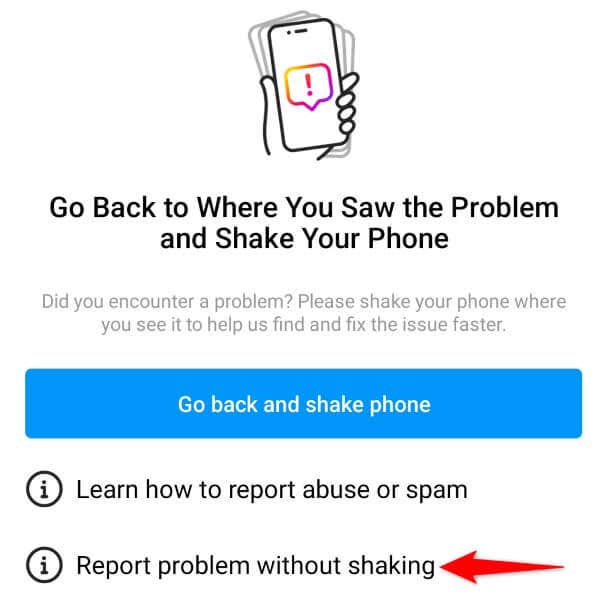
If your reinstalled Instagram app has the same link problem, something may be off on Instagram’s end. In this case, you can report your issue to the company so the company can review and fix the problem. You can use an option within your Instagram app to submit the report.
Troubleshoot Instagram Bio Links Not Working
There are various reasons your Instagram bio links stop working. You may have added an invalid link, or Instagram’s own problems may be causing your issue. Either way, you can follow the methods outlined above to resolve your issue and get your links working in your profile.