Can You Use an Adapter to Connect an Xbox Controller to the PlayStation 5?
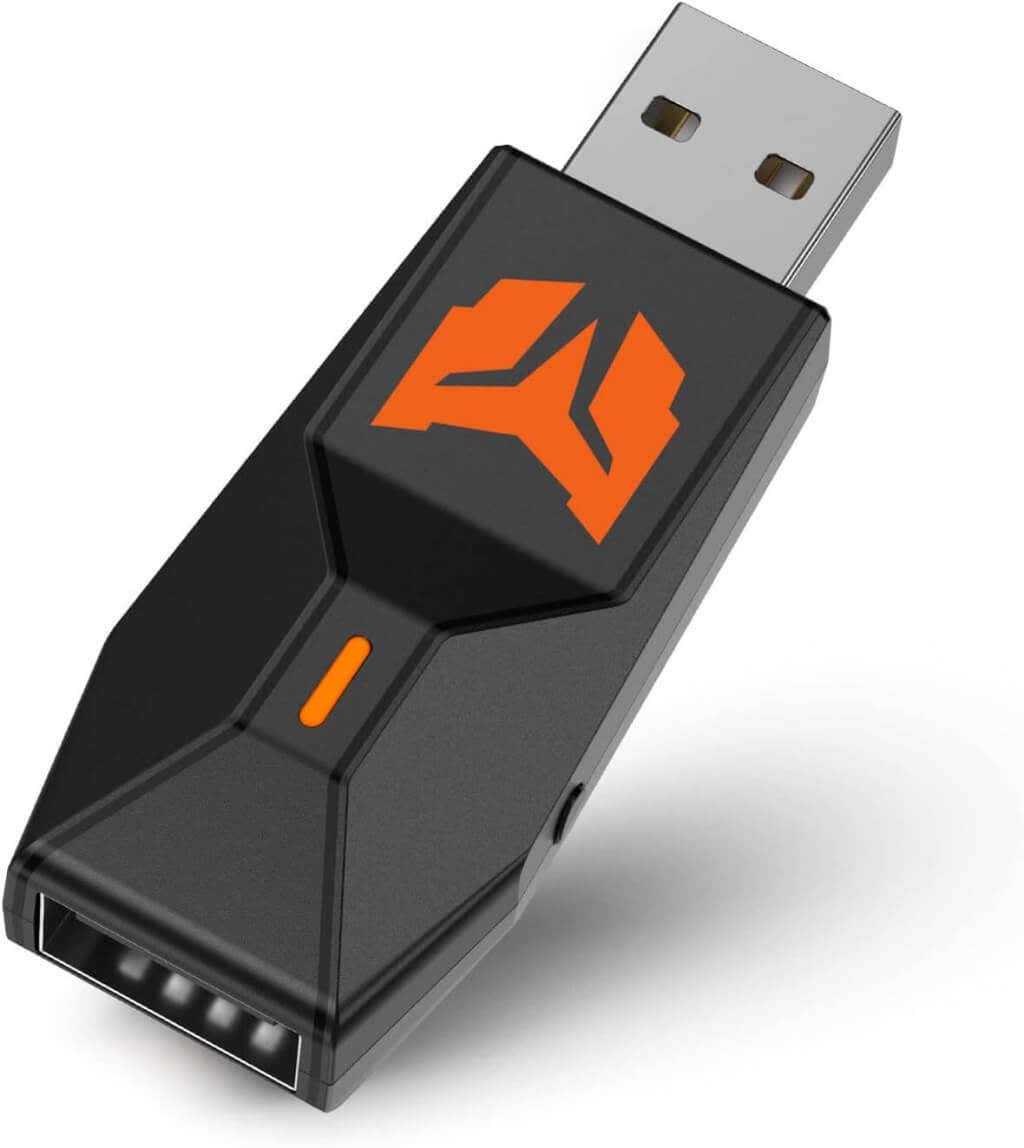
You could use an adapter like the Gam3Gear Brook Adapter or the BigBig Won Adapter to connect your PS5 and Xbox controller, but both of these adapters have their issues. A firmware update is required for the Gam3Gear Brook Adapter to ensure it’s compatible with PS5. At the time of writing, it’s not likely to be on its way any time soon.
The Gam3Gear Brook Adapter can connect Xbox controllers with your PS5, but there’s a caveat: You can only play backward compatible PS4 games on the next-gen console. So, an adapter won’t help use your Xbox controller on PS5.
How to Use Your Xbox Controller on PS5
It’s important to note that to use your Xbox controllers on PS5, you’ll need an Android or iPhone with the PS Remote Play app installed. You can download the app for free from the Google Play Store or Apple App Store. Unfortunately, there’s no way to connect your Xbox controller to the PS5 without this app, as the controller isn’t natively compatible with the PS5 console. Here’s how to use the Remote Play app to connect an Xbox controller to your PS5 and play all your favorite games alone or with friends.
How to Connect an Xbox Controller to Your Smartphone
The first step is to connect the Xbox controller to your phone, and here’s how to do that:
How to Connect the PS5 to the Remote Play App
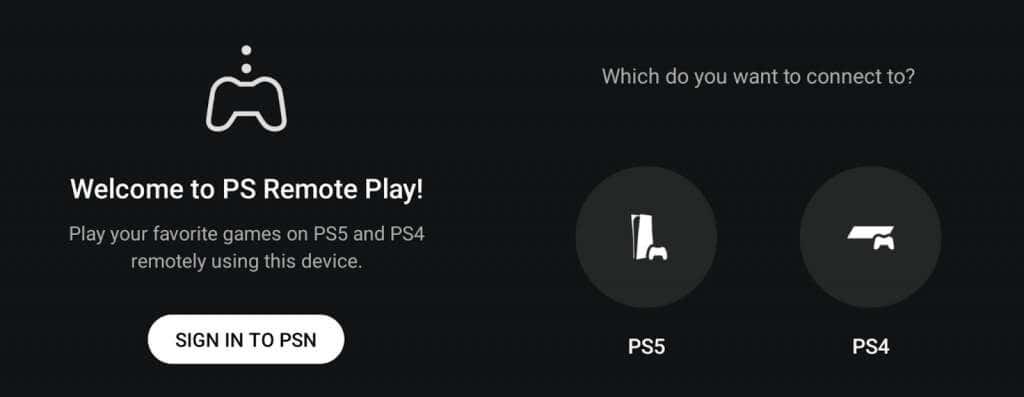
Now, we need to connect the app to your PlayStation console. This just takes a few seconds.
Enabling Remote Play on Your PS5
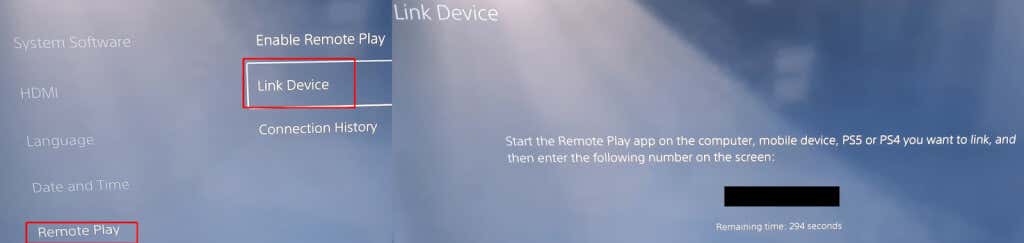
We’re almost there! The next step is to enable remote play on your console.
How to Link Your PS5 to Your Smartphone
The final step is to link your PS5 and smartphone, enabling you to use your Xbox controller with your PlayStation console. Here’s how to do that: That’s it! Your Xbox controller is hopefully now connected to your PS5, so you can play all your favorite games without having to learn your way around a new controller. These simple steps only take a few minutes to complete, so you could be up and gaming sooner than expected.
Are There Any Cons to Using Your Xbox Controller on a PS5?
It’s worth noting that you might experience lag if you use the Remote Play app to connect your Xbox controller to your PS5, so this may not be the best option for fast-paced shooter games, MMORPGs, or other co-op games where time is of the essence and lag could mean the difference between success and failure for your team or guild! You could try reducing lag by connecting your PS5 to the internet via an ethernet cable rather than Wi-Fi. If you’re experiencing issues with your Xbox controller disconnecting, there are a few things you could try. Also, you won’t be able to experience the features that the PS5 DualSense controller offers, such as adaptive triggers and haptic feedback. Plus, game tutorials could be confusing, as they will show PS5 DualSense controller button prompts which will be different from the buttons you’ll need to use on your Xbox controller. So there you have it, a few simple steps to allow you to use your Xbox controller on a PS5 console. It’s the perfect solution for anybody who can’t get to grips with a PS5 controller or die-hard Xbox players who would rather game on PlayStation with a familiar controller. While you’re here, check out our guide to connecting your Xbox One controller to a PC.