How to Get Started Using Spotify “Smart Shuffle”
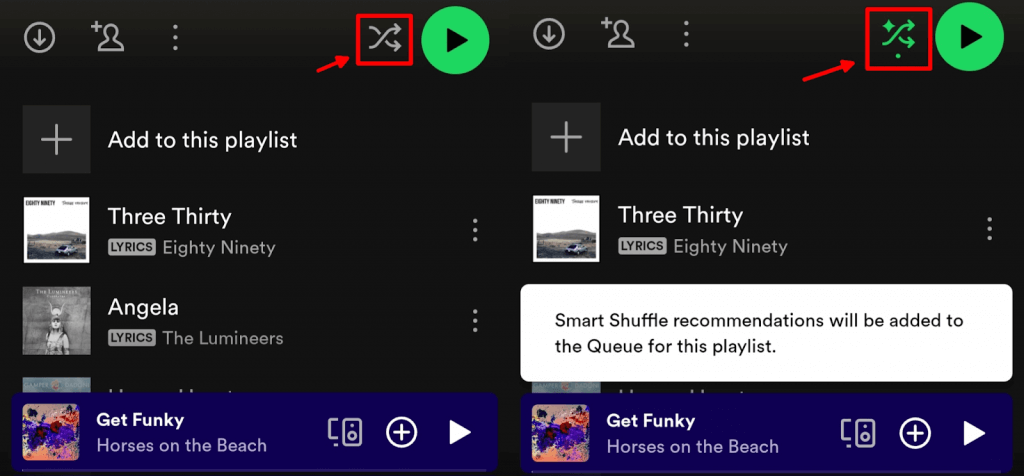
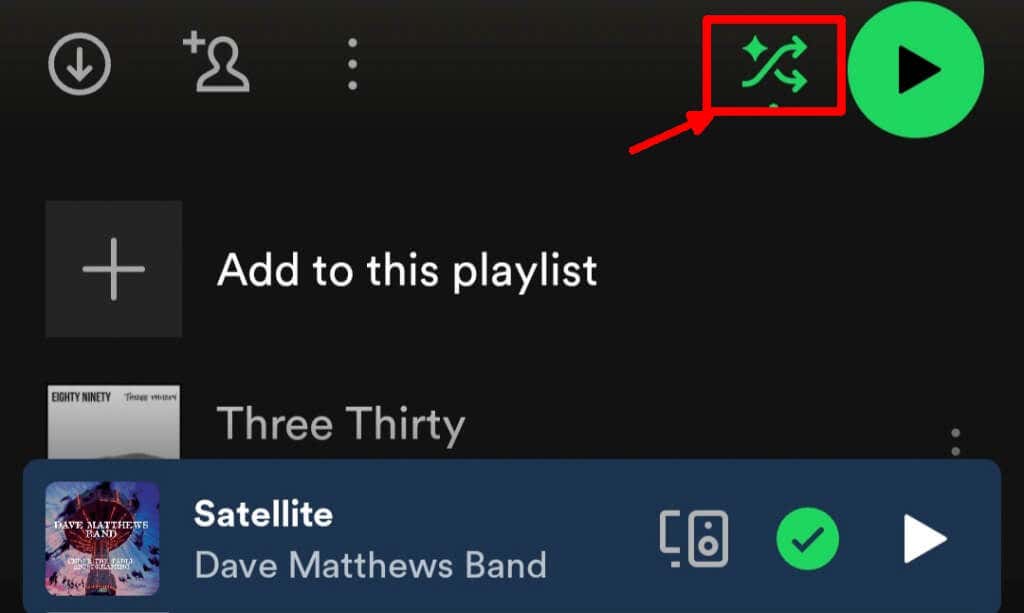
To use Spotify Smart Shuffle, you have two choices. Either open the Spotify playlist of choice, or go to your Liked songs. Then, follow the steps below: Note: These steps work on the Spotify app and the Spotify web player.
How to Turn Off Spotify “Smart Shuffle”
If you no longer want to listen to Spotify’s recommendations and you want to hear your playlist as it was originally, here’s how to turn off Smart Shuffle Spotify.
Is Spotify’s “Smart Shuffle” Available to All Listeners?
Anyone with a Spotify Premium subscription can use Smart Shuffle. Right now, the feature isn’t available to all free Spotify listeners, though. Free listeners in a number of countries, including South Africa, Thailand, Brazil, Colombia, Egypt, Indonesia, India, Pakistan, Nigeria, Turkey, Vietnam, and the Philippines, can currently enjoy Smart Shuffle as the default option when listening on mobile devices. This feature may eventually roll out to free listeners in other countries, too, with future updates.
What’s the Difference Between “Smart Shuffle” and Regular Shuffle?
Spotify Smart Shuffle curates songs similar to those on your playlist and recommends them to you, so you’ll never get bored of listening to your favorite playlists. On the other hand, regular Shuffle simply shuffles songs, so you can enjoy listening to them in a random order. Both are great features to try if you’re feeling uninspired by your liked songs or playlists. As you can see, it’s easy to use Spotify’s “Smart Shuffle” to add some excitement back to your listening experience when you’re feeling uninspired. With just a couple of taps of the Shuffle icon, you can enjoy Spotify’s curated recommendations to pep up your playlists, and you’re always in total control, as you can nix any songs you don’t like to ensure you never have to hear them again.