What Are Instagram Notes?
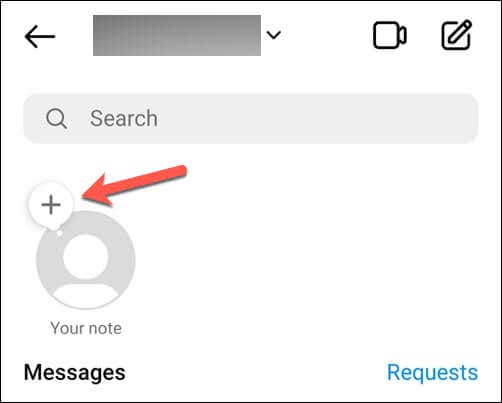
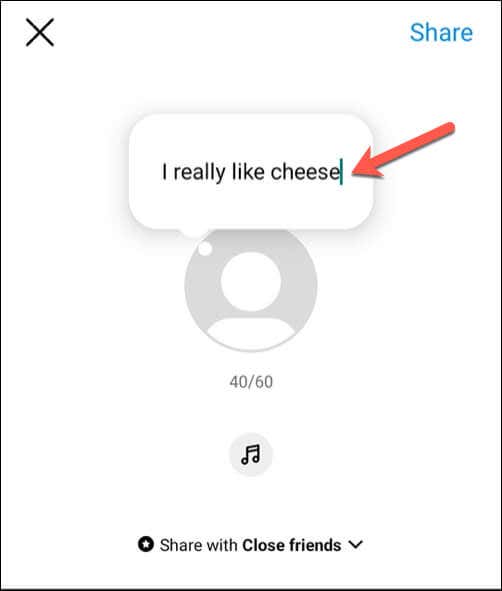
Notes are text updates above your profile photo in the Instagram app. Each note is a maximum of 60 characters, consists of text or emojis, and lasts up to 24 hours (or less if you manually remove it before that time). Notes are a great way to express yourself and connect with your friends on Instagram.
You can use notes on Instagram to share your mood, plans, opinions, or anything else that comes to your mind with your Instagram friends and followers. You can also see what your friends post and respond to their notes through direct messages (DMs).
How to Create a Note on Instagram
Creating a note on Instagram via the Instagram app is simple. Before proceeding, ensure you’ve updated your Instagram app to the latest version.
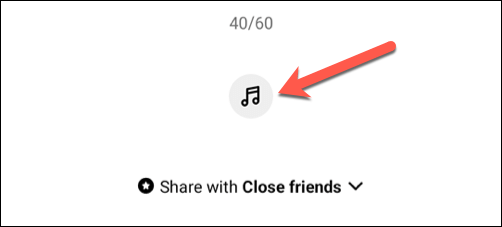
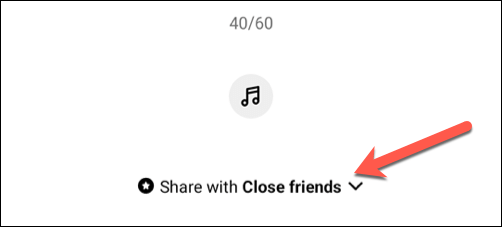
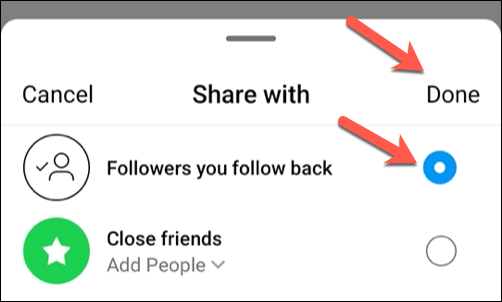
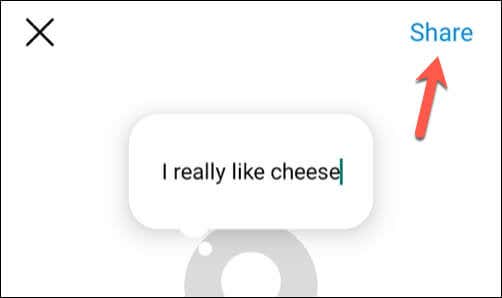
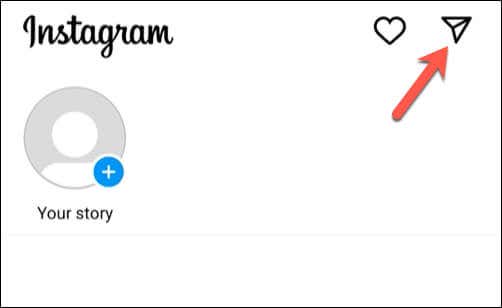
To create a note on Instagram, follow these steps. The screenshots below are from Instagram’s Android app.
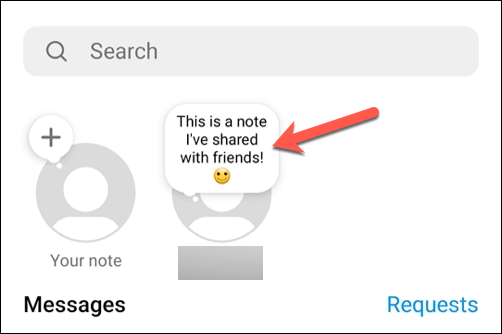
Your note will appear above your profile photo in the messages list. It’ll remain visible to the people you selected for 24 hours.
How to See and Respond to Notes on Instagram
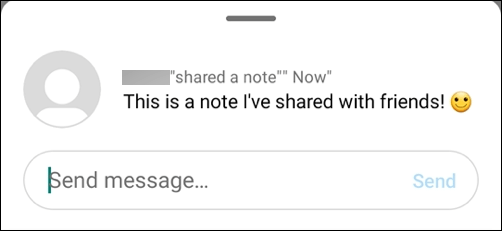
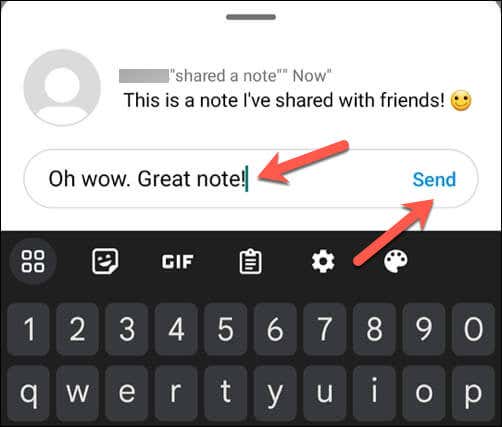
You (and other users) can interact with and respond to notes created on Instagram. For instance, if you view a note from one of your Instagram friends, you can reply with your message. The user will receive the message in their direct messages. To view and respond to Instagram notes, follow these steps.
How to Use Notes on Instagram Effectively
The steps above will help you to create a note, but you’ll need to know how to use the Instagram notes feature effectively. Here are some tips you can use to help create notes for your Instagram followers that work for your audience.
Share Your Thoughts on Instagram
Thanks to the steps above, you can quickly use the notes feature on Instagram to share your thoughts, feelings, or important news with your closest friends and followers.
Do you want to spice up your Instagram profile? Consider creating your own Instagram avatar. If you’re having trouble with Instagram messages not sending, don’t forget to troubleshoot the problem by updating your Instagram app and restarting your phone.