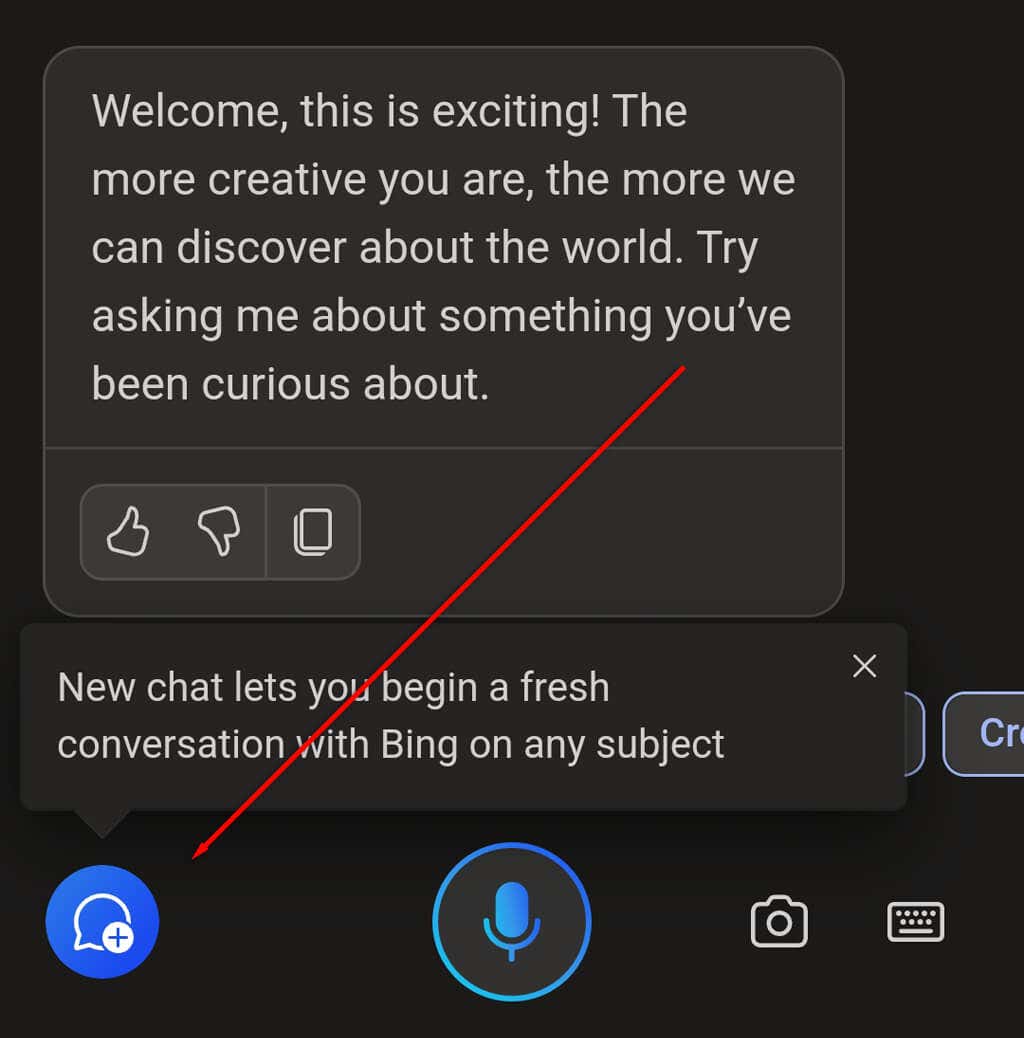
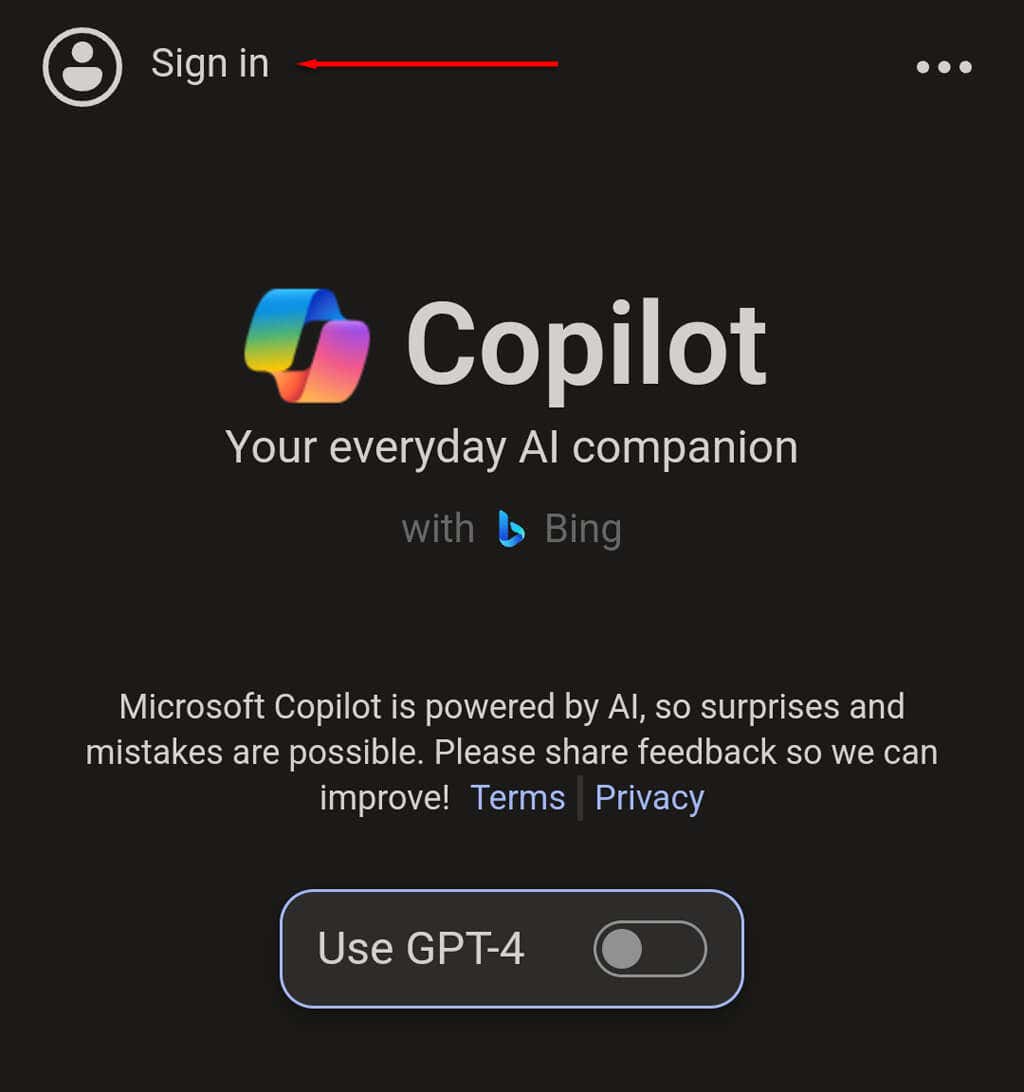
Below, we’ll explain how you can install Microsoft Copilot on your Android or iOS device.
How to Install and Use Microsoft Copilot on Android or iPhone
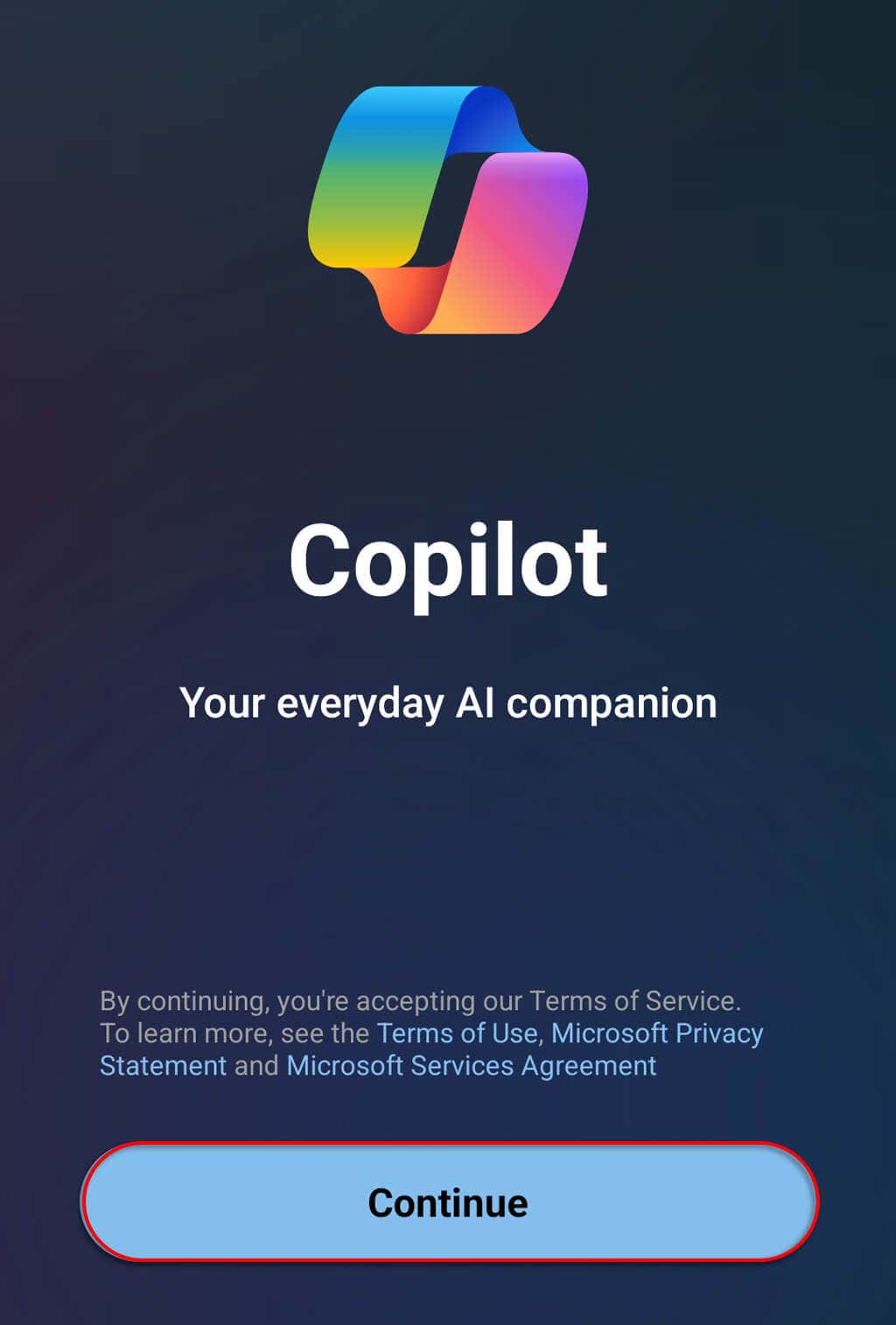
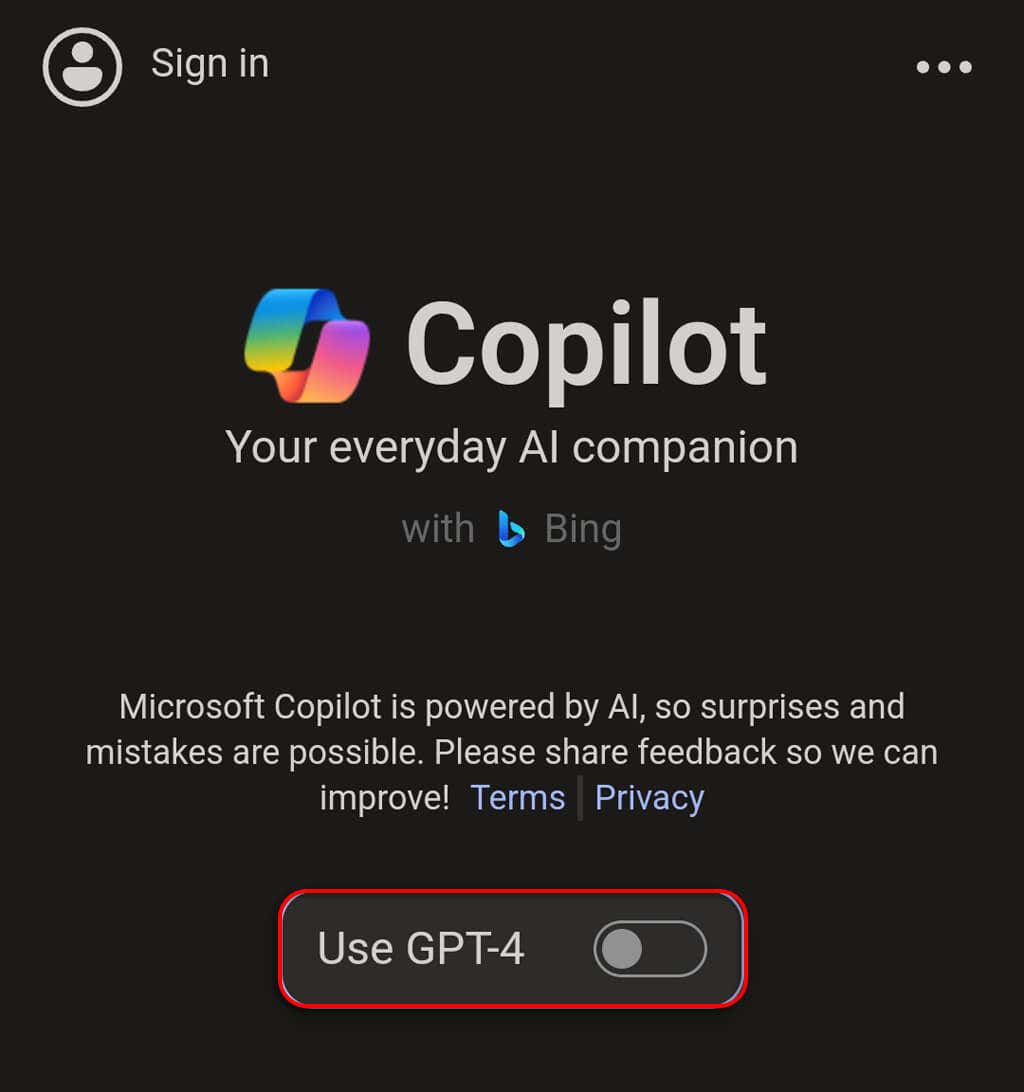
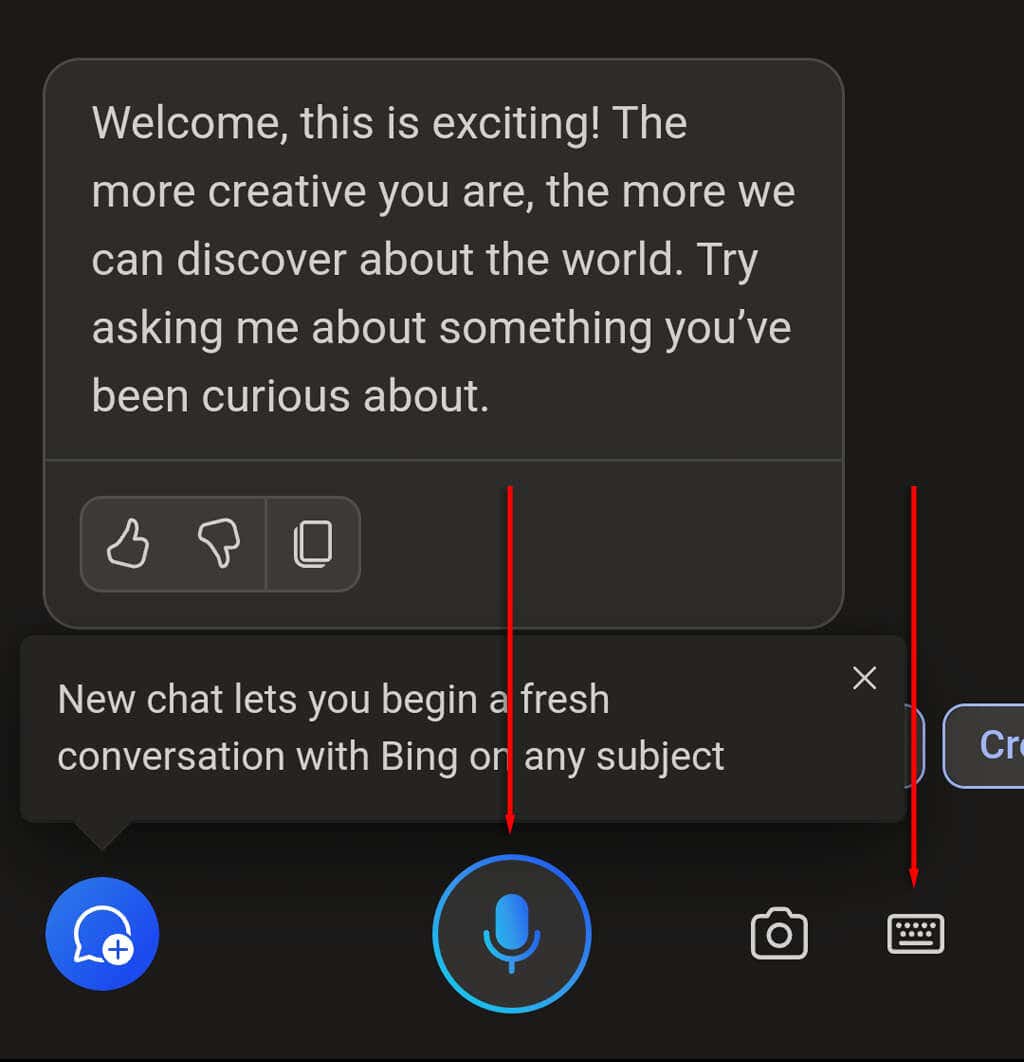
To get started with Microsoft Copilot, you first need to download it from the Google Play Store or Apple App Store. Once installed, here’s how to use Microsoft Copilot on your mobile device: Note: To generate images using Microsoft Copilot, you’ll need to sign in to your Microsoft account. To do so, tap Sign In in the top-left corner of the app.
What Can You Do With Copilot?
Copilot is powered by OpenAI’s latest AI models, GPT-4 and DALL-E 3, meaning you’re able to access these powerful tools without having to sign up for them. Some of the things you’re able to do with Copilot for Android or iPhone include:
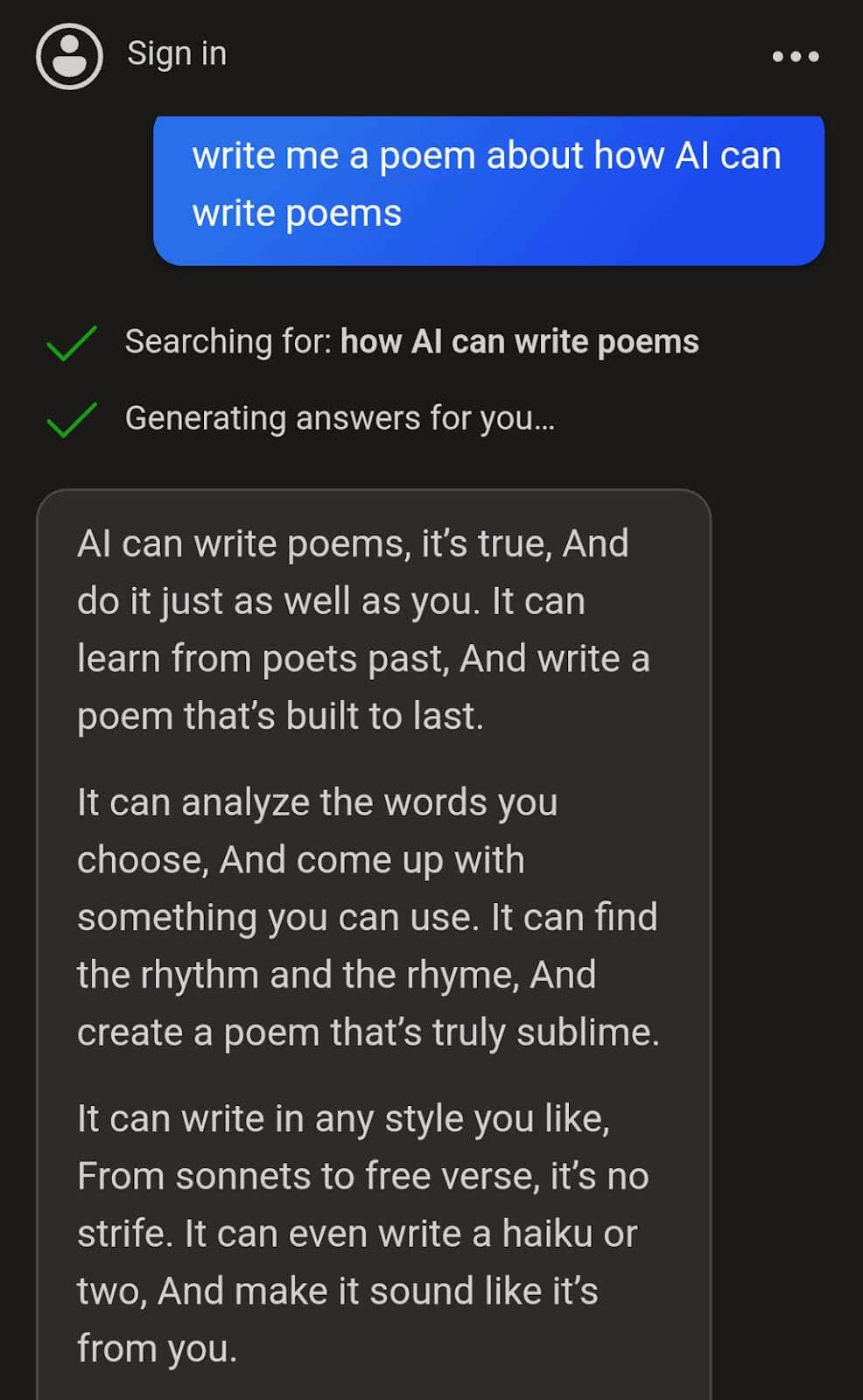
Generating text: Copilot can generate many types of text. For example, you can ask it to write you a poem, reply to an email, or create a list of the top 10 songs of 2010.
Creating AI images: If you’re signed into your Microsoft account, Copilot can use the DALL-E 3 free image generator to create images based on your prompts. Writing code: Copilot can create code or scan existing code for errors. Answering questions: Copilot can answer many questions, tell you a joke, offer advice, and summarize web pages for easier reading.
Identifying places and images: You can ask Copilot to identify a picture of a plant or famous location and it will attempt to do so. Keep in mind that while this feature is impressive, it isn’t fully accurate, so don’t put your complete trust in the results.
Get More Done With AI
AI tools continue to dominate the headlines as they get more and more powerful. With Copilot for Android and iPhone, you now have direct access to DALL-E 3 and ChatGPT 4 on your phone to help you get more done in less time directly from your smartphone.