In this article, we’ll explain how to upload a Word document or PDF to ChatGPT and what it can help you achieve.
How to Upload a Word Document or PDF to ChatGPT
Unfortunately, as of the April 2023 update, ChatGPT does not directly support uploading or processing documents in formats like .docx or PDF. However, you can work around this problem in several ways to get insights or summaries from your documents using ChatGPT.
1. Upload a Word Document or PDF Using Third-Party Tools
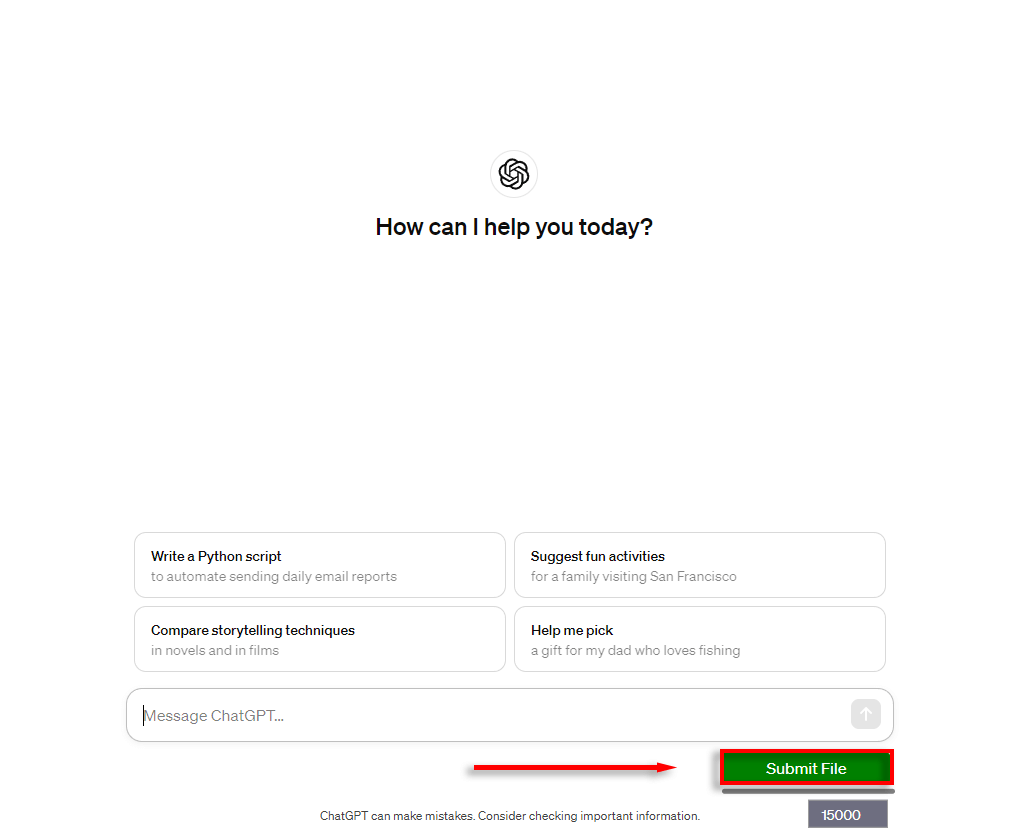
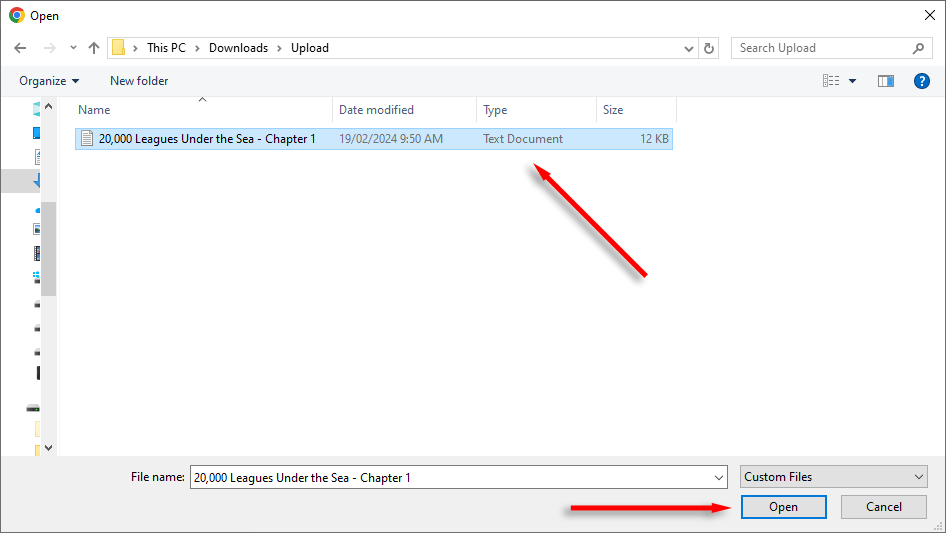
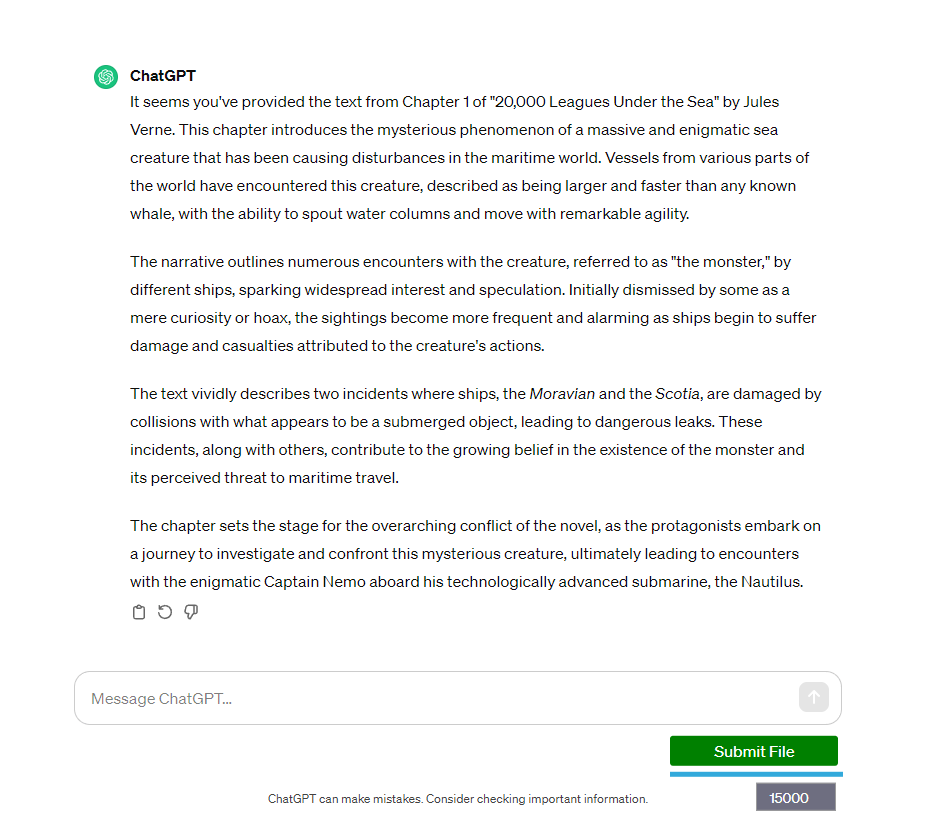
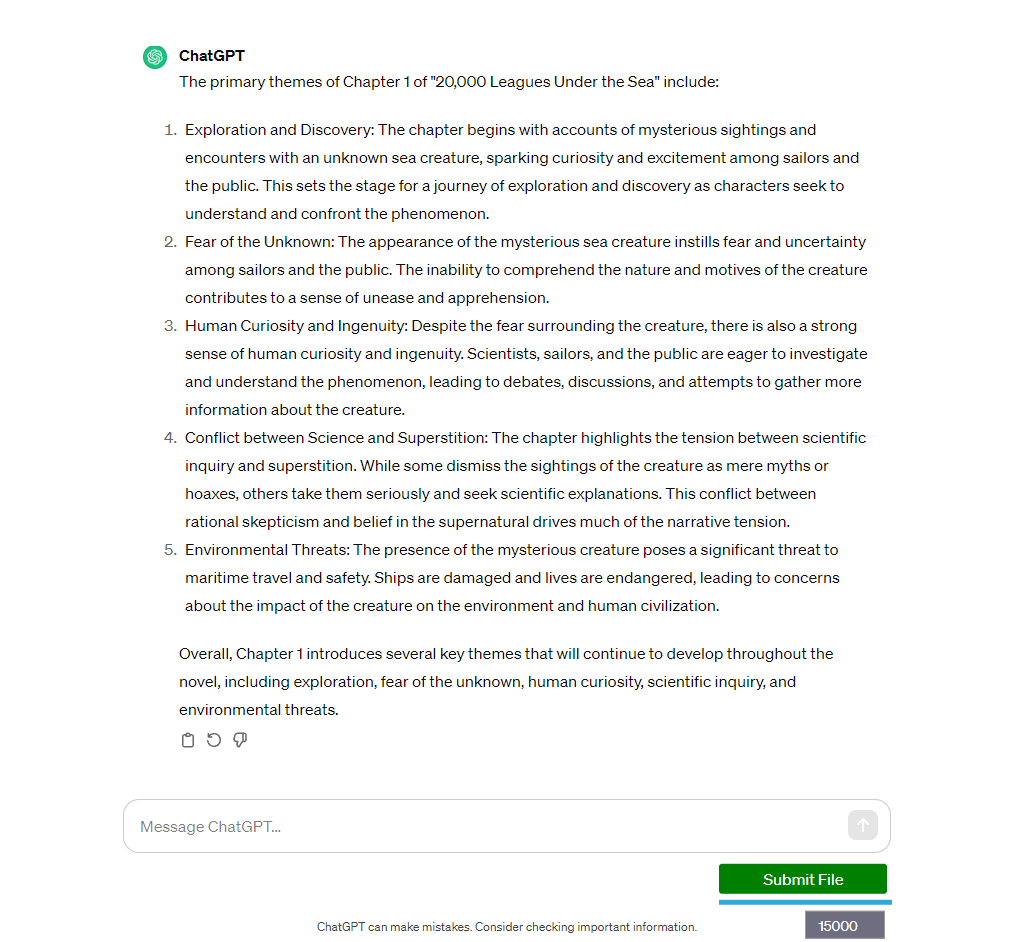
There are a number of third-party tools and services that can extract text from documents and prepare it for analysis with AI models like ChatGPT. One free example is the ChatGPT File Uploader Extended, a ChatGPT Chrome extension that lets you upload documents in several formats, passing on the text to ChatGPT in small pieces. Once finished, ChatGPT provides a text summary, and you can ask questions about the content. Here’s how to use ChatGPT File Uploader Extended: If you’re a developer comfortable with coding, OpenAI also includes an API that can be integrated into your apps to process text automatically. This enables you to write scripts using a code language like Python that extracts text from documents, allowing OpenAI to process and analyze it in chunks. Note: Make sure to carefully read the privacy policy of any third-party application, and remember that this app, as well as ChatGPT, will have access to the content of the files you upload.
2. Use ChatGPT Plus Add-Ons
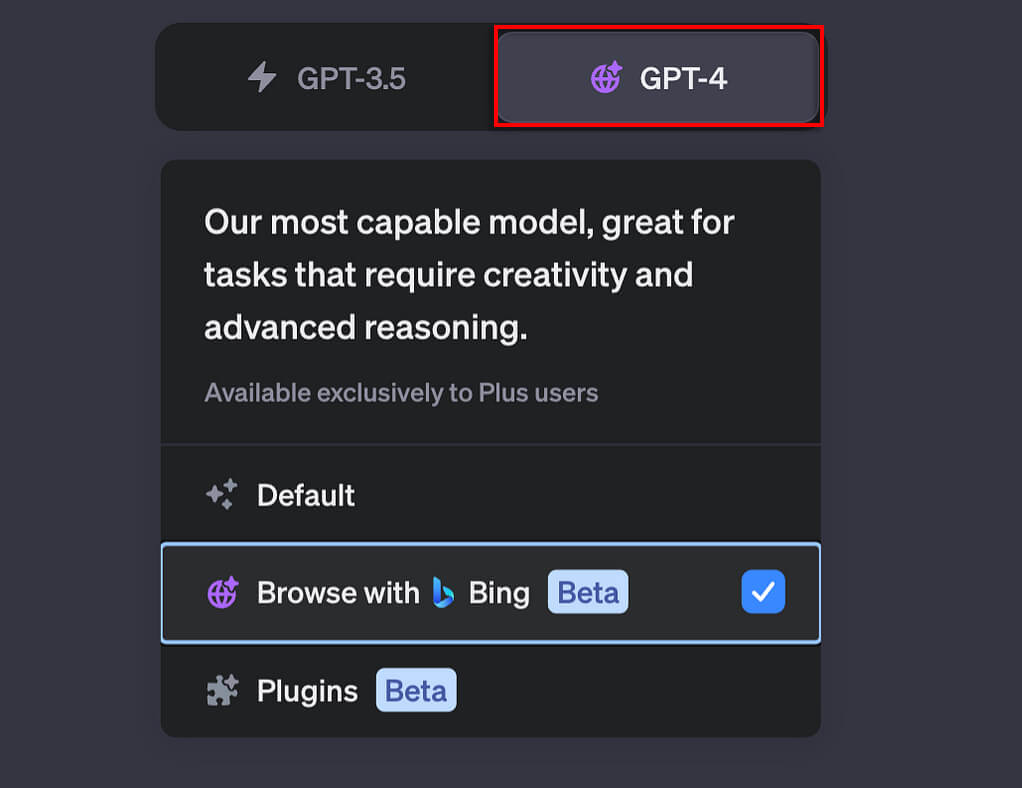
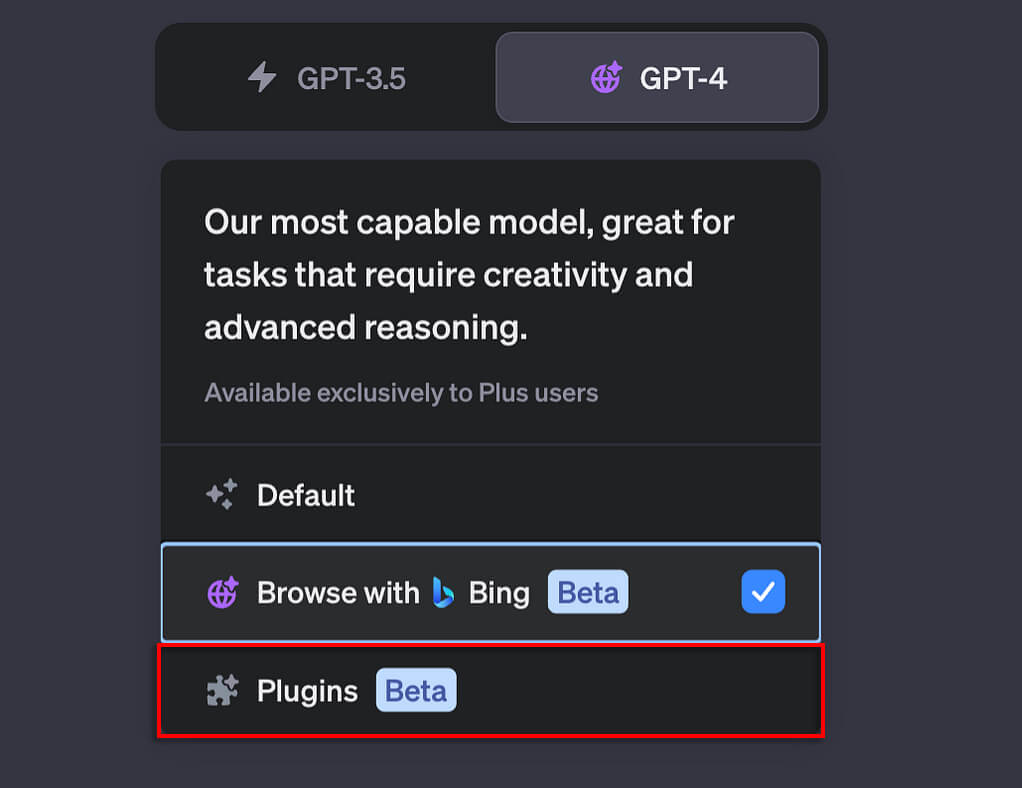
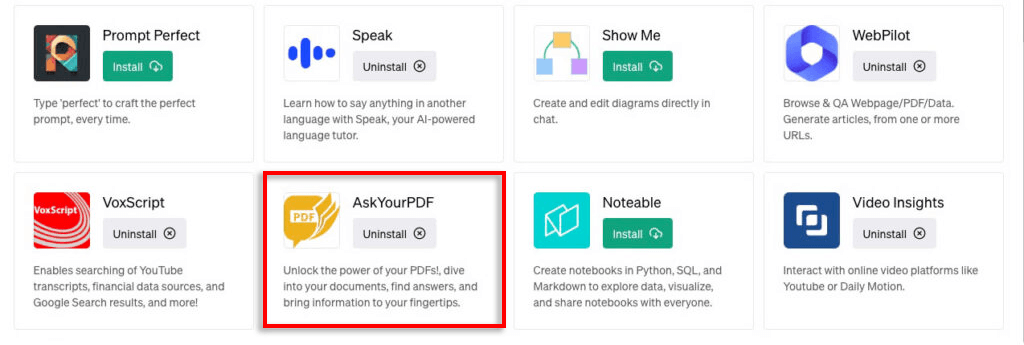
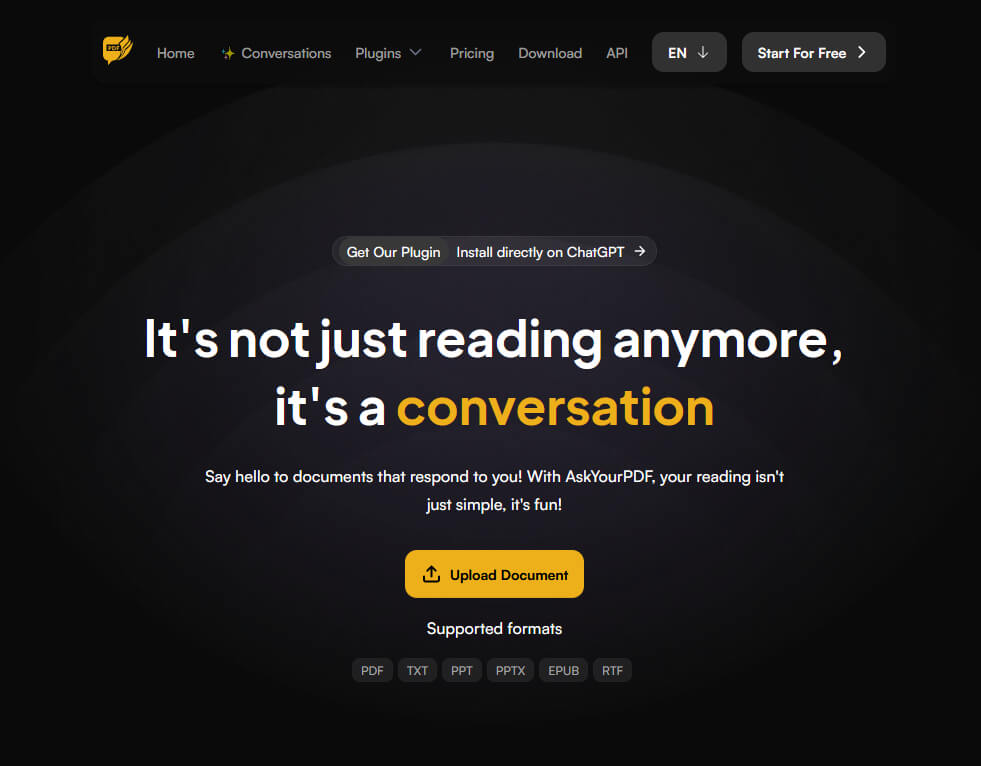
If you have a ChatGPT Plus subscription, you can use ChatGPT Plugins (currently in beta access) to analyze your documents. Here’s how:
Get the Most Out of ChatGPT
The possibilities of AI are endless, and new features are being added to assistants like ChatGPT every day. By uploading your documents, you can have ChatGPT summarize and analyze any text, giving you insights much quicker than if you were to read it yourself.