But if you’ve lost your Samsung TV remote, don’t worry — it’s still possible to control your Samsung TV without it. This guide will explain how to turn on a Samsung TV without a remote.
How to Turn On a Samsung TV Without Remote
There are two easy ways to turn your Samsung smart TV on: change channels and access your TV’s menus without a Samsung remote. Below, we’ll explain how to use these methods to start your TV without a controller.
1. Use the Samsung TV Control Button
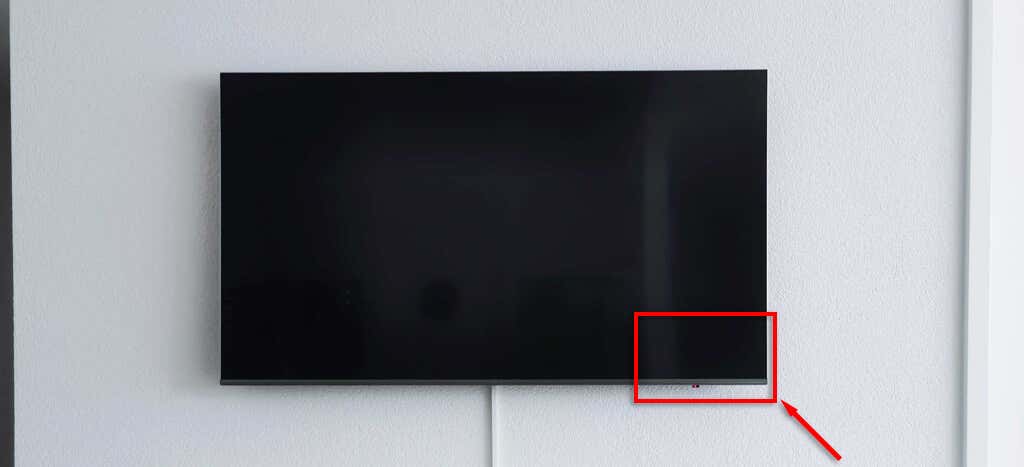
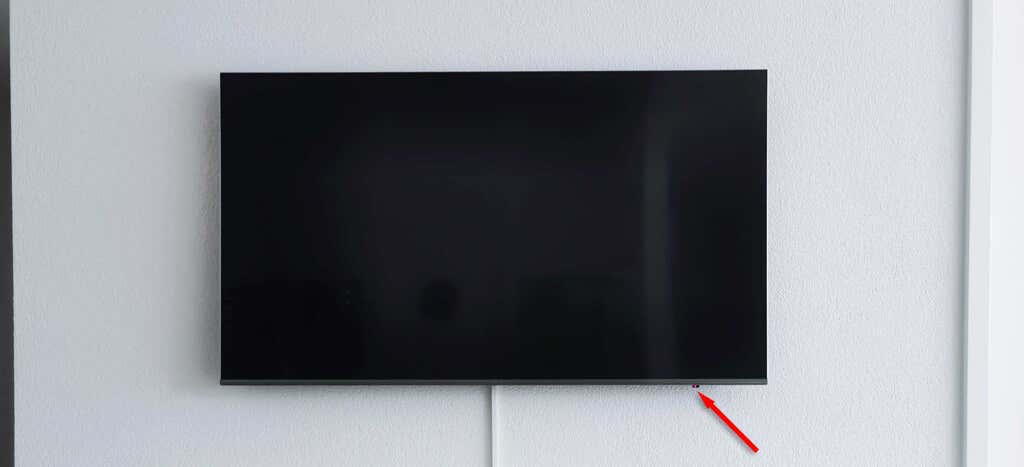
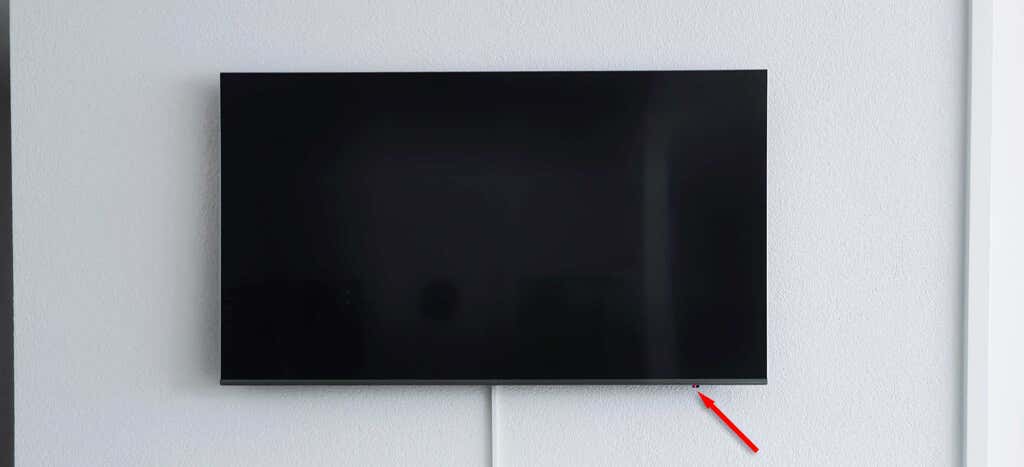
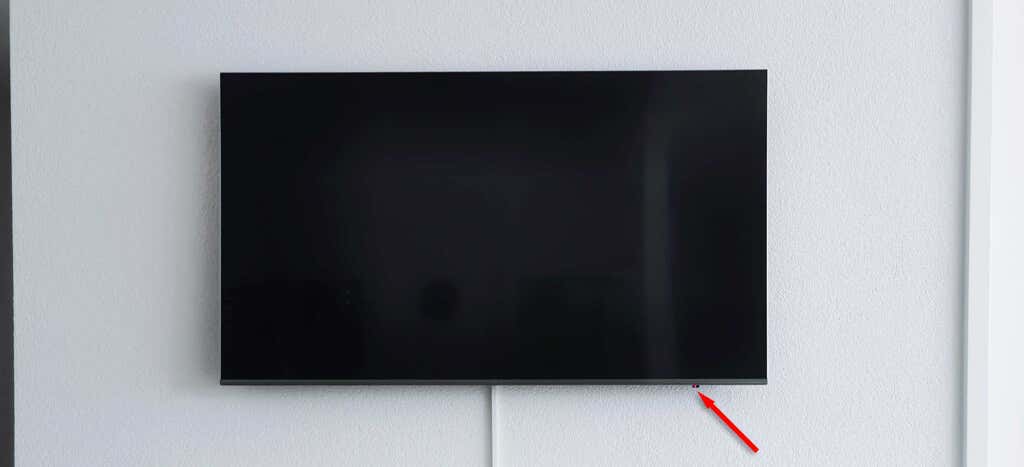
According to Samsung, every single Samsung television has a TV control button that allows you to turn it on, access the TV settings, change the volume and input source, and access the Smart Hub. The only differences between Samsung TV models are where this control button is located and whether it’s a single-button or five-button arrangement. It should be found in one of the three following locations: Pro tip: Look for the red light on the front bezel of your Samsung TV — this should be where your control button is located. If you can’t find the control panel, no matter how hard you look, consult the user manual; it will explain where to find it and how to use it.
2. Use the SmartThings App
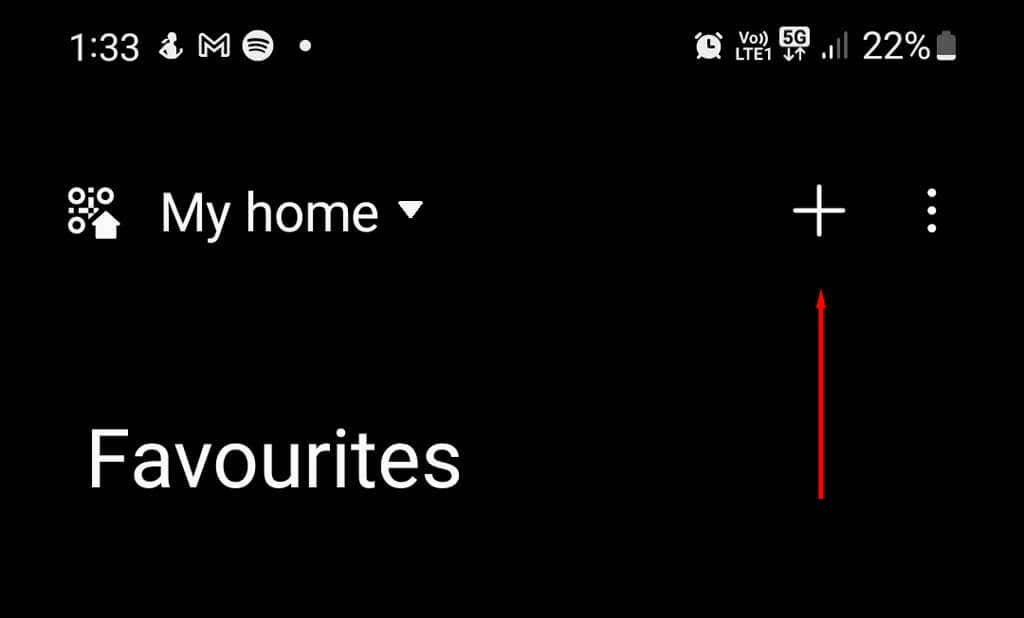
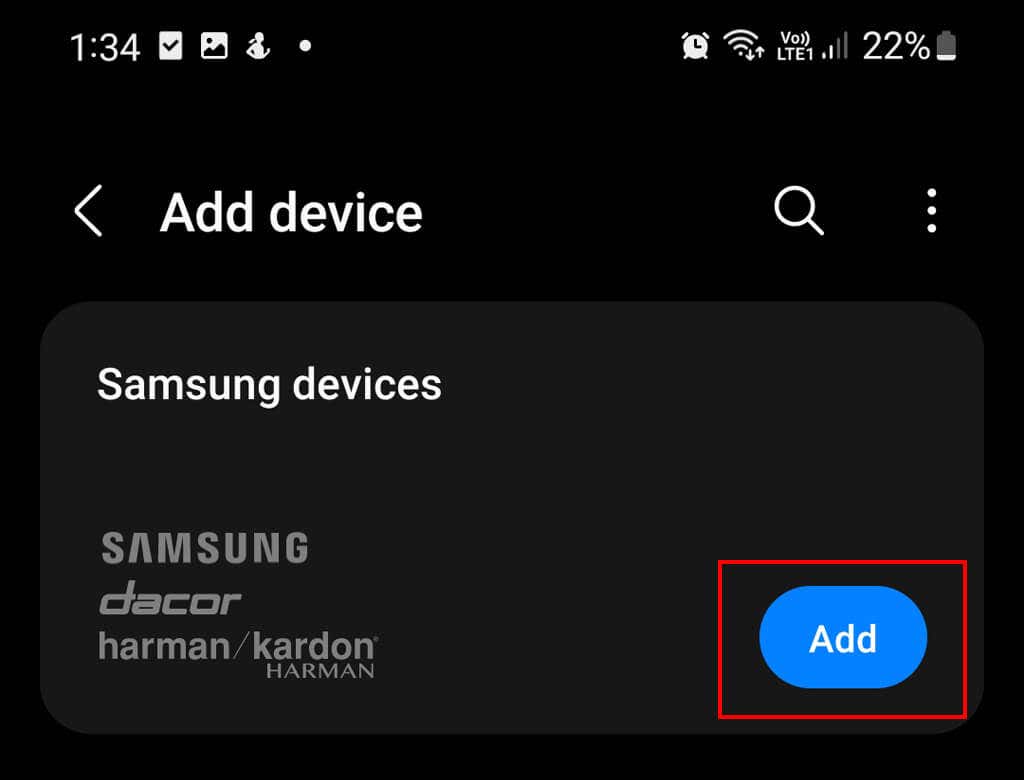
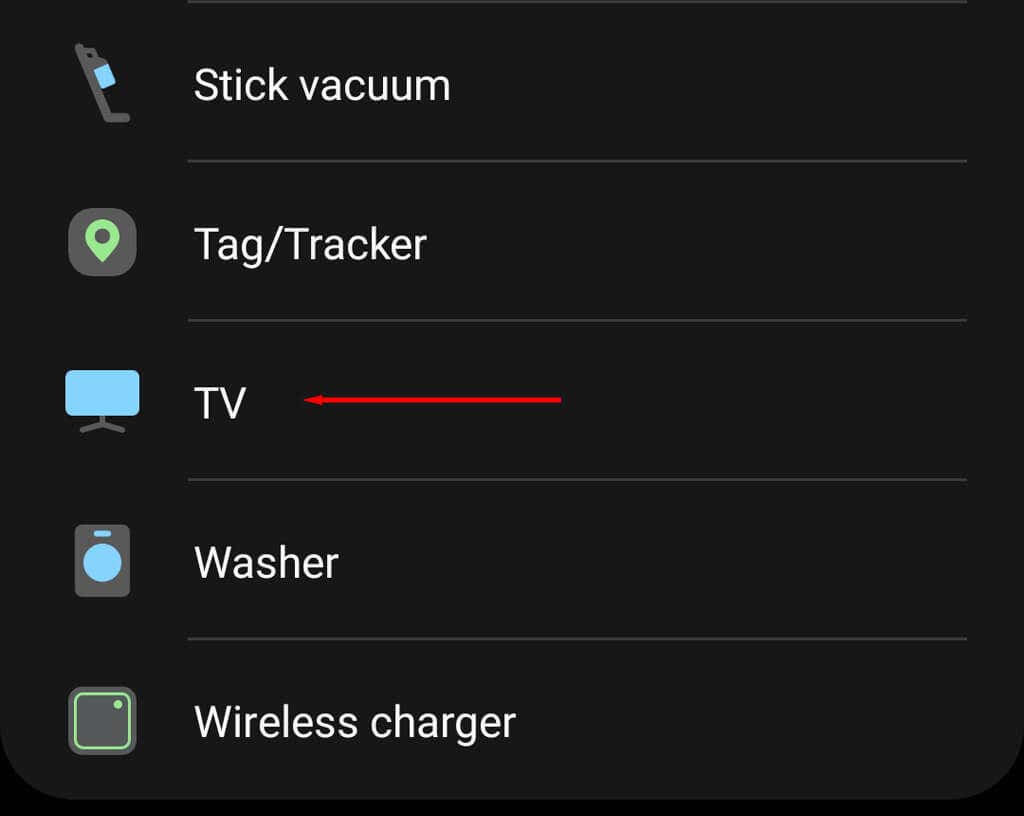
Samsung provides a remote app for iPhone and Android that lets you use your mobile device as a TV remote. The only problem is that to use the SmartThings app to turn your TV on, you’ll need to have set it up previously. If you haven’t, you can still use the Samsung control button (as shown above) to connect the TV to your app for future use. Here’s how to use the SmartThings app to turn your TV on: If you haven’t set up the SmartThings app, here’s how to do so: Note: Your Samsung TV will need to be connected to your home Wi-Fi network for the SmartThings app to connect.
One Remote to Control Them All
The good thing about setting your phone up as a TV remote control is that you’ll no longer require that unholy stack of remotes. Instead, you can use your phone as a universal remote and control everything simultaneously. However, you can always order a replacement remote if this doesn’t cut it for you!