What’s a Boomerang?
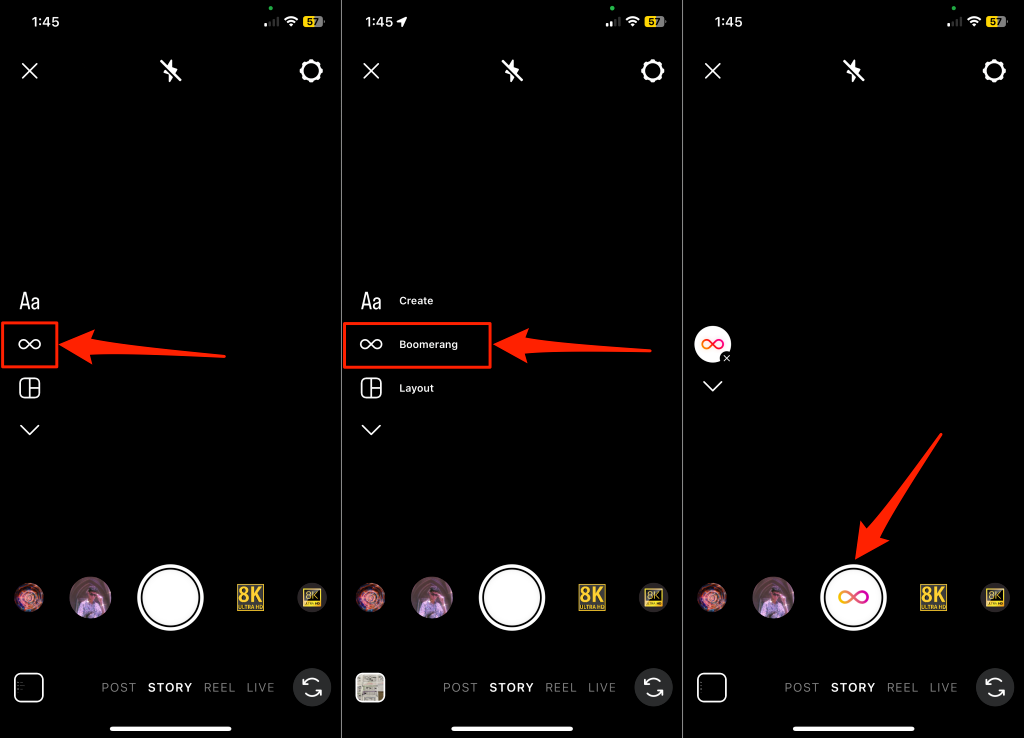
A Boomerang video is a short video that repeatedly loops back and forth for about 4-6 seconds. It has no audio and is similar to GIFs or Live Photos on iPhones/iPads. Boomerangs on your Instagram Stories help grab your audience’s attention. Since Instagram introduced them in 2015, Boomerang clips have become trendy on Instagram and other social media platforms. The Instagram app has built-in functionality that allows you to record short video clips with a Boomerang effect. When filming your new Instagram Story, you only need to switch to Boomerang mode to make a Boomerang video. A separate (but discontinued) Boomerang app by Instagram lets you record new Boomerang videos. However, the Instagram app cannot Boomerang an existing video. Use a third-party Boomerang maker app to create Boomerang videos from an existing/old video.
How to Turn a Video Into a Boomerang?
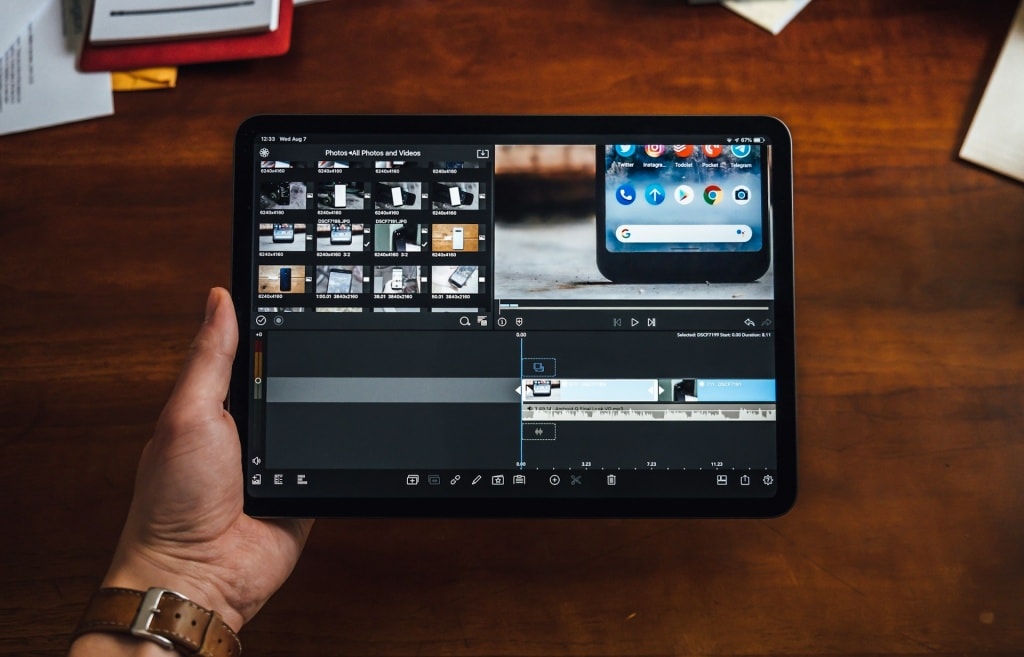
Want to turn videos from your phone into Boomerangs? Video editors with “Boomerang” functionality make it easy to do so. When choosing a Boomerang video maker, ensure the app is compatible with your device and lets you add a Boomerang effect to existing videos. Finally, verify an app’s pricing model before downloading it. While most Boomerang video makers are free, they usually add a watermark to your videos. Purchasing a subscription or making a one-time payment removes the watermark from the video clip. Here are some of the best video makers you can use to create Boomerang videos from an existing video clip. We’ll also show you how to turn a video into a Boomerang clip using these apps.
CapCut
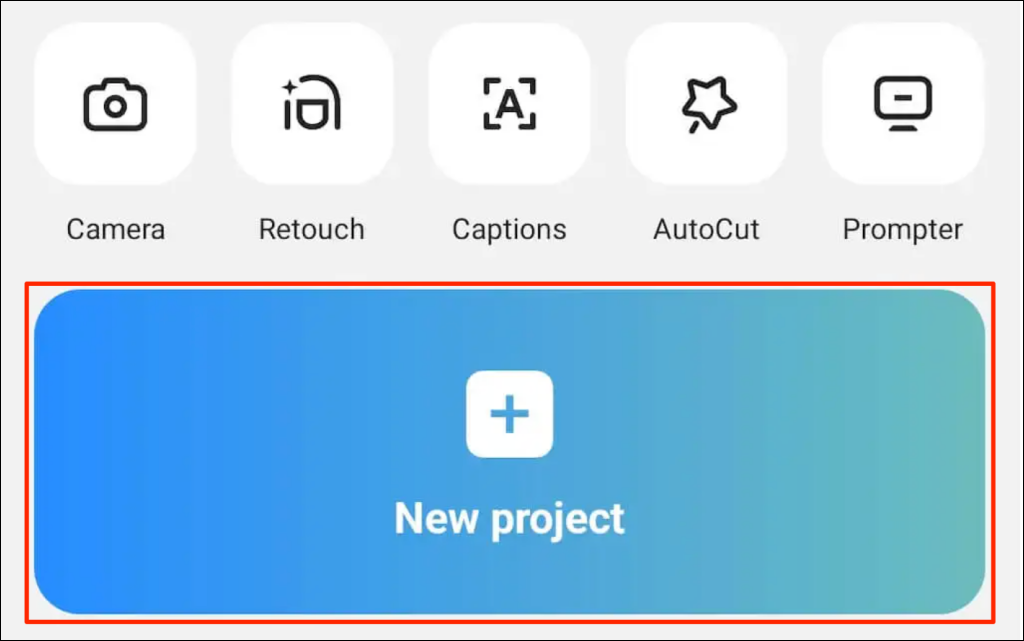
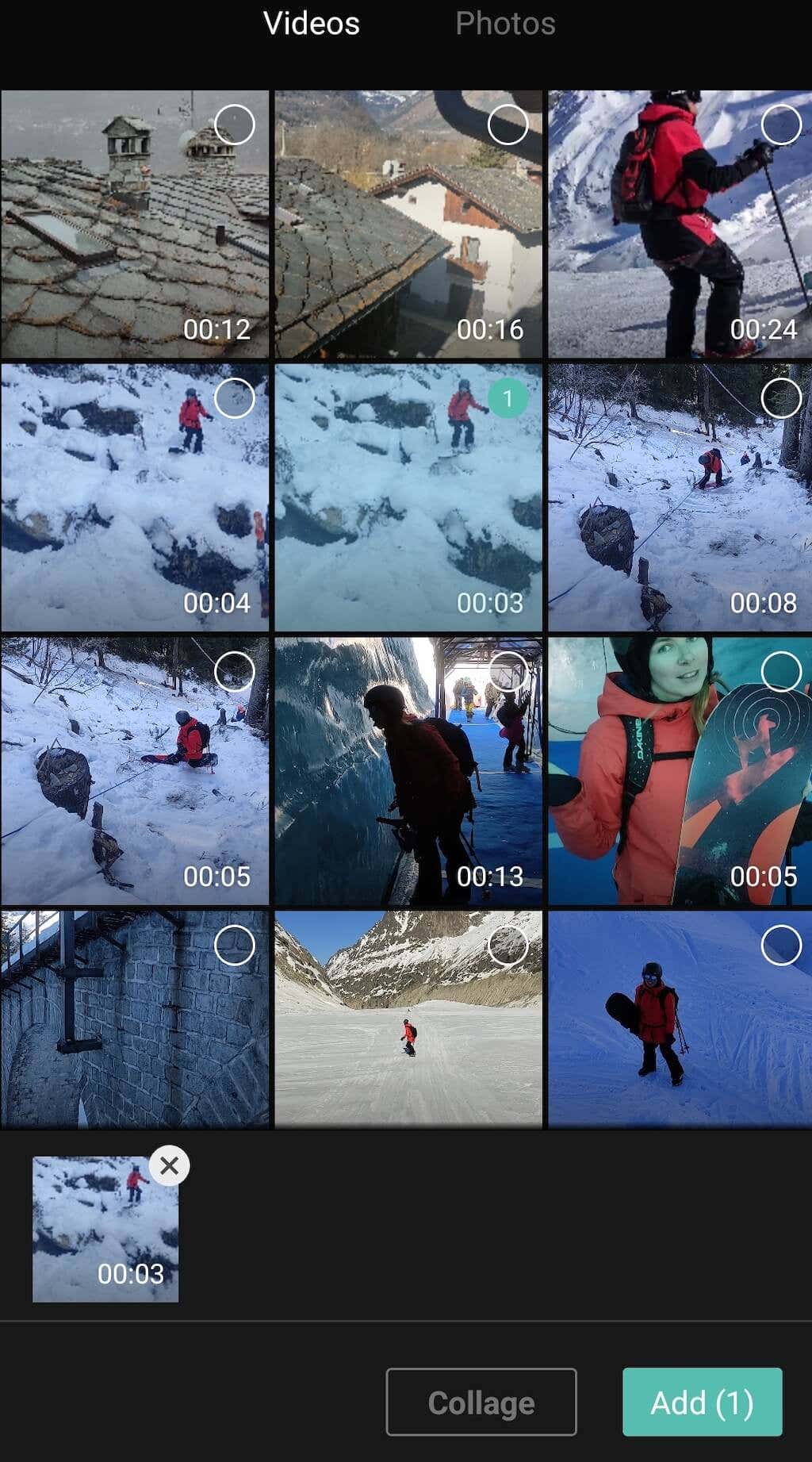
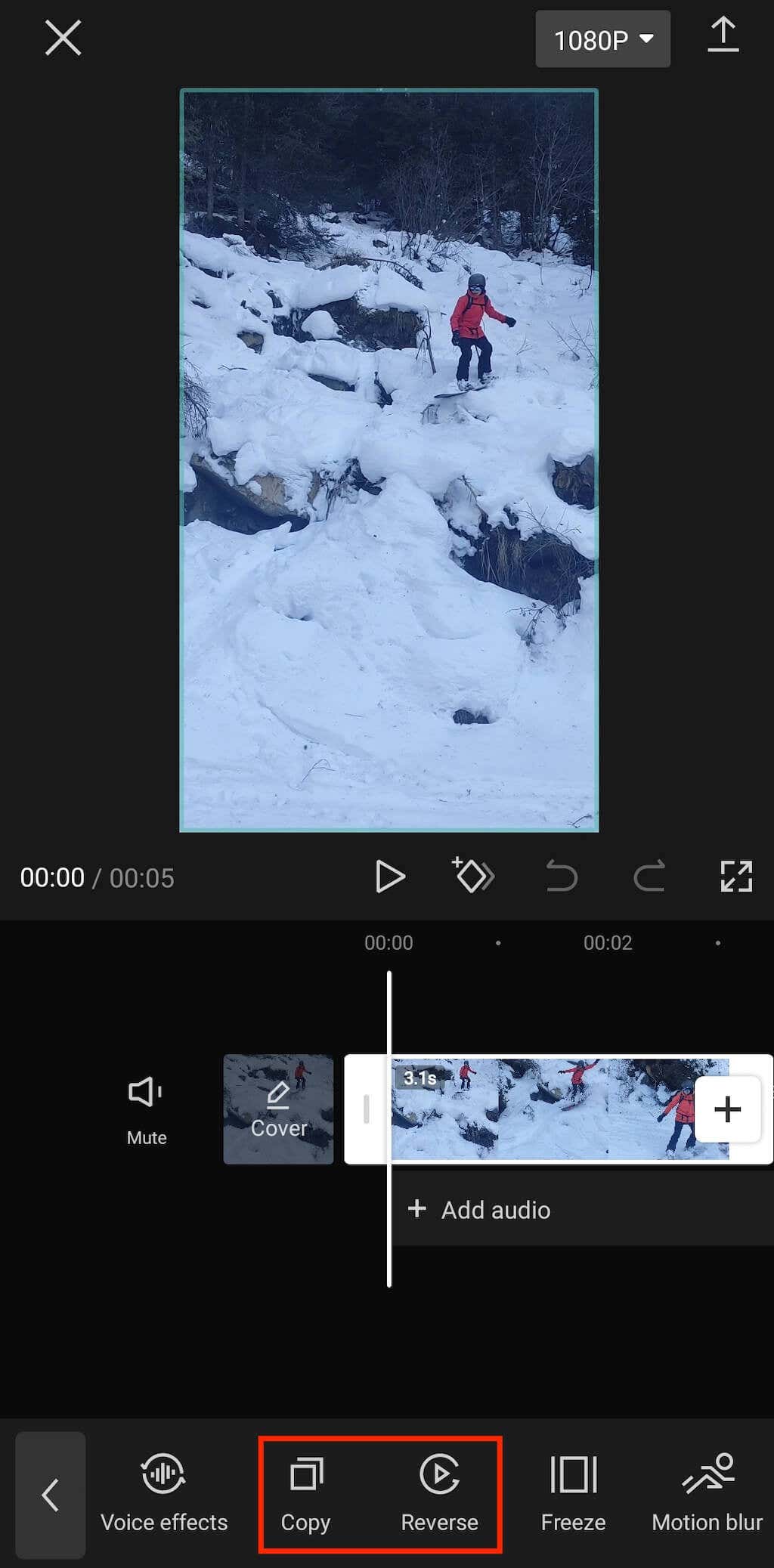
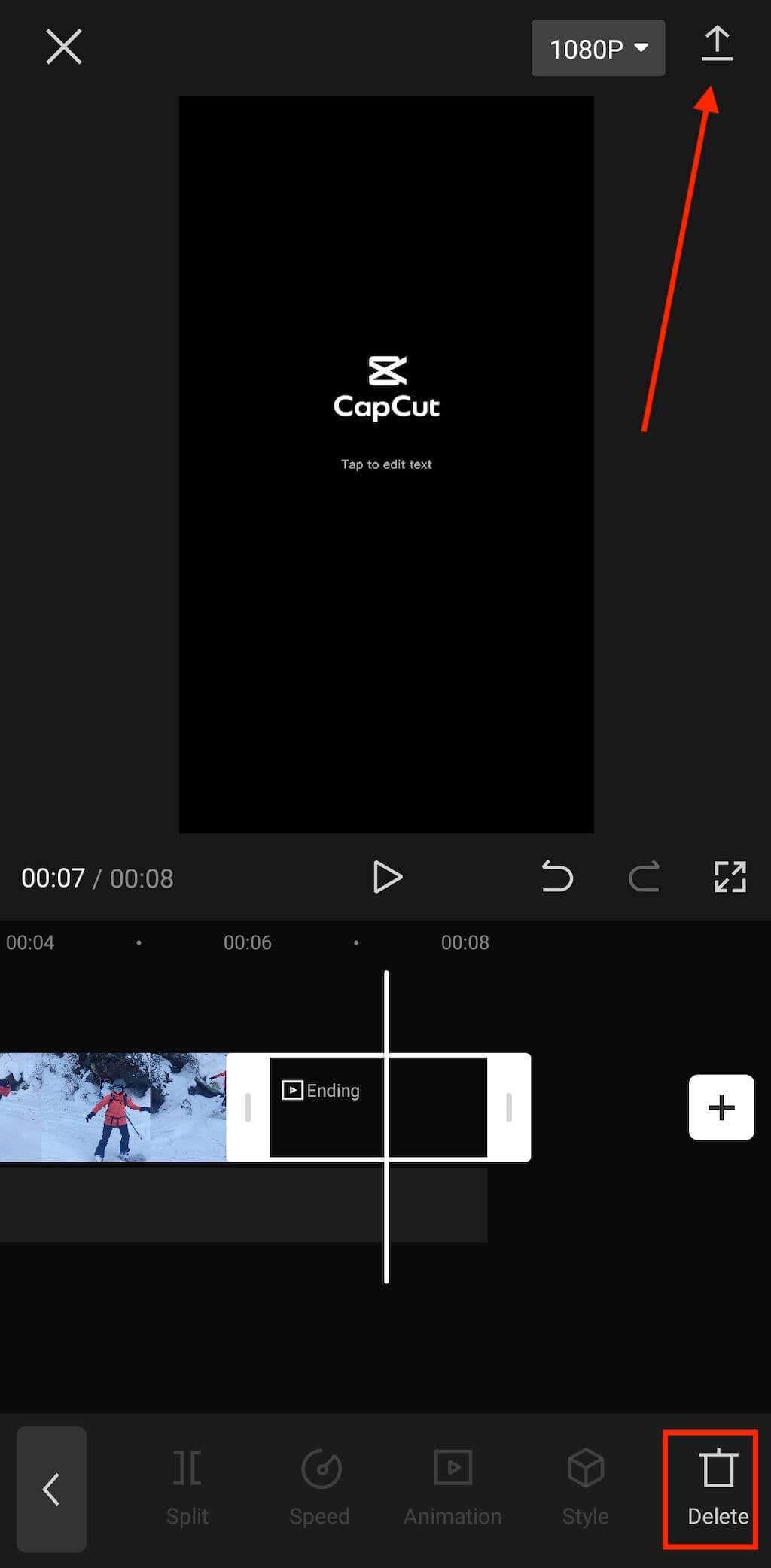
Compatibility: Android, iOS, Web, Mac. CapCut is a 100% free all-in-one video editor by ByteDance with dozens of video editing tools to help you turn any video into a masterpiece. You can use it to trim your video, add transitions between video clips, royalty-free background music, and more. CapCup does not have a dedicated Boomerang video maker or tool. However, you can use the app’s “Copy” and “Reverse” features to create a Boomerang video from an existing clip. Download CapCut from your device’s app store and follow the steps below to Boomerang an existing video. That’s how to turn a video into a Boomerang using CapCut. Check your device’s gallery, camera roll, or file manager for the Boomerang video.
KineMaster
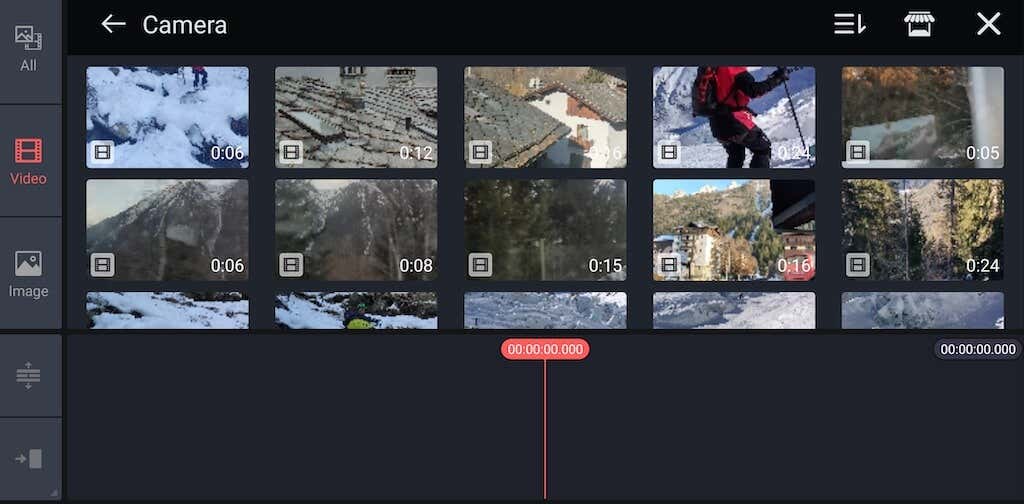
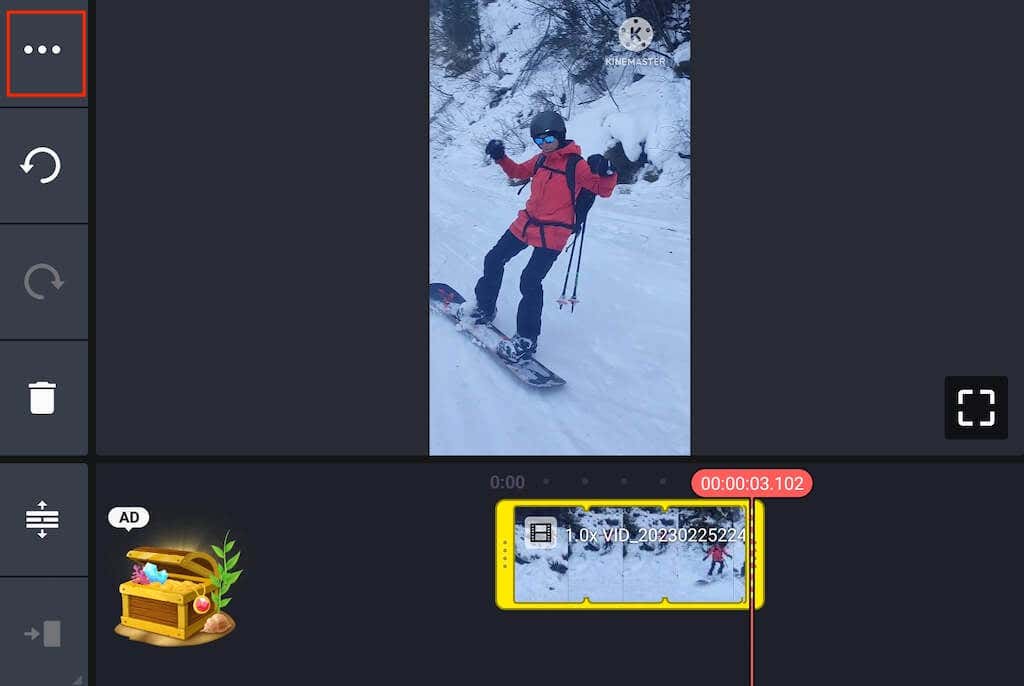
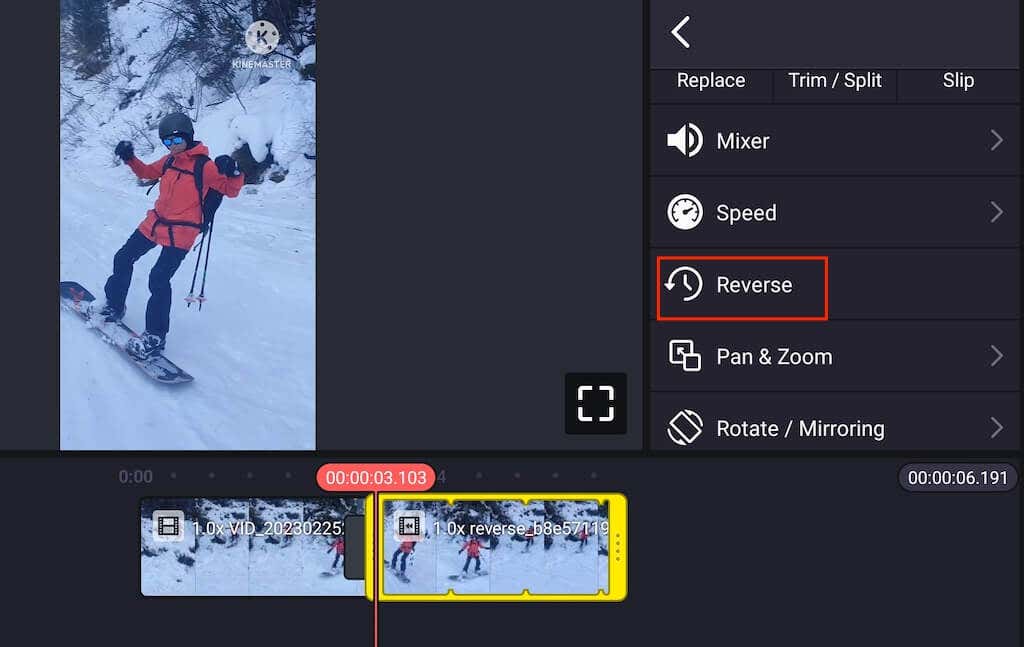
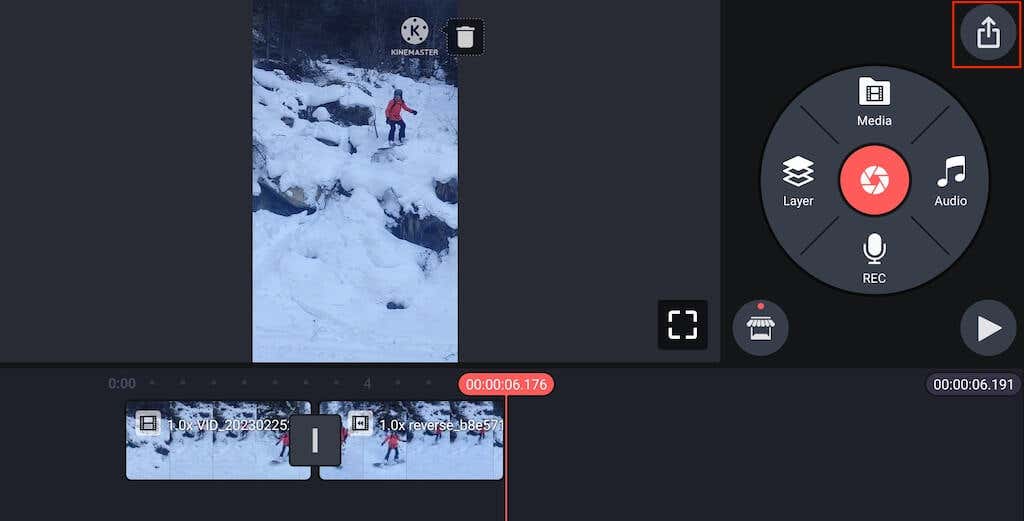
Compatibility: Android, iOS. KineMaster is an all-around video editing tool for mobile devices—not just a Boomerang app. It’s a free video editor available for Android or iOS devices. However, using KineMaster without a subscription means occasional ads and watermarked video clips. You can download the app from Apple App Store and Google Play Store. Follow the steps below to Boomerang an existing video using KineMaster.
Kapwing
Compatibility: Web Those who don’t want to download a new app and learn their way around it can use the Kapwing web video editor to create a Boomerang video. This web tool allows you to turn any existing video into a Boomerang online for free in minutes. If you want to remove the Kapwing watermark, you’ll have to buy one of the Kapwing subscription plans (which starts at $6 per month). Follow the steps below to turn your video into a Boomerang using Kapwing.
Clideo
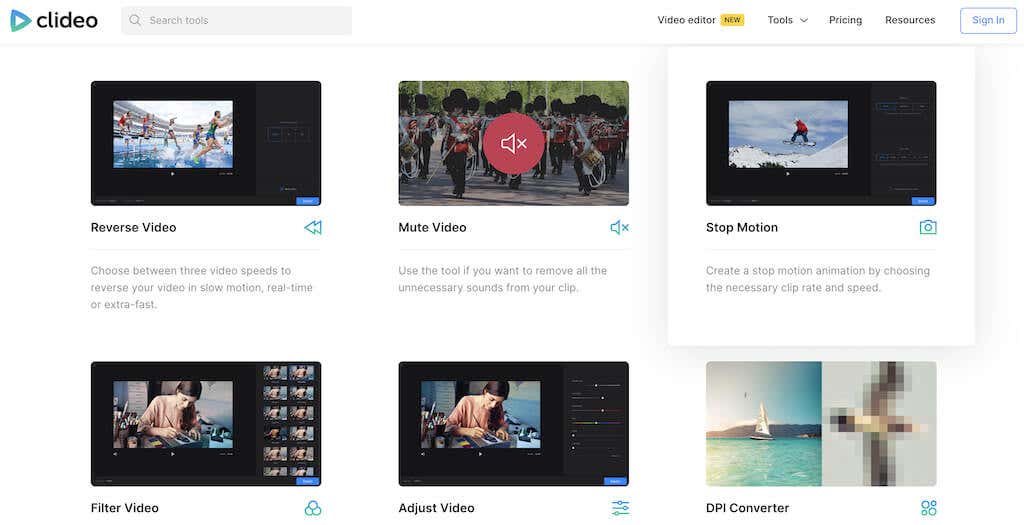
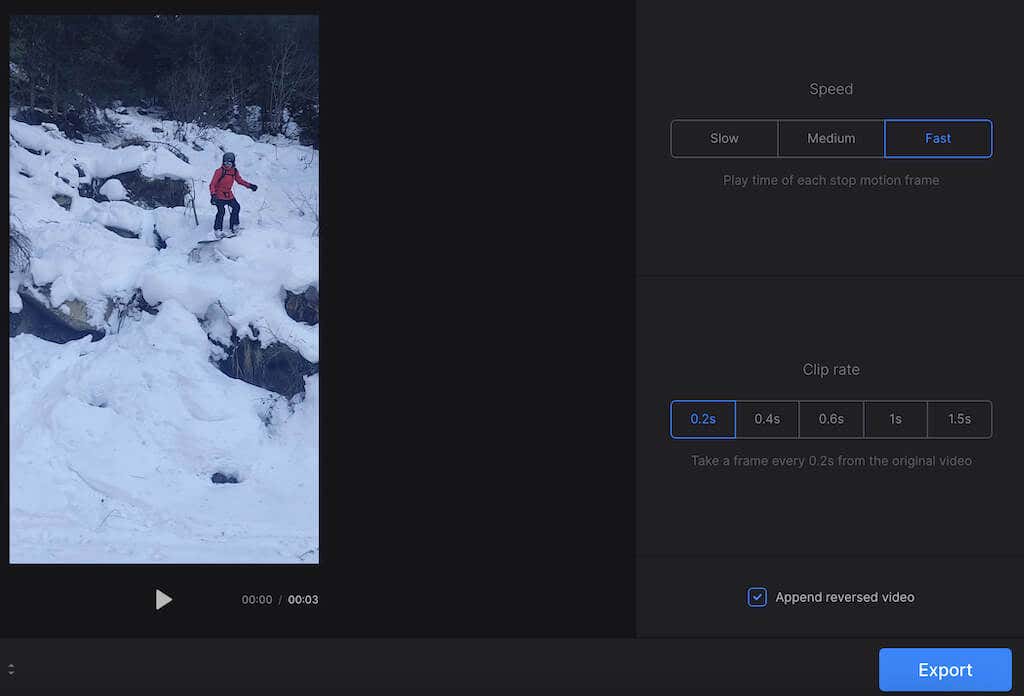
Compatibility: Web. Clideo is an alternative to Kapwing that is also beginner-friendly and extremely easy to use. This video maker allows you to cut, compress, merge, and crop your video files, add subtitles, and speed them up. The dedicated Stop Motion video-making tool will enable you to create Boomerang-like videos from videos on your computer or smartphone. Here’s how to create Boomerang looped videos from existing video files/ using Clideo.
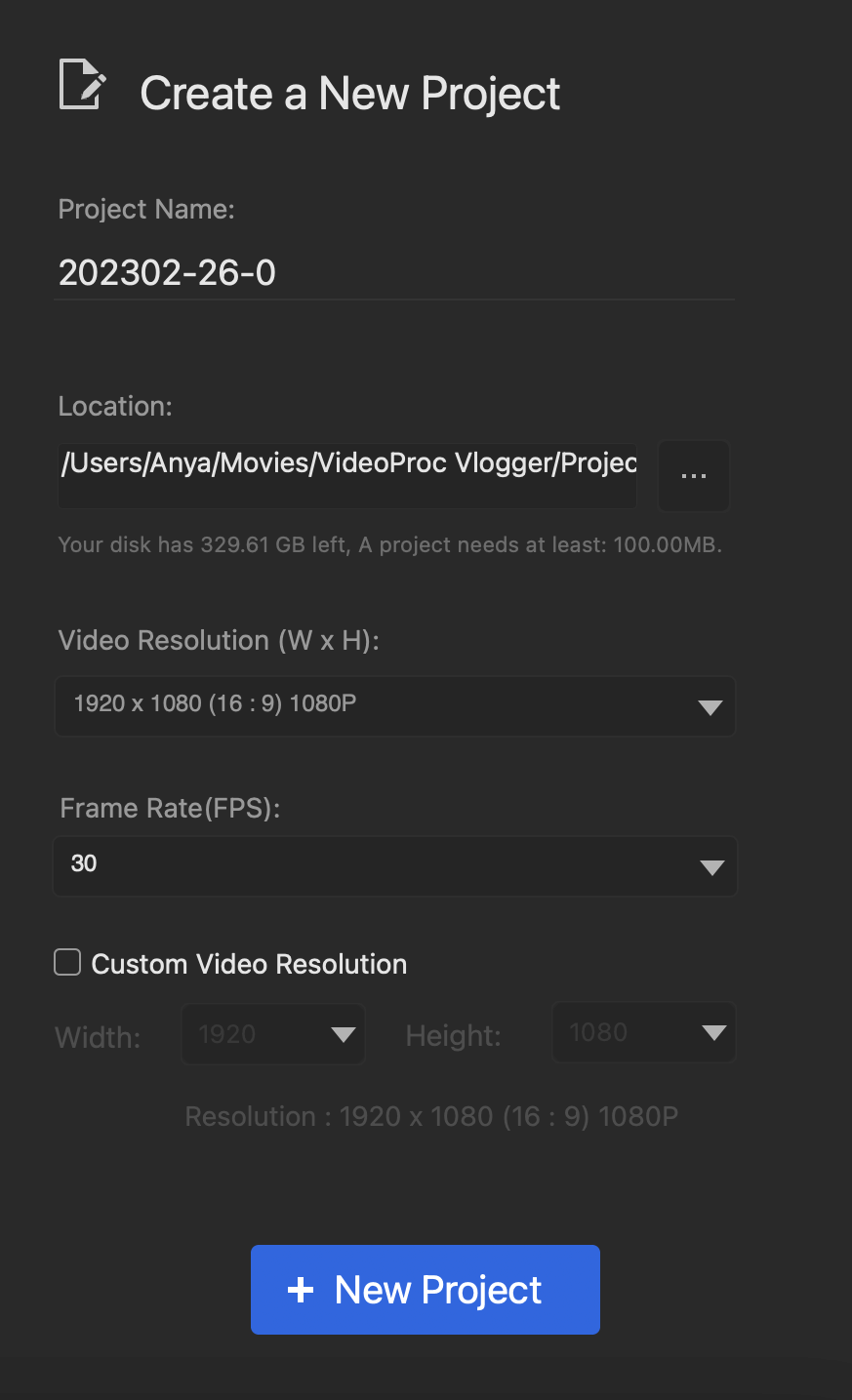
VideoProc Vlogger
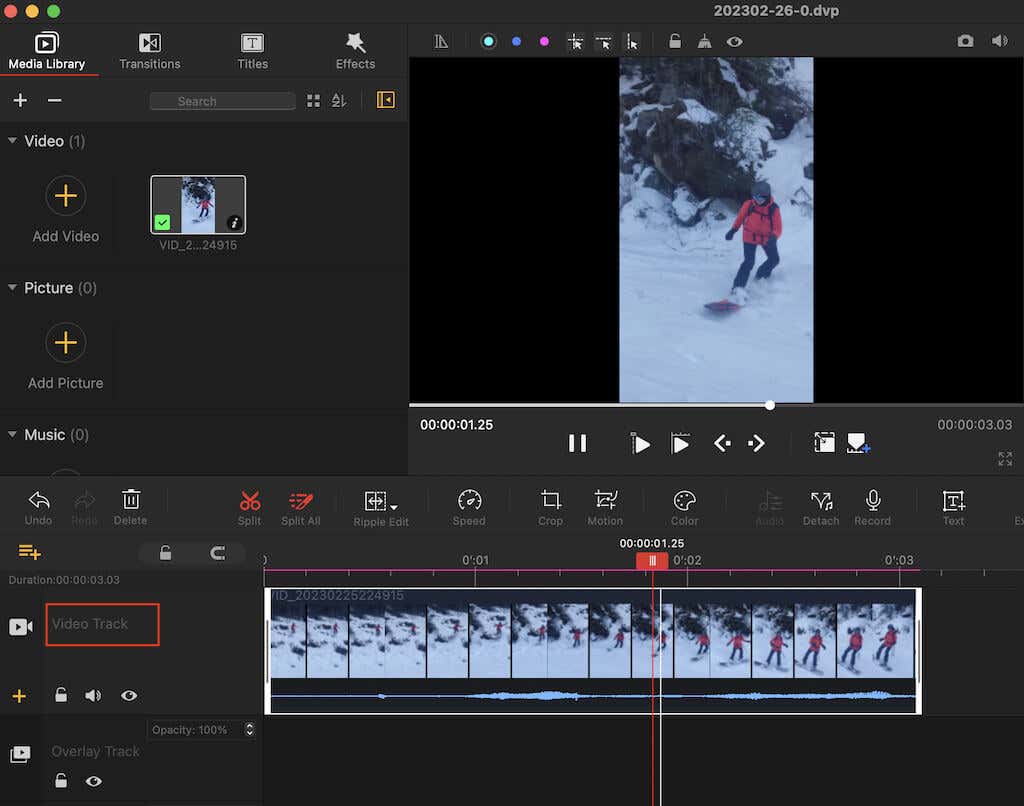
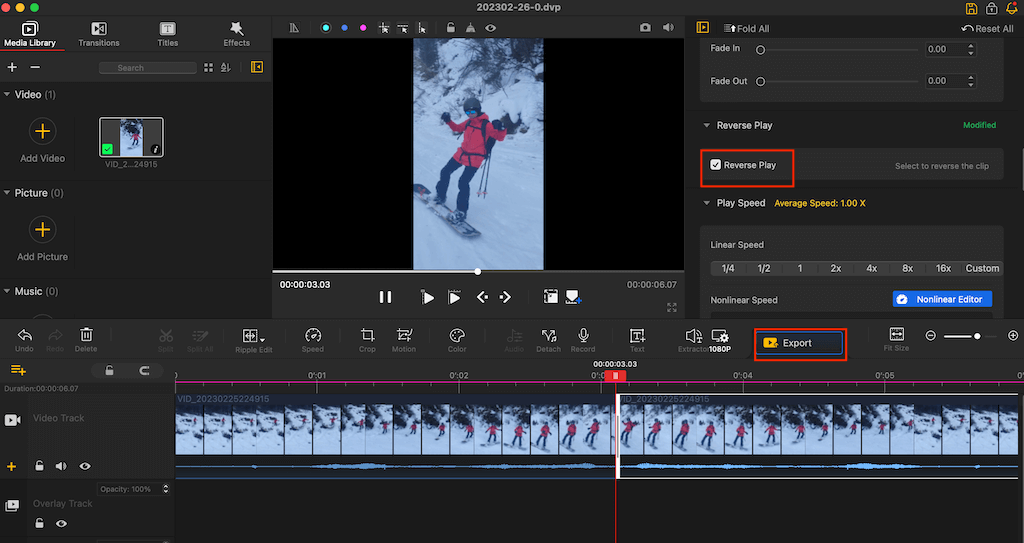
Compatibility: Windows, Mac. VideoProc Vlogger is a free video editing software you can download and use on your computer. It allows you to make basic edits like adjusting your video’s speed, trimming it, or removing or adding music, as well as more advanced edits like creating the picture-in-picture effect, adding animation, and more. VideoProc Vlogger is a free tool for PC and Mac computers. It’s an excellent option for those who don’t want to rely on their internet connection. Follow the steps below to create a Boomerang using VideoProc Vlogger.
How to Make a Boomerang with Instagram
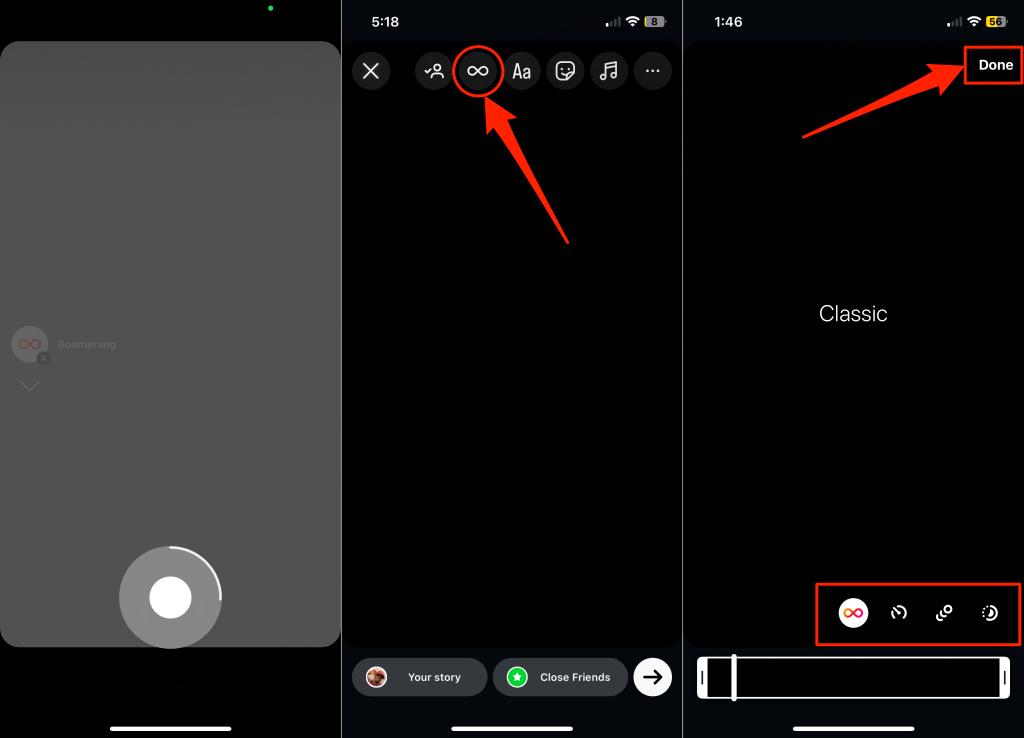
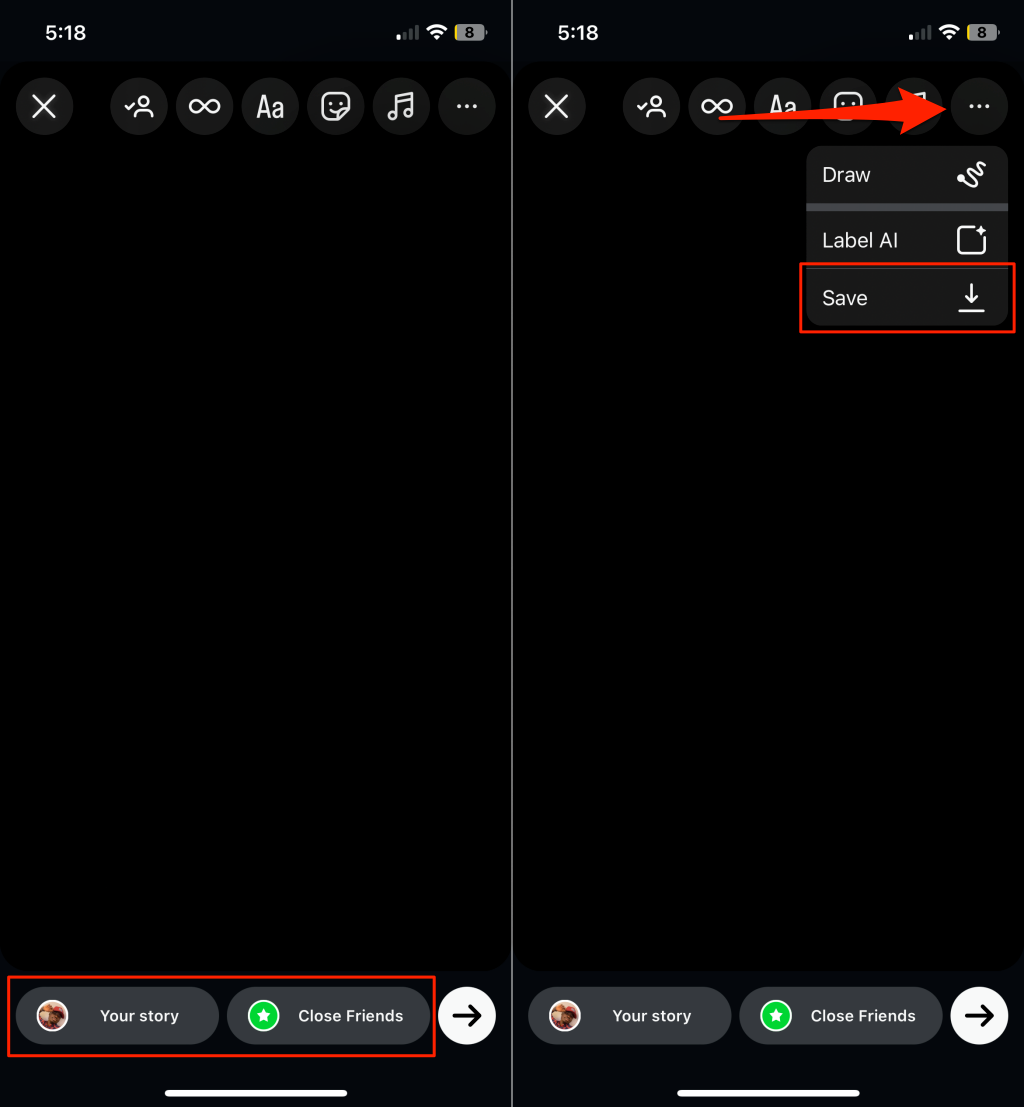
Install the Instagram app on your Android or iOS device, and follow the steps below to make a Boomerang video. Instagram flashes your device’s screen while recording the Boomerang video. Proceed to the next step to edit, publish, or save the video to your device. Instagram has four Boomerang modes: Classic, Slow-Mo, Echo, and Duo mode. Our tutorial on making Boomerang videos on Instagram explains what these effects do. You can save the Boomerang video to your device without sharing it to your Instagram Stories. Tap the three-dot icon in the top-right corner and select Save.
How to Make a Boomerang on iPhone?
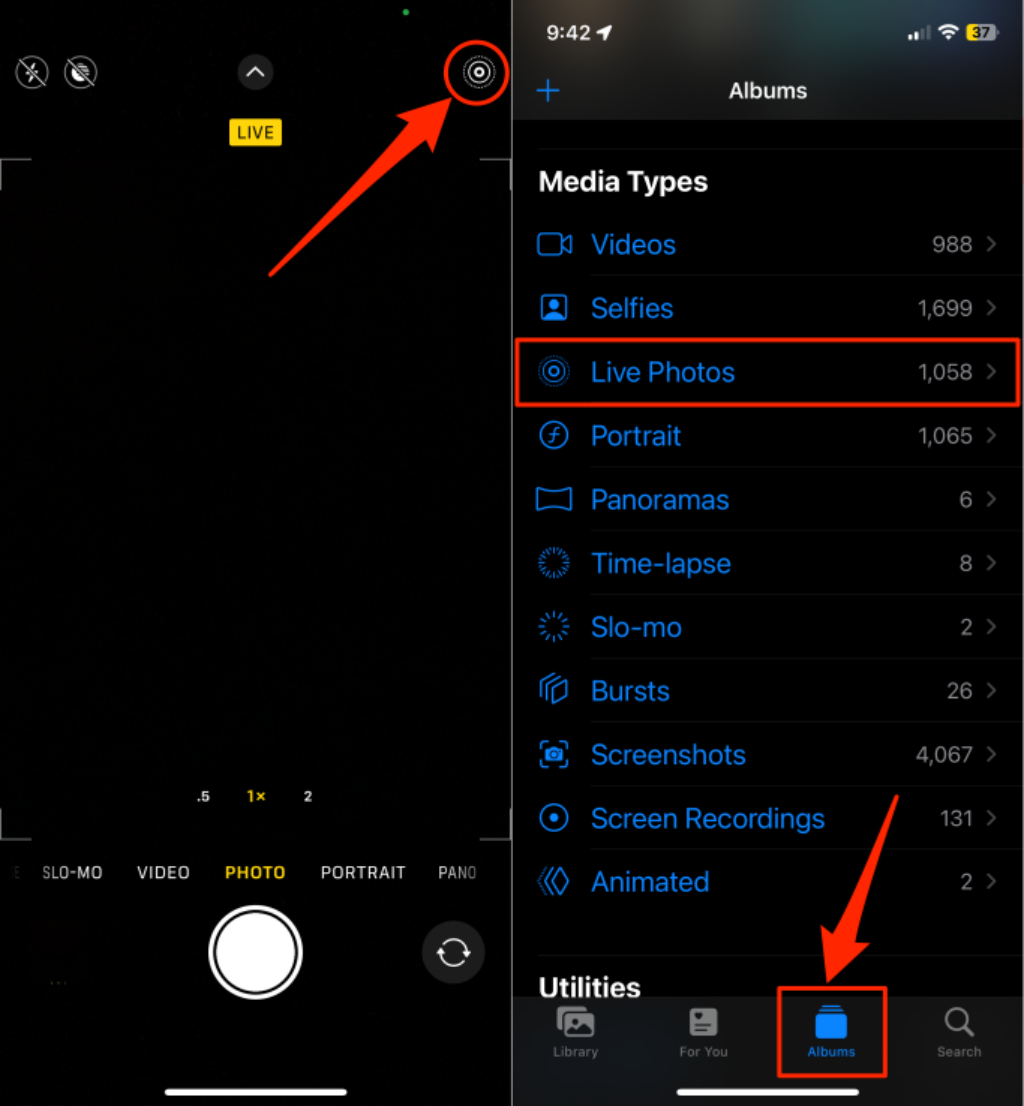
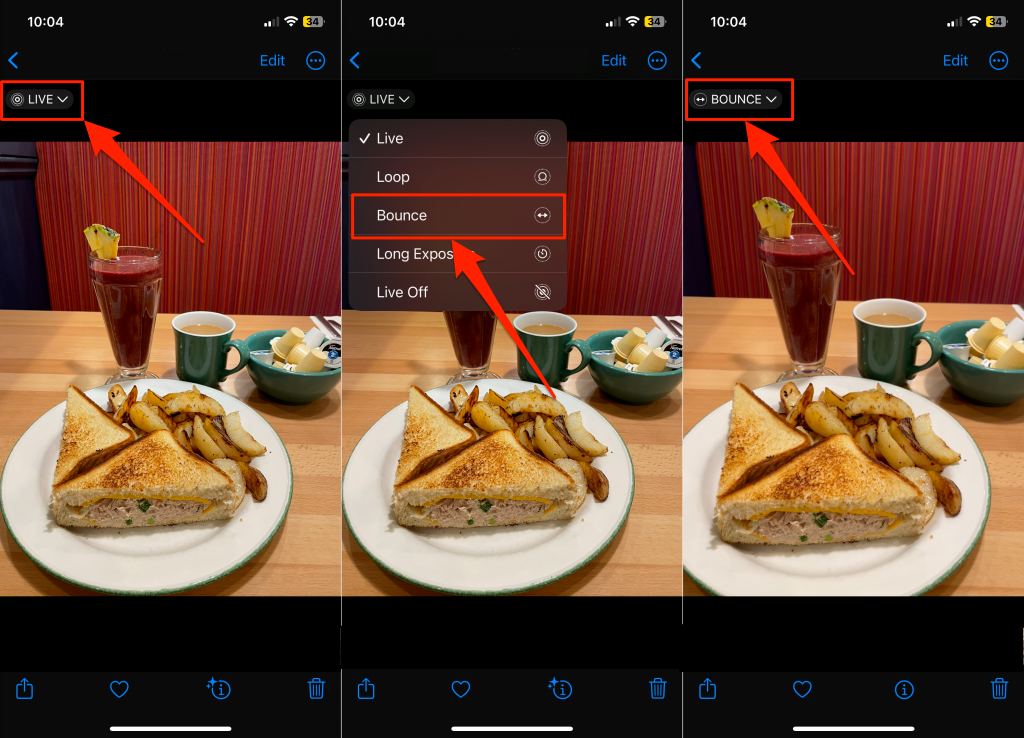
Using the Photos app, you can convert new and existing Live Photos on your iPhone or iPad into Boomerangs. Adding a “Bounce” effect to Live Photos makes them Boomerangs. Take a Live Photo on your iPhone or iPad and follow the steps below to convert it to a Boomerang video. To make an existing photo a Boomerang, open “Albums” tab in the Photos app, select Live Photos, and choose the photo. Be careful not to choose the Loop video option, as it doesn’t create a Boomerang video. “Loop” converts a Live Photo into a short video that loops or restarts every time, while “Bounce” continually reverses the video (like a Boomerang) from start to finish—and back to the start.
How to Post a Boomerang on TikTok
TikTok currently doesn’t have a built-in Boomerang feature or tools that lets you add a similar effect to videos. To post a Boomerang video on TikTok, create one on Instagram, save it to your device, then post on YouTube. Alternatively, use a Boomerang maker app to turn a video into a Boomerang, then post on TikTok.
Boomerang an Existing Video
These apps let you repurpose regular videos into stimulating Boomerangs. The best and easiest way to create a new Boomerang video is using the Snapchat or Instagram app. Use third-party applications recommended above to loop videos or add Boomerang effects to existing or pre-recorded videos in your camera roll.