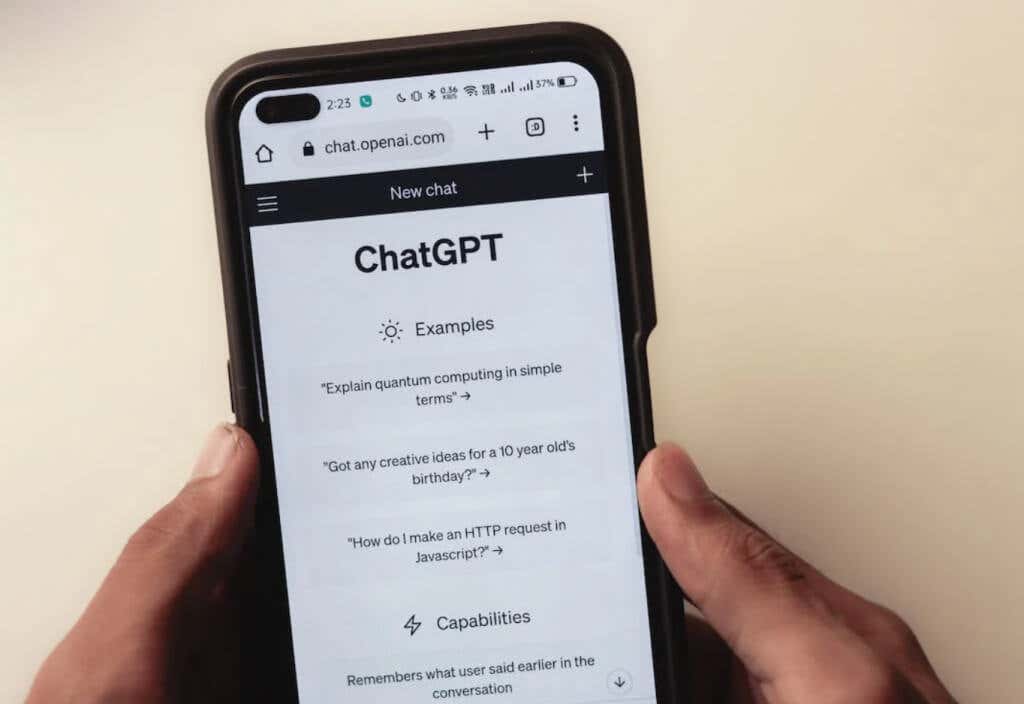
OpenAI designed the chatbot to interact with people in a natural language. ChatGPT is a large language model capable of learning and developing itself. It uses artificial intelligence to communicate with its users through text chat. It’s so powerful that if you try it, you’ll feel you are talking with another person.
How Does ChatGPT Work?
ChatGPT is an AI chatbot that relies on reinforcement learning with human feedback (RLHF) to work. It can intelligently process its environment and adapt to different situations with what it learned from human interactions. As a result, ChatGPT is incredibly useful for creating written content, translating from one language to another, and even writing code. It’s owned and developed by OpenAI. Before releasing it, the developers trained ChatGPT with a massive amount of data, but the AI continues to learn and gather the knowledge we, the users, provide. That’s why this AI chatbot can give educated responses on a myriad of topics and can even have a deep conversation with you on many topics. However, how credible these responses are depends on the learning material we feed it.
What Can You Use ChatGPT For?
You can use ChatGPT for everything text-related. Your imagination is the only limit. From writing a screenplay to researching cooking recipes.
Here’s how you can use ChatGPT:
It’s important to note that while ChatGPT is a powerful natural language processing model, it also has limitations. It may generate plausible-sounding responses that are not factually accurate. That’s why it’s crucial to validate and fact-check the information provided by ChatGPT before you use it.
A Step-by-Step Guide on How to Sign Up for ChatGPT
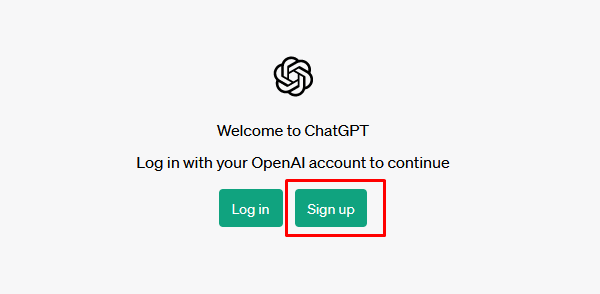
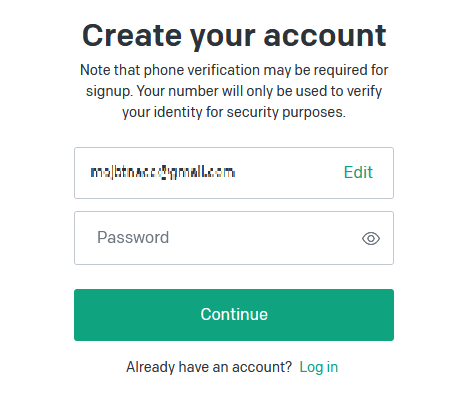
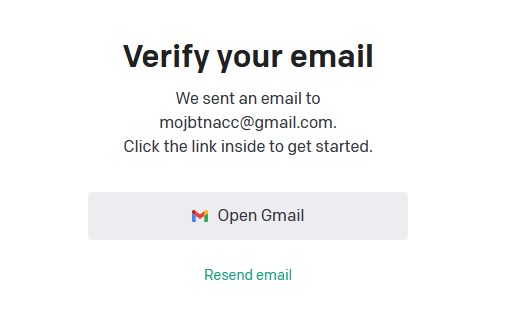
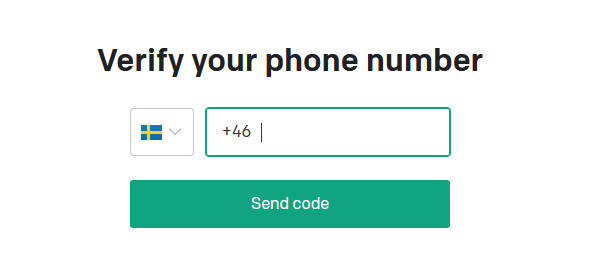
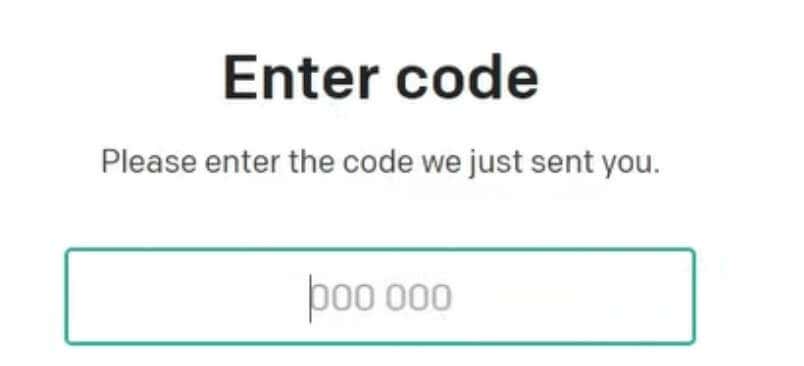
ChatGPT has a very intuitive design. Its interface is easy to use for both tech-savvy people and beginners. What’s best is that during the ChatGPT sign-up process, ChatGPT won’t ask you for too much personal information. Follow these steps and finish the sign-up process for ChatGPT in no time:
By entering your email address you’ll create a stand-alone OpenAI account. If you choose to sign up with your Google Gmail or Microsoft account, follow the on-screen instructions for SSO.
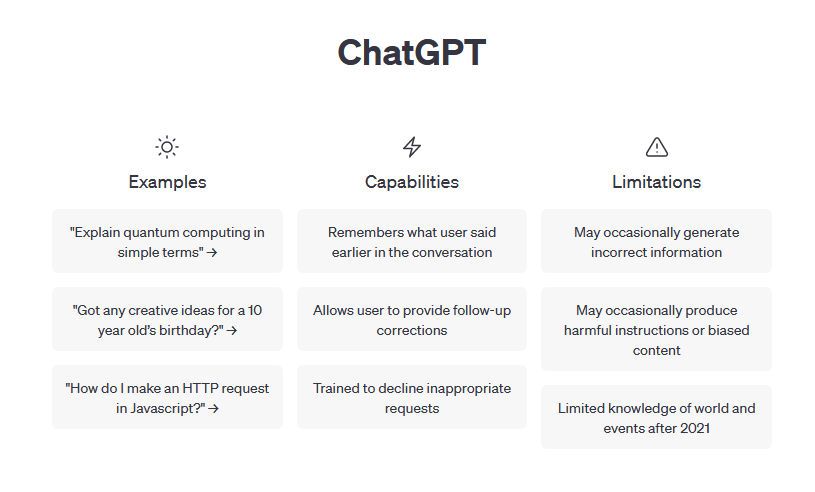
And that’s it! You successfully created your ChatGPT account. You can start using it immediately. The first ChatGPT screen you see will teach you some examples of how you can use it, and explain the capabilities of the platform and its limitations. After creating your OpenAI account, you can easily log in to ChatGPT at any time. Head over to the Login page, select Log in, and enter your ChatGPT login credentials.
Optional Upgrade to ChatGPT Plus
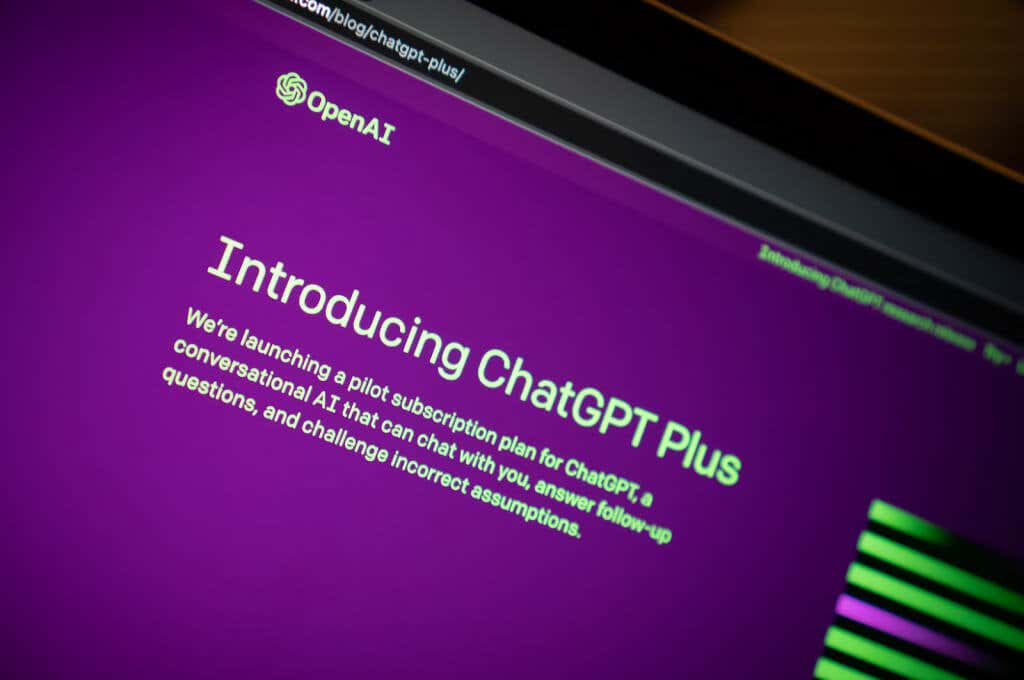
ChatGPT is 100% free, but it comes with some downsides. For example, the platform will be available to you only at times when the demand for ChatGPT is low. That means that users who opted for a paid subscription have priority over you. With the free account, your ChatGPT has a standard response speed and regular updates, while ChatGPT Plus users benefit from a faster response speed and priority access to updates and new features.
All in all, paid members have access to GPT-4, a larger and more advanced language learning model. Free plan users have access to the older, GPT-3.5 version.
If you want to upgrade to the Plus membership simply click on the Plus button on the lower-left side of the menu. A Plus membership costs $20 per month, and you’ll have to provide the payment information in order to finish the process.
How to Access ChatGPT Without Logging In
You don’t have to log in every time you want to use ChatGPT. Instead, you can use Bing Chat. It’s also free, and it’s built with the newest OpenAI product, GPT-4. But in order to have long conversations without a ChatGPT account, you’ll need to use your Microsoft account to log into Bing.
A Quick Guide on How to Use ChatGPT
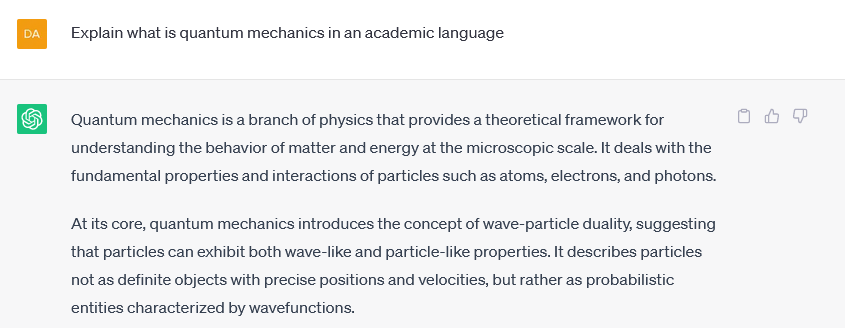
After you sign up, you’ll arrive at the ChatGPT main screen. This is where you can start using it. As mentioned before, OpenAI gives some examples of how you can use their language model. But this will give you only a general idea of what you can do with this AI-powered tool. What you need to do is formulate a question or a task for ChatGTP and type it in the designated text bar. You’ll find the chat bar at the bottom of the screen. Your entries are called prompts. To submit them simply press enter. ChatGPT will take a bit of time to generate an answer for you. Besides the basic questions such as “What’s Quantum Mechanics?” you can develop your prompt and give ChatGPT instructions on how to answer it. For Example “Explain what is quantum mechanics as if I’m 5 years old” Or “Explain what is quantum mechanics in an academic language.” Adding more information to your prompt can control the tone and style of the answer. That’s how ChatGPT understands the instructions you give it. Your prompts can range from simple questions to very complex tasks. Did you know ChatGPT can even write code? But that doesn’t necessarily mean AI is dangerous and turn into Skynet… hopefully.