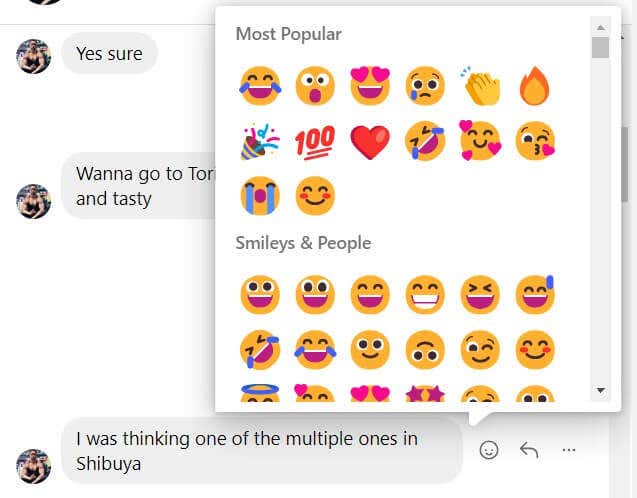
You can take advantage of direct message reactions on both Instagram for the web and mobile application. Here’s how to enhance your direct messaging experience.
What Are Reactions on Instagram?
Instagram reactions are a set of emotive responses that users can send in response to direct messages. Unlike the standard “like” on social media, reactions let you respond with specific emotions. This is a simplified way to respond without having to type out a full response. For example, instead of responding to a message with “That’s hilarious!”, you could just react to it with a laughing emoji. Or, instead of “OMG! You two look adorable!”, you could simply react with a heart eyes emoji.
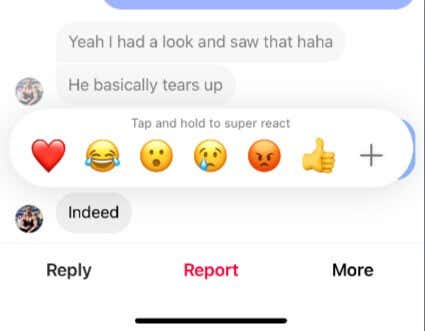
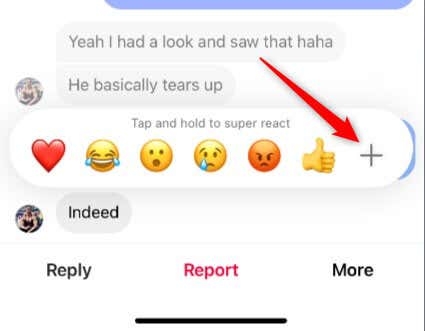
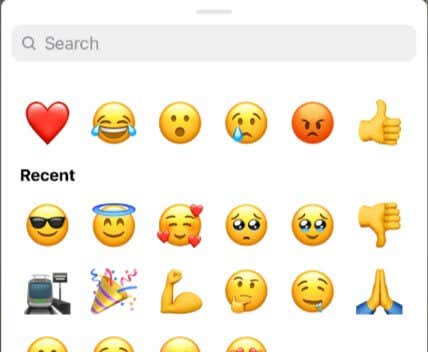
How to React to Instagram Messages on iOS or Android
The majority of users use Instagram on the mobile app, and reacting to direct messages is a big part of that experience. Here’s how it’s done. Once you react to the message, the recipient of the reaction will be notified if they have notifications enabled. If they don’t, they’ll see the reaction next time they look at the message.
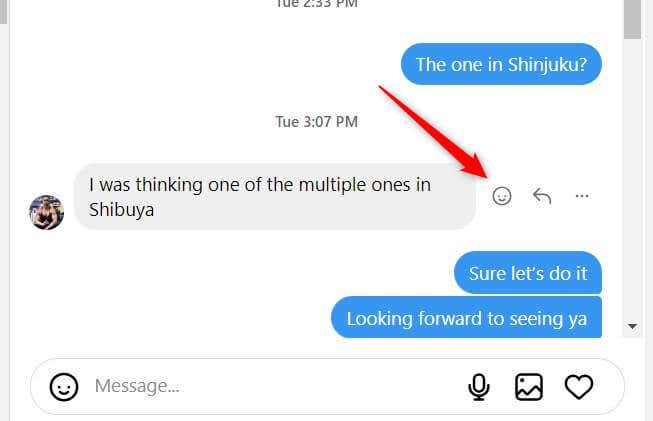
How to React to Instagram Messages on the Web
It’s less common to use Instagram on a desktop browser, so certain features like quick react and super react aren’t available on Instagram’s web version. However, you can still react to direct messages. The recipient will be notified or see the reaction next time they look at the message.
All Aboard the Emoji Express
Instagram reactions offer users a more dynamic and emotive way to respond to direct messages without having to type out long texts. Whether you’re using the mobile app or the desktop version, there are simple steps to follow to convey your feelings with just an emoji.