Standard Portrait Page Sizes
Before you begin, you should have an idea of the size you want to use for your vertical slides. Unlike Microsoft PowerPoint, you won’t see a list of portrait orientation options. Here are some common paper sizes you might consider.
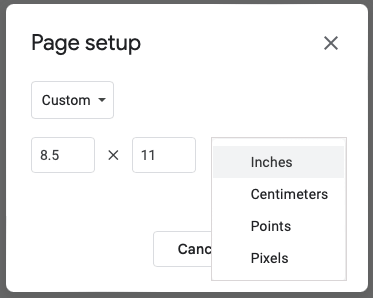
Letter or Standard: 8.5 by 11 inches Legal: 8.5 by 14 inches Tabloid or Ledger: 11 by 17 inches
Common A-Series Paper Sizes
Note that you can round up the following A-series paper sizes if you like.
A3: 11.69 by 16.54 inches A4: 8.26 by 11.69 inches A5: 5.83 by 8.26 inches
How to Make Google Slides Vertical
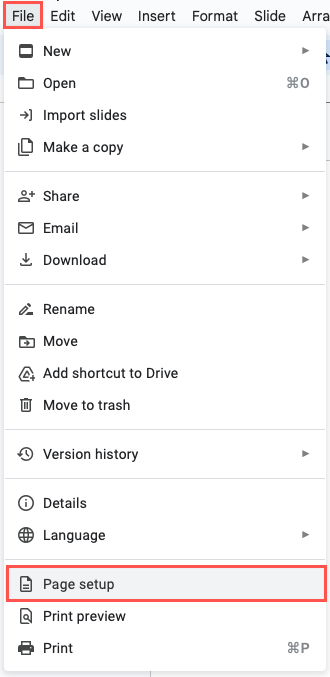
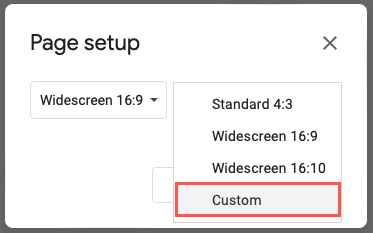
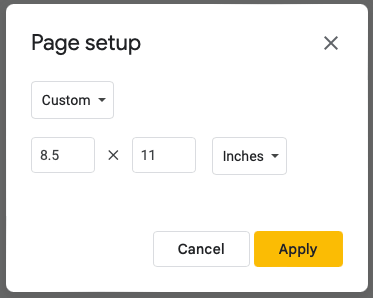
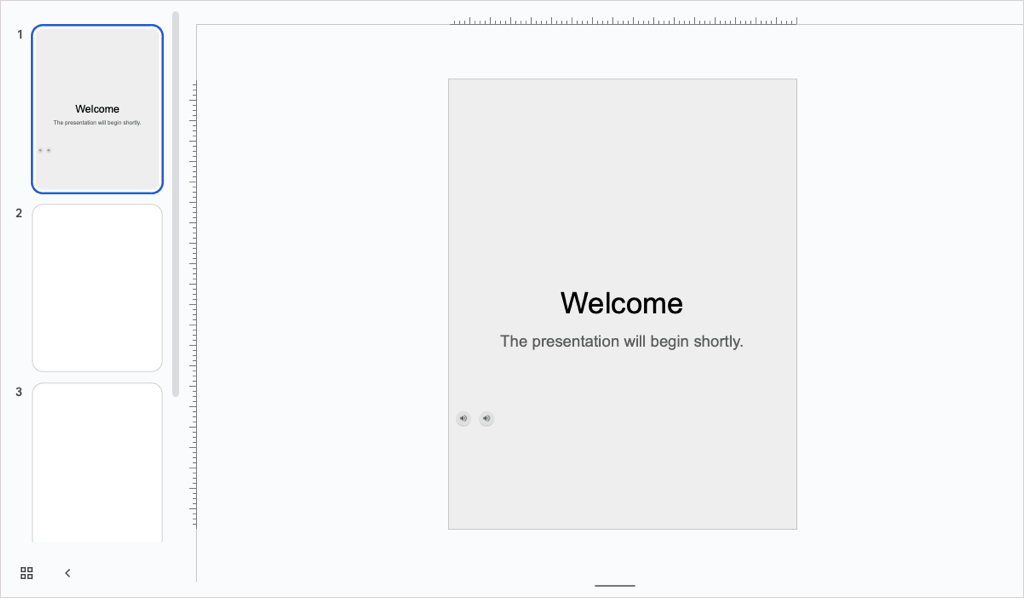
You can change the orientation for your presentation easily in Google Slides on the web. As of this writing, you don’t have this ability in the Google Slides mobile app. Additionally, when you adjust the orientation, this changes all slides in the presentation by default. You cannot use different orientations for individual slides. You’ll then see the slides in your presentation displayed vertically instead of horizontally. If you already have content on the slides, you may need to adjust your items to accommodate the vertical layout.
How to Make Google Slides Horizontal Again
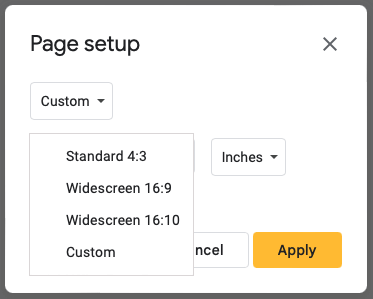
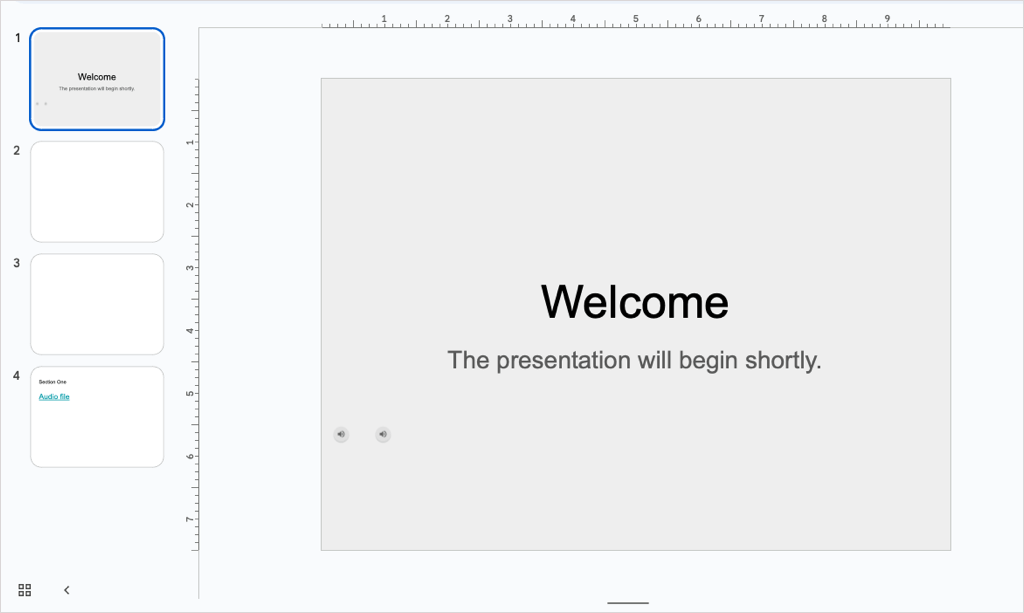
If after you change the orientation in Google Slides, you decide that landscape slides would work better, you can revert it just as easily. Select File > Page setup from the menu. In the drop-down box, choose one of the standard horizontal sizes or use the Custom option to enter your dimensions. Then, select Apply. Like changing the orientation to vertical, you may then want to adjust your elements for the horizontal slide view.
Which View Is Good for You?
Whether you’re creating a Google Slides presentation for a newsletter, poster, infographic, or one that looks good on mobile devices, you can change the orientation in just a few steps. Now that you know how to make Google Slides vertical, take a look at our tutorial for how to hide and unhide slides too.