We’ll show you how to fix those issues and access the Notes feature.
Update Instagram to the Latest Version on Your Phone
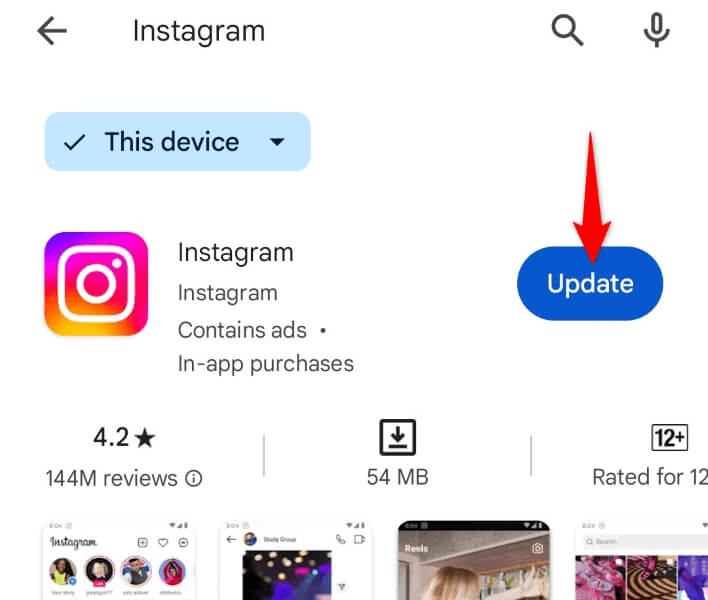
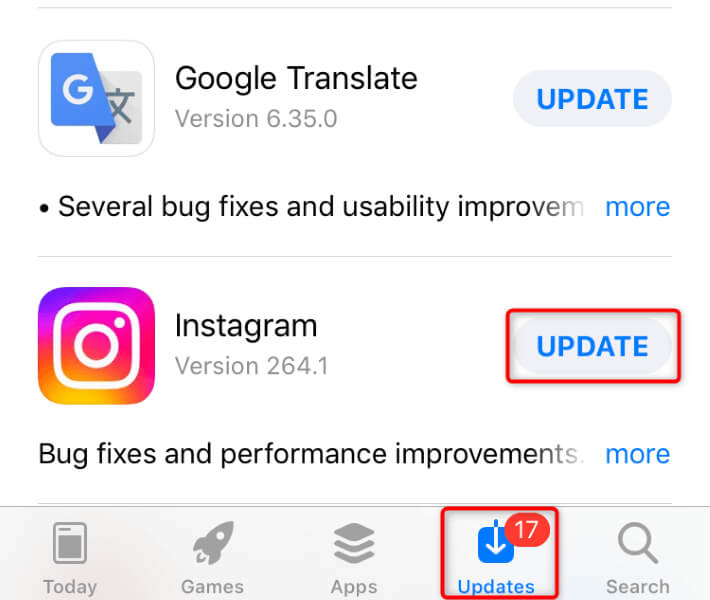
When you can’t access a feature in your app, the first action to take is to update your app. Doing so allows you to get access to newer features in your app. This can fix your Notes not showing in the Instagram app.
On Android
On iPhone
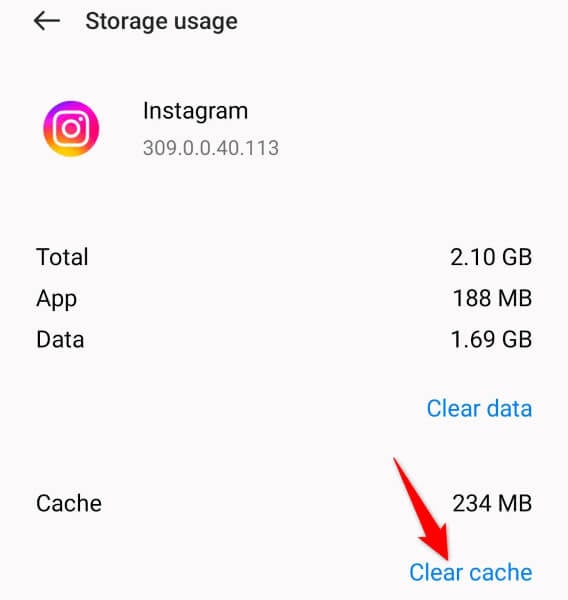
Clear Instagram’s App Cache on Android
If your Instagram app’s cache files are corrupted, that may be why you can’t access the Notes feature and create new notes. One way to fix your app’s bad cache is to remove the cache. Doing so doesn’t delete your account data, and your app will rebuild this cache as you use the app features. Note that you can’t clear an app’s cache on an iPhone. You must remove and reinstall the app to delete the app’s cache.
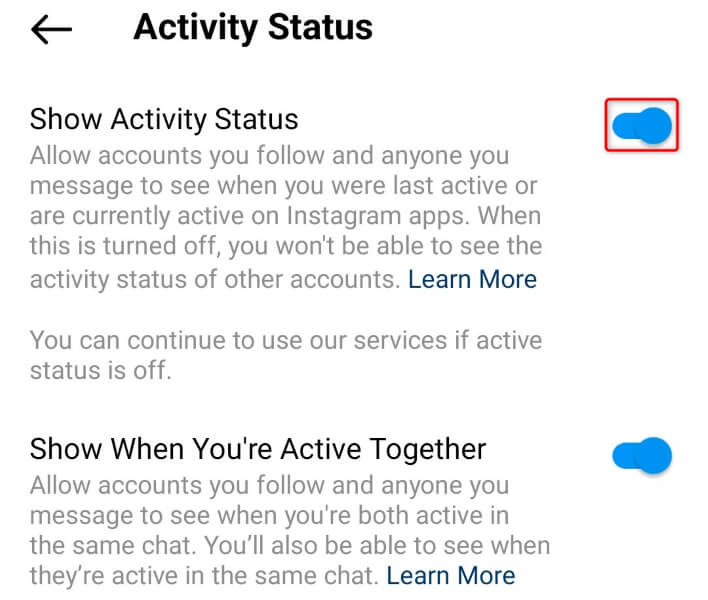
Enable Activity Status to Fix Instagram Notes Not Appearing
Activity Status in Instagram allows your friends to see when you’re online and also lets you see when your friends are online. User reports suggest that enabling this feature can help restore the Notes option in the app.
Turn Off the VPN on Your Phone
If you’re using a VPN on your smartphone, turn that feature off and see if Instagram’s Notes feature works. This is because the app may have restricted your access to the feature due to the VPN usage. You can turn off your VPN service by launching your VPN app and toggling off the main toggle. Then, launch Instagram and see if you can access the feature.
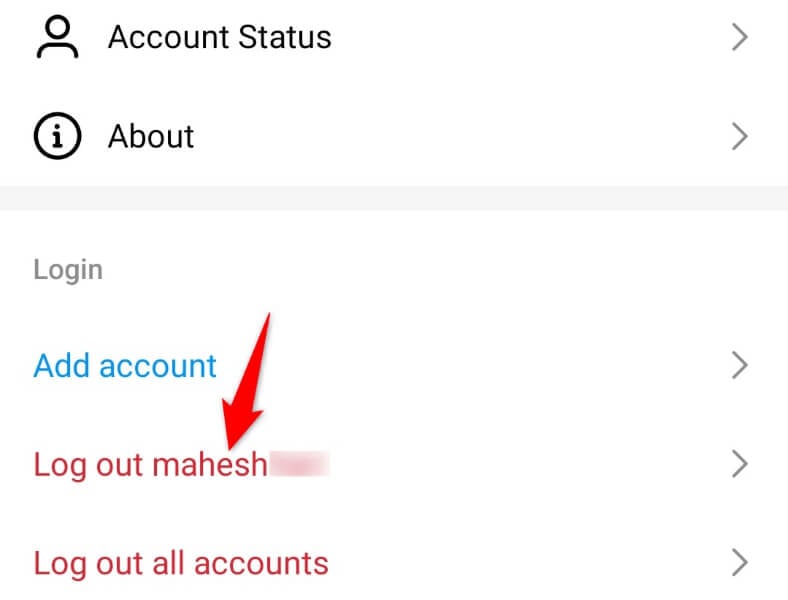
Sign Out and Back Into Your Instagram Account
If your Instagram login session has a problem, that can cause certain app features not to work. In this case, log out and back into your account in the app to possibly fix your issue. You’ll need your Instagram logins to log back in, so keep those details handy.
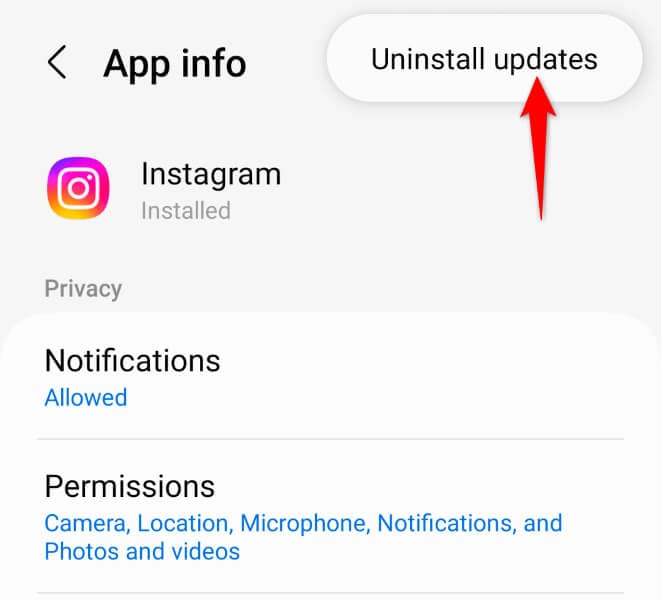
Uninstall Instagram’s App Updates on Android
If you had access to the Notes feature, but you lost access after updating the app, your recent app update was faulty. In this case, roll back the update, and your issue should be resolved. Note that you can only remove app updates on Android; the iPhone doesn’t allow you to do that.
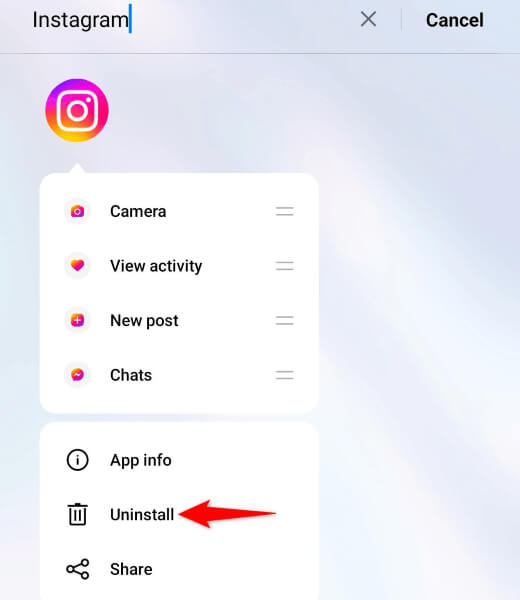
Remove and Reinstall Instagram on Your Phone
If you still can’t use the Notes feature, your app may be faulty. This can make various app features unavailable to users. In this case, uninstall and reinstall the app to fix your issue. Note that you don’t lose your account data when you reinstall the app.
On Android
On iPhone
Wait Until Instagram Rolls Out the Feature in Your Region
If you can’t access the Notes feature despite following all the above troubleshooting tips, Instagram may have yet to roll out the feature in your region. The platform states on its website that Notes isn’t available to everyone. In this case, wait until the platform makes the feature available in your region.
Use Instagram Notes Feature on Your iPhone or Android Phone
If you see your friends sharing notes on Instagram but you don’t have access to that feature, use the methods outlined above to gain access to the feature. Tweaking a few options here and there should make the feature available to you. We hope the guide helps you access the feature so you can start sharing your thoughts with your friends on this social media network.