This troubleshooting guide will explain how to fix Hulu error code P-DEV318.
What Causes the Hulu Error Code P-DEV318?
The error P-DEV318 code means something is wrong with your connection to the Hulu servers, preventing playback. This could be caused by:
How to Fix Hulu Error Code P-DEV318
Here are four ways to fix the frustrating P-DEV318 error code:
1. Check If Hulu Is Down
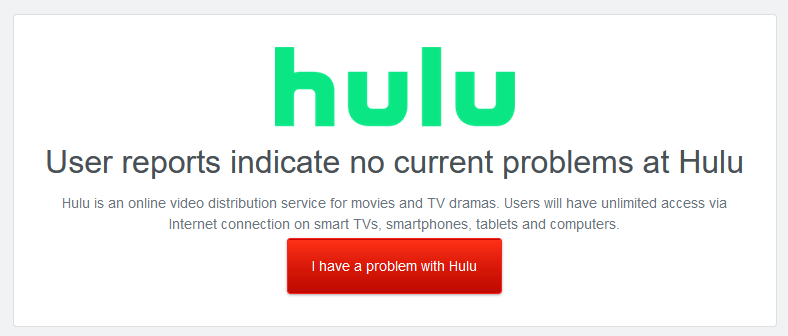
The first thing to do is check if the Hulu servers are up and running. Hulu doesn’t have its status page, so open DownDetector and check there. Alternatively, you can check Hulu Support on Twitter for any status updates. If either of these sources indicates that Hulu’s servers are experiencing issues, your best bet is to wait for a while and then try again. In the meantime, you can always check out the TV shows on some of the other streaming services like Disney Plus.
2. Troubleshoot Connectivity Issues
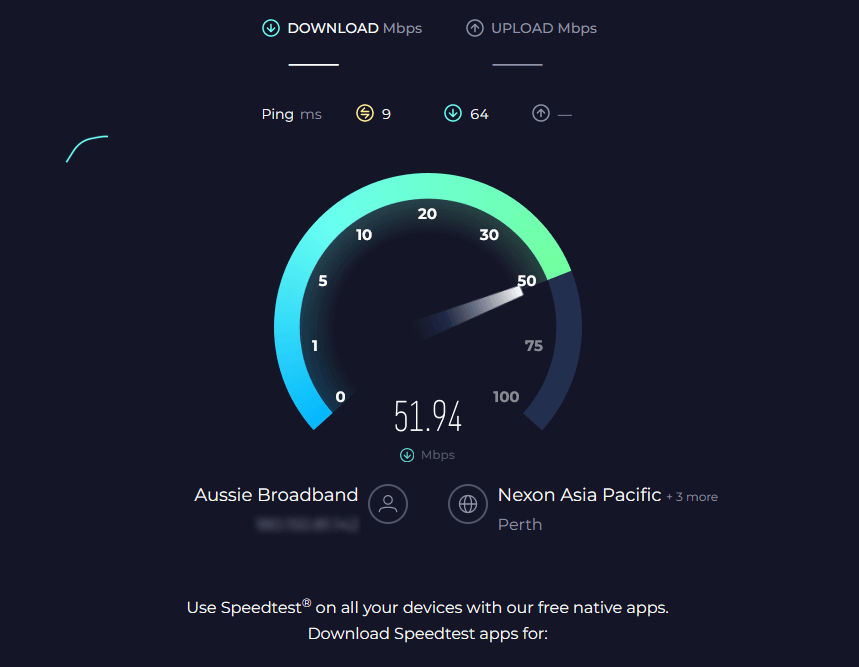
If the Hulu servers are running correctly, then the problem likely lies with your network connection. If your internet is having issues, you’ll need to run through some internet troubleshooting steps to find out what’s wrong:
3. Troubleshoot Your Streaming Device
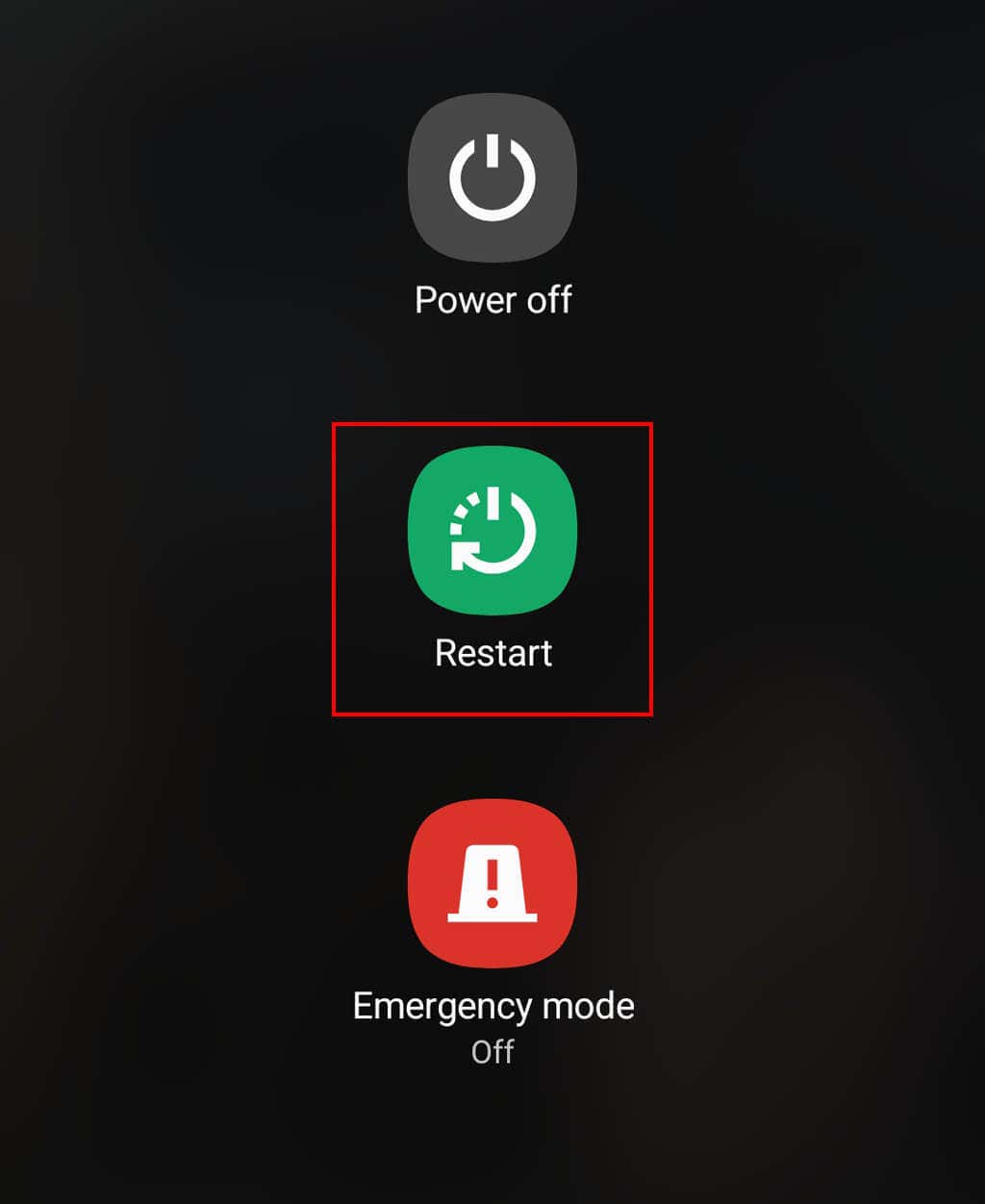
If the Hulu servers and your internet connection are working fine, there’s probably something wrong with your streaming device. Here’s how to find out:
4. Troubleshoot the Hulu App
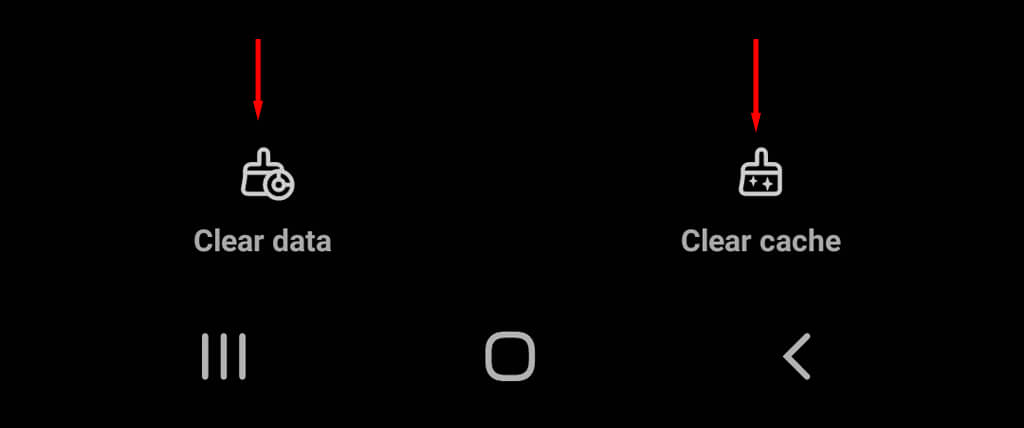
The next thing to troubleshoot is the app itself. If your connection and device aren’t causing the issue, it might be a problem with the app’s cache data, or the app may be an older version that’s no longer supported. Here’s what to do:
Stream Your Favorite Content
Hopefully, this article has helped you get Hulu up and running again. However, if you’re still experiencing issues, the only thing left to do is contact the Hulu support team via their website.