If you’re having trouble with this, you’ve come to the right place. In this step-by-step guide, we’ll explain how to delete words from your keyboard on Android phones.
How to Remove Learned Words From Samsung Keyboard
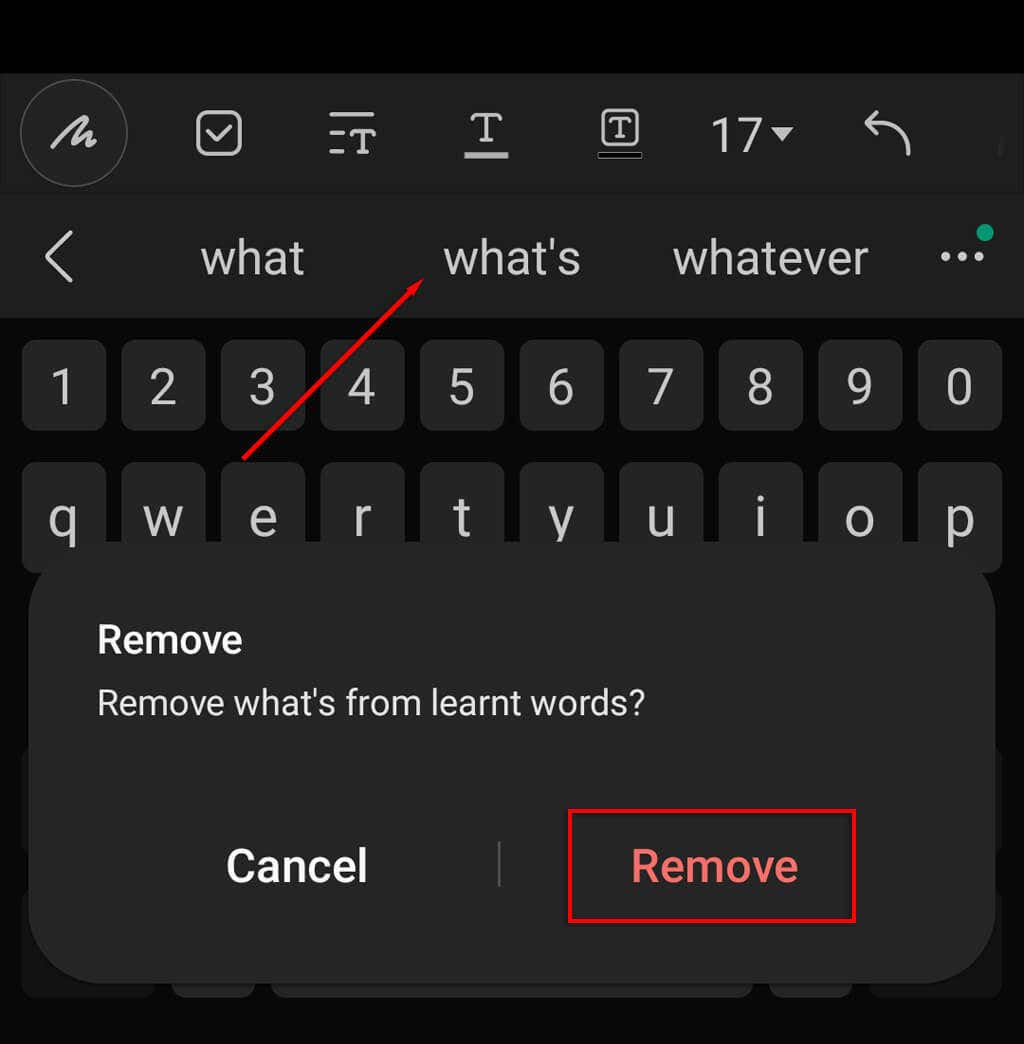
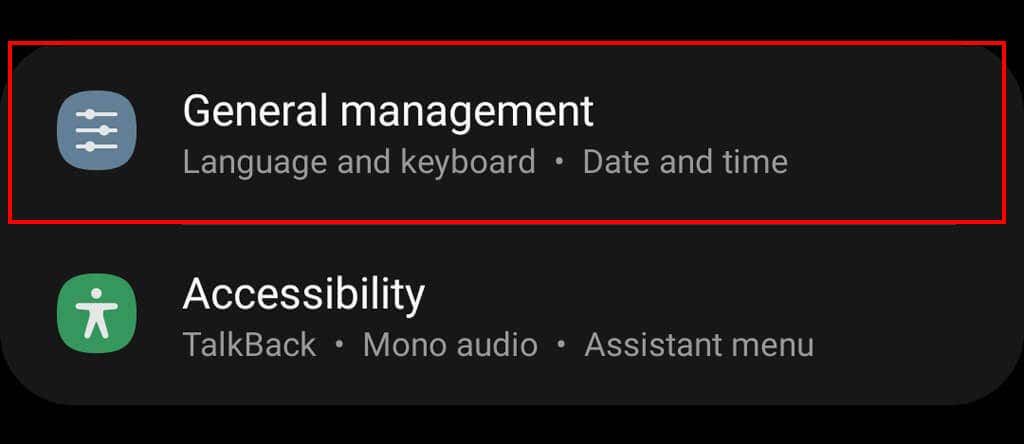
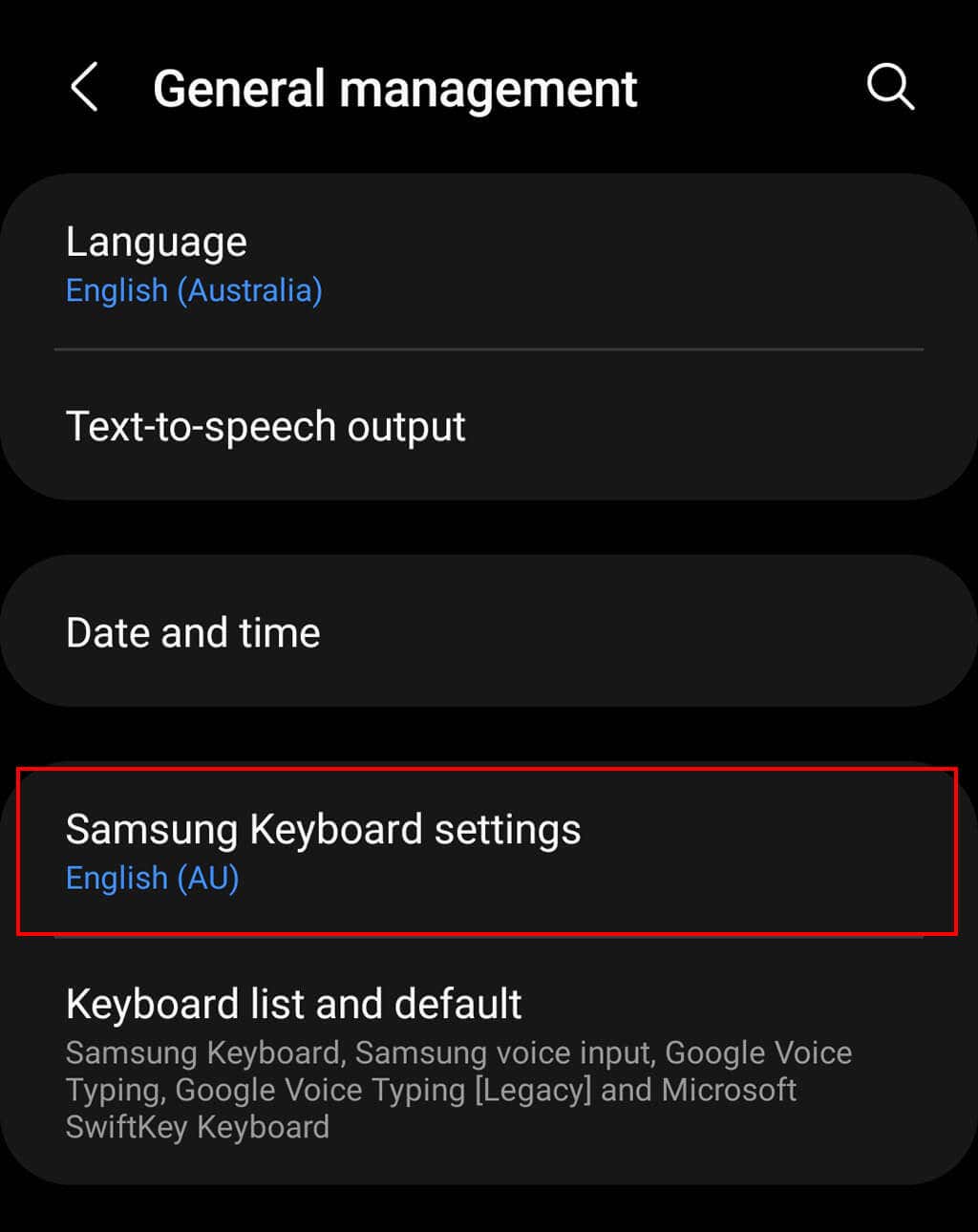
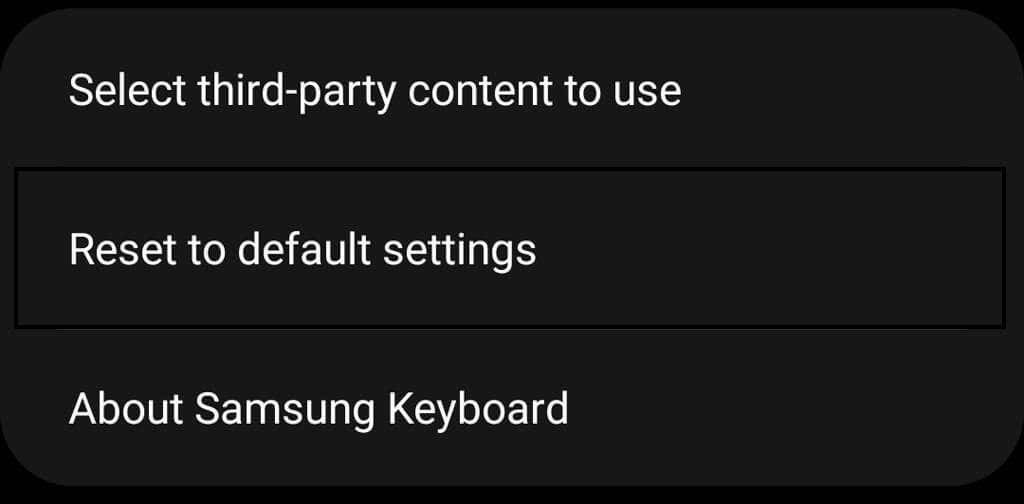
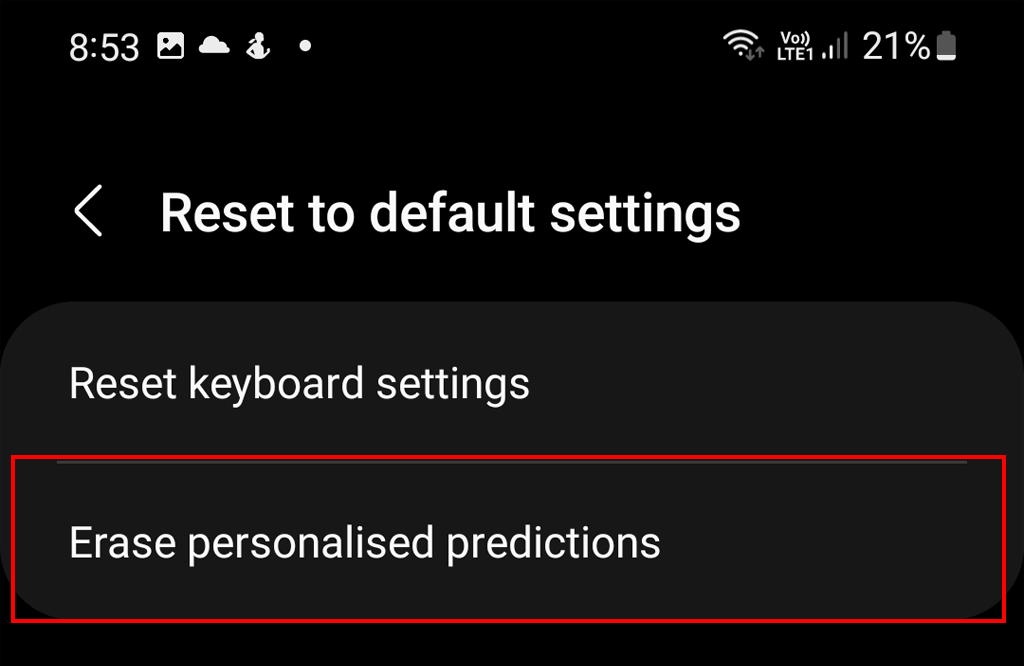
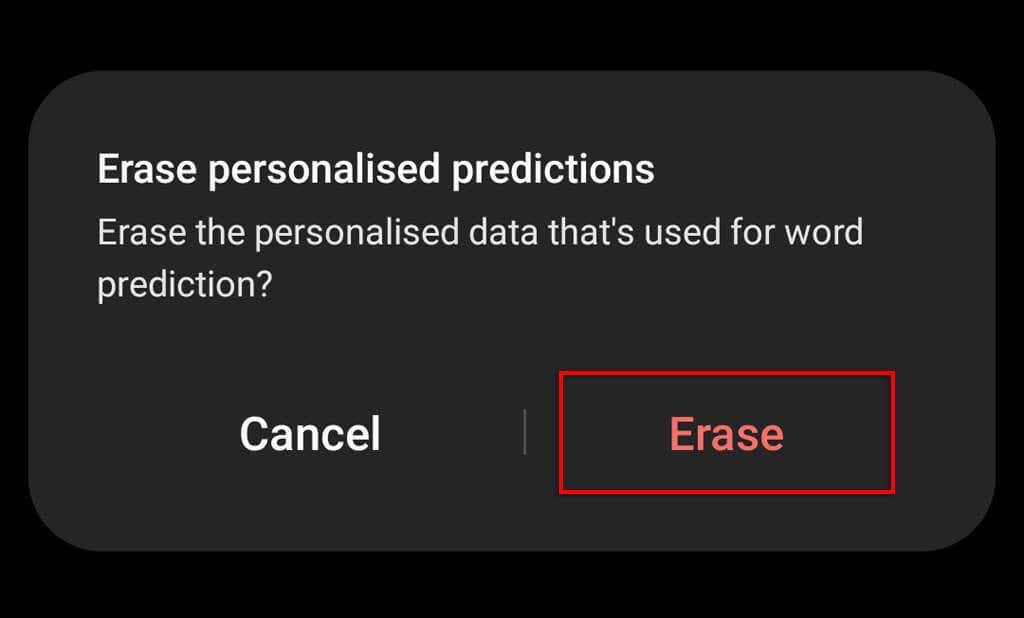
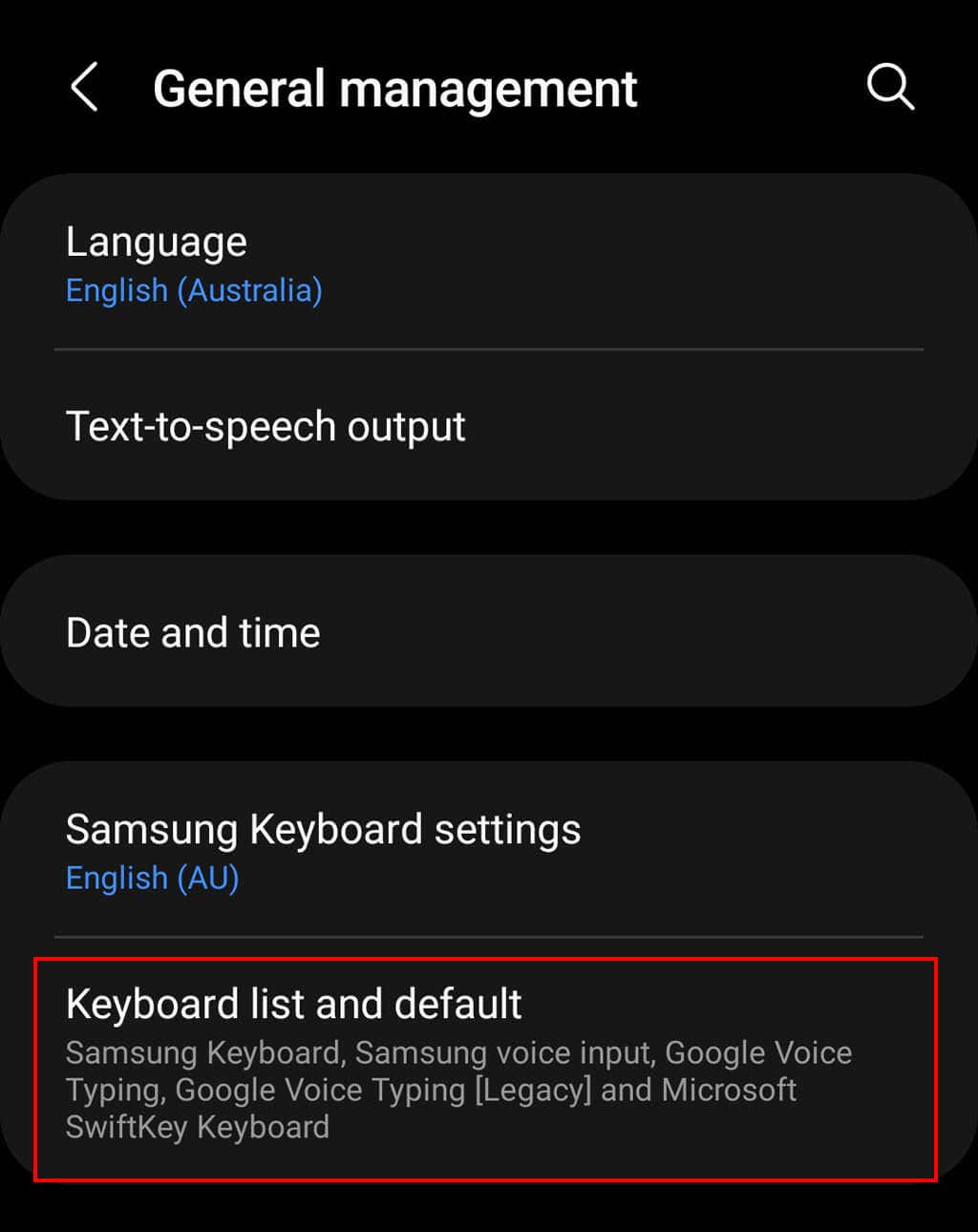
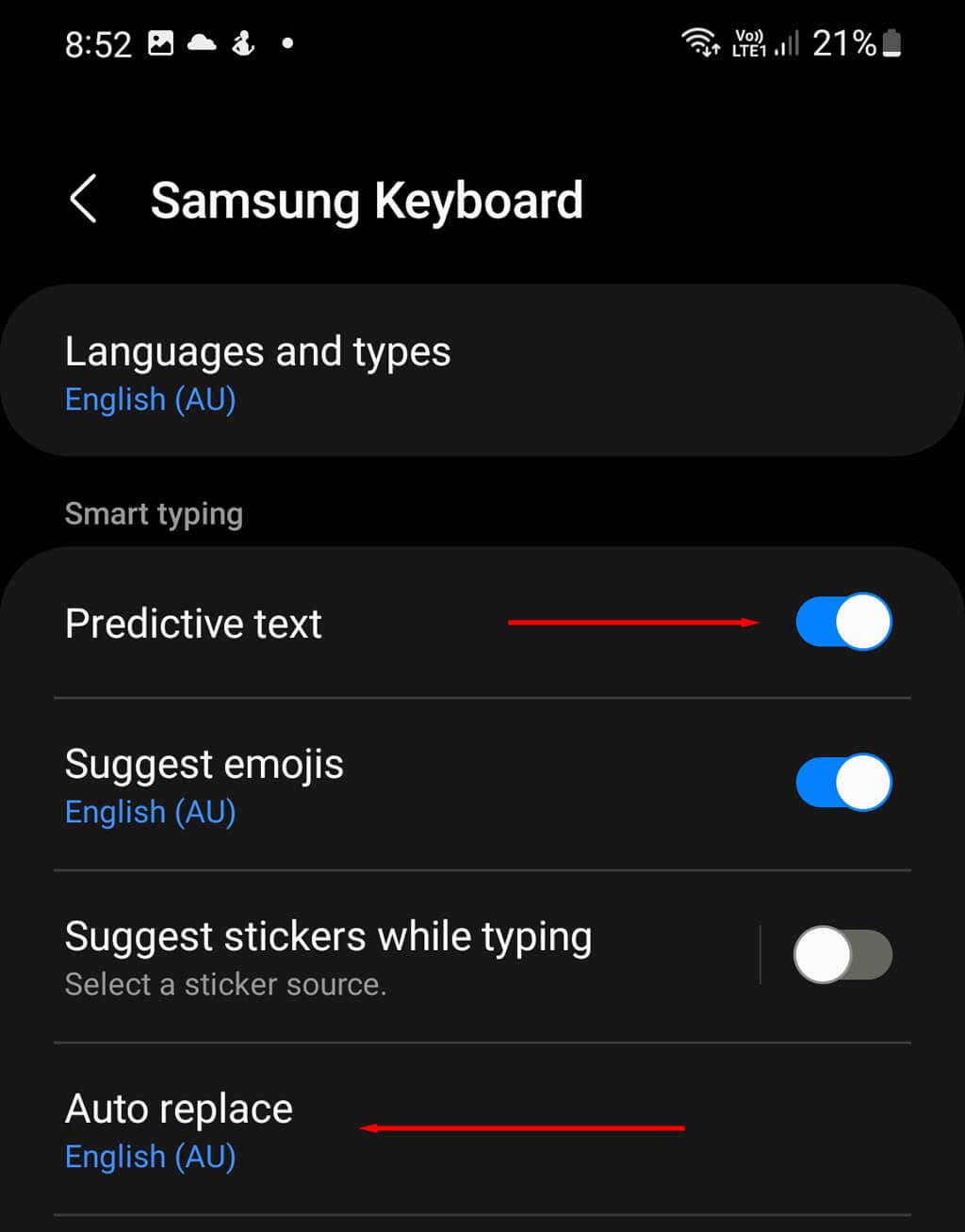
Samsung Keyboard is the default keyboard on most Android and Samsung phones. As you type, it tries to adapt to your style of writing and retains a personal dictionary of any unfamiliar words that you use a lot. To delete a single learned word from Samsung Keyboard: To delete every word in your personal dictionary:
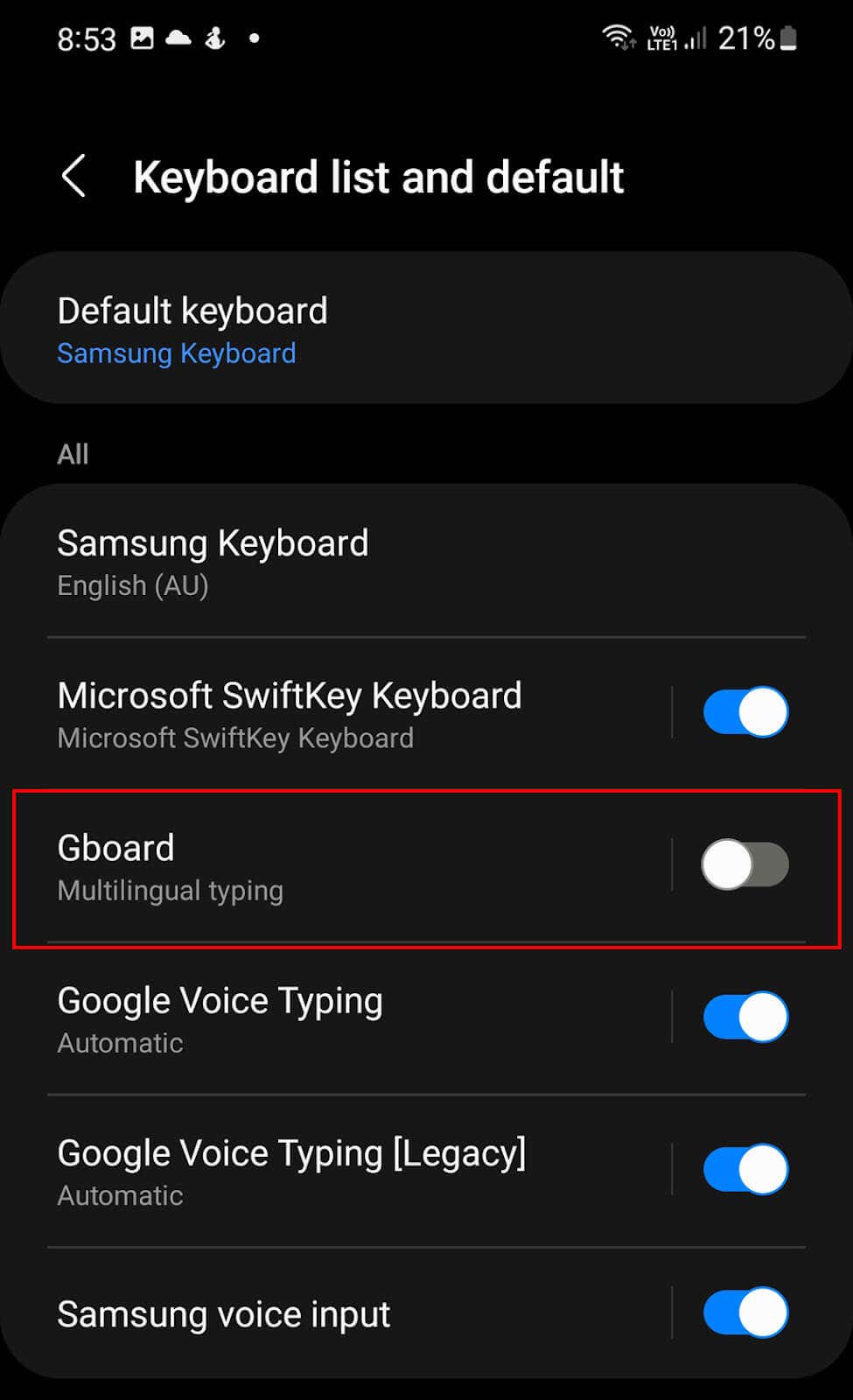
How to Remove Learned Words From Gboard
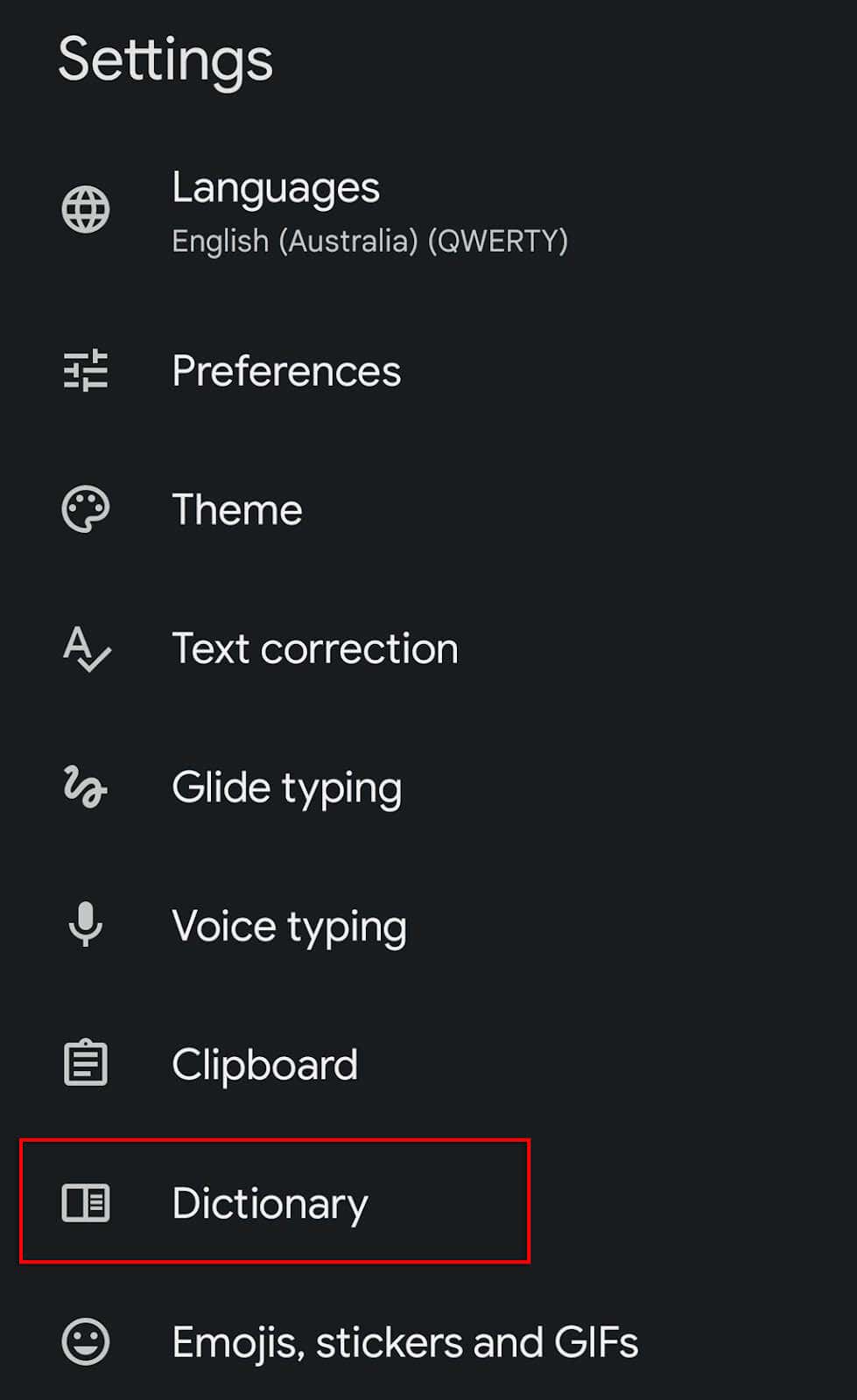
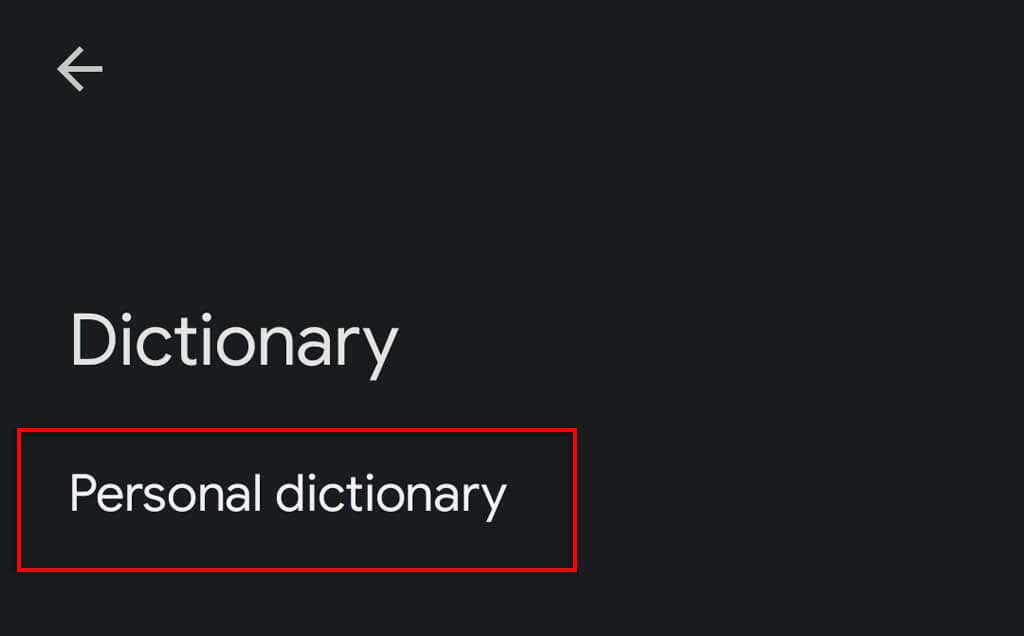
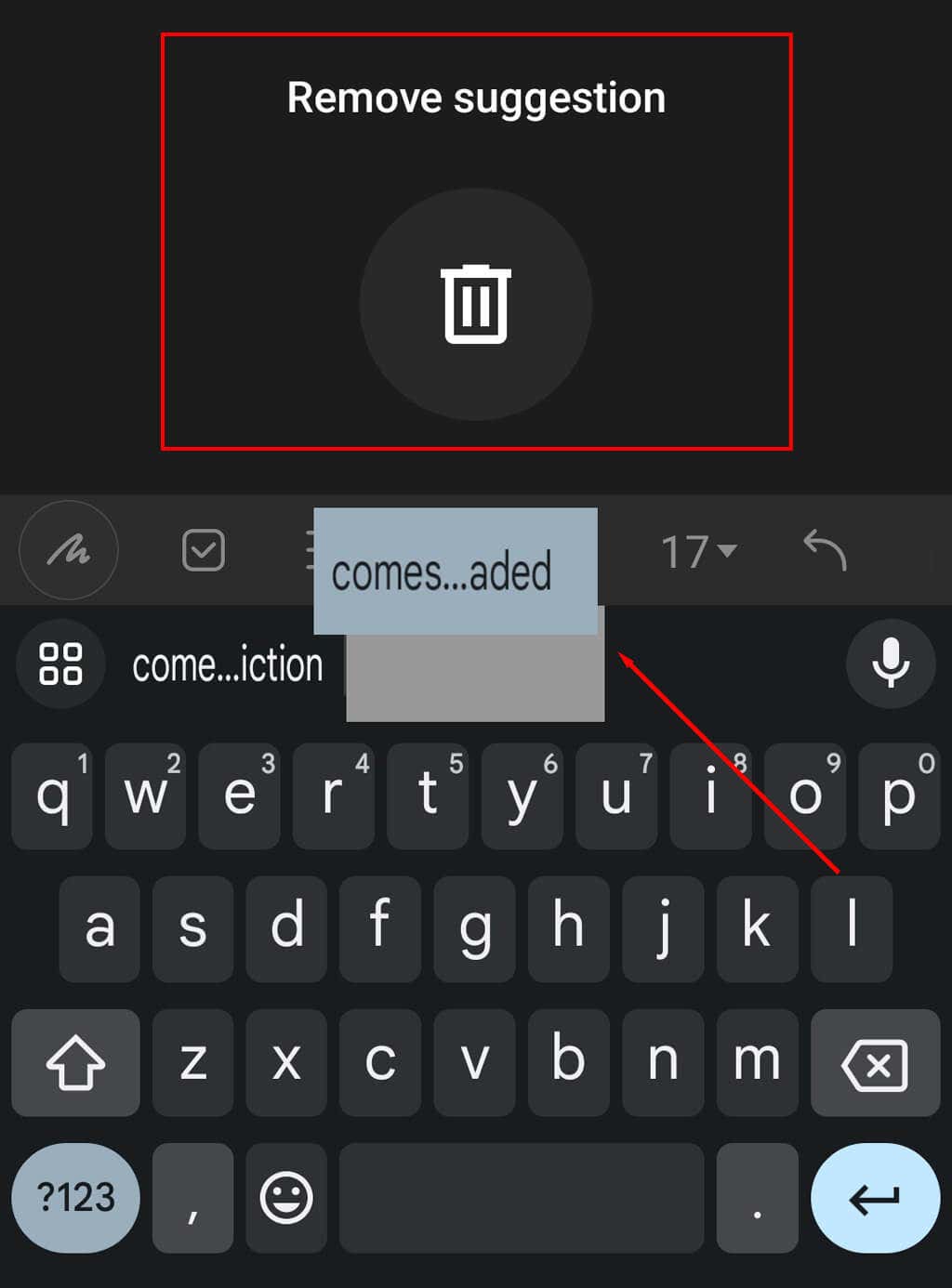
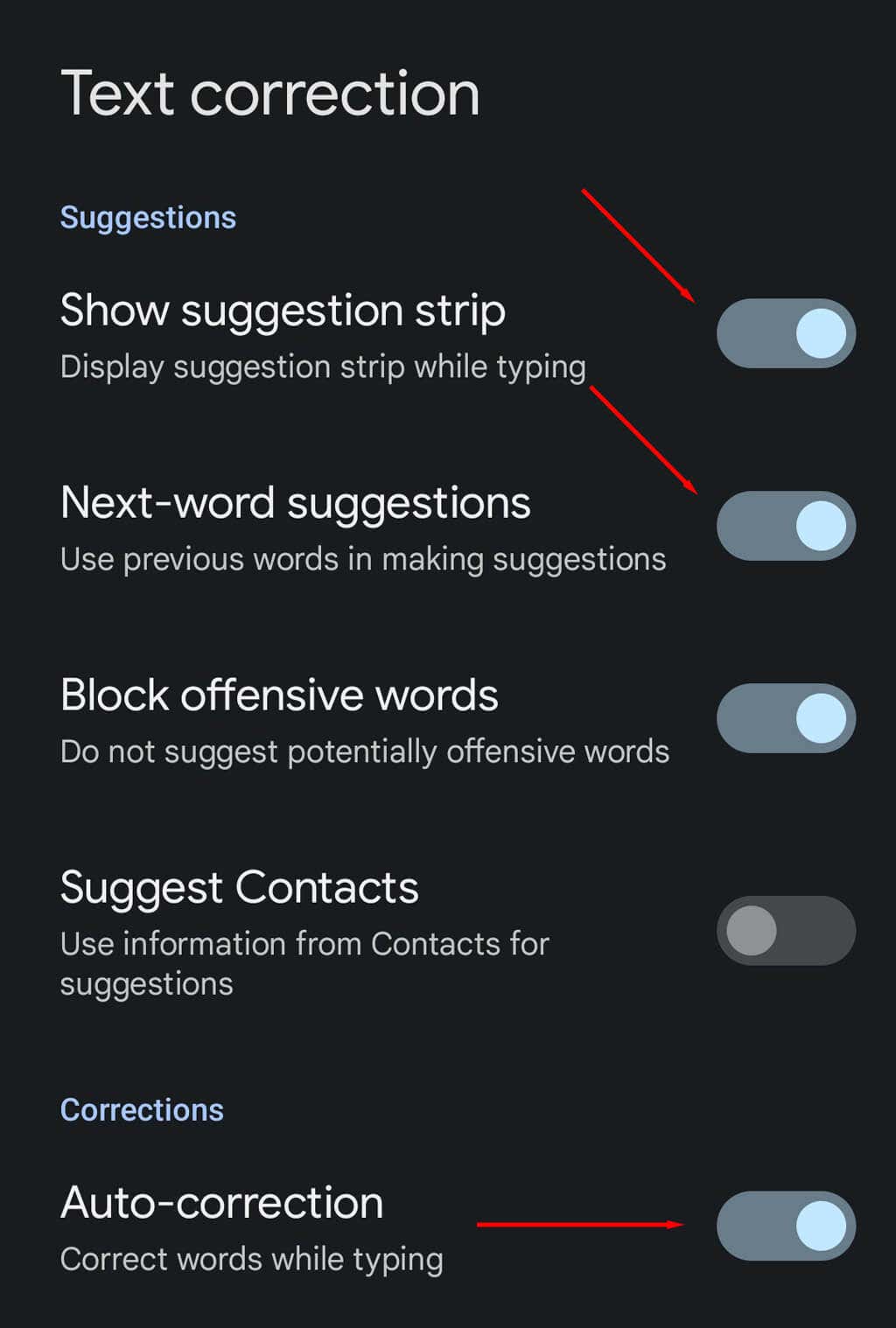
If you’ve installed Google’s third-party keyboard, Gboard, you’ll notice that it also stores learned words. Luckily, it’s just as easy to remove words from your personal dictionary by accessing the Gboard settings. To do so: To remove learned words when they appear as suggestions, you can press and hold the suggestion and select Remove suggestion from the notification pop-up.
How to Remove Learned Words From Microsoft SwiftKey
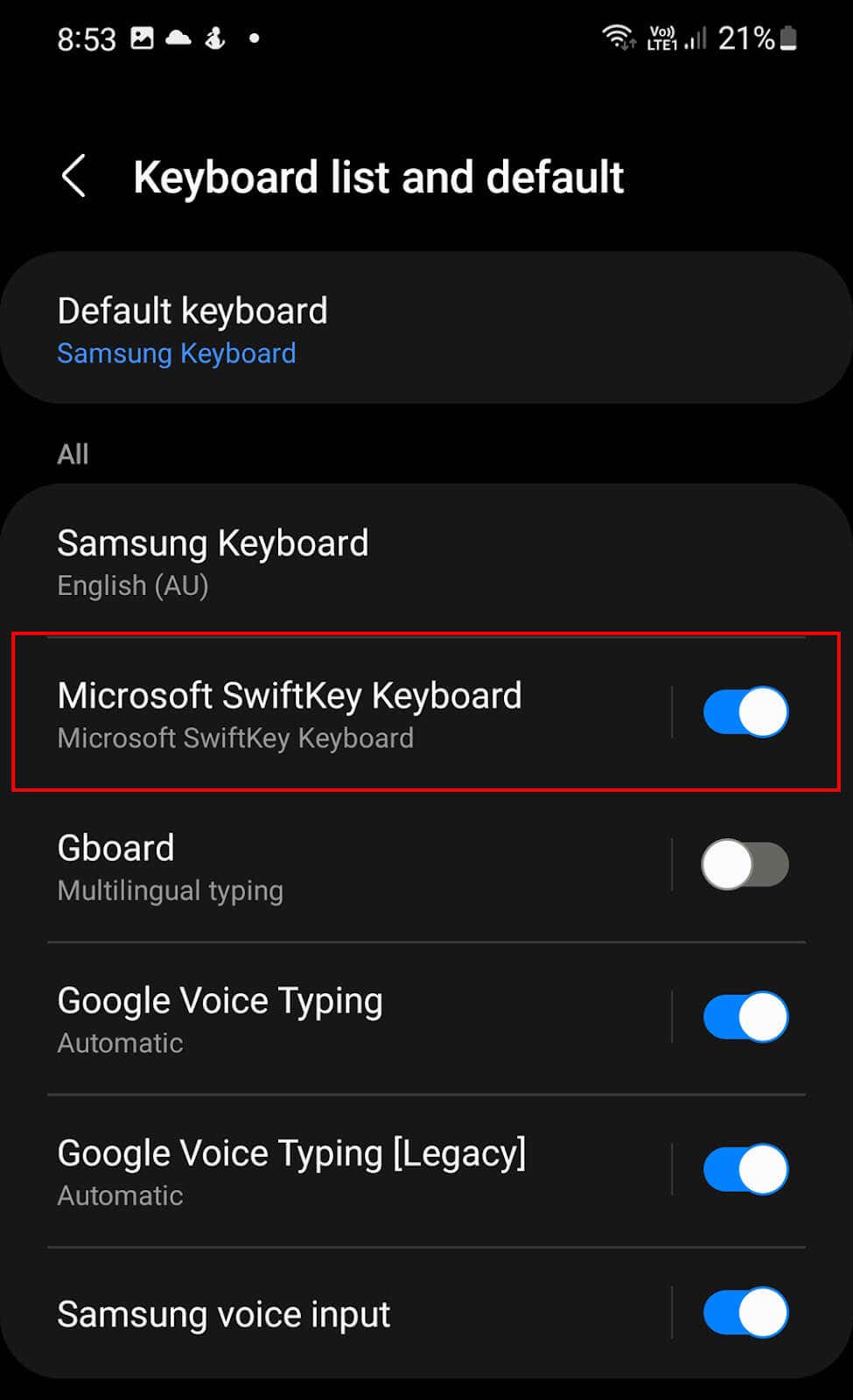
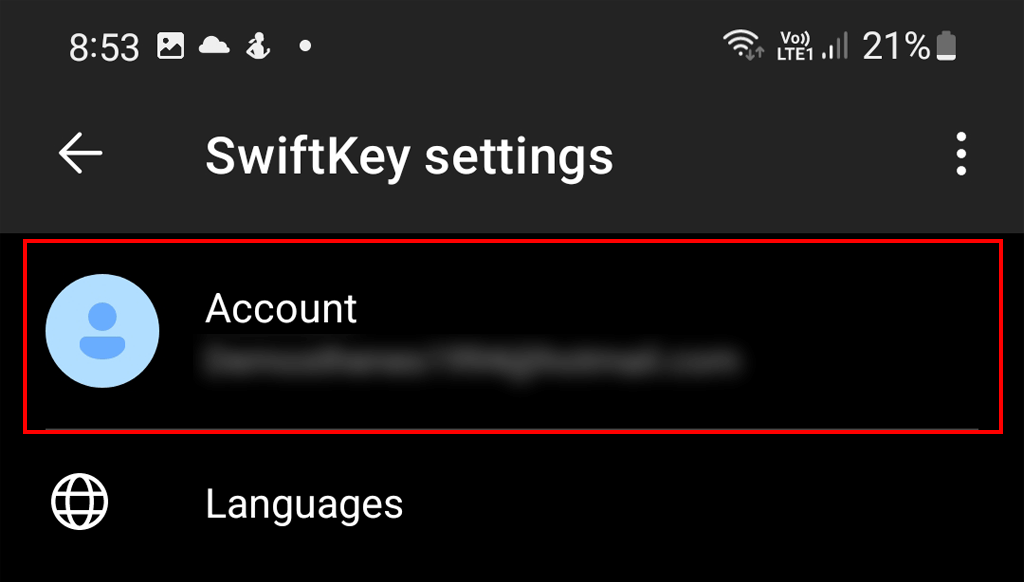
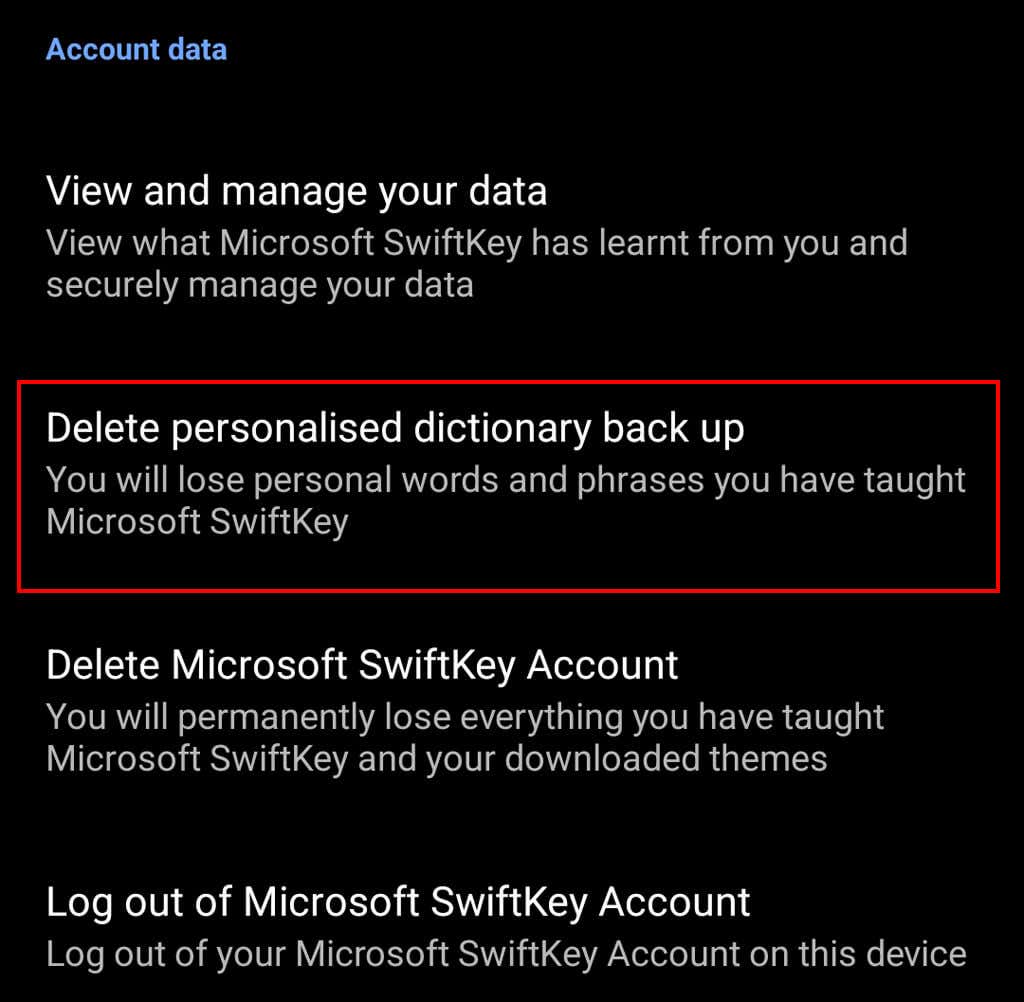
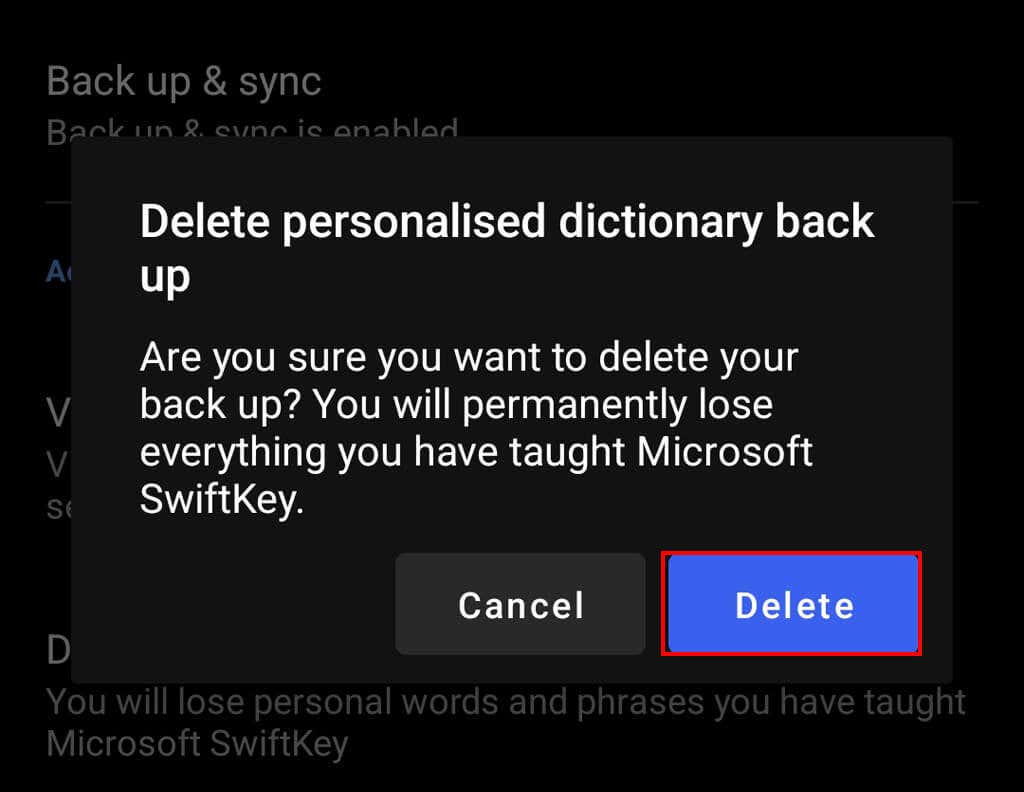
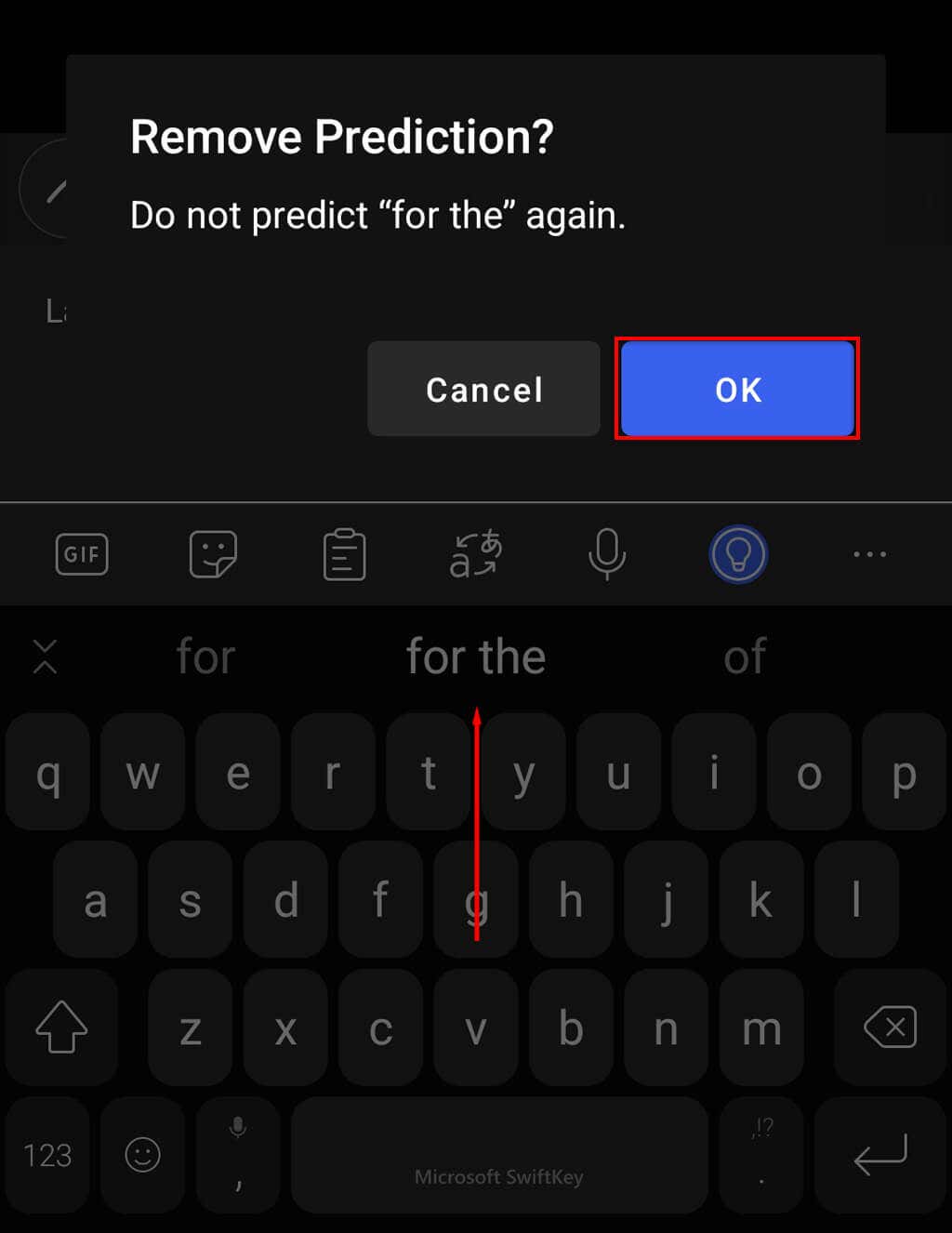
Removing saved words from the Microsoft SwiftKey Keyboard is very similar to both Samsung Keyboard and Gboard. You can remove either the entire dictionary of learned words or a single word from the SwiftKey virtual keyboard. To clear the entire dictionary: To delete specific words from the SwiftKey library:
Turn Off Autocorrect to Stop Adding New Words
If you make a lot of spelling mistakes when you’re typing, turning off autocorrect can stop these from being added to your personal data library. This helps prevent unwanted words from popping up as suggestions and can help you get back to typing how you’d like to. The downside is, you might have a few more spelling errors. To turn off autocorrect:
Text Faster Than Ever Before
There’s nothing worse than typing a word correctly only to have it automatically replaced by an incorrect word. But that’s what often happens with the advanced on-screen keyboard apps on both Androids and iPhones. Hopefully, this article has helped you delete those pesky words and you can start typing like normal once again.