This tutorial covers step-by-step instructions for connecting Bluetooth devices to Fire TV devices. You’ll also learn how to troubleshoot Bluetooth connectivity issues on your Fire TV.
Pair or Connect Bluetooth Devices to Fire TV
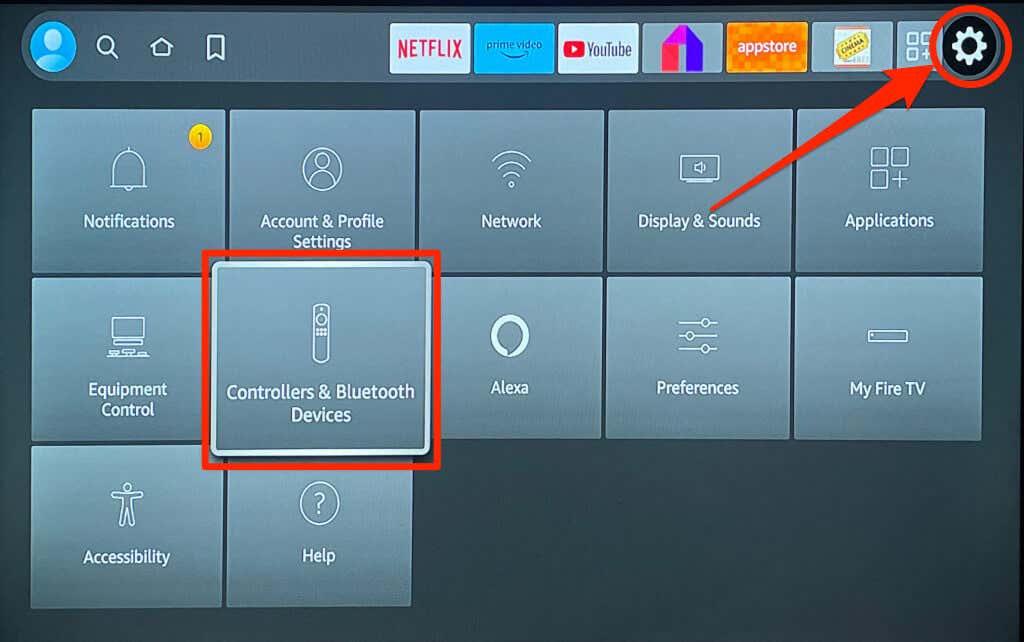
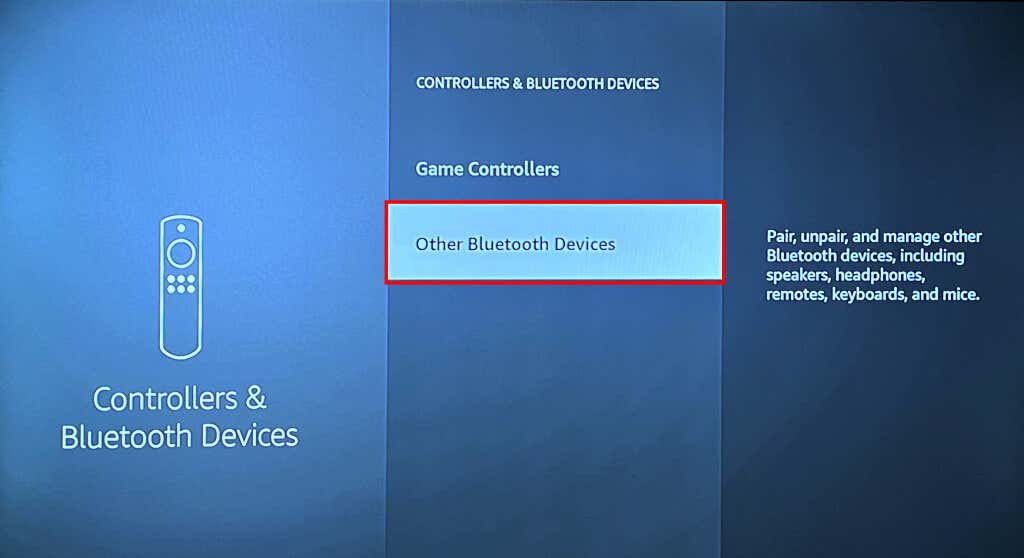
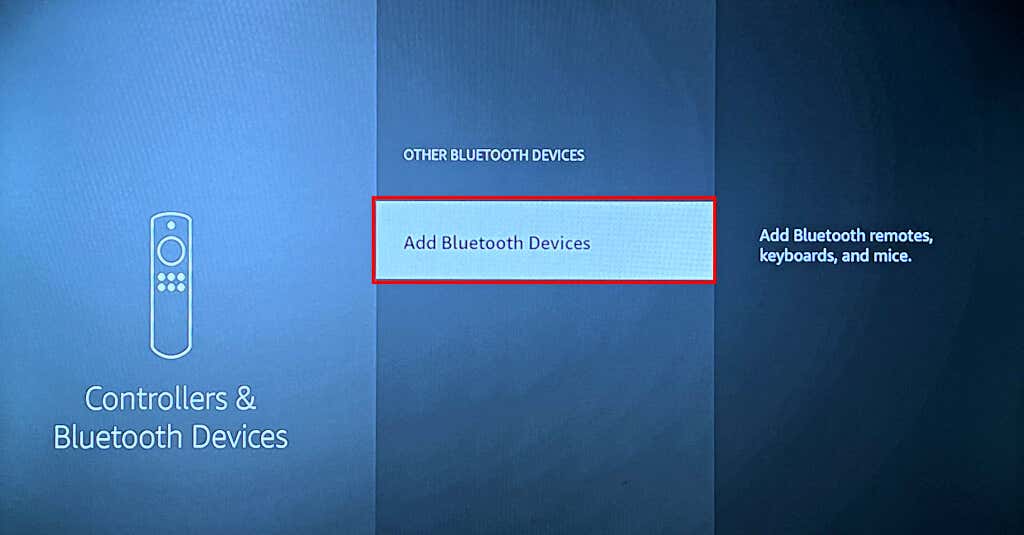
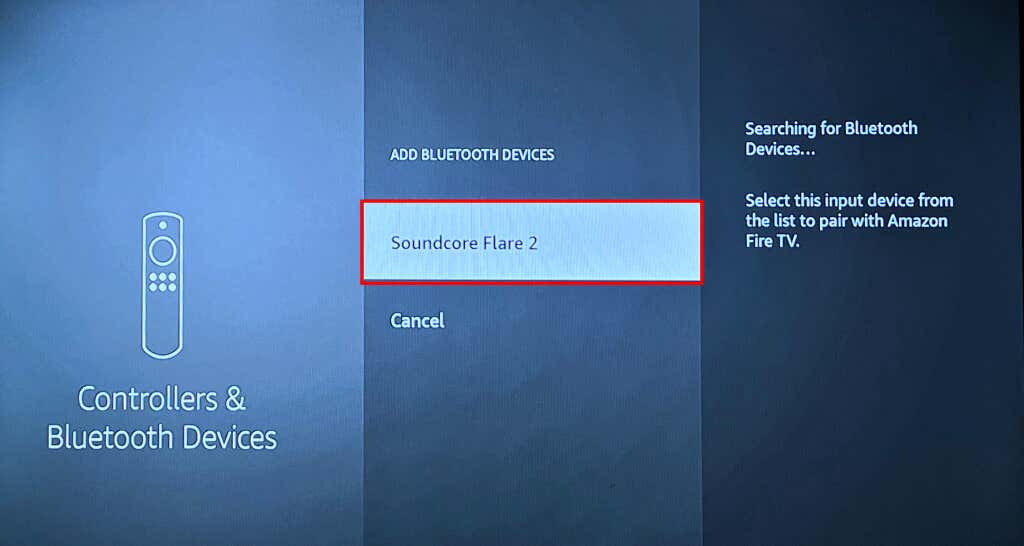
Follow the steps below to connect your Fire TV to a Bluetooth device.
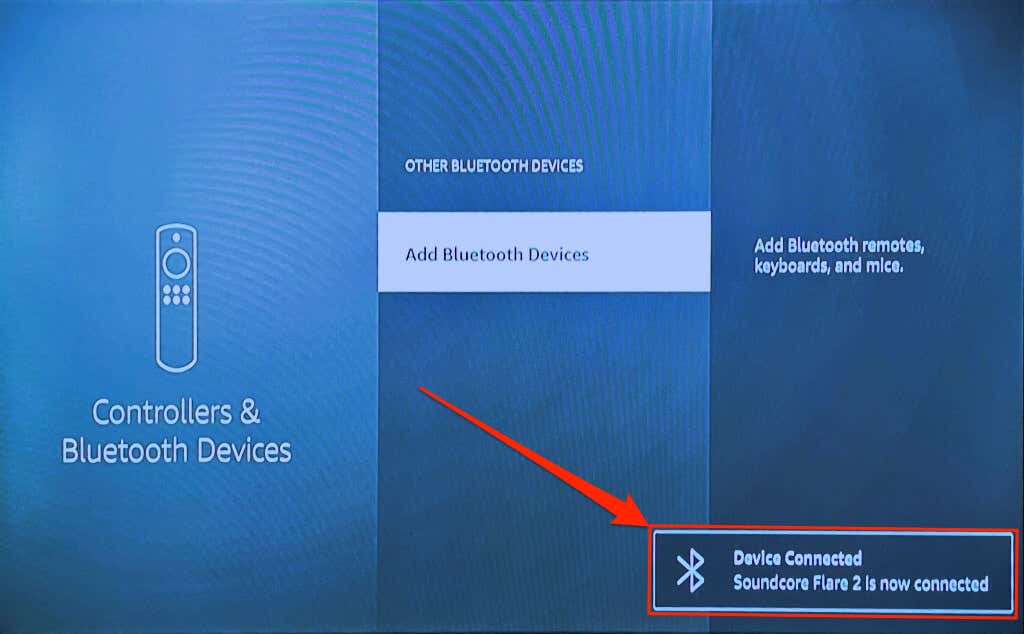
You should see a “Device Connected” success message in the bottom-right corner of your TV screen.
Unpair Bluetooth Devices from Fire TV
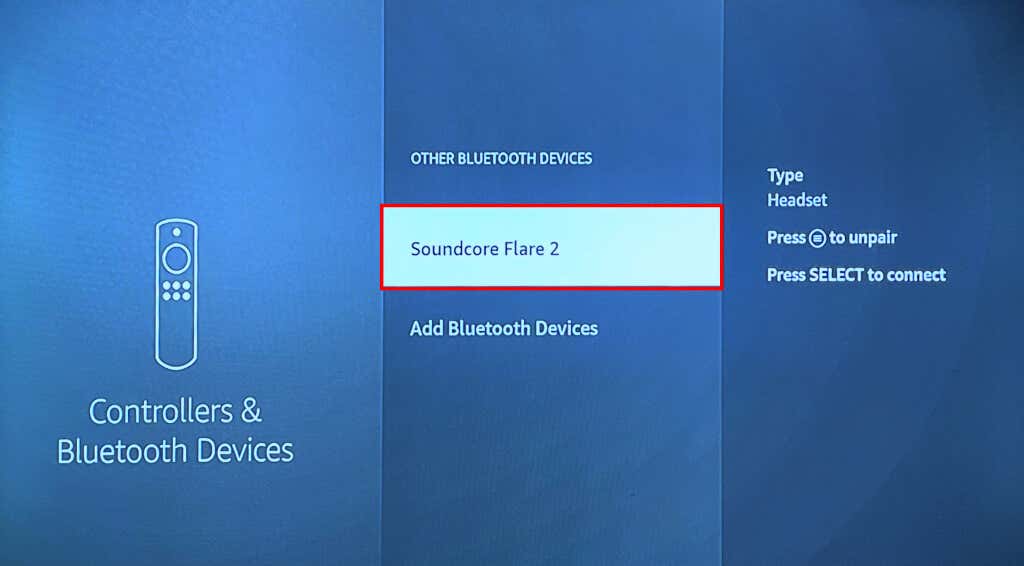
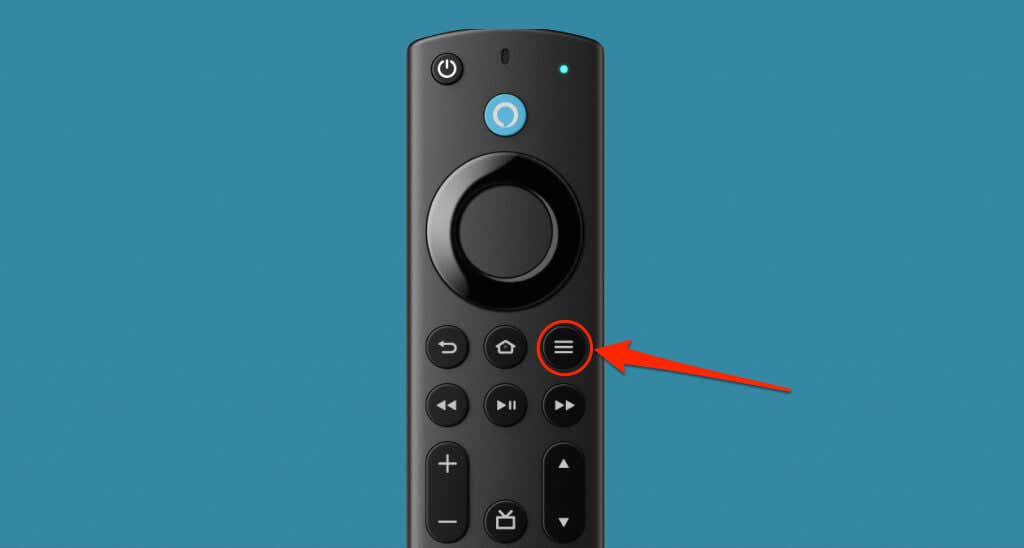
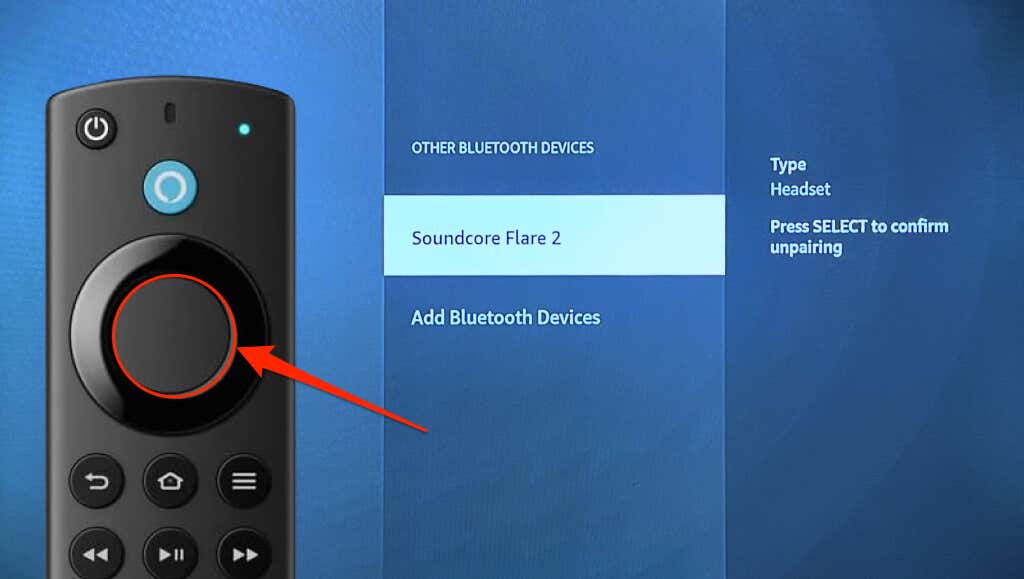
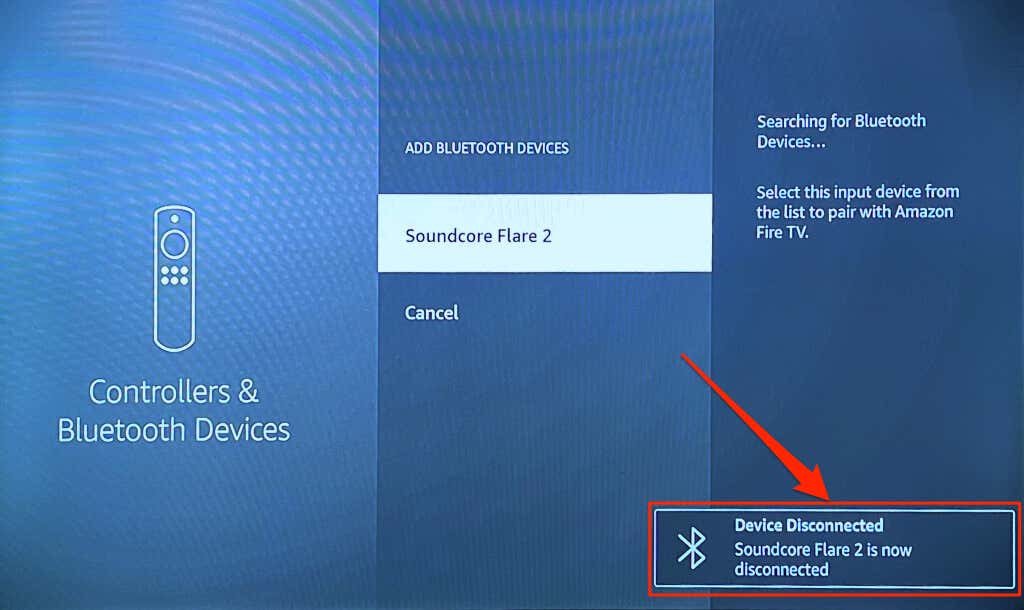
Follow these steps to disconnect or unpair a Bluetooth device from your Fire TV.
You should see a “Device Disconnected” notification in the bottom-right corner of your screen.
Bluetooth Device Not Connecting to Fire TV? 3 Ways to Fix
Try these troubleshooting recommendations if you have trouble connecting Bluetooth devices to your Fire TV.
1. Connect a Different Device
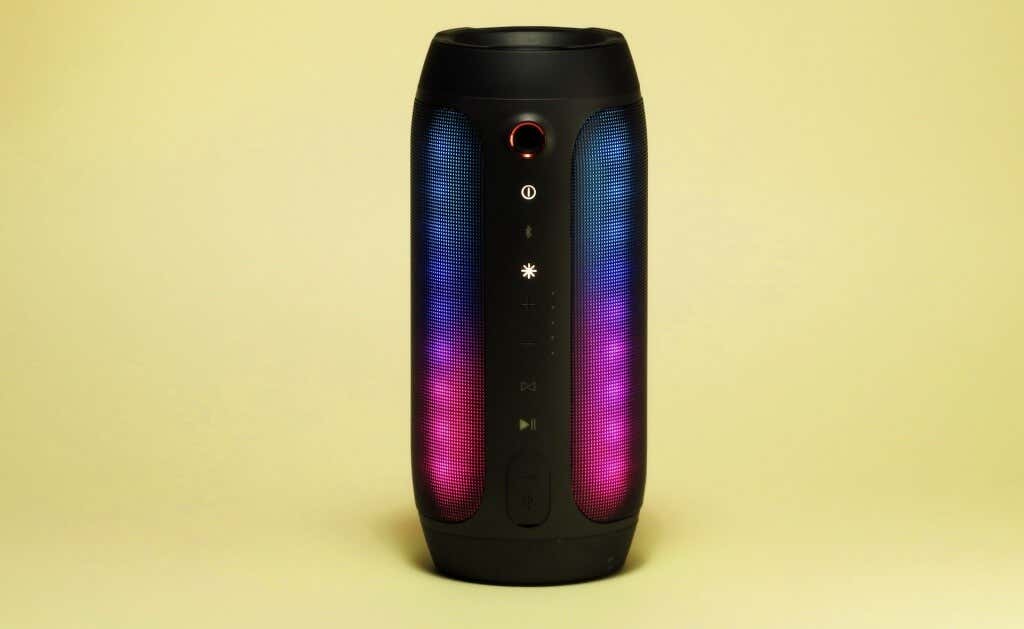
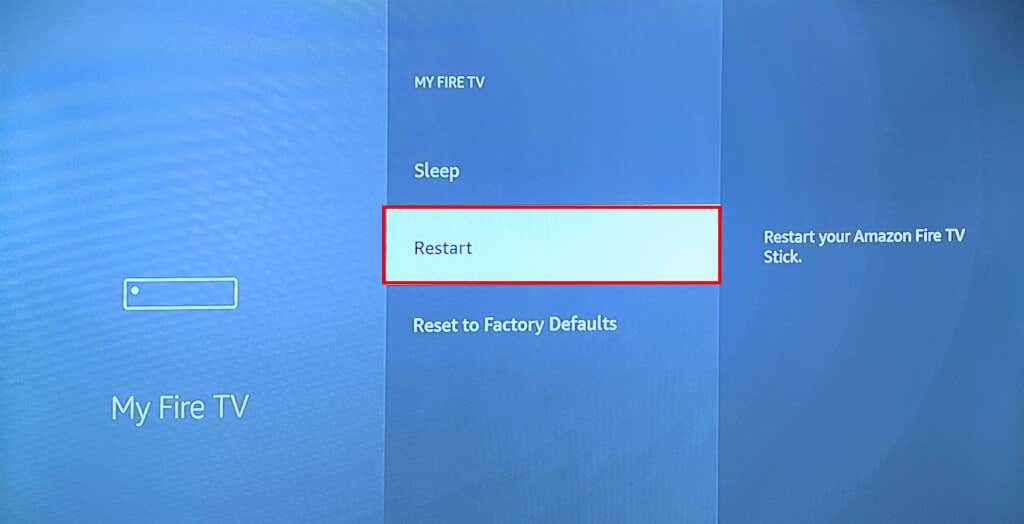
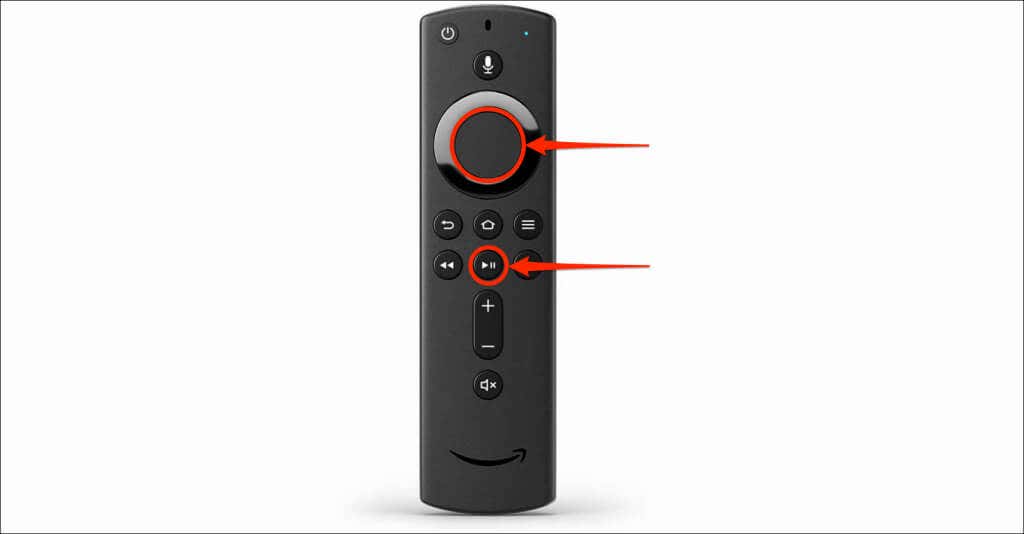
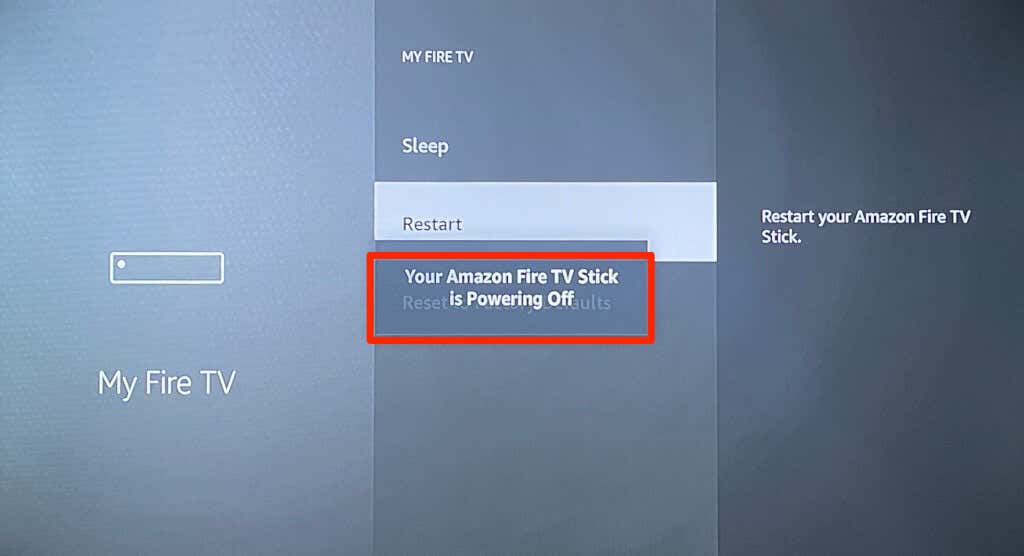
Try connecting a different device to your Fire TV if the issue persists. That’ll help you pinpoint the cause of the connection failure. If no Bluetooth device connects to your Fire TV, the streaming device is likely the problem. Rebooting your Fire TV or updating its software might resolve the Bluetooth connectivity issue. If a specific Bluetooth device won’t pair to your Fire TV, reboot the device and try again. Also, ensure the device is in Bluetooth pairing mode, and its battery holds enough charge. We also recommend updating the Bluetooth device’s firmware or resetting it to factory settings—see its user manual for instructions. Head to Settings > My Fire TV and select Restart. Alternatively, press and hold the Play/Pause and Select buttons on your Fire TV Remote for 3-5 seconds.
3. Update Your Fire TV
Updating your Fire TV software can resolve Bluetooth connectivity issues and improve the streaming device’s performance.
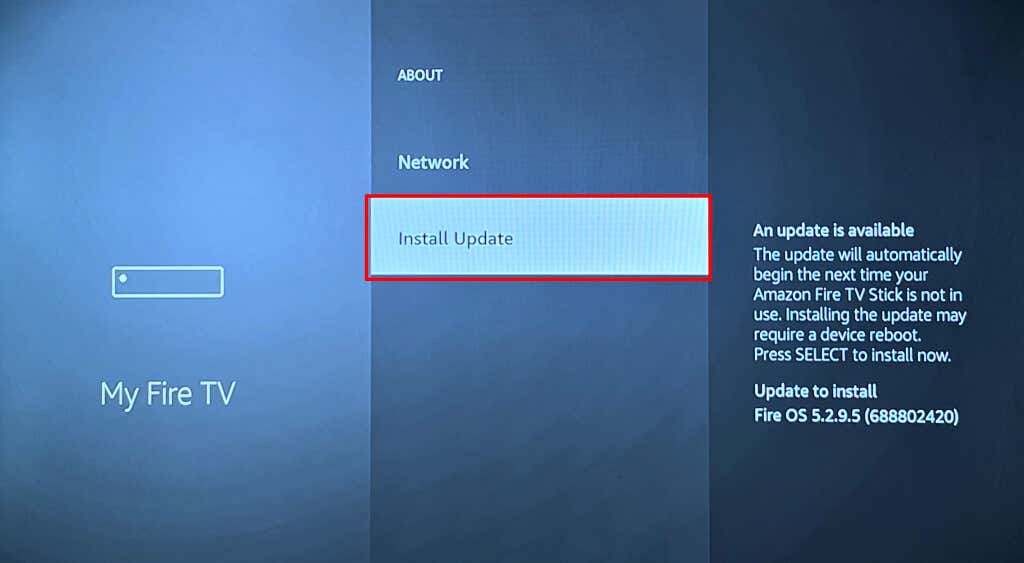
Connect your Fire TV to the internet, go to Settings > My Fire TV > About, and select Check for Updates or Install Updates.
Use Bluetooth Accessories with Your Fire TV
Pairing and disconnecting Bluetooth devices and accessories to Fire TV is straightforward. Connect wireless controllers to play games or pair headphones for a private media streaming experience. Connecting your home theater via Bluetooth (instead of HDMI) also allows for a cable-free setup.