How to (Force) Close Apps on Your Fire TV
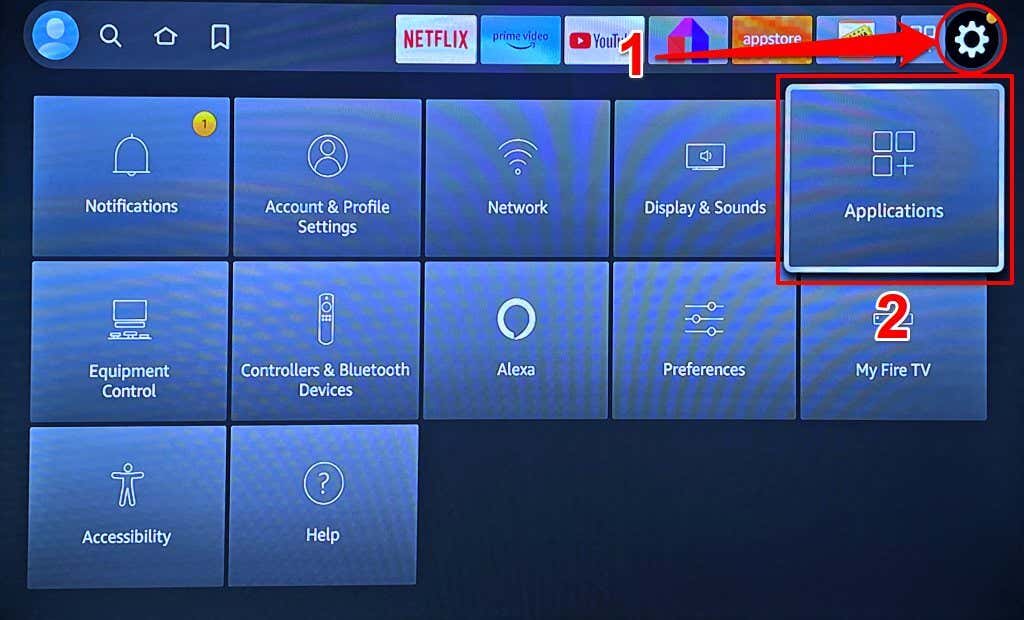
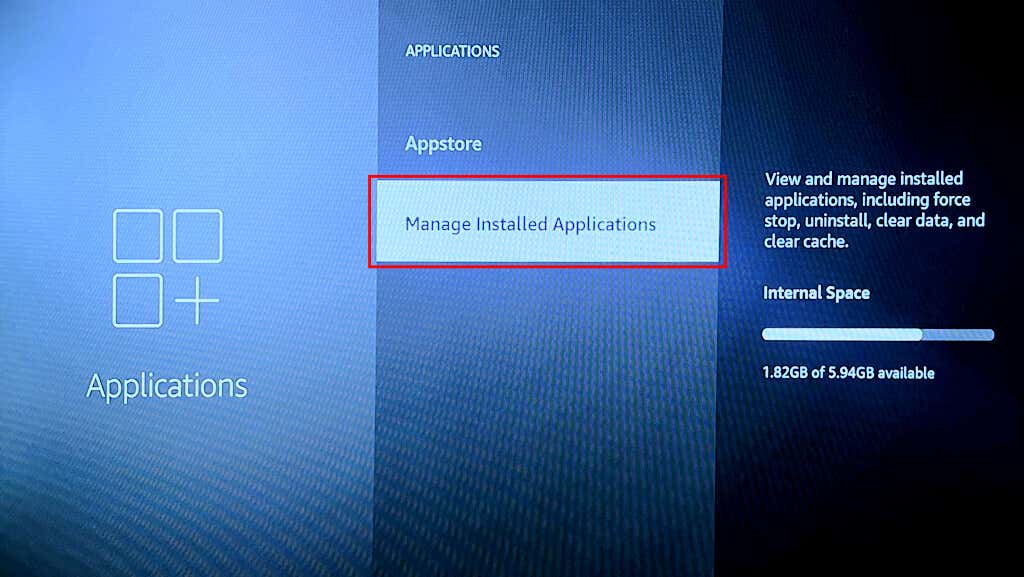
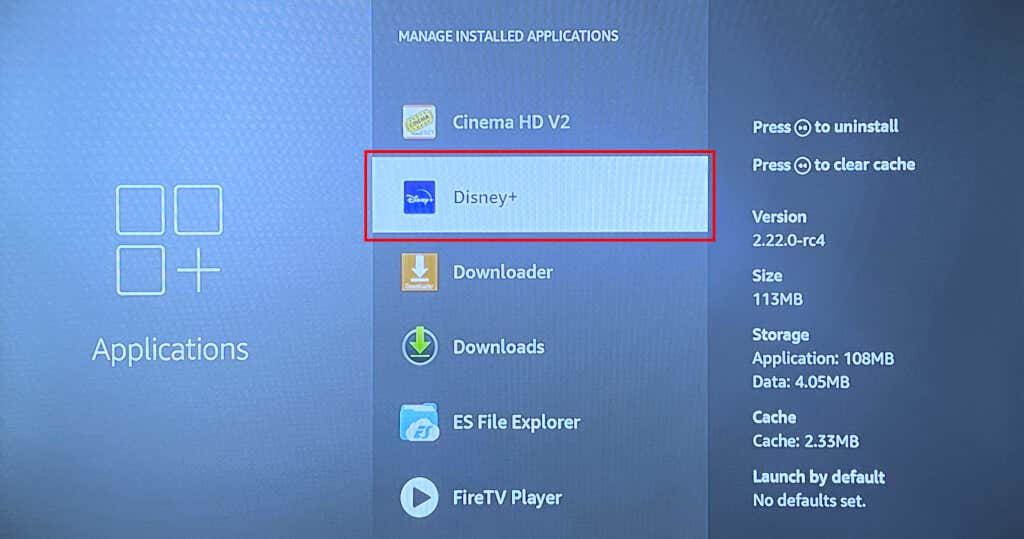
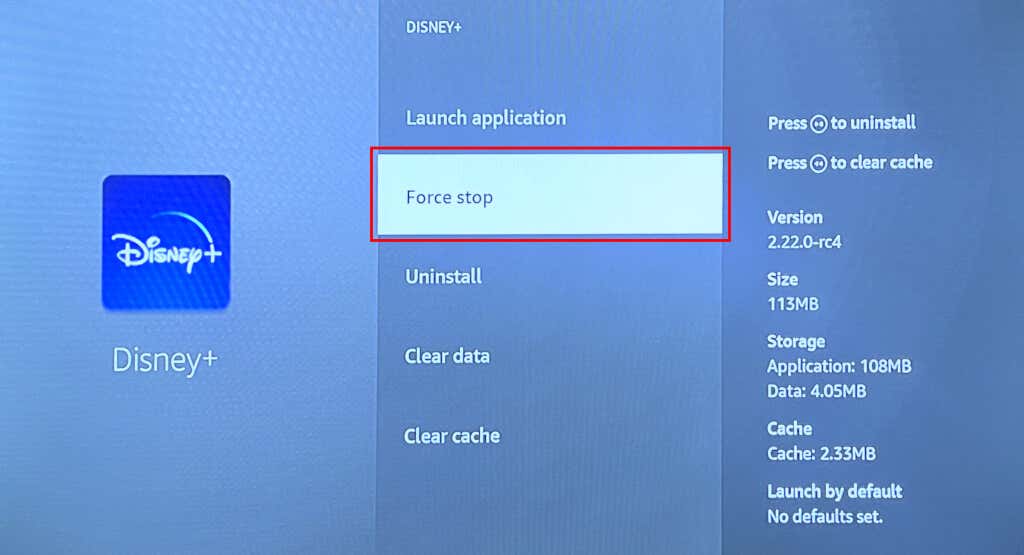
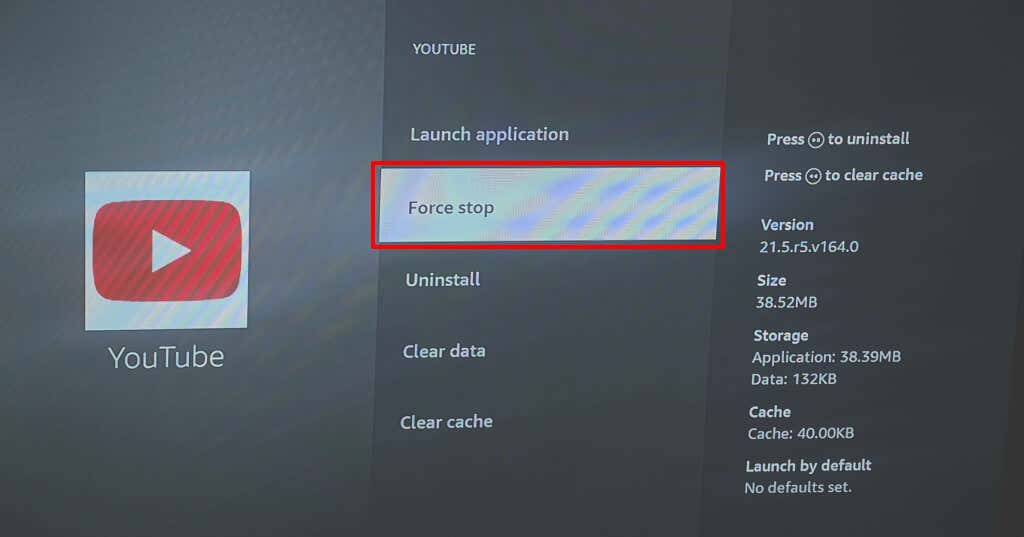
You should only force-close an application when it’s glitching, unresponsive, or affecting your Fire TV’s performance. Force-closing apps on Fire TV devices is a straightforward process. However, there’s no built-in method to see (all) applications currently running in the background on the streaming device. Third-party “task killer apps” provide several options for background app management. The next section has instructions for installing and using a popular third-party task killer app on Fire TV devices.
Force Close Apps Using Third-Party Apps
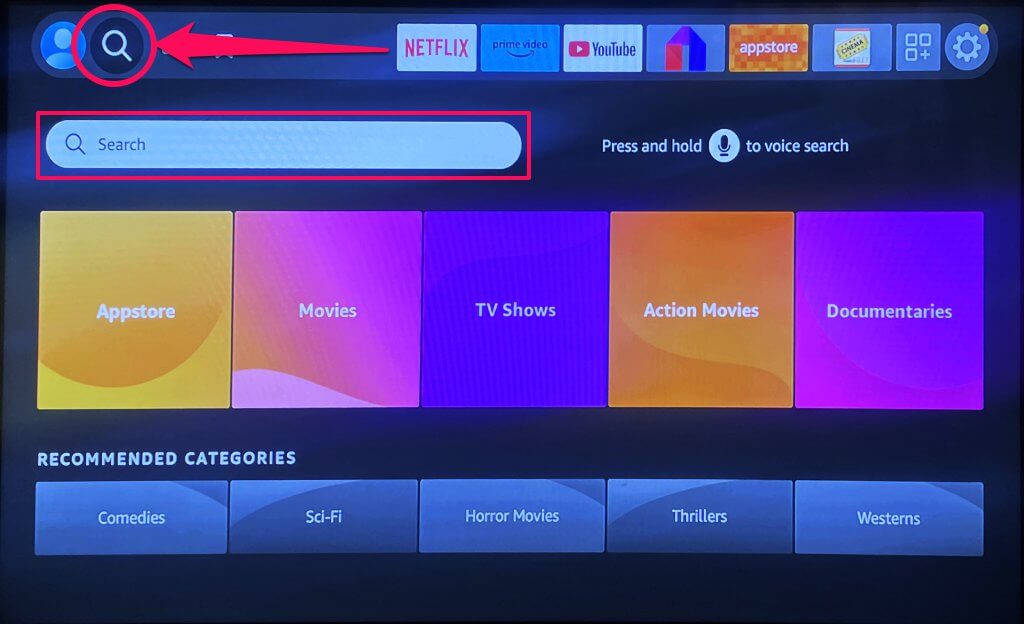
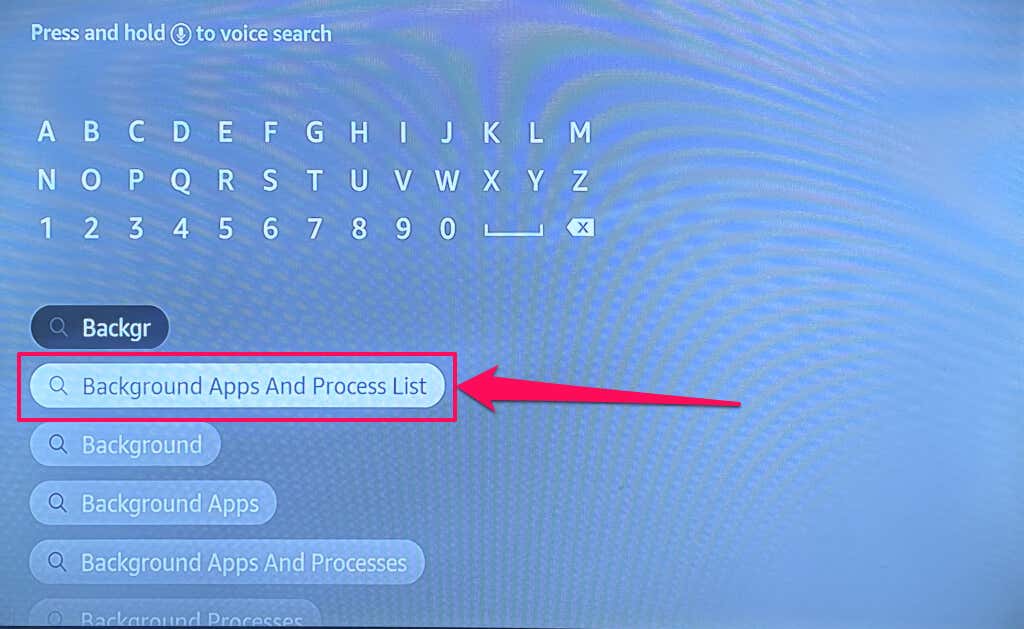
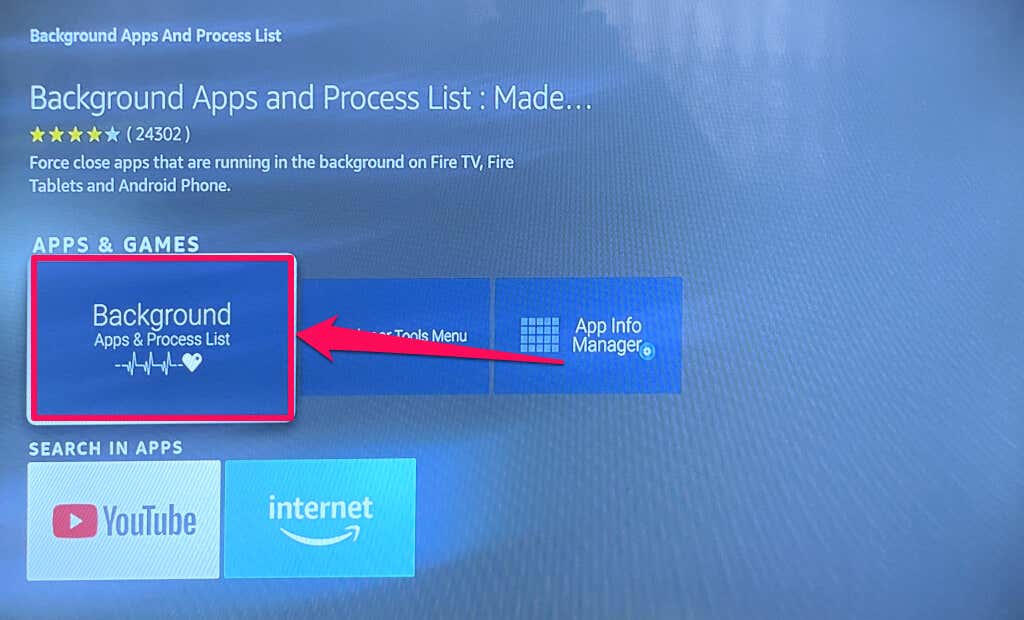
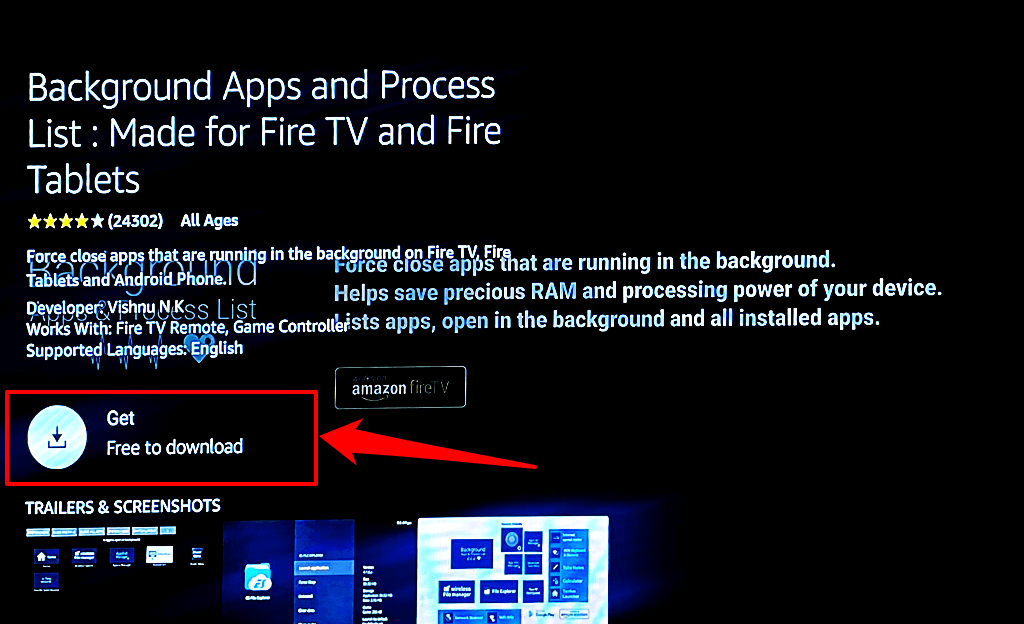
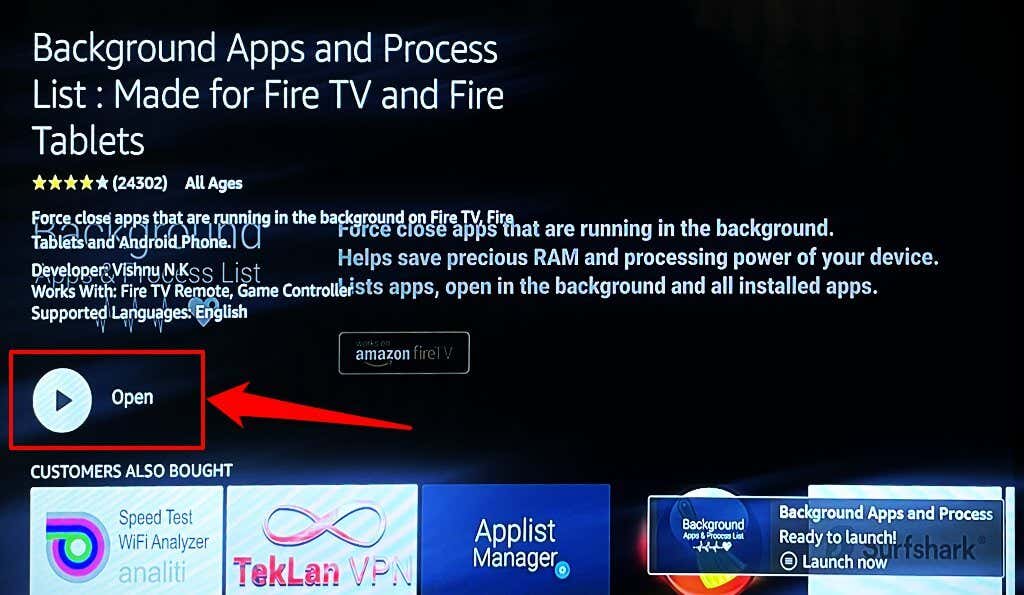
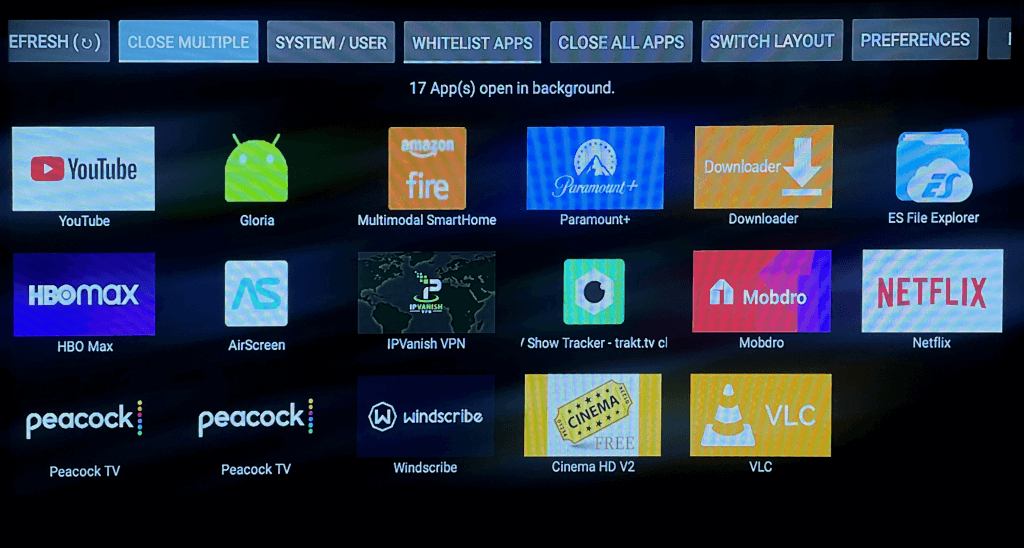
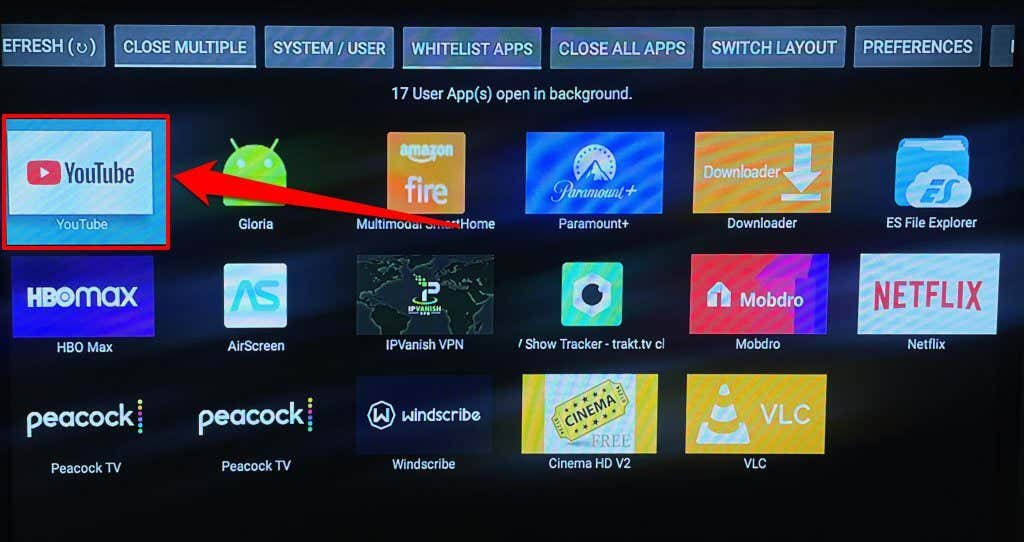
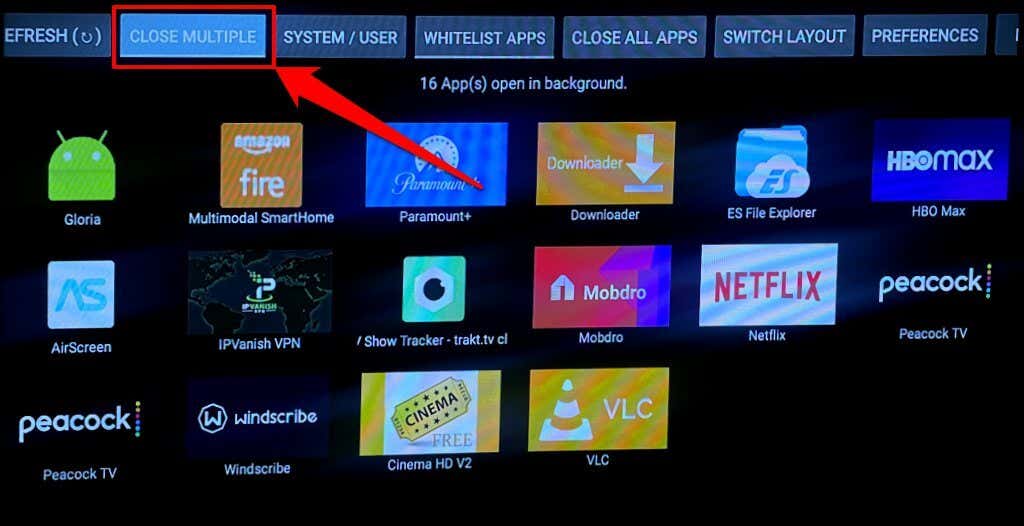
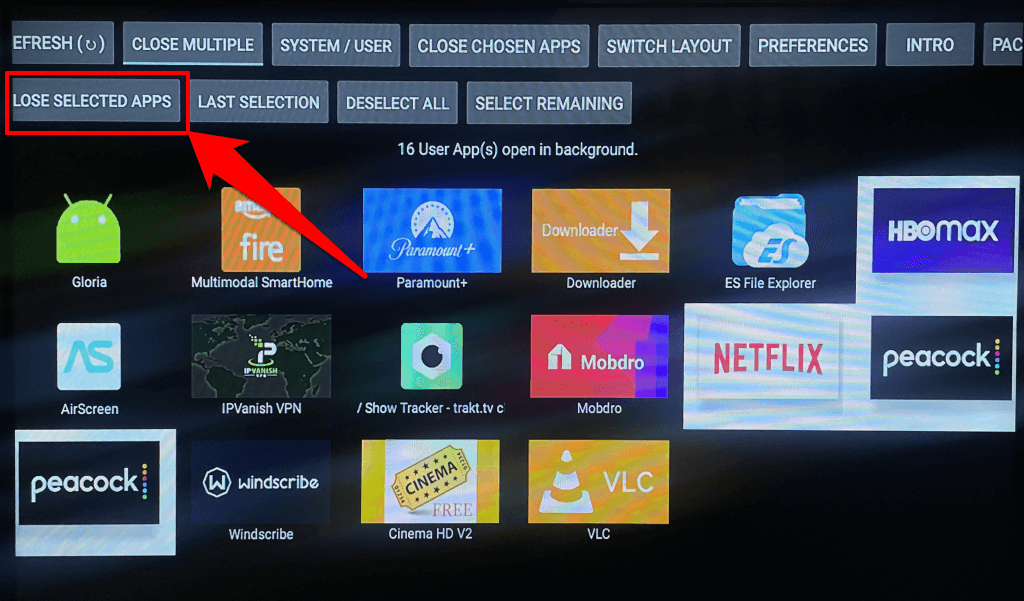
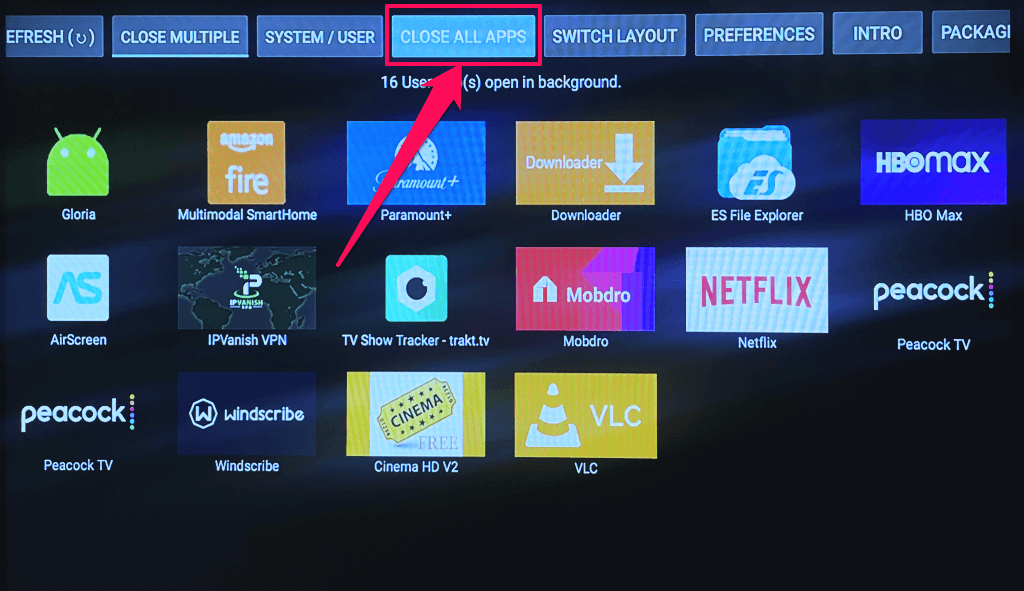
Background Apps and Process List is a reputable background app management for Fire TV devices. It auto-detects and displays a list of applications running in the background on your Fire TV. On the app’s homepage, you’ll find a list of all applications currently running on your Fire TV. The Background Apps and Process List app cannot directly close or force close Fire TV applications. It only serves as a channel to view and manage background applications. The app has a Close All Apps button that helps force close all background applications.
Close Apps for Glitch-Free Streaming
Closing unneeded background apps on your Fire TV has several benefits. First, it frees up memory for essential applications to run smoothly. Force-stopping and reopening streaming applications like Netflix can also fix buffering issues if you have a high-speed connection. If an application keeps glitching after force-stopping it, update the app and reboot your Fire TV. You should also clear the app’s cache and update your Fire TV’s software. Uninstall and reinstall the application, or contact the developer if the issue persists.