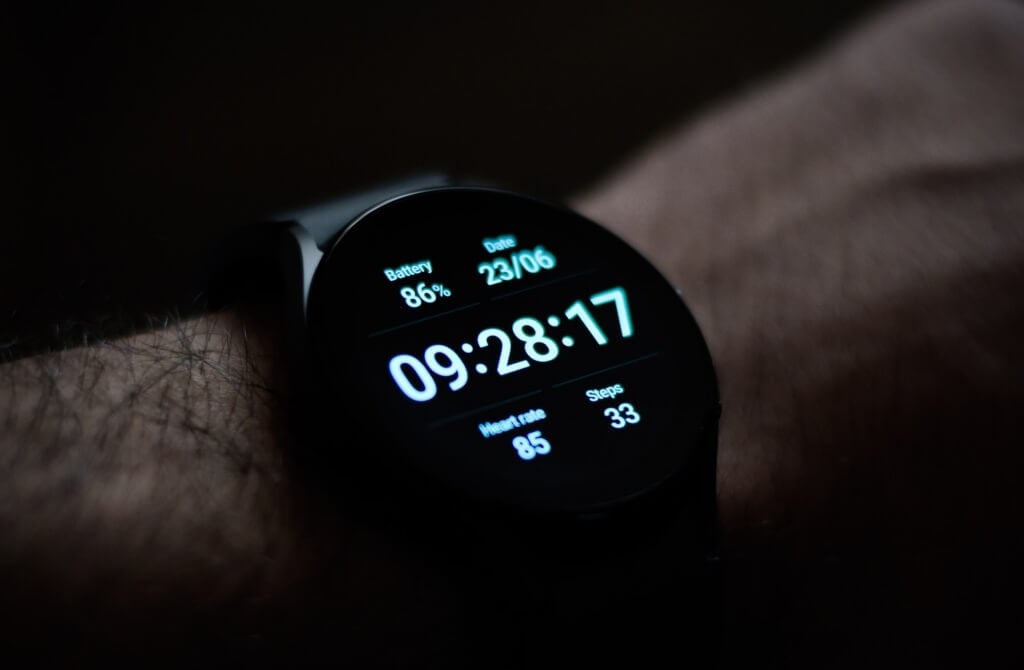
You’ll learn how to charge your Galaxy Watch properly and things to avoid when charging the smartwatch.
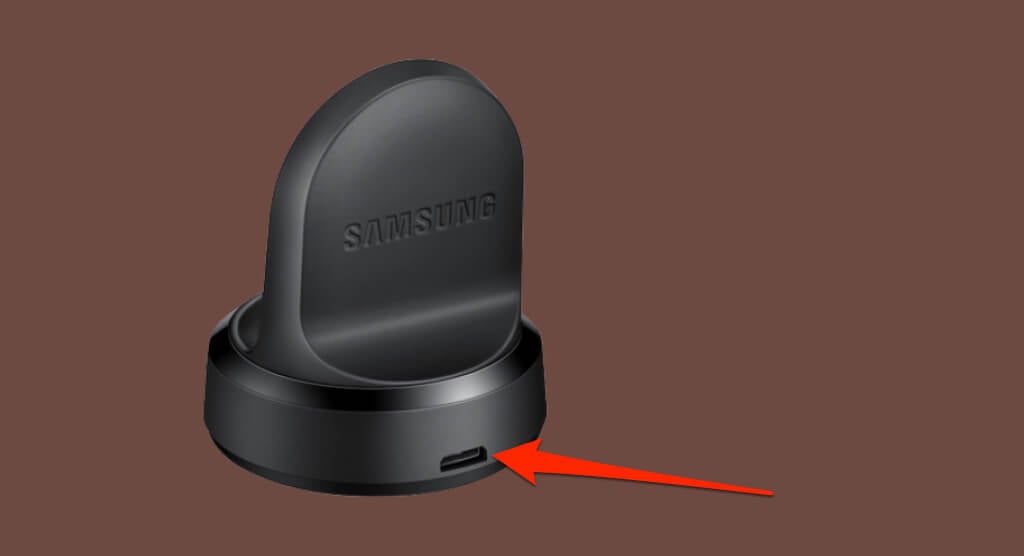
Charge Galaxy Watches Using Flat Magnetic Charging Dock
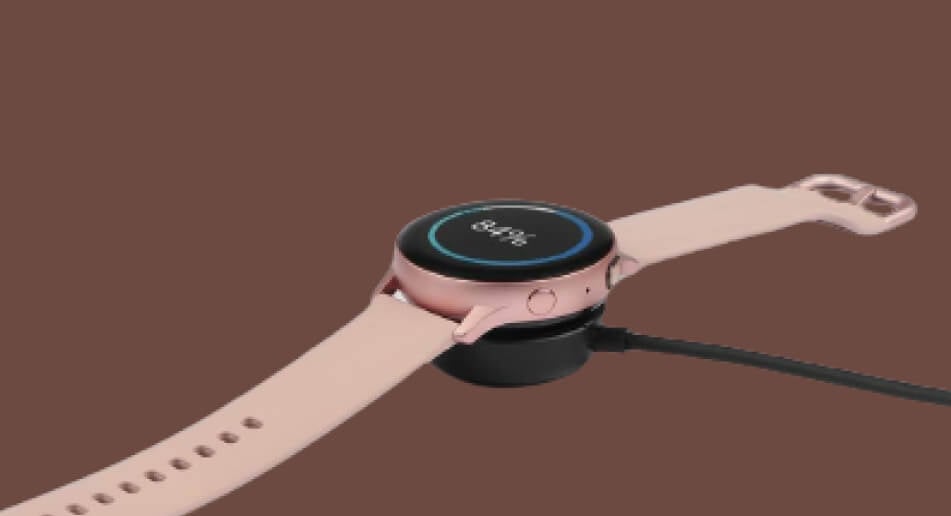
The following Samsung Galaxy Watch series use the magnetic flat charging dock:
Galaxy Watch Active Galaxy Watch Active2 Galaxy Watch3 Galaxy Watch4 series Galaxy Watch5 series Galaxy Watch6 series
Samsung recommends using only authentic accessories to charge your Galaxy Watch. You’ll find Samsung-approved wall chargers on Samsung’s website or nearby Samsung Experience Stores. If you have the Galaxy Watch4 or older, ensure your wall charger has a 4.5W power output rating or higher. For Galaxy Watch5 and Watch 5 Pro, a 9W (or higher) adapter guarantees fast-charging speed. Chargers with power ratings below the minimum requirements will charge your Galaxy Watch slowly. The Samsung Galaxy Watch5 and Watch5 Pro have an updated USB-C charger that supports the Power Delivery (PD) fast-charging standard. Using the cable with a USB-C PD adapter will charge the Galaxy Watch5 faster than regular non-PD adapters.
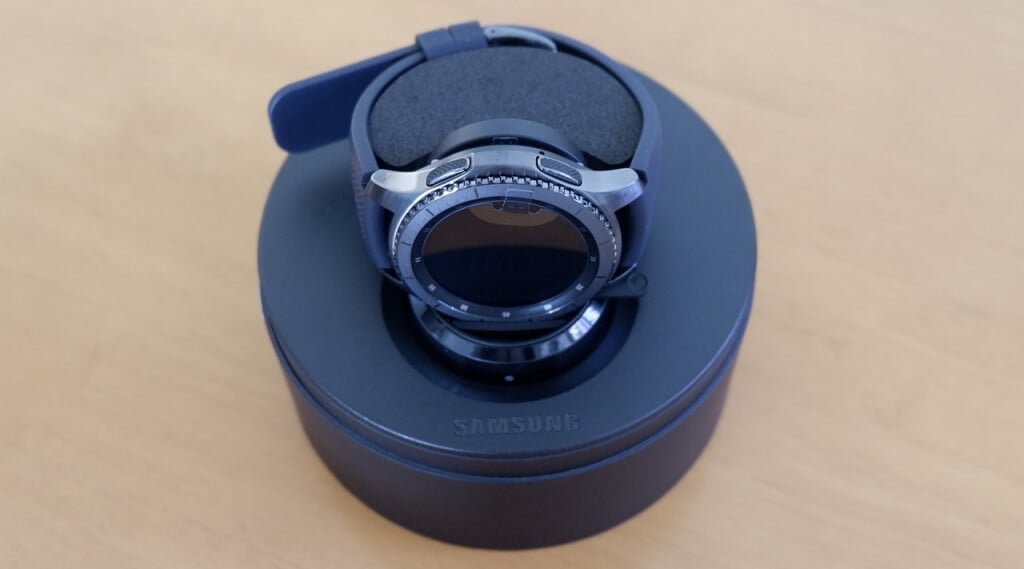
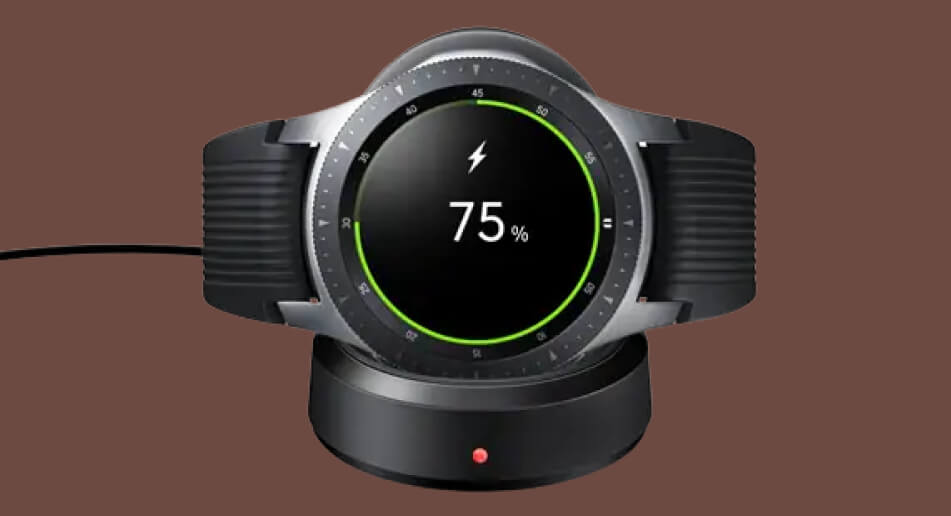
Use the Galaxy Watch Wireless Charging Dock
The LED indicator on the dock turns red when charging and green when fully charged.
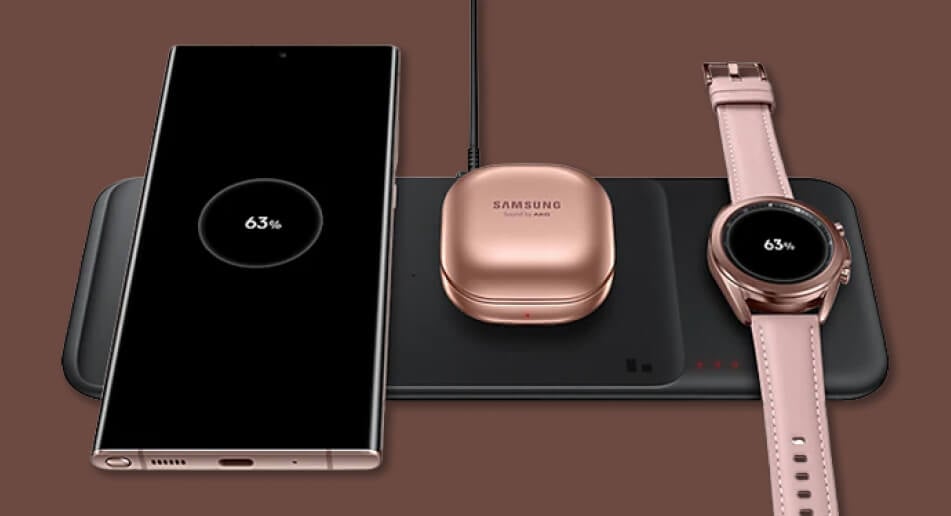
Use Wireless Chargers or Charging Pads
The Samsung Wireless Charger Trio has a dedicated spot for Galaxy watches and two other devices. However, it only supports the Galaxy Watch3, Watch Active2, and Galaxy Active. The embedded magnet in the dedicated spot holds your watch in place when charging. The third LED indicator should display a solid RED light when your watch charges and green when fully charged. Although Galaxy watches don’t support the Qi wireless charging standard, some third-party Qi-certified wireless chargers claim to charge Galaxy watches. Using these non-compatible charging accessories could damage your watch or its battery.
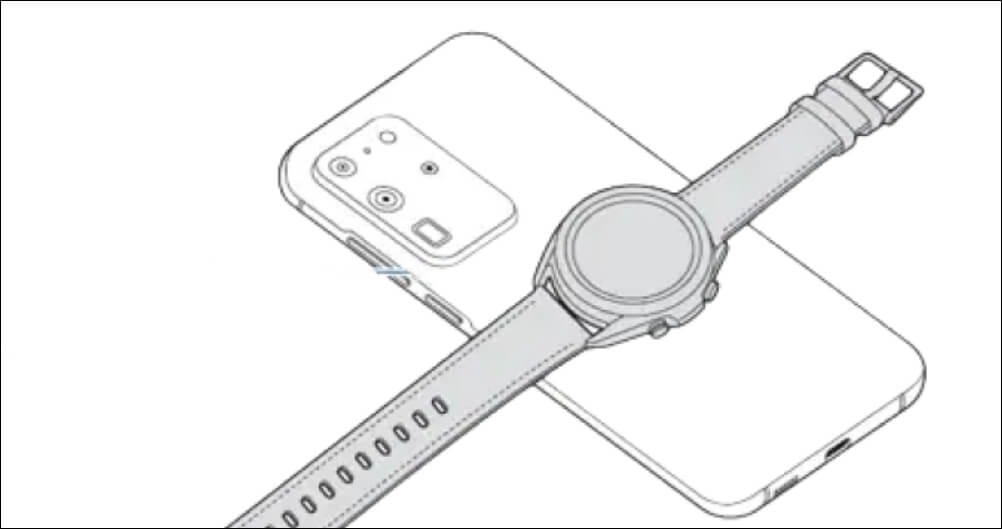
Charge Galaxy Watch Using Wireless PowerShare
Wireless PowerShare allows Samsung smartphones to charge other devices wirelessly. The table below lists Samsung phones and Galaxy watches that support Wireless PowerShare. Your Samsung phone or tablet must have at least 30% battery level to charge other devices via Wireless PowerShare. Follow the steps below to charge your Galaxy Watch using Wireless PowerShare.
Charging Tips for Samsung Galaxy Watches
Samsung advises charging new Galaxy watches before using them for the first time after unboxing. You should also fully charge the smartwatch if left unused for lengthy periods. Charging speed will vary depending on your Galaxy Watch series, charger power rating, and other factors. For instance, the Galaxy Watch5 will typically charge faster than the Watch5 Pro because the latter has a bigger battery. According to Samsung, a 30-minute charge will fill the Watch5 by 45% and Watch5 Pro by 35%. Also, your Galaxy Watch will charge faster on its original/official charger than Wireless PowerShare or wireless charging pads. Generally, power sources with low electric current (computer USB ports, for instance) will charge your watch slower. Damages caused by unsupported accessories or improper charging aren’t covered by warranty. Hence, use only authentic or official Samsung charging accessories to charge your Galaxy Watch. Charging accessories don’t have the same water or dust resistance certifications as Galaxy watches. Avoid exposing your watch’s charger to liquid, sweat, or dust. Dry your Galaxy Watch with a clean cloth before charging it after any workout activity. Charging from a computer or using your Galaxy Watch while charging will increase the charge time. Charge your watch directly from a wall outlet and leave it to charge fully. An unstable power supply might cause your Galaxy Watch’s touch screen to malfunction while charging. If that happens, disconnect your watch from the charger, and try a different power source. Use a different power adapter or charging cable/dock if the touchscreen malfunction persists.
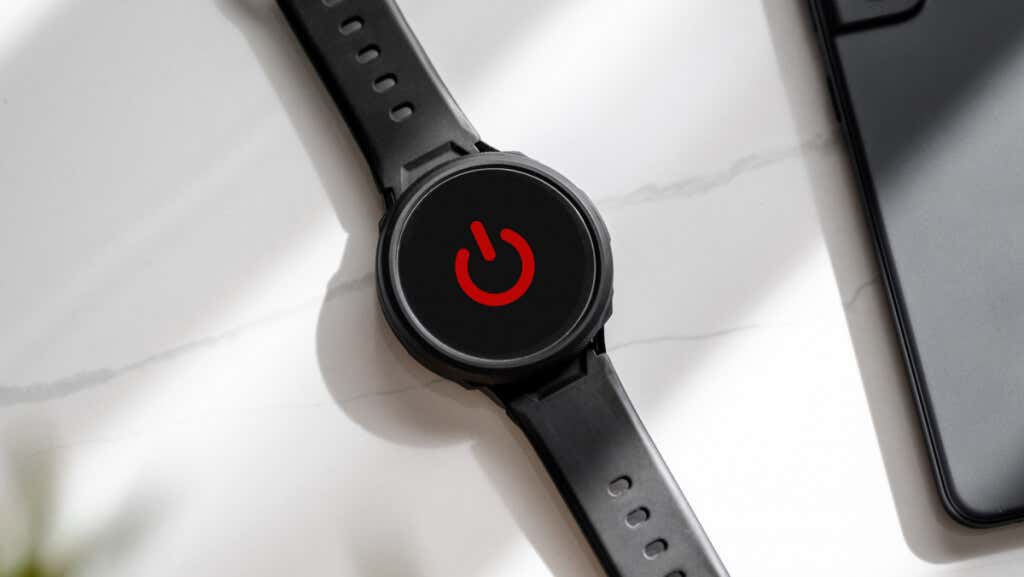
Galaxy Watch Not Charging? Here’s What to Do
Your Galaxy Watch won’t charge if there’s an issue with its battery, charging cable, adapter, or power outlet. Refer to our tutorial on fixing Samsung Galaxy Watch charging problems for troubleshooting solutions. You could also visit a Samsung Service Center near you for assistance. They’ll have your watch examined for factory defects or hardware damage.