Note: Whether changing or resetting your current password, remember that the password must be at least six characters long and cannot be a previous password.
How to Change Your Slack Password
Whether you use Slack on your desktop, the web, or mobile device, you must still use a web browser to access your settings and change your password.
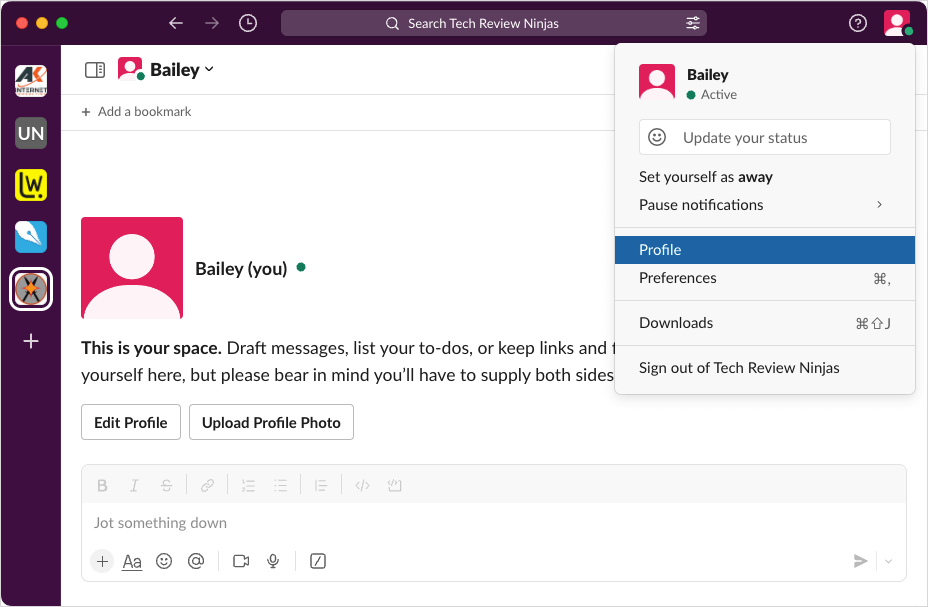
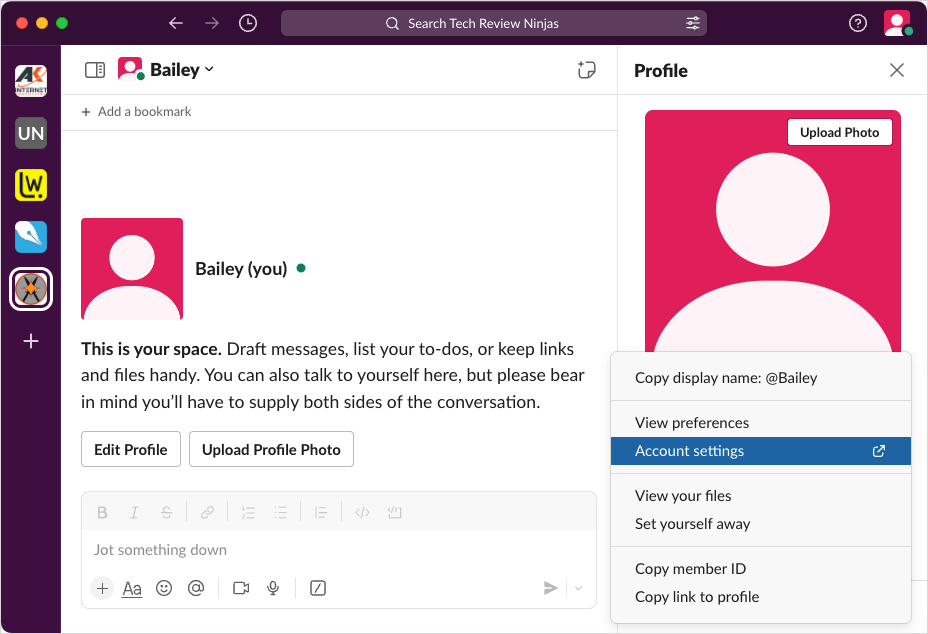
Access Account Settings on the Desktop or Web
You’ll then be directed to your default web browser.
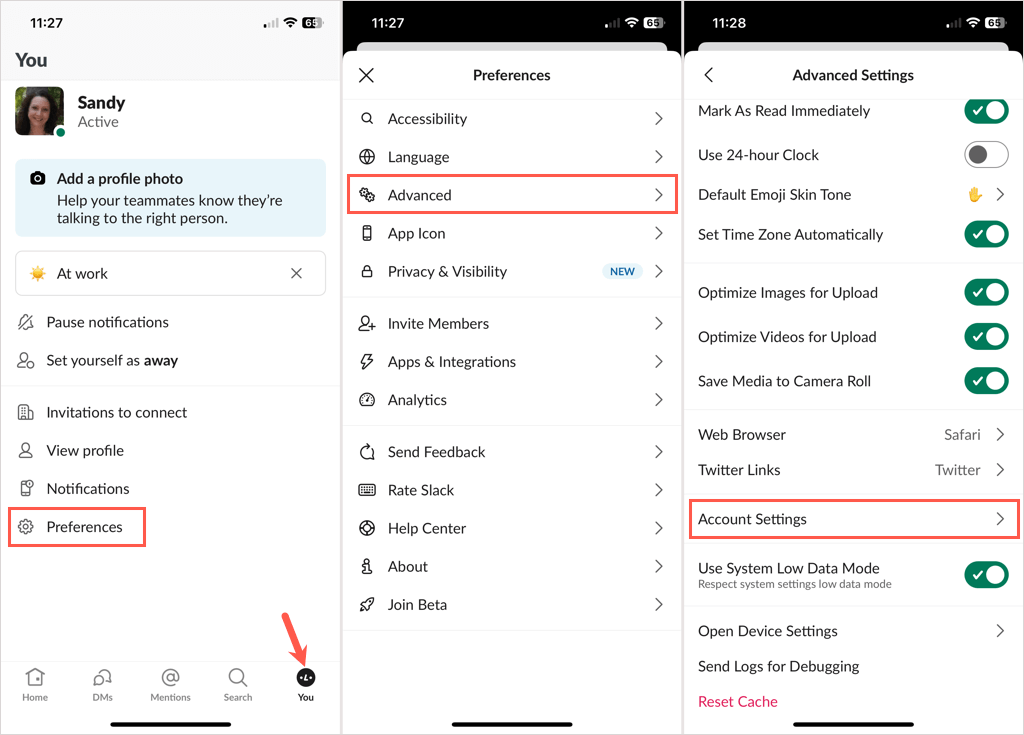
Access Account Settings on Mobile
You should see your web browser open to Slack.
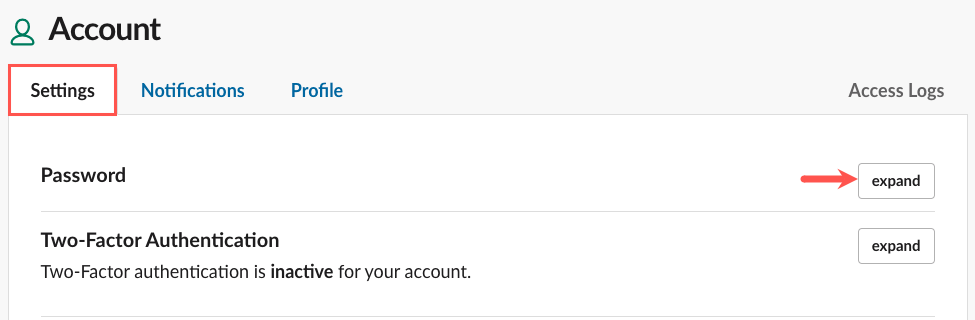
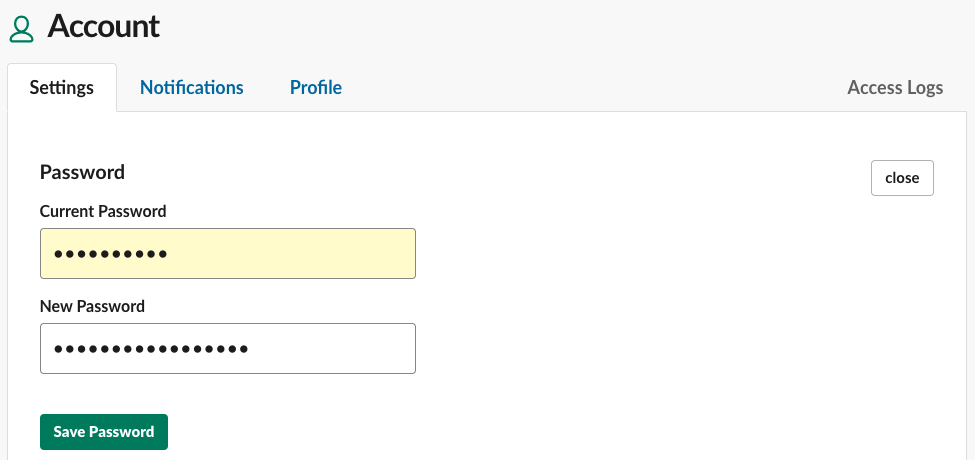
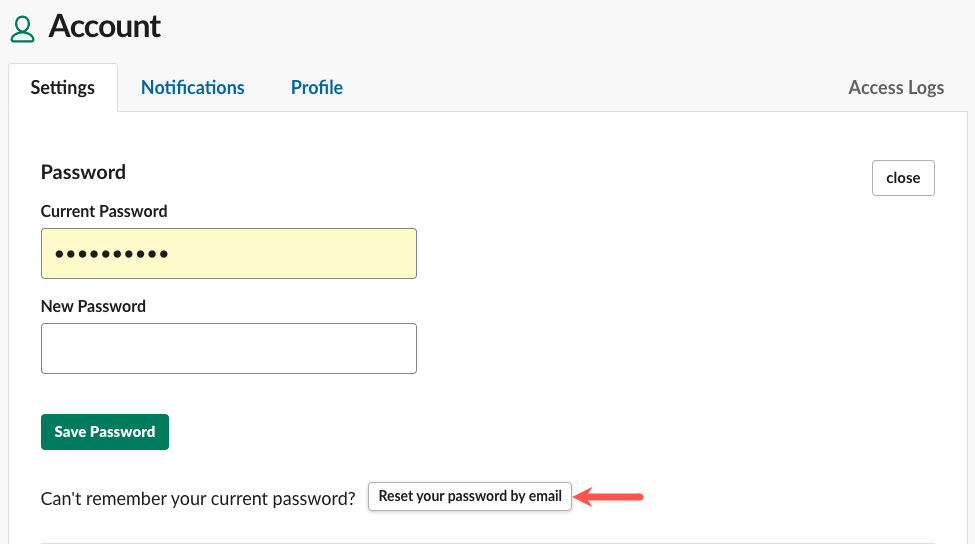
Change Your Password
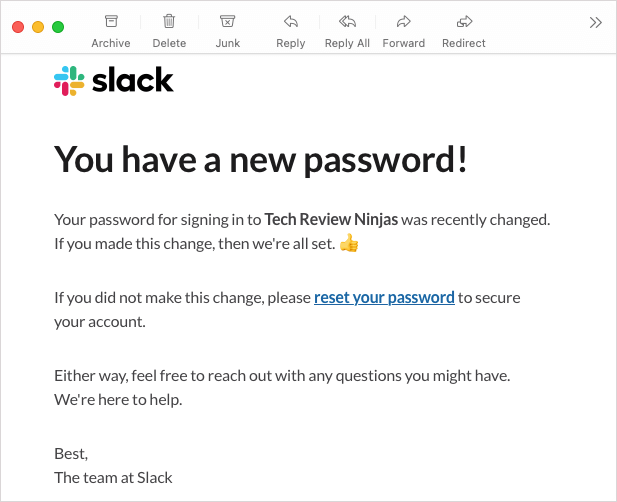
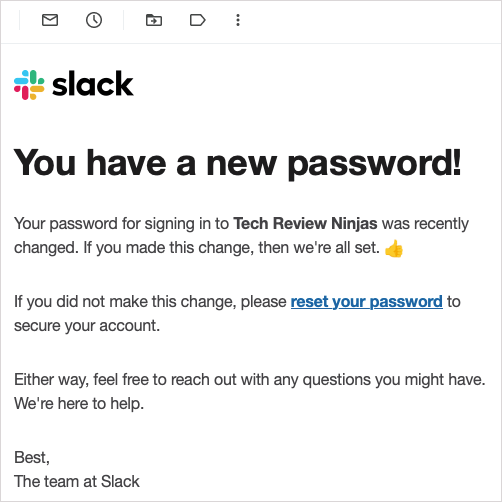
You should also receive an email confirming that you changed your password.
How to Reset Your Slack Password
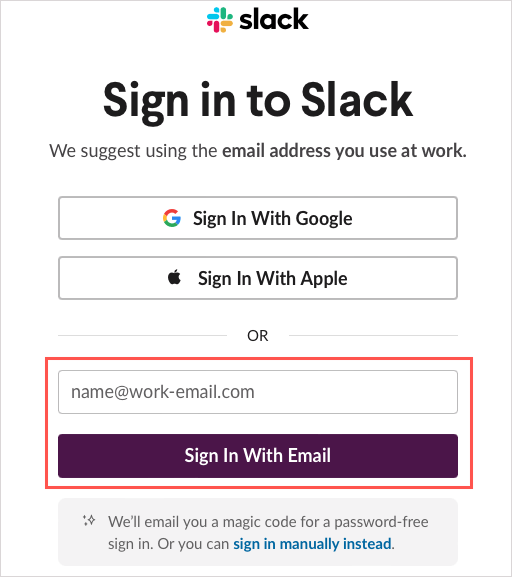
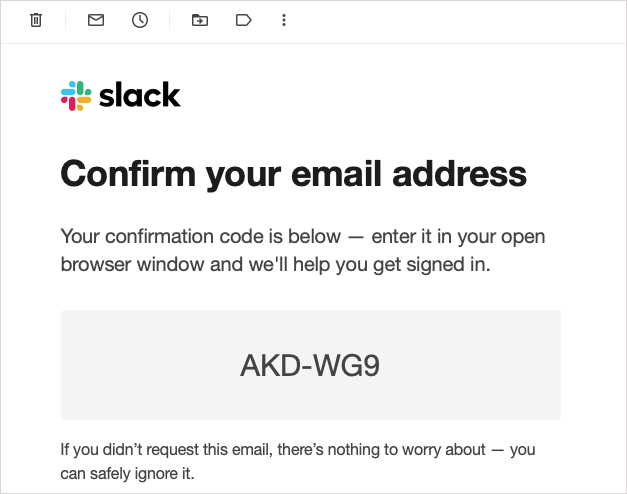
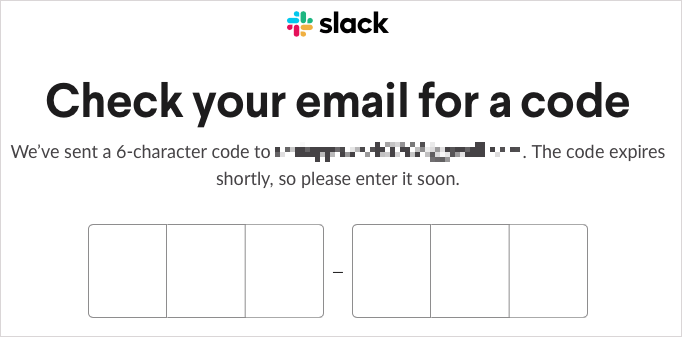
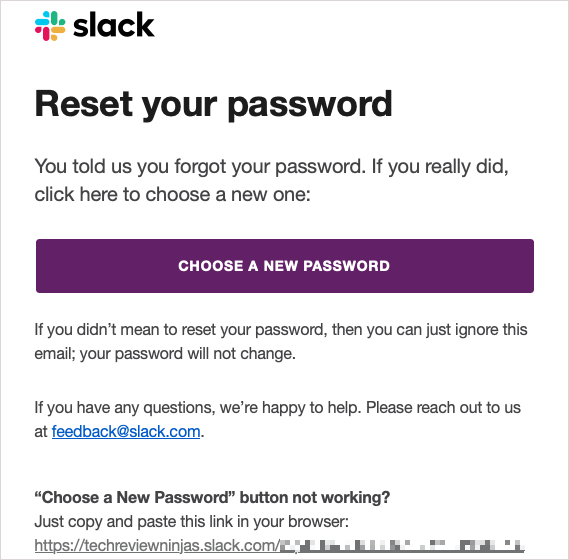
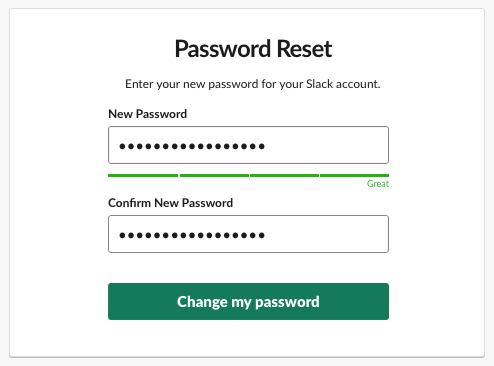
Maybe you’ve forgotten your password and are unable to sign into your Slack account. If you need to reset your password, you can do this just as easily. If you signed up for Slack using Apple or your Google account, you can also set a password for Slack using these steps. Before you begin, make sure that you have access to the email address for your Slack account. Contact a workspace owner or admin if you need your email address changed. You’ll then be directed to open the Slack app or continue using Slack in your browser. You should also receive an email confirming that you’ve created a new password. Tip: Check out these password managers to keep your accounts safe.
How to Reset Your Workspace Members’ Passwords
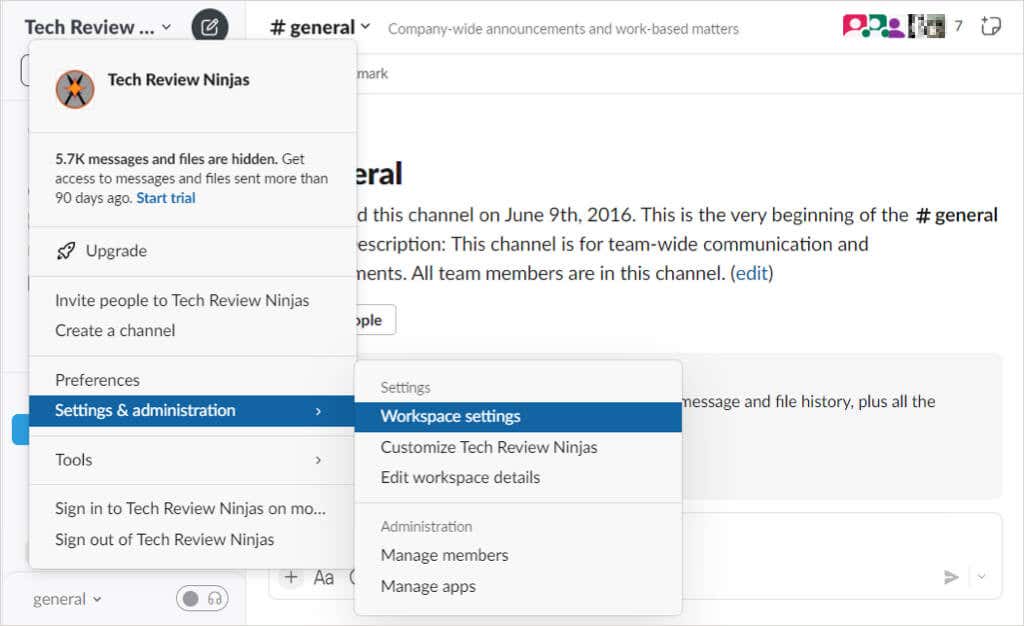
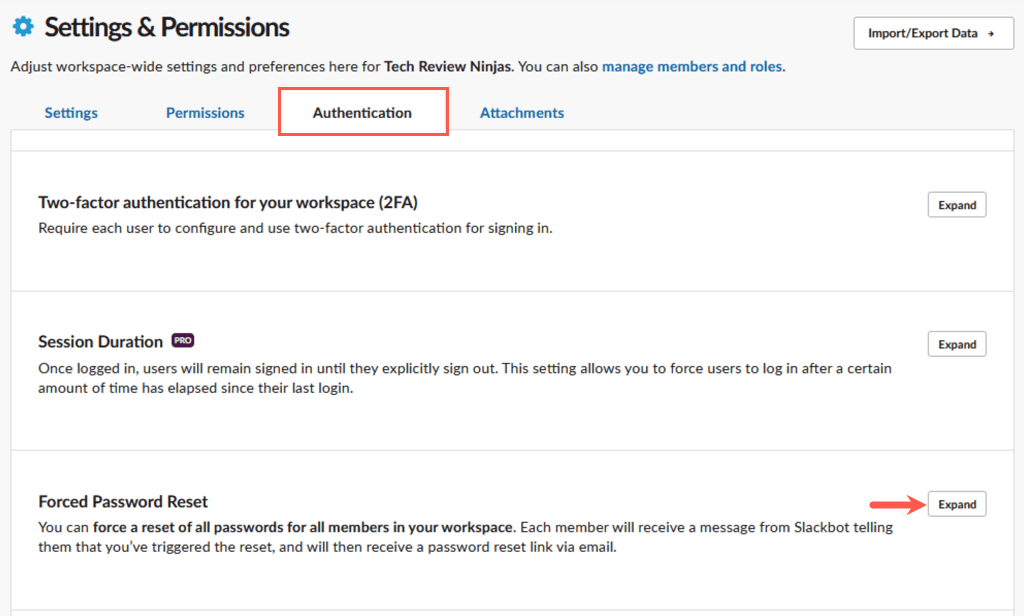
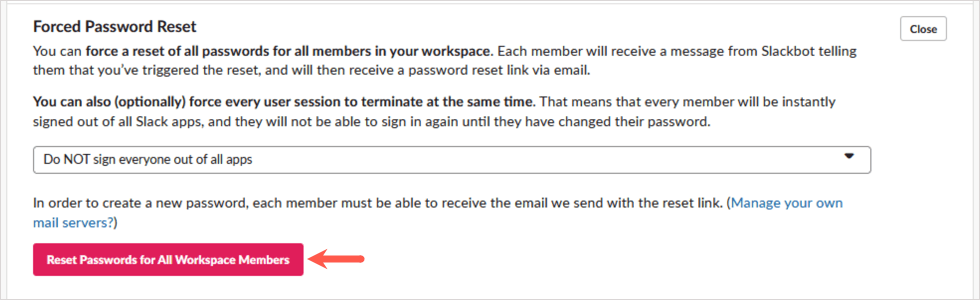
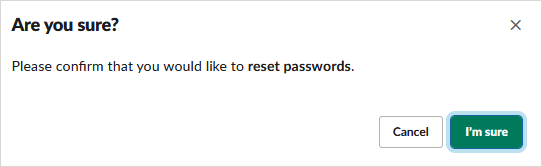
If you’re a Slack workspace owner or admin and want to reset the passwords for all members of your organization, this is doable. Maybe there was a security issue or you have several members who need their passwords reset. When you reset your members’ passwords, you can also sign everyone out of their current Slack sessions at the same time if needed. Follow the steps below per your Slack plan.
Free, Pro, and Business+ Plans
Use the following steps if you have a free, Pro, or Business+ Slack plan.
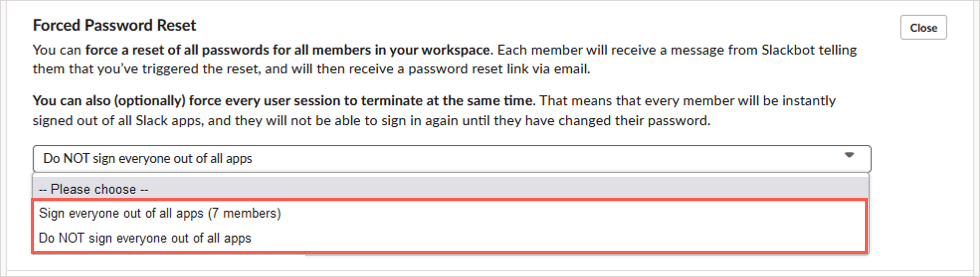
Sign everyone out of all apps: This signs all members out of Slack at the same time. They will not be able to sign into your Slack workspace until they change their password and should receive an email with instructions. Do NOT sign everyone out of all apps: This keeps all members signed in but sends them a Slackbot message that you want to reset their password. They will then receive an email from Slack with a password reset link.
Enterprise Grid Plan
If you have a Slack Enterprise Grid plan, follow these steps instead:
Get Back to Slack
While how to change your Slack password, or even reset it, isn’t obvious, you should now be able to get right back into your Slack workspace. For more, look at these tips and tricks for Slack beginners.