In this guide, we’ll walk you through the process of cancellation using both the Uber app and the Uber website. We’ll also address important details such as refunds, cancellation fees, and other relevant information.
What’s Uber One and How It Works
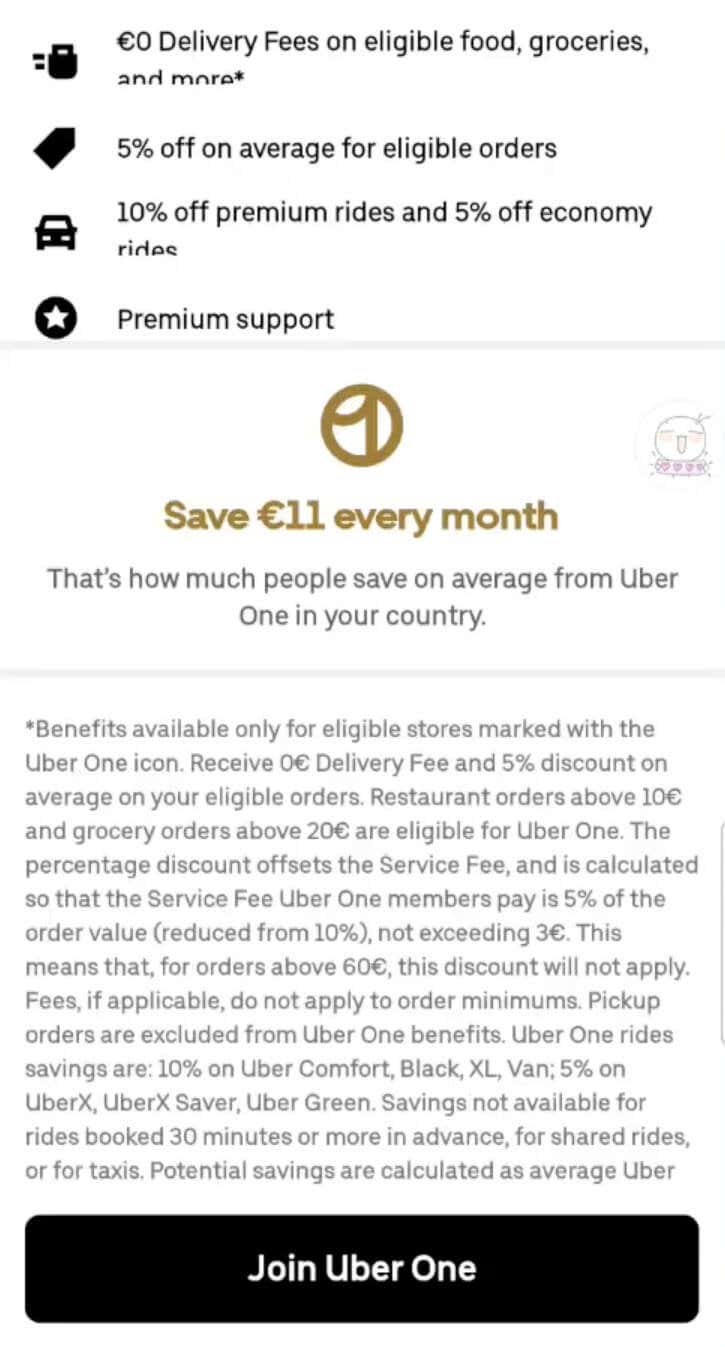
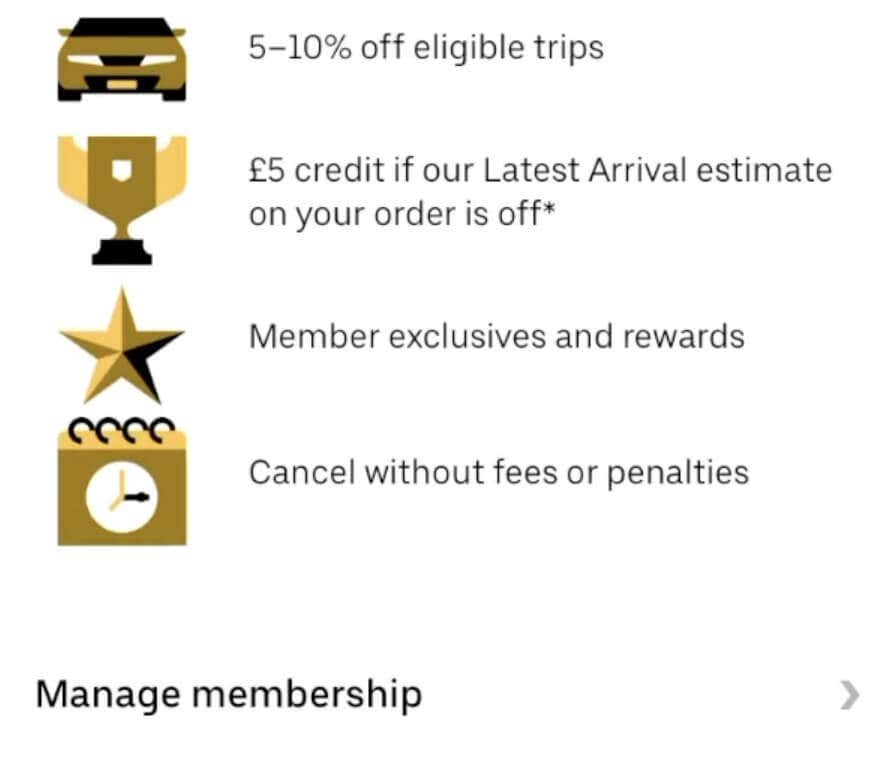
Uber One provides various benefits and perks to its members. With Uber One, you can enjoy advantages like discounted Uber Eats orders, faster deliveries, and exclusive promotions.
To use Uber One, you need to have the Uber app installed on your smartphone. Once you sign up for the membership, you can access the Uber One features through the app. It allows you to manage your membership settings and take advantage of the perks offered, like free delivery on eligible Uber Eats orders, faster delivery times, and access to exclusive promotions and discounts.
An example of these benefits would be this Uber One Promise: “$5 in Uber Cash if the latest arrival estimate is inaccurate.” The membership auto-renews every month, and the monthly fee is charged to your credit card or another payment method you chose.
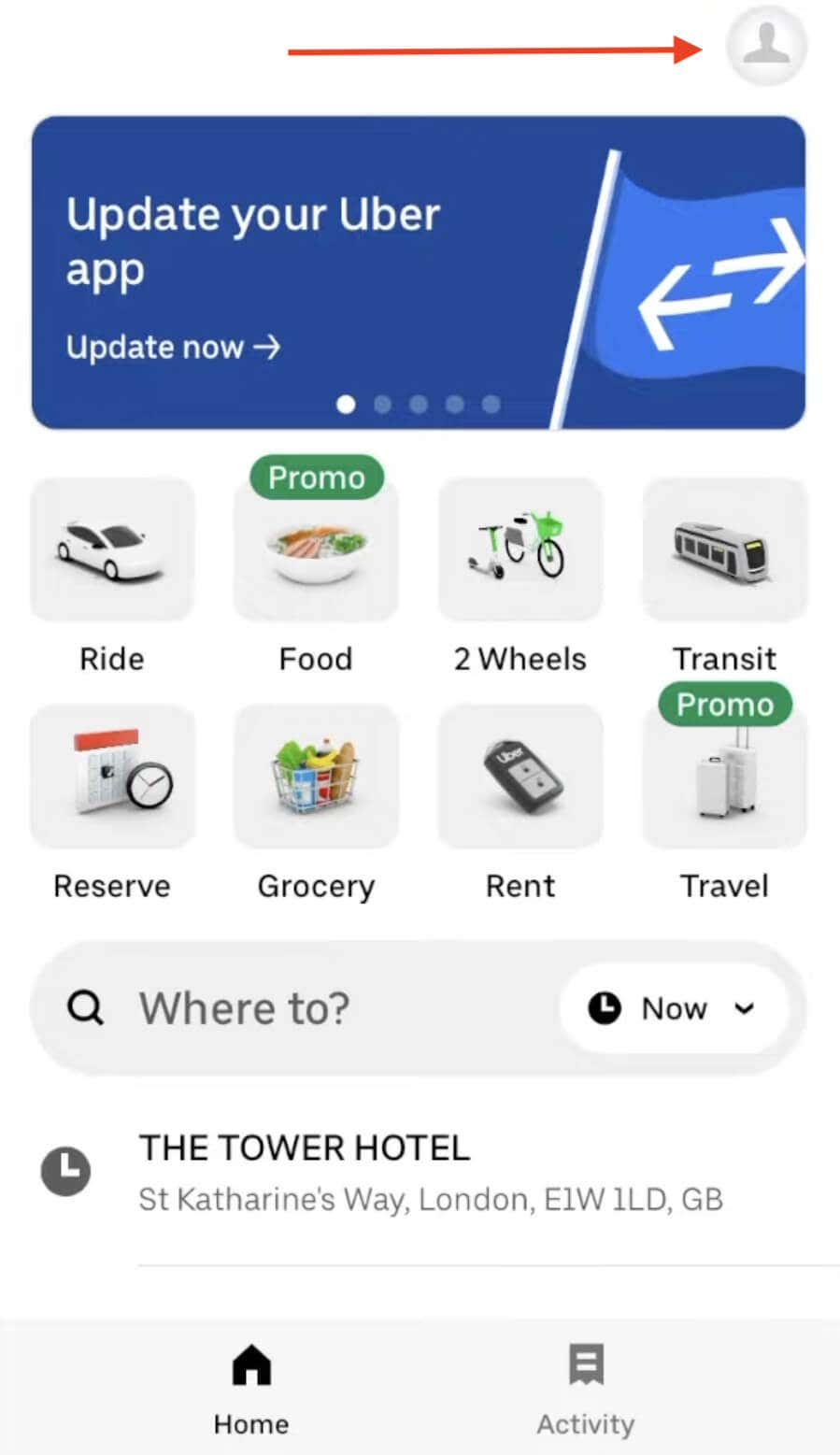
To join Uber One, first download the free Uber app from Google Play (Android) or Apple App Store (iOS). Then follow the steps below.
If it’s your first time signing up for Uber One, you can take advantage of the one month free trial offer.
How to Cancel Uber One Using Mobile Phone
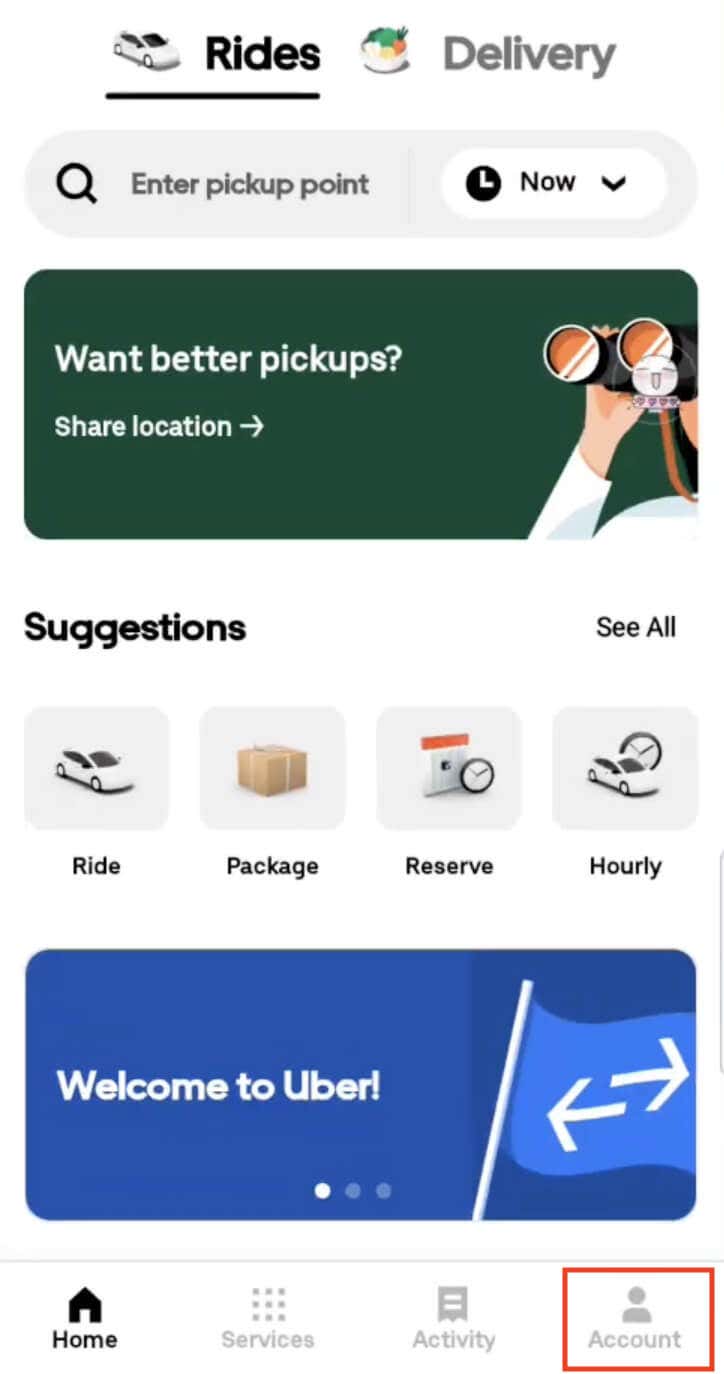
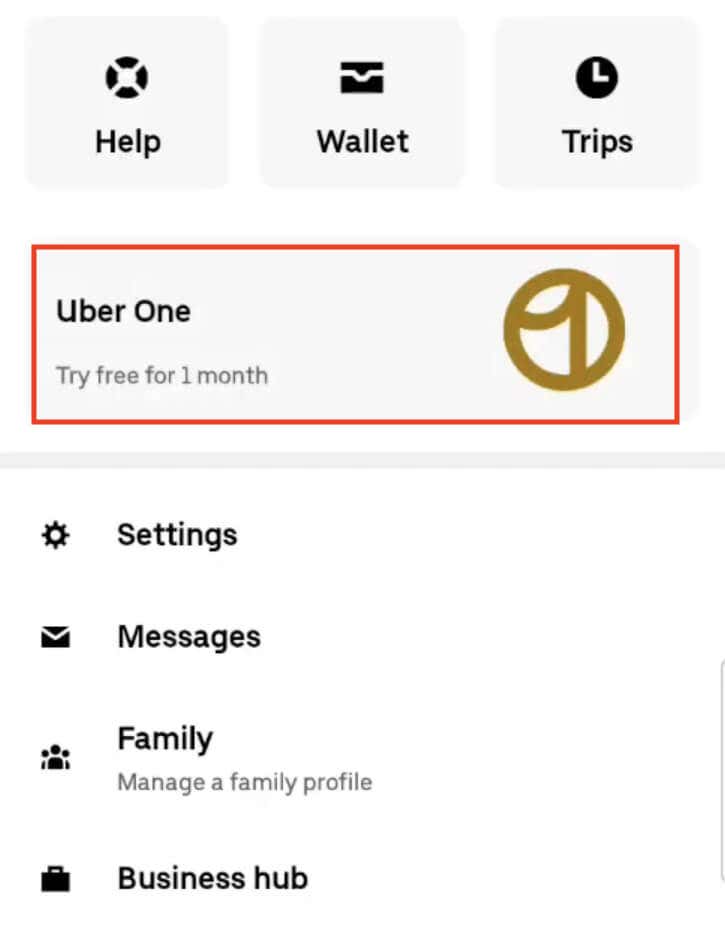
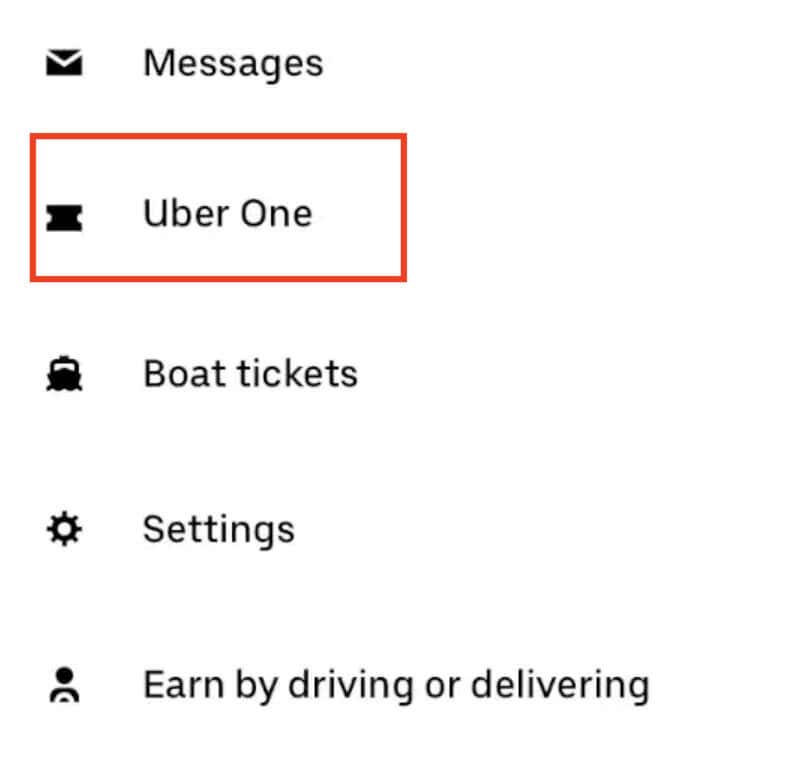
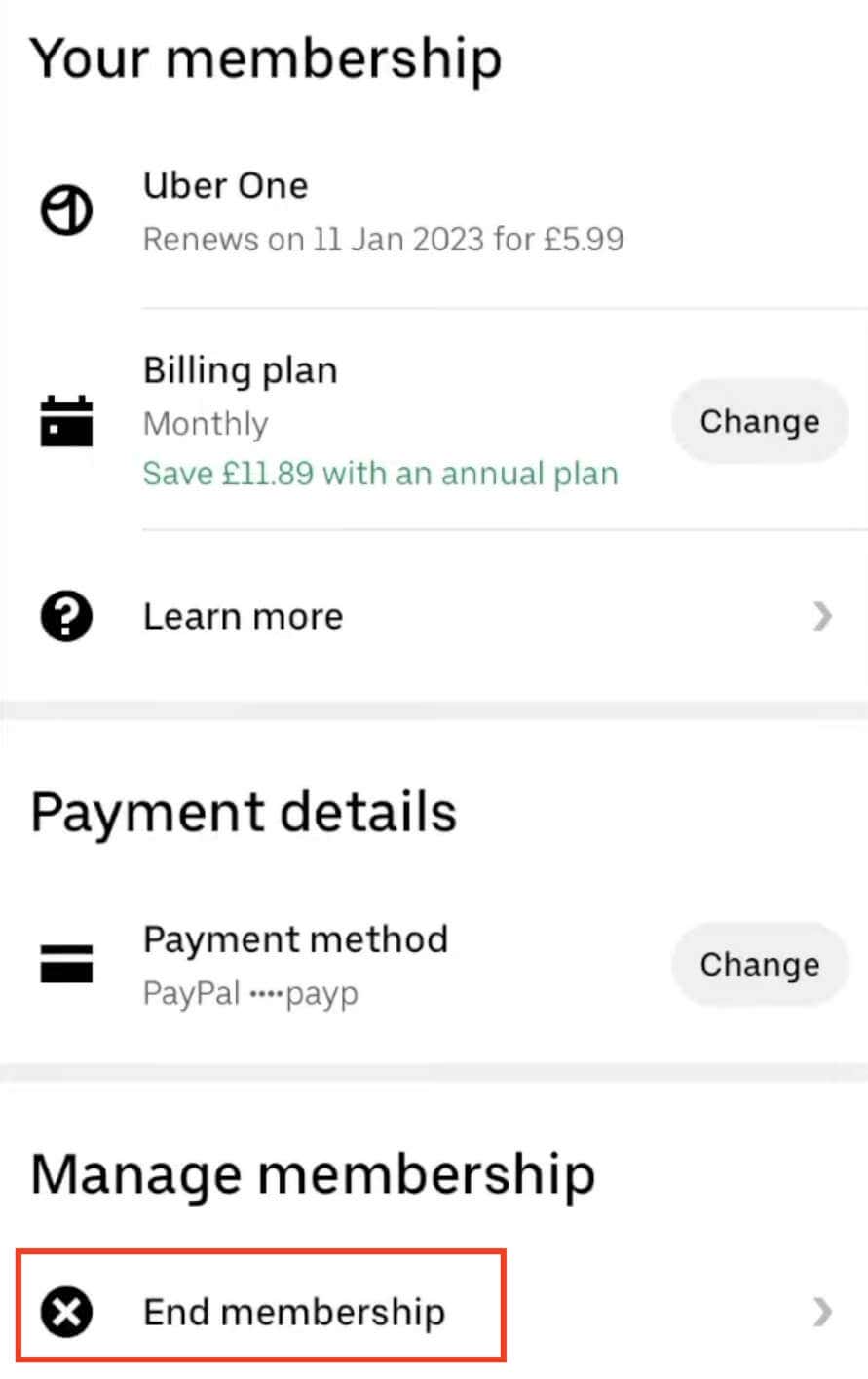
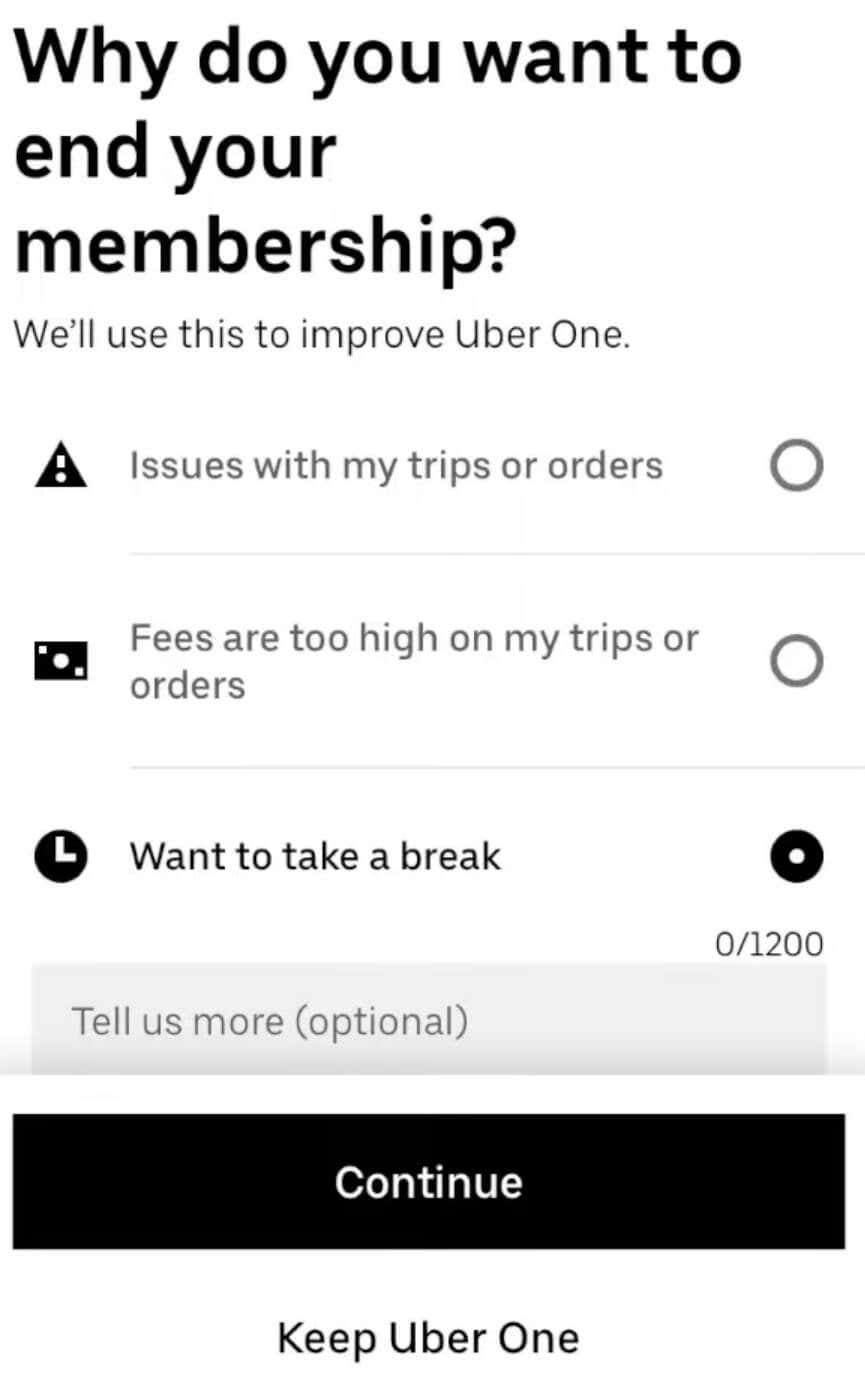
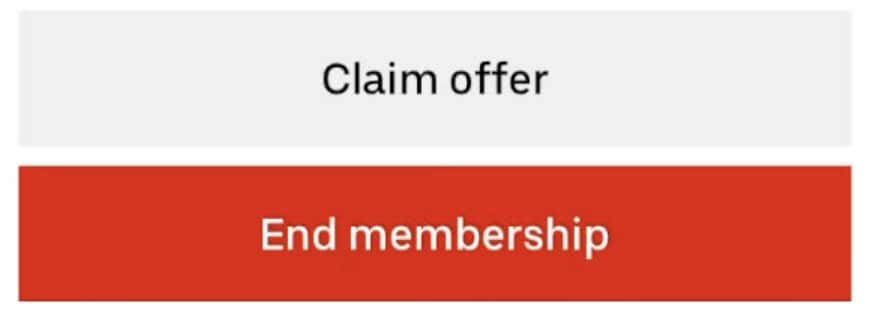
If you decide to leave Uber One, here’s how you can do it using the Uber app on your smartphone.
If you’re currently on a free trial of Uber One and decide to cancel your membership, the benefits of your membership end immediately upon cancellation. For all other types of memberships, you will continue to have access to your membership benefits until the end of the ongoing billing period.
How to Cancel Uber One on Your Computer
You can also use a web browser on your computer to cancel your Uber One membership. To do that, follow the steps below.
Follow the on-screen steps and provide any required information to finalize the cancellation.
Do You Get a Refund if You Cancel Uber One?
If you decide to cancel your Uber One membership, unfortunately, you won’t be eligible for a refund. This means that if you cancel in the middle of your billing cycle, you won’t receive a refund, even if you have a year-long membership.
Opting for the monthly billing option allows you to cancel before the start of the next month, saving you from paying for an entire year of service if you change your mind. Even if you cancel your membership shortly after paying for a full year, you won’t receive a refund or have your membership fee prorated.
On the other hand, you’ll still have access to the benefits for the remainder of your paid membership period. Additionally, if an unwanted payment causes your account to be overdrawn, Uber does not provide refunds for any resulting fees or charges. It’s essential to consider these factors before committing to an Uber One membership to avoid any unexpected financial implications.