In this article, we’ll explain how to cancel your STARZ subscription easily.
How to Cancel a STARZ Subscription
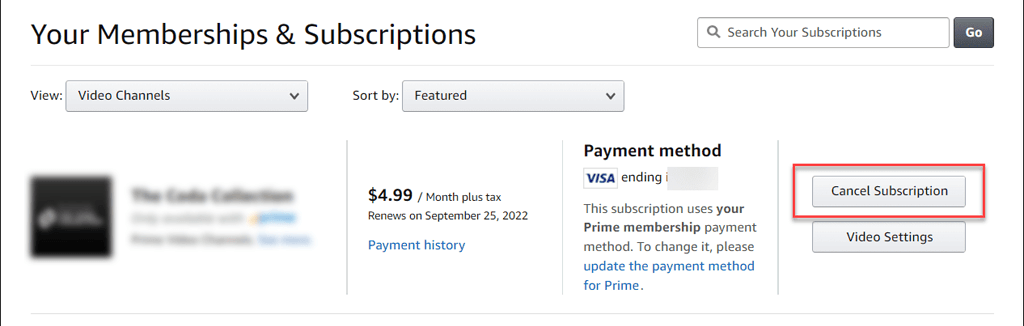
Unsubscribing from STARZ is simple, but you need to follow the method you used to sign up. For example, if you signed up to STARZ from your Android, you’ll need to unsubscribe from there, too. Here are all of the different ways to cancel your STARZ subscription:
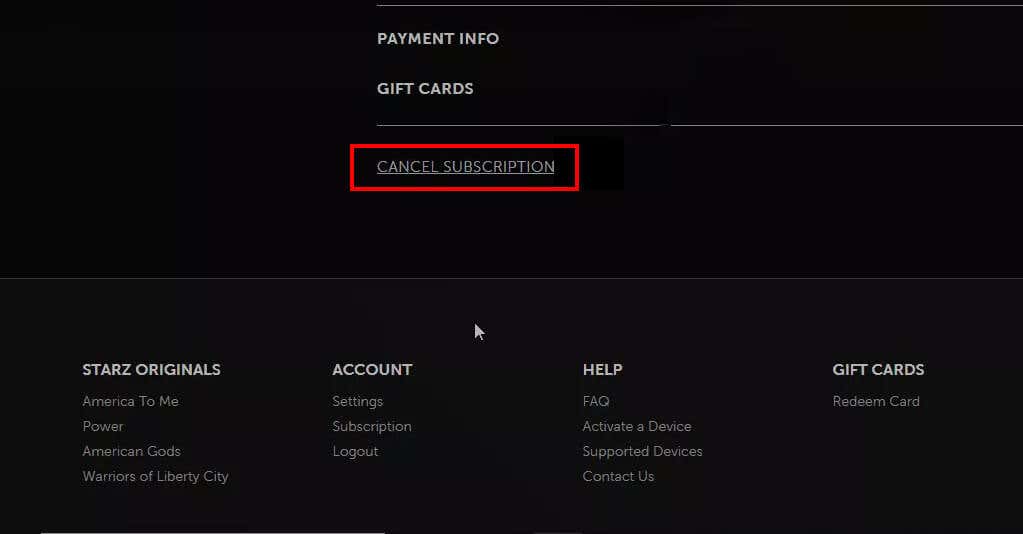
How to Cancel STARZ on the STARZ Website
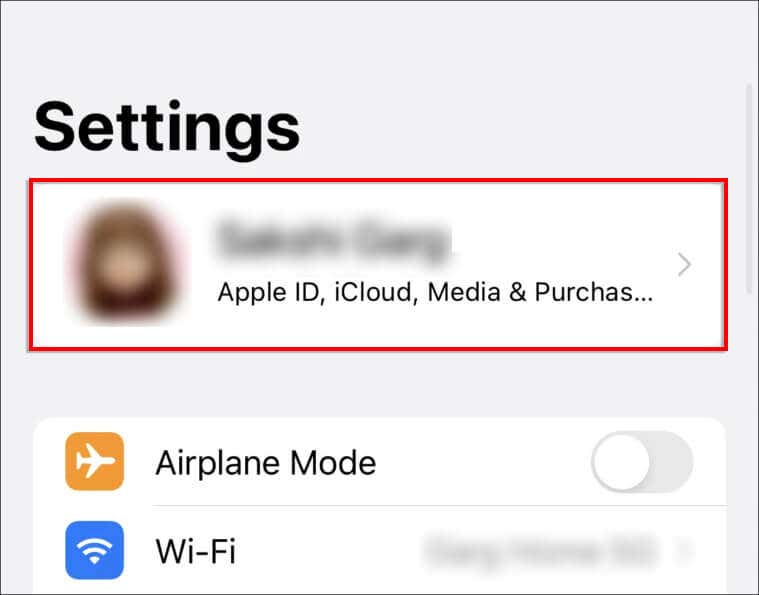
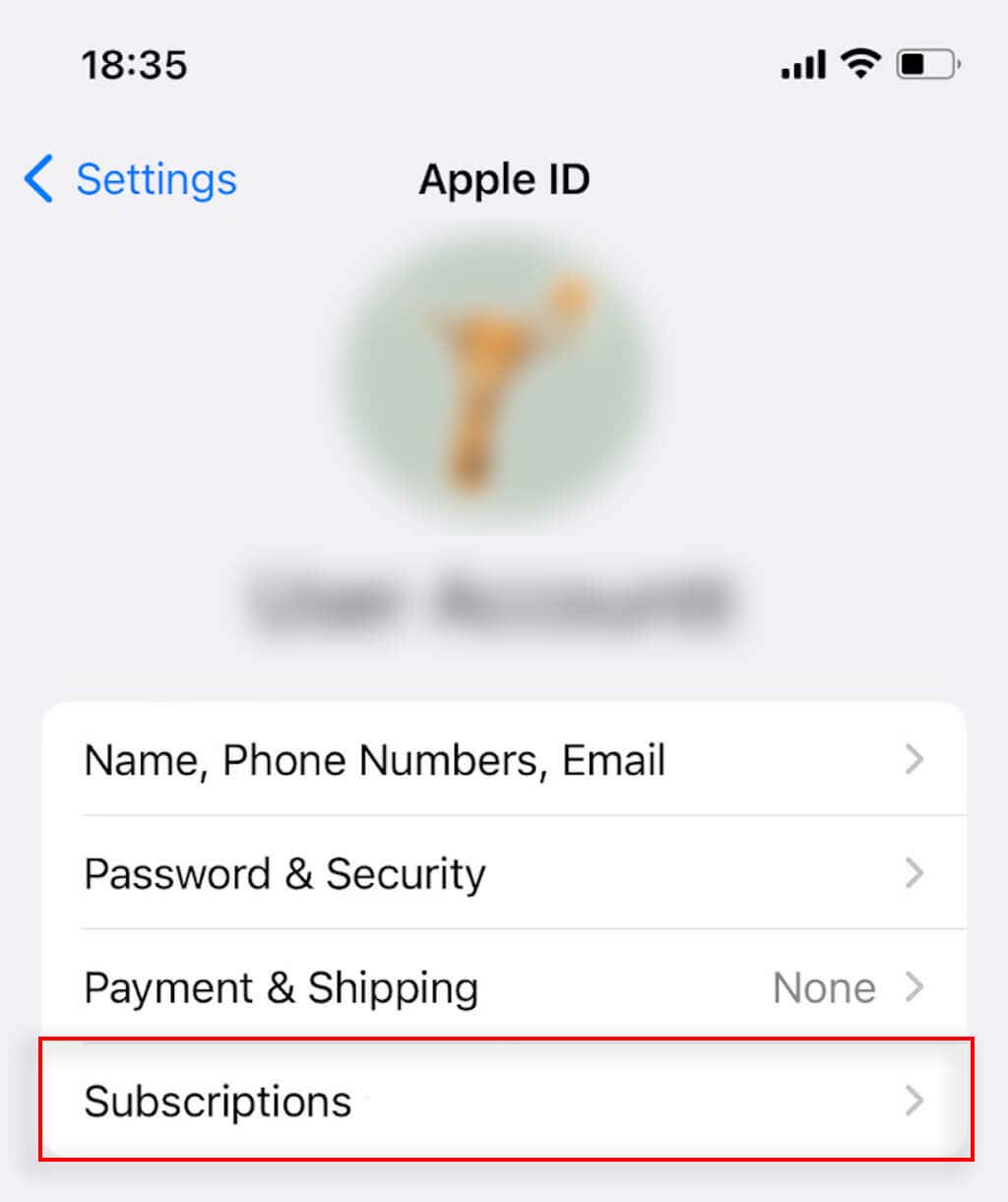
How to Cancel STARZ on iOS/Apple App Store
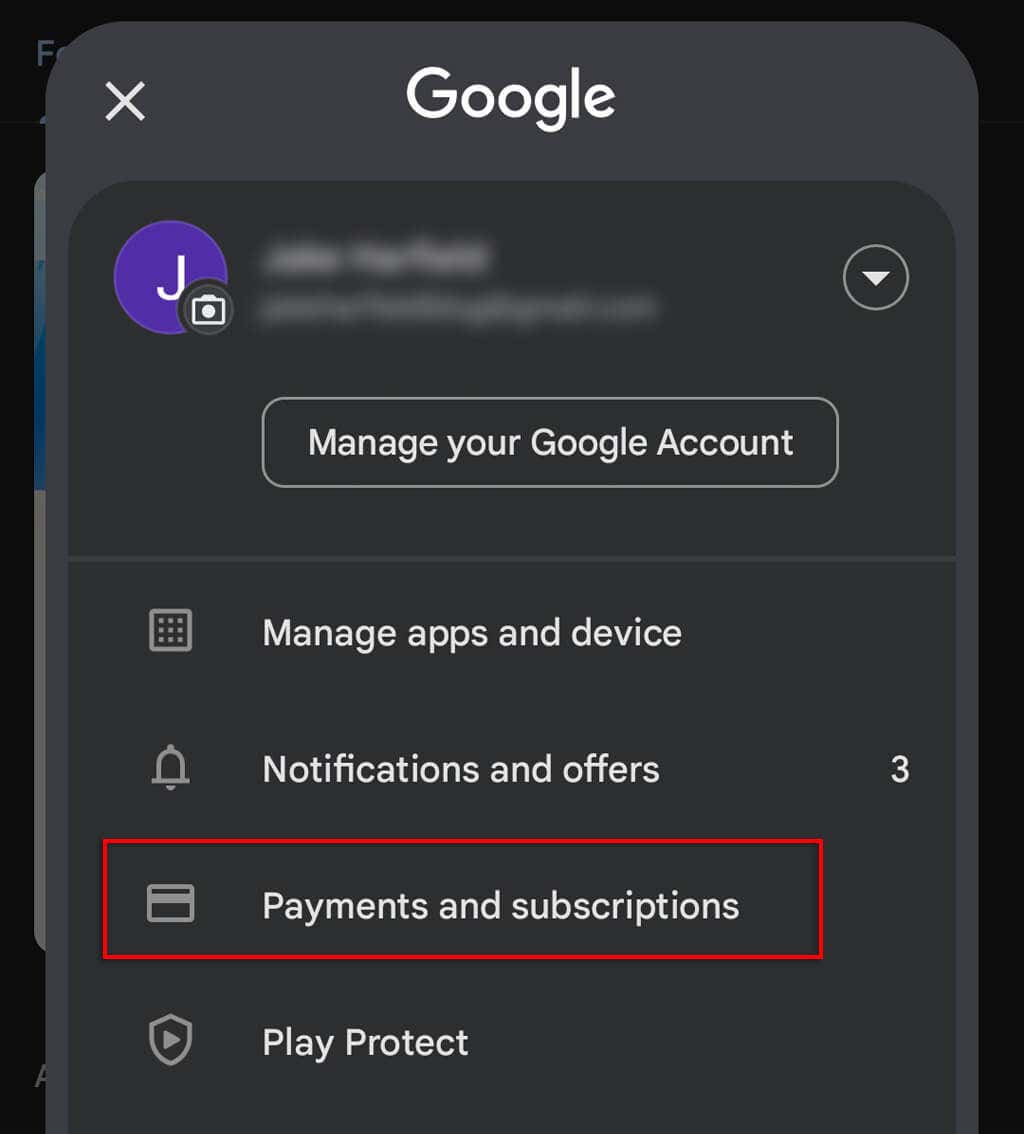
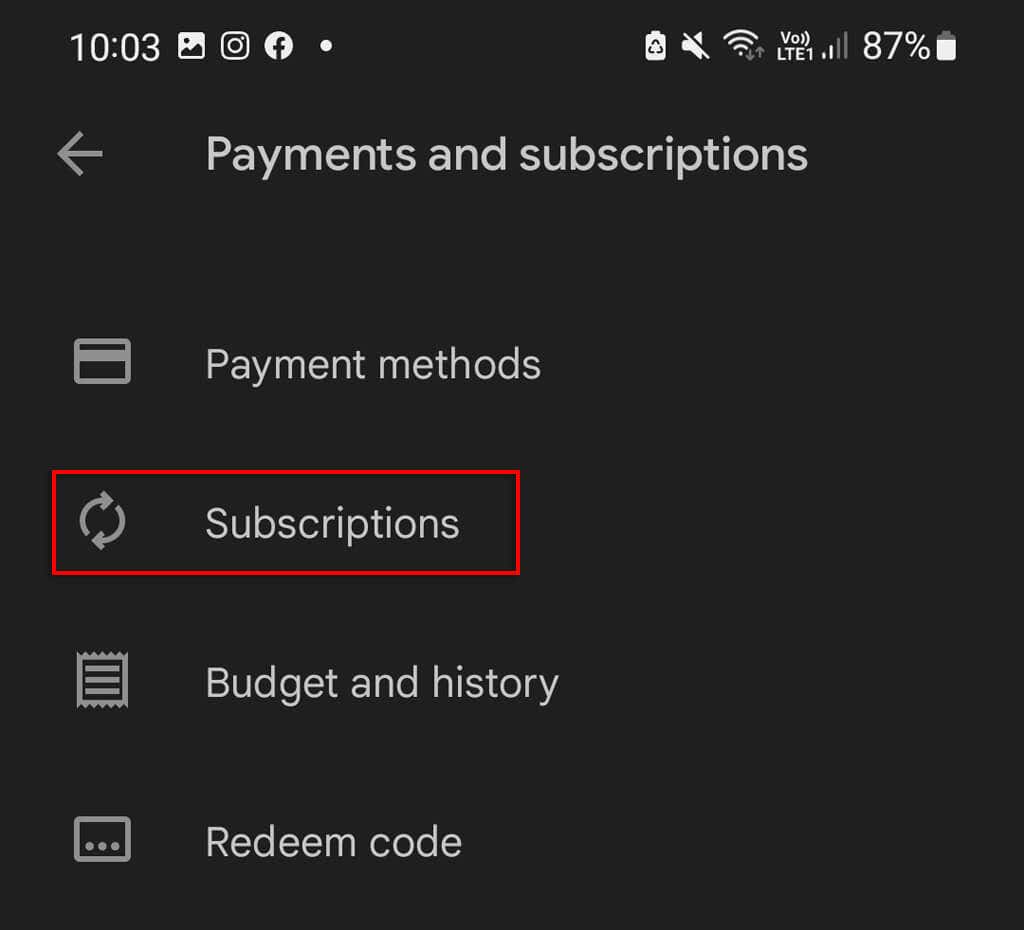
How to Cancel STARZ on Android
How to Cancel STARZ on Sling TV
How to Cancel STARZ on Sprint
How to Cancel STARZ on Roku
To cancel Starz via your Roku, you’ll need to access your Roku account settings via the official Roku website.
Save Money and Time
Paid subscriptions can take their toll — especially when you have a handful of different streaming devices and services to juggle. Unfortunately, while a Starz membership is worth it for some, the Starz entertainment channel just doesn’t have the same amount of content as some of the other services, so it’s often the first to go. Hopefully, with this article, you’ve gotten rid of the Starz channel and you can get back to your other subscription services, like Netflix, HBO, or Hulu.