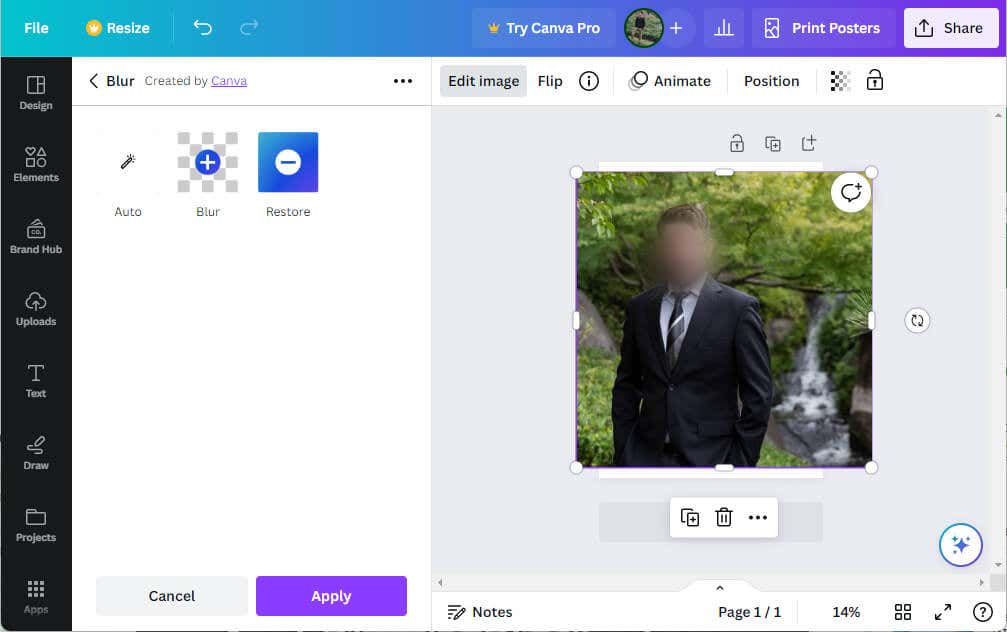
Fortunately, Canva, the widely-used graphic design tool, offers a feature to blur certain parts of a photo, providing a simple solution. With this feature, you can choose to keep the identity of the individuals in your photo private or add an artistic touch, even if you’re not a professional graphic designer.
Why You May Want to Blur a Face in Canva
When we share photos online, be it on social media, blogs, or other platforms, privacy is an important factor to consider. In some situations, you might not have the consent of every individual in the picture to post their faces online. Blurring faces in such cases can be a simple yet effective solution to prevent the unwanted disclosure of identities and respect people’s privacy rights.
Besides privacy, there are creative reasons for blurring faces or certain elements in a photo. Graphic design often plays with focus and attention to highlight or diminish various elements of an image. By blurring faces, you can guide the viewer’s attention toward a specific part of the picture you want to emphasize.
For example, in a crowded photo, blurring out faces can help focus attention on a particular person or object. Similarly, you can use it to create an air of mystery or anonymity around a character in a narrative, adding an intriguing layer to your visual storytelling.
How to Blur a Face in Canva
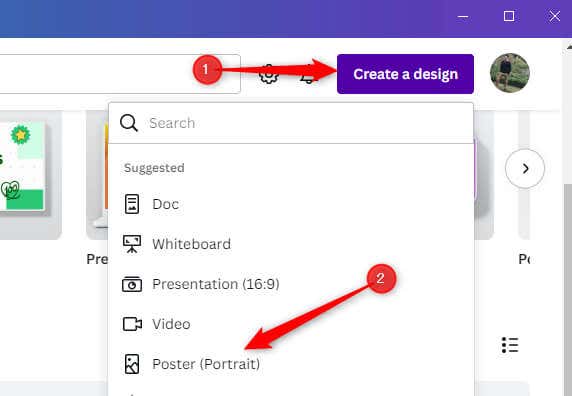
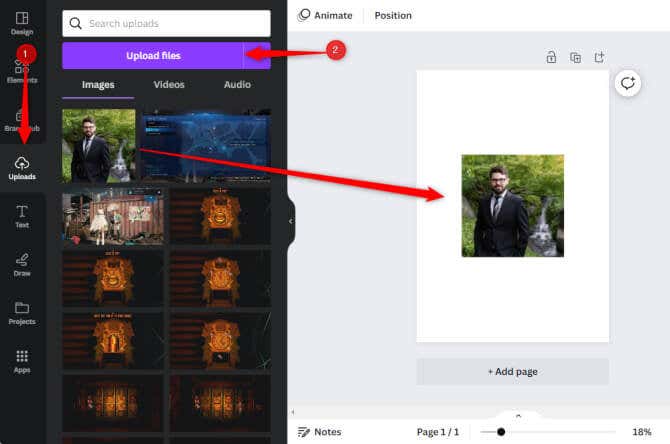
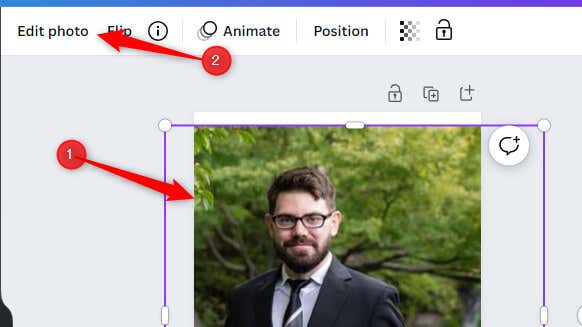
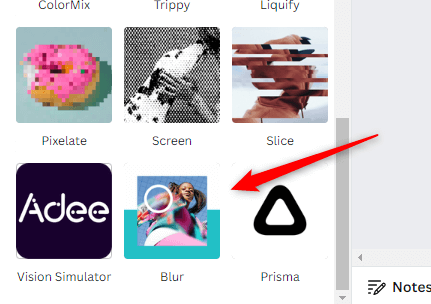
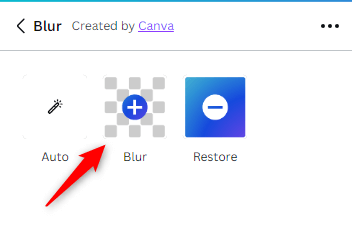
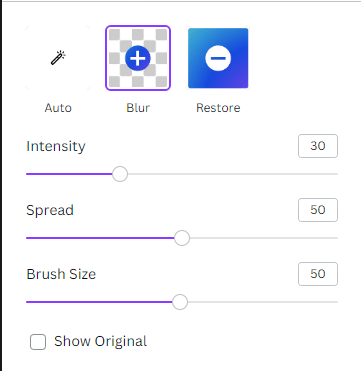
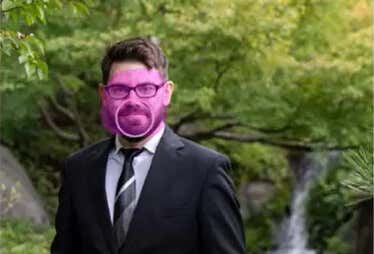
Blurring a face in Canva is a straightforward process. Here’s what you need to do.
That’s all there is to it. This technique gives you control over what and how much to blur.
Master Your Design
Understanding how to blur faces in Canva is essential to maintaining privacy in your digital imagery and adding creative touches to your designs. By mastering this technique, you hold the power to dictate the narratives in your pictures, ensuring they align with your intentions and purposes. Whether it’s for preserving privacy or enhancing focus, the capability to blur faces in Canva provides you with a broader canvas for expression.