How to Block TikTok Using Android’s Digital Wellbeing Settings
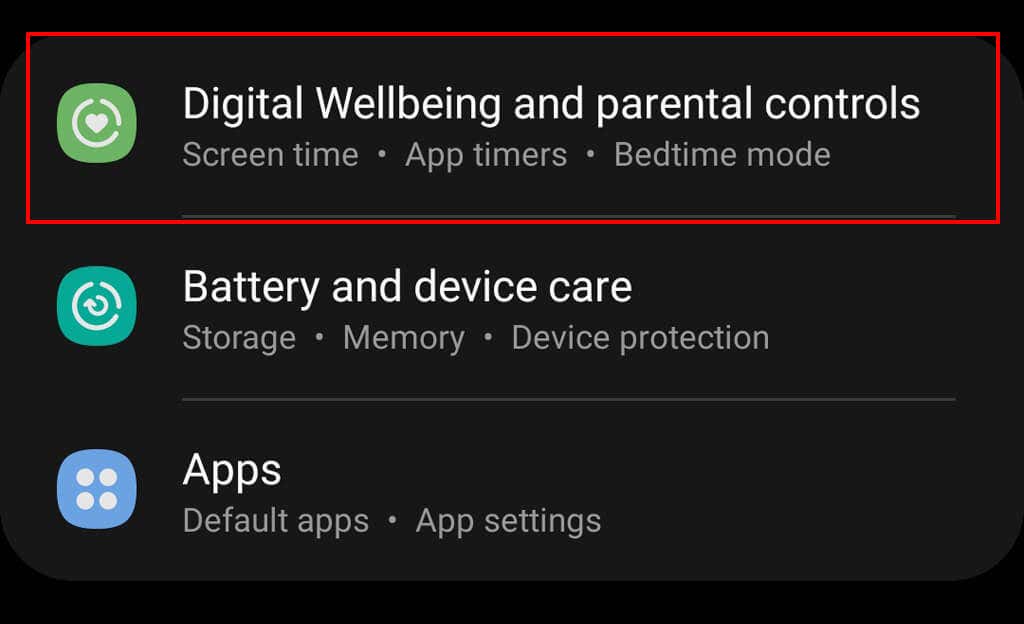
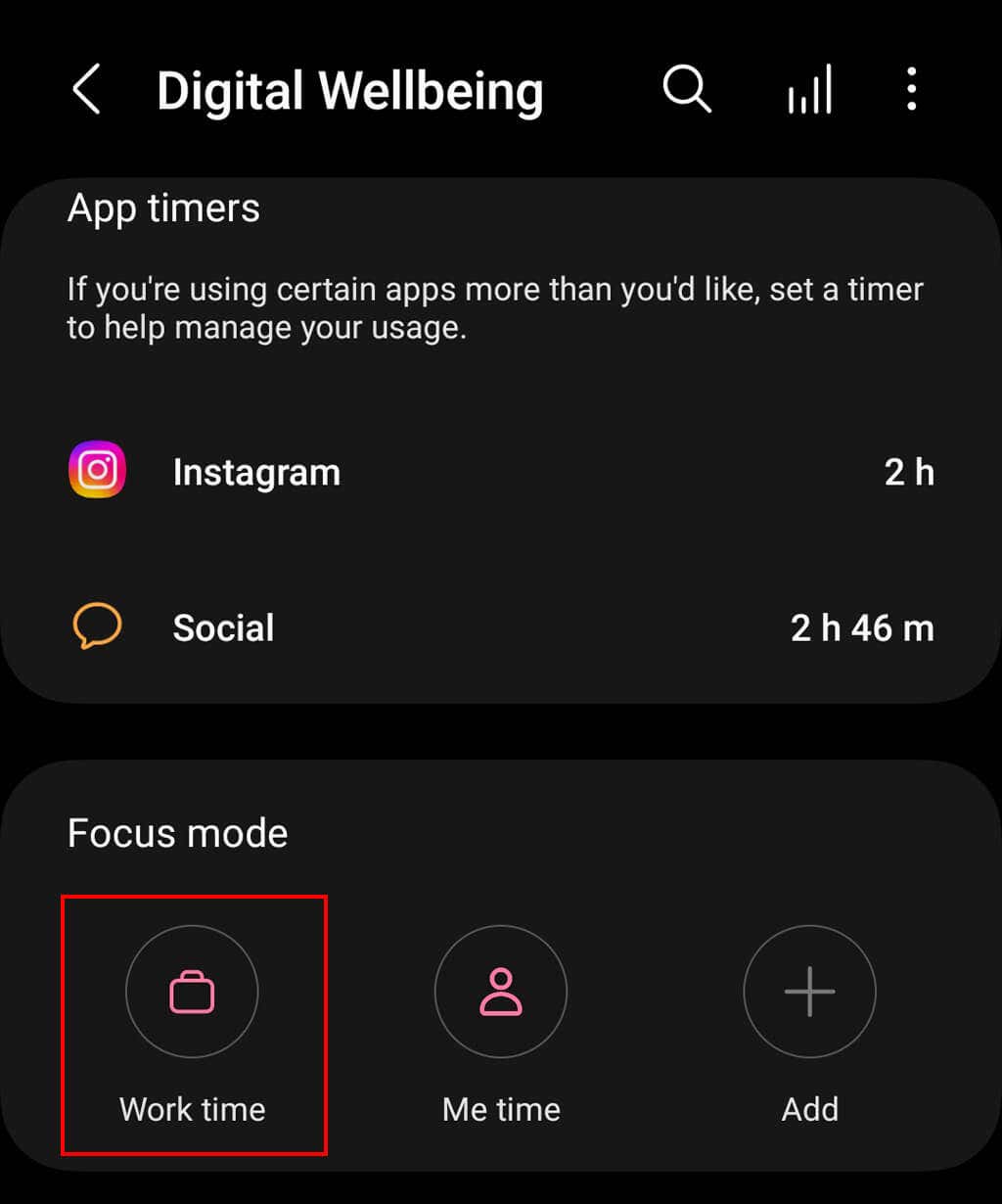
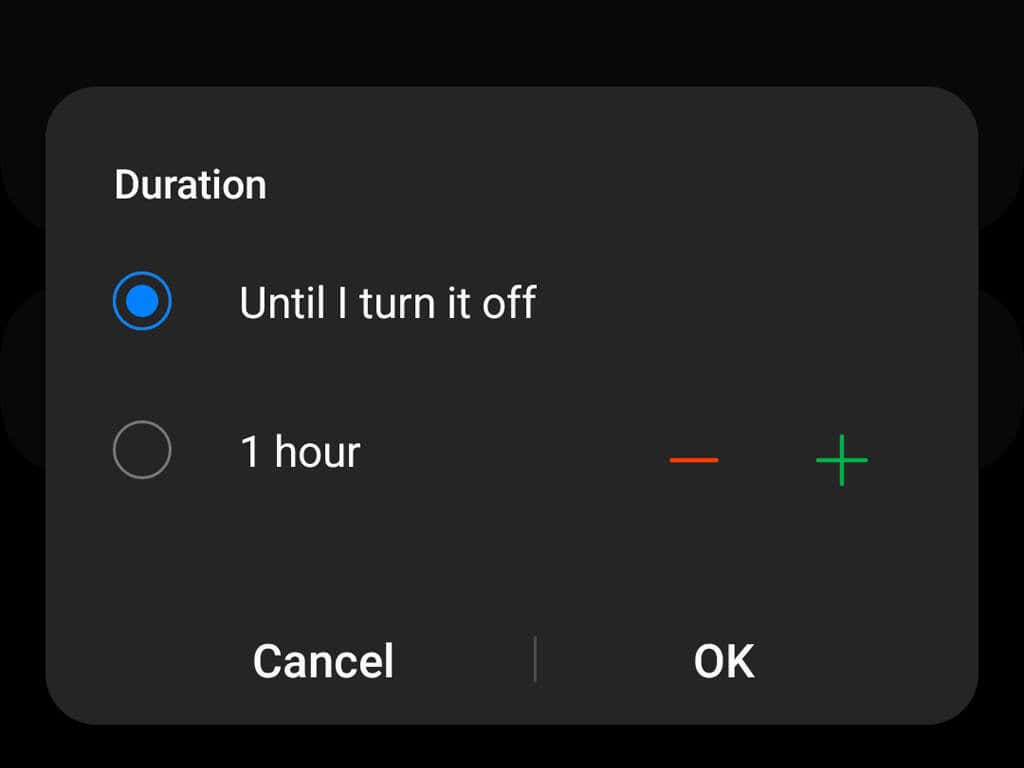
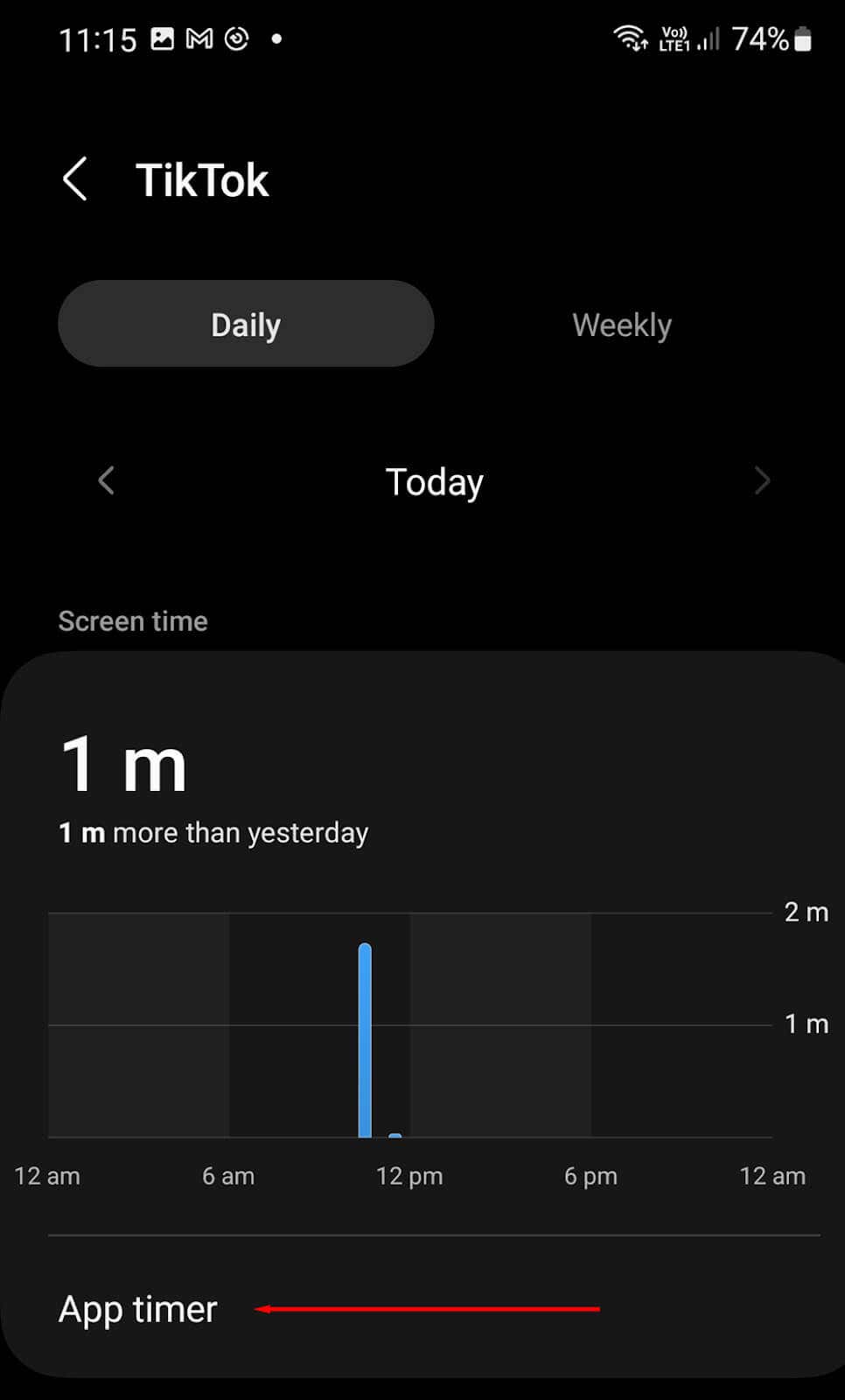
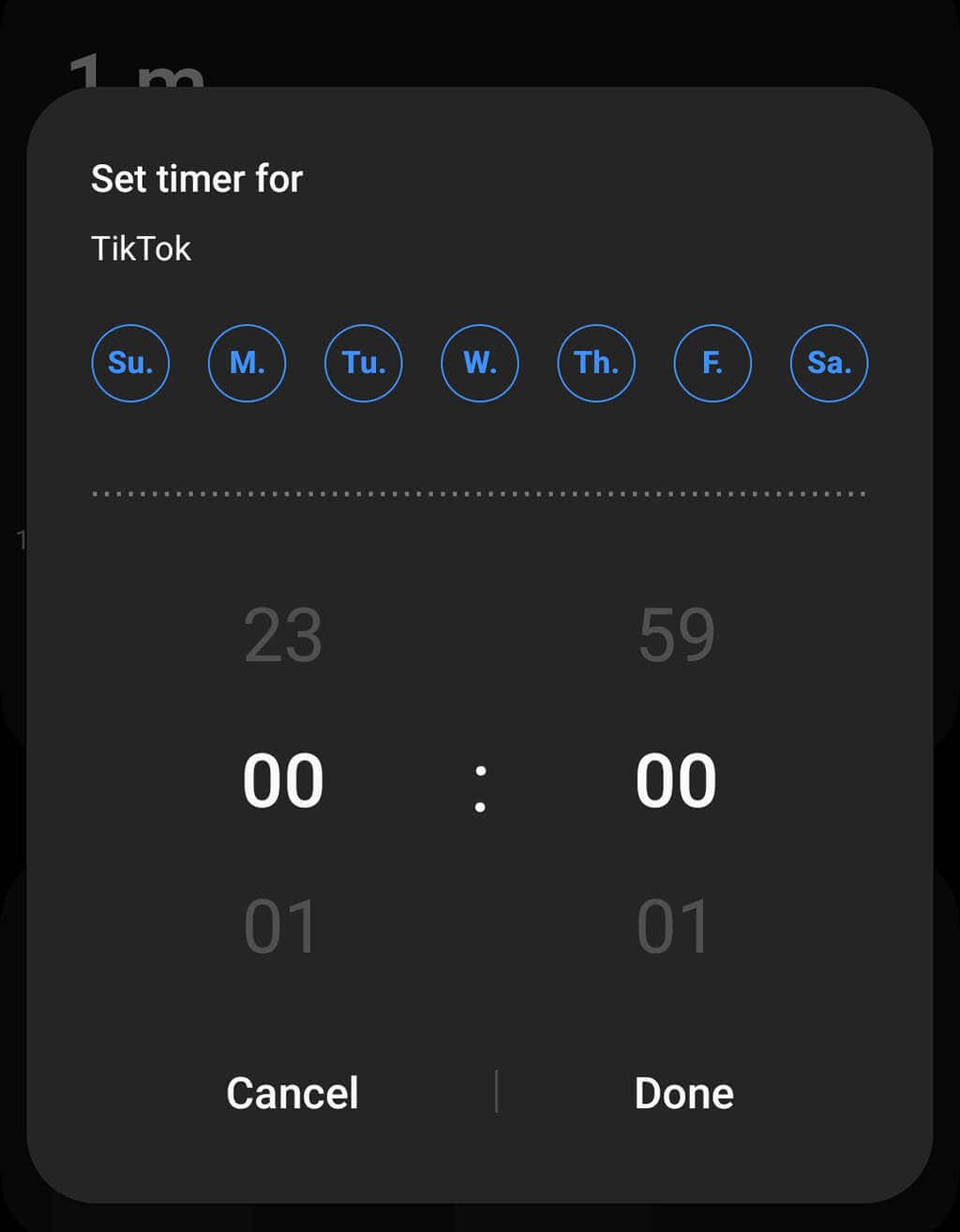
Android offers a suite of Digital Wellbeing settings that help TikTok users manage their device and app usage. To block TikTok: You can also limit TikTok’s screen time limits to zero minutes in order to block the social media app completely:
How to Block TikTok Using Parental Controls
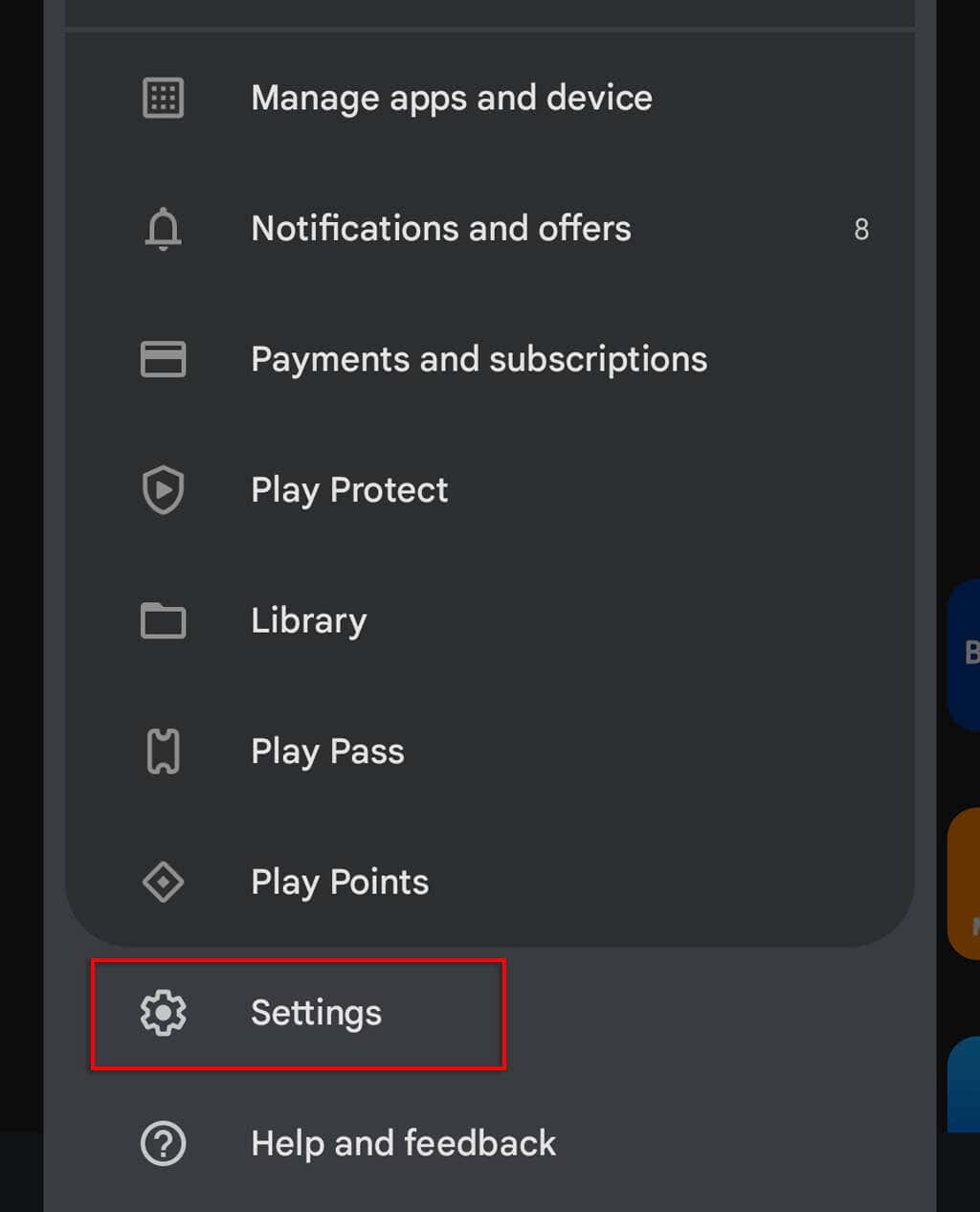
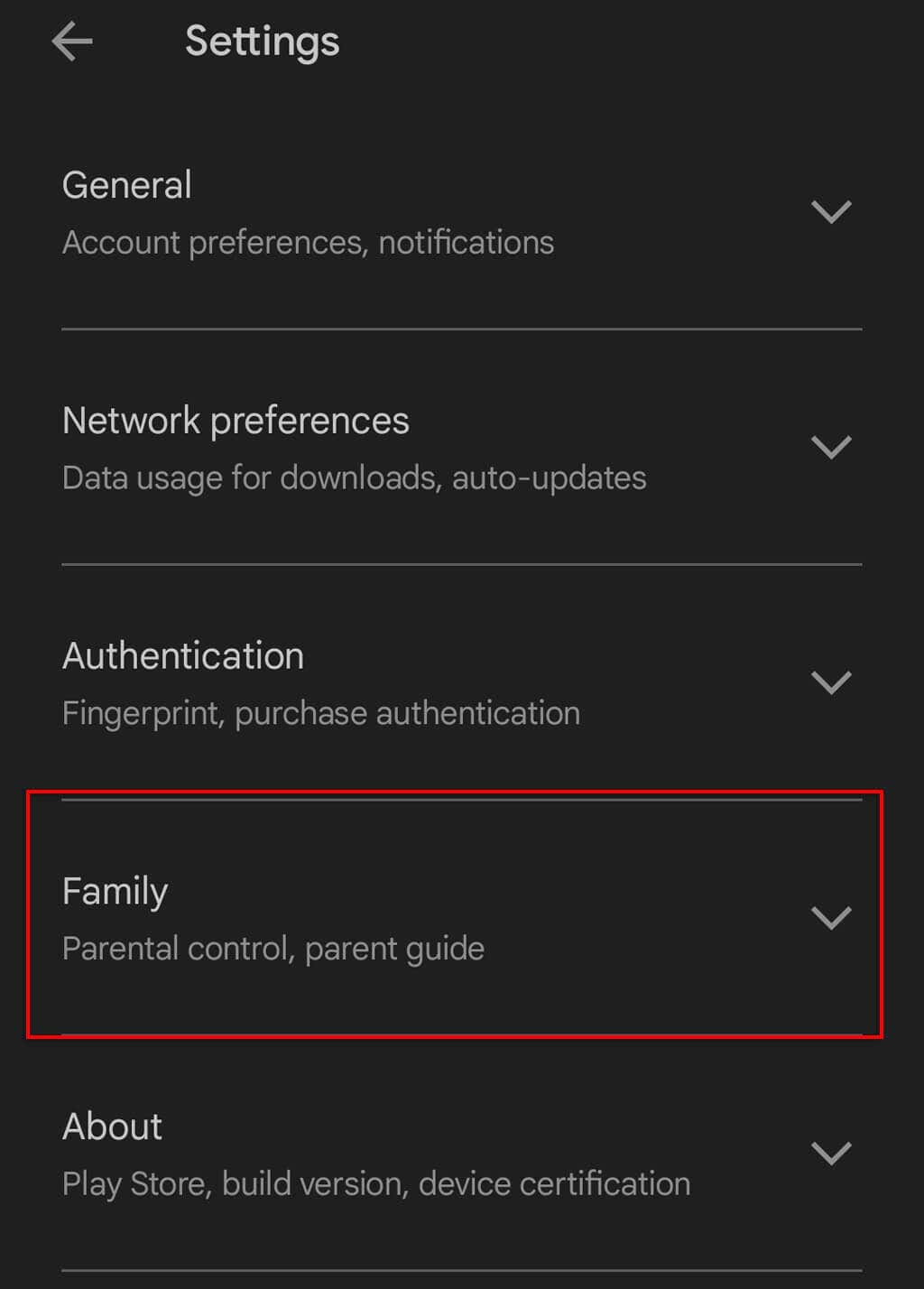
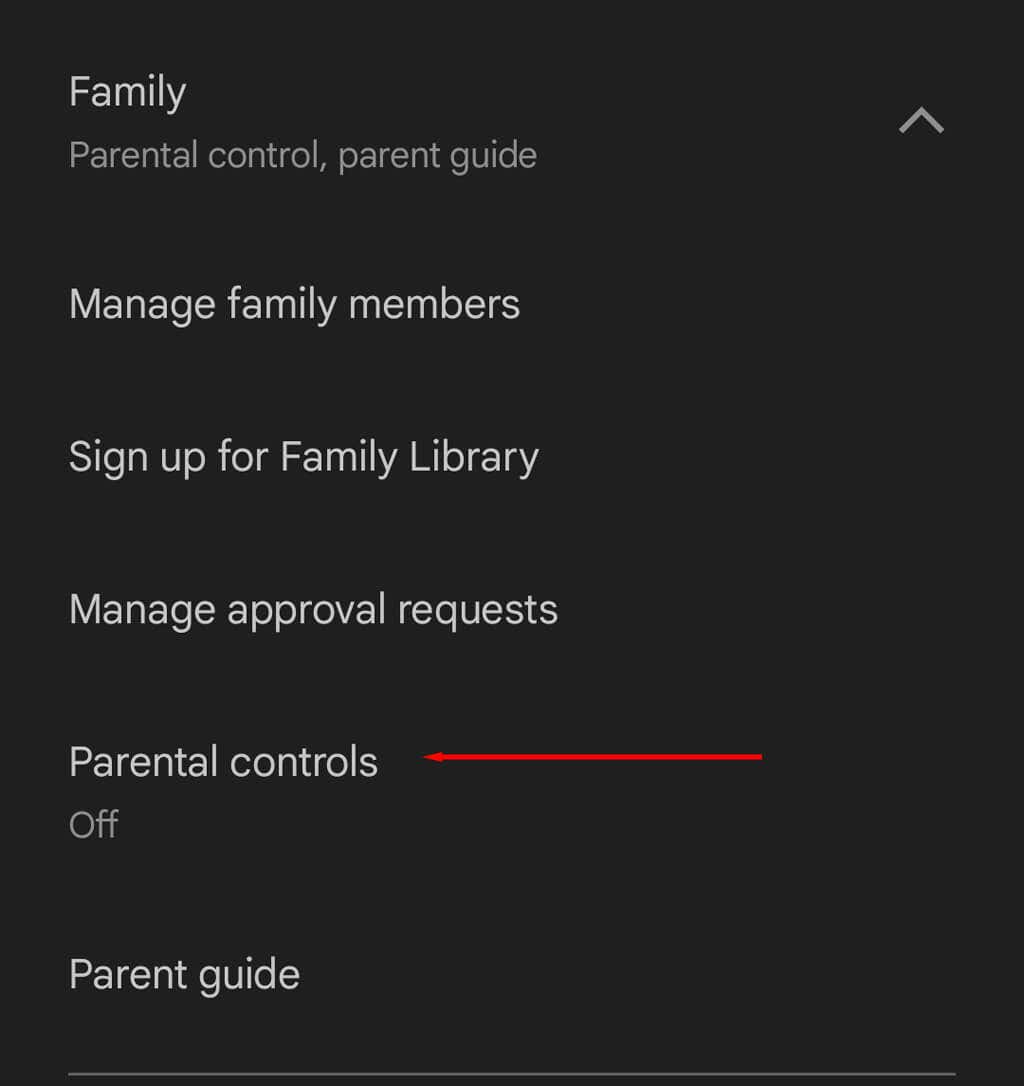
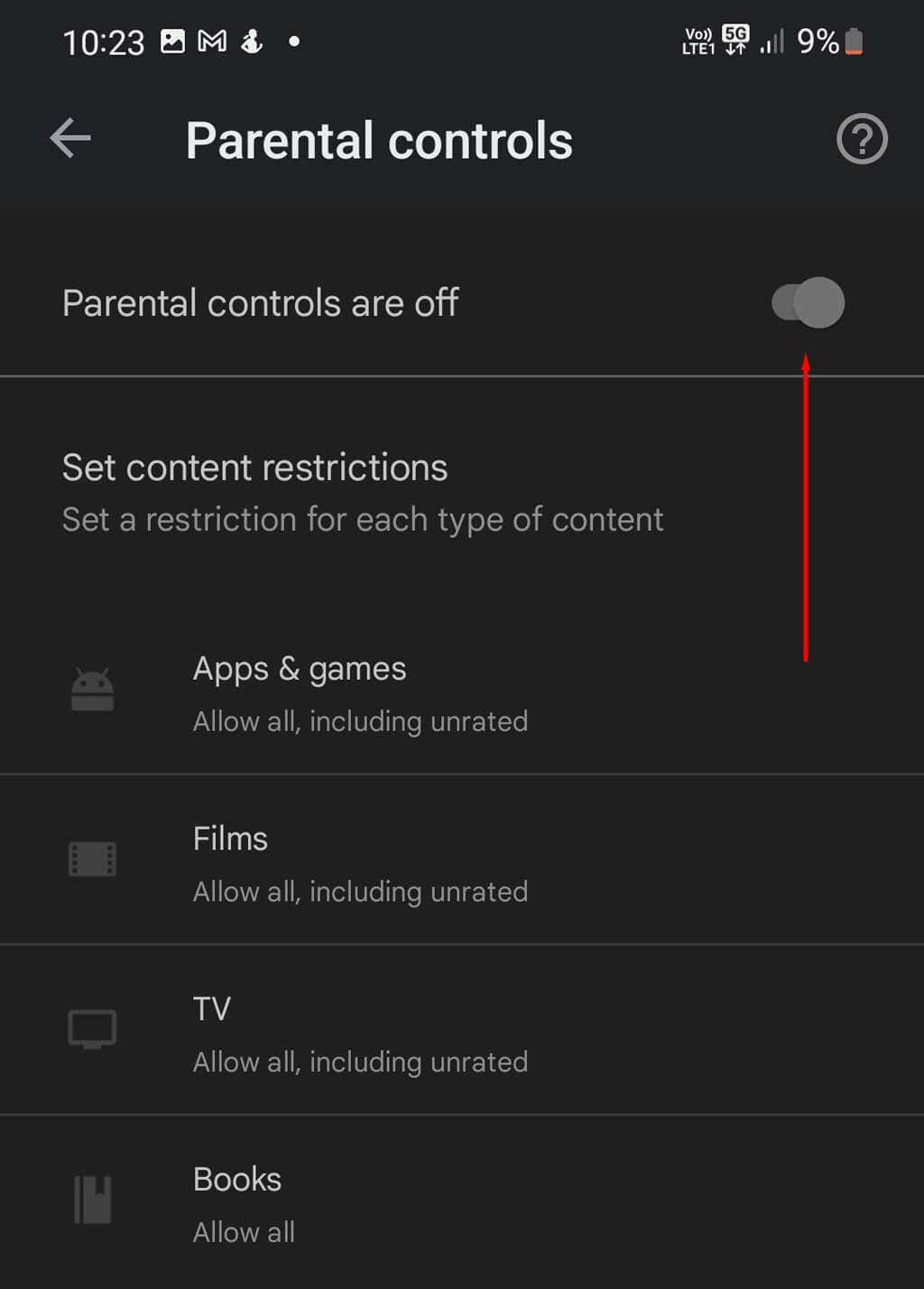
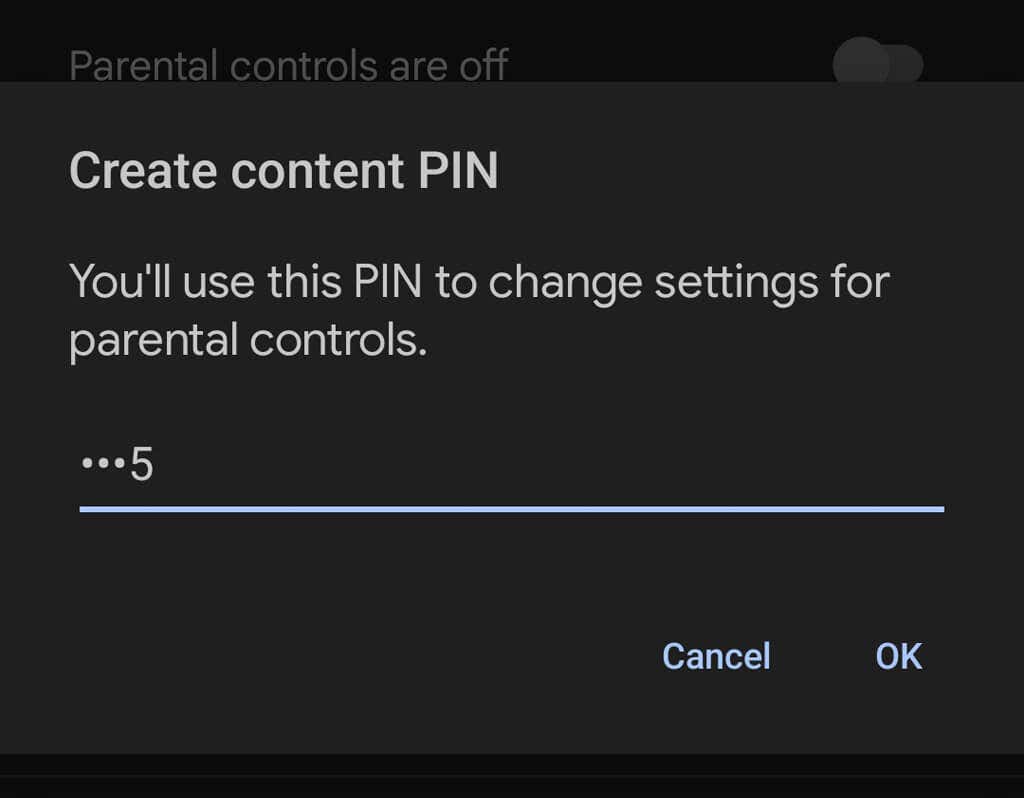
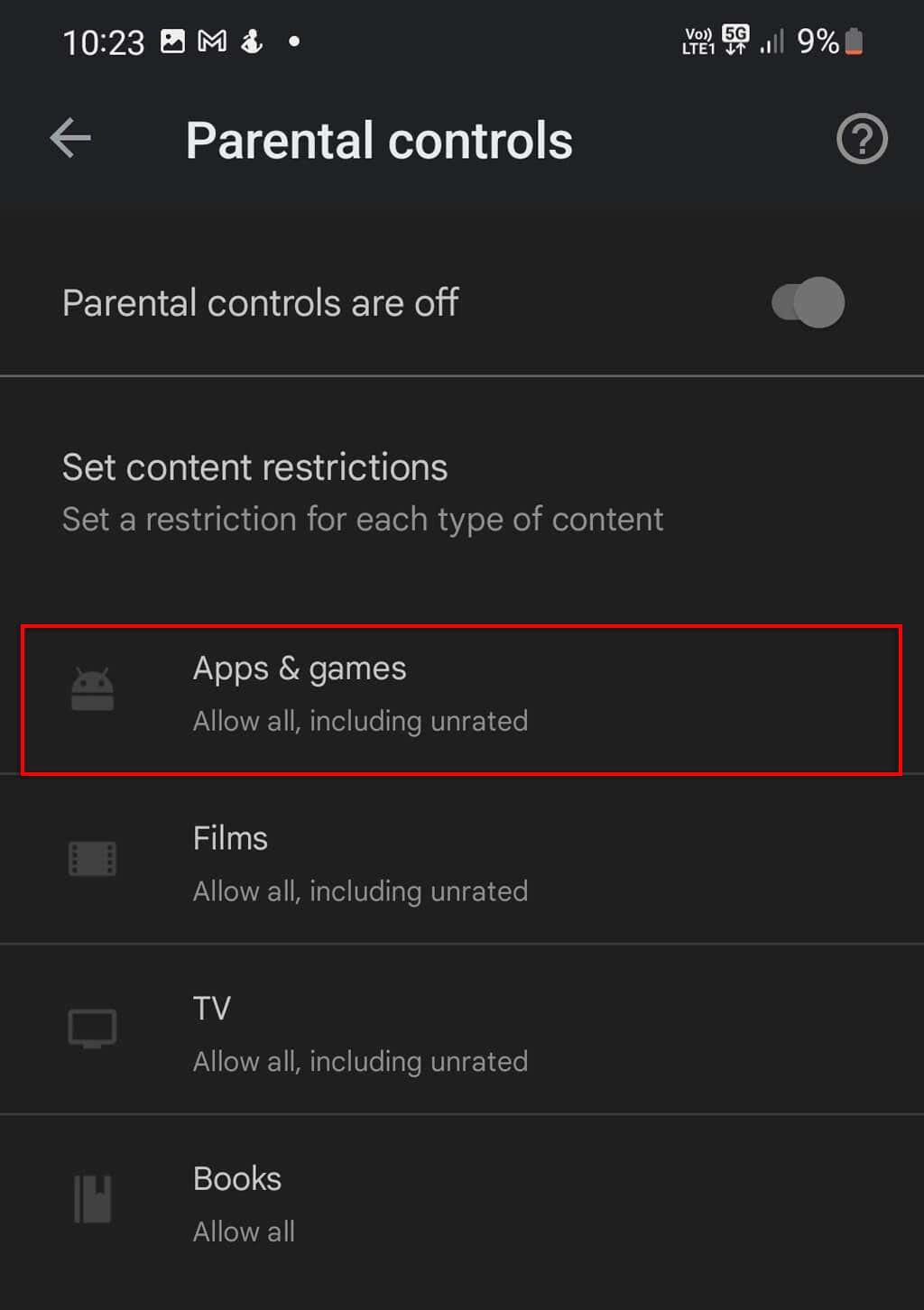
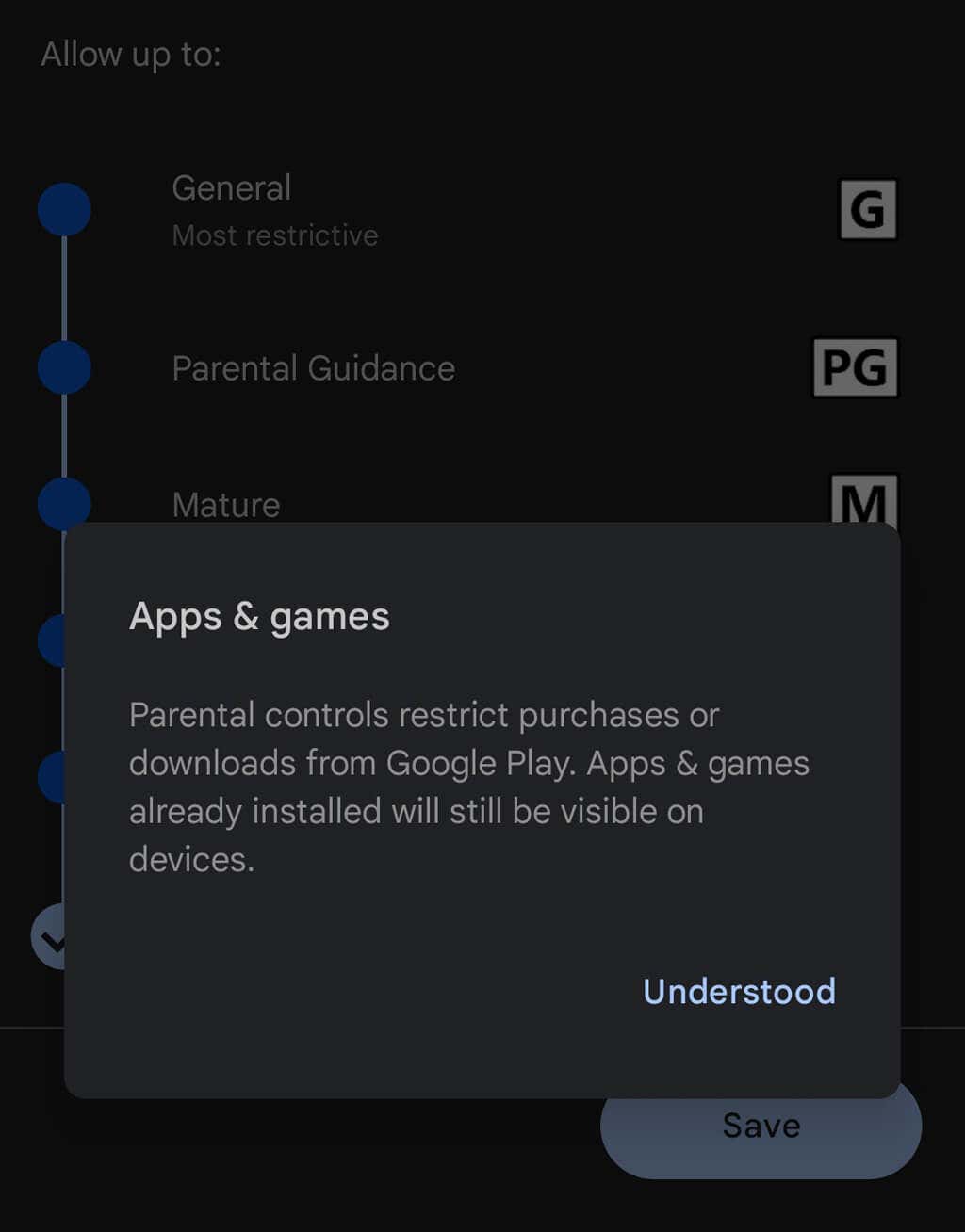
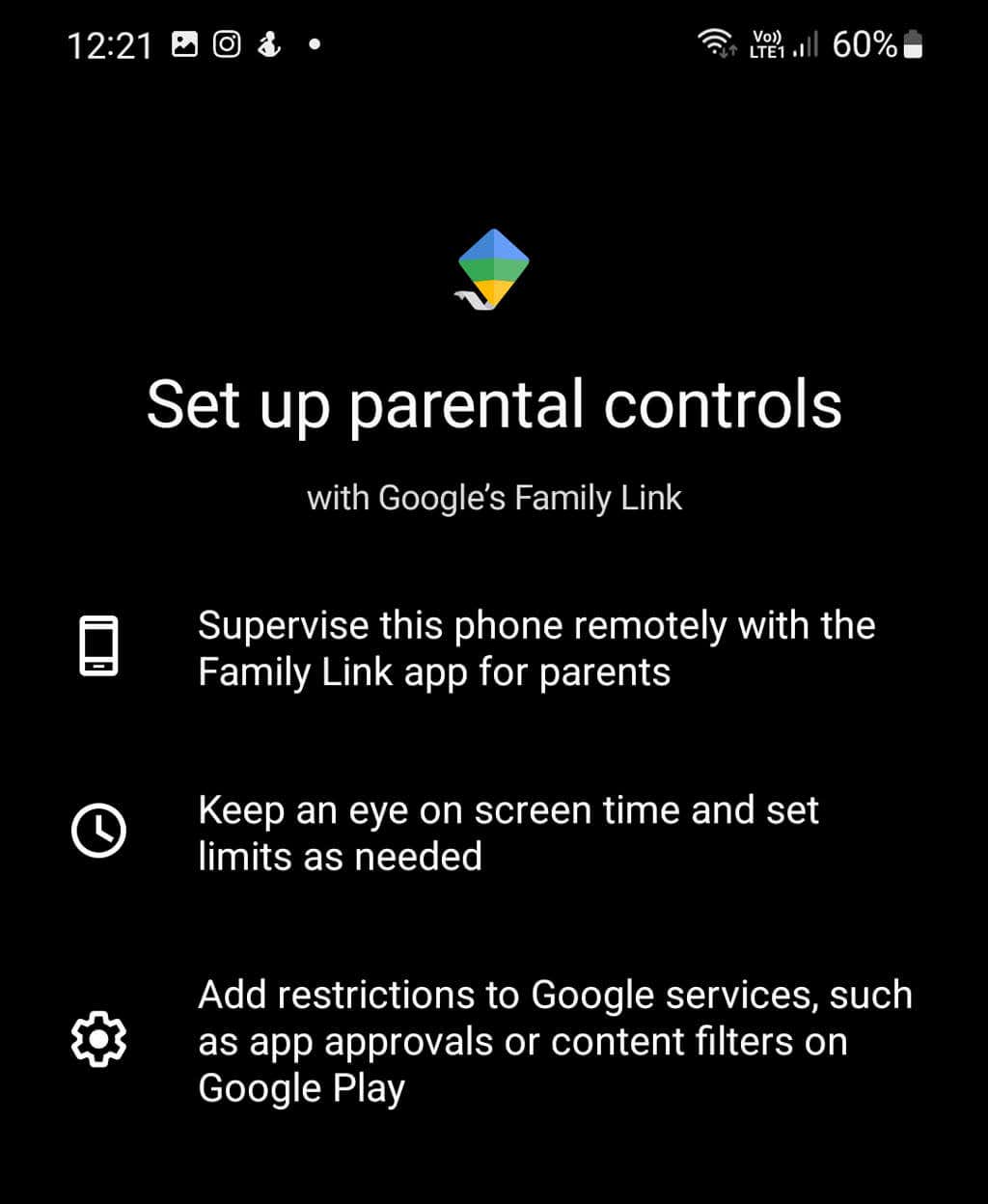
The easiest way to block the TikTok app on Android is by using the parental control settings found within the Google Play Store app. To block TikTok: Note: This will prevent your children from downloading the TikTok app, but if it’s already installed, they’ll still have access — so don’t forget to uninstall the app first!
How to Block TikTok Via Your Router
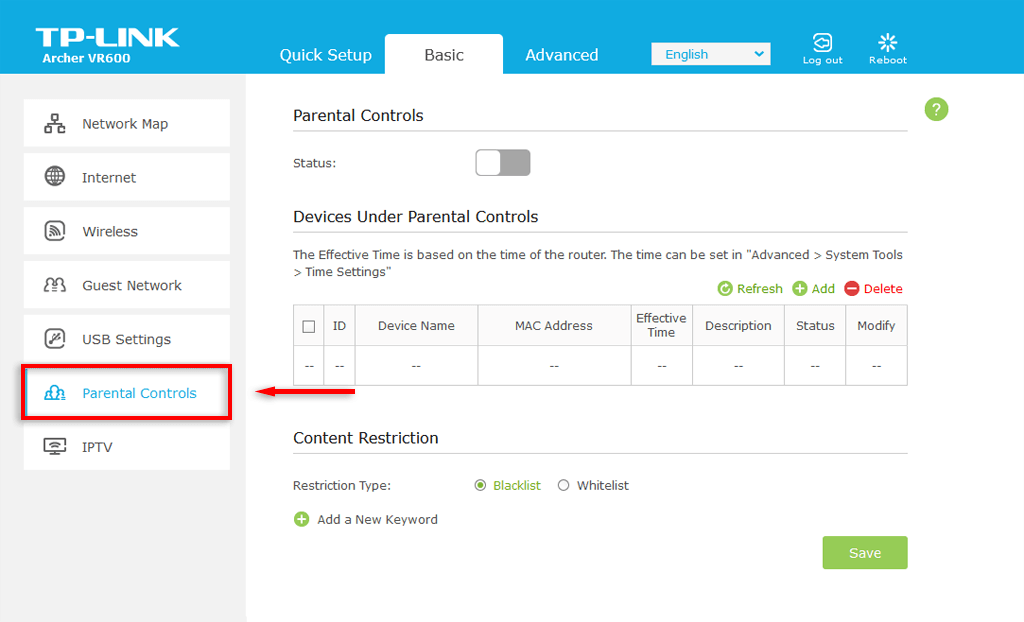
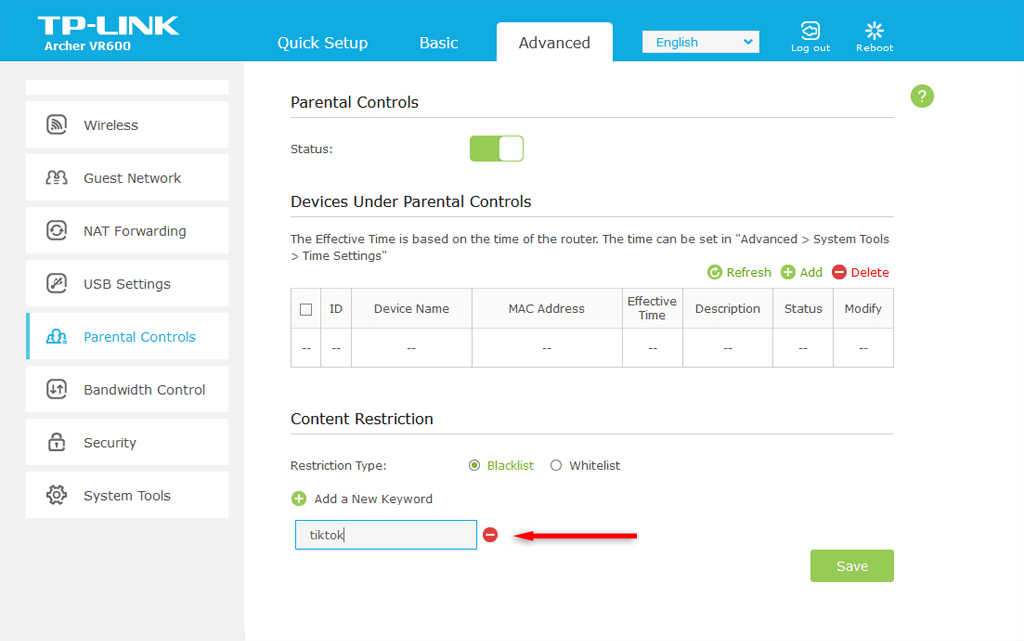
It’s possible to block TikTok via your router’s administration settings. By doing so, you’ll prevent any device connected to your Wi-Fi from accessing the TikTok app or website. However, if the device is capable of using a mobile internet network, you’ll be able to bypass the block by turning off Wi-Fi. To block TikTok from your router: Note: Some routers will also let you set up a window of time where you can still access the app. This is useful if you just want to limit your screen time and not block the app entirely.
How to Block TikTok With a Third-Party App
There are several third-party apps and parental control apps that will help you block websites and limit access to apps like TikTok. These apps all work very similarly, preventing you from accessing TikTok and other specific apps when you’re not supposed to (or don’t want to). Here are three free app blockers to choose from:
How to Limit Screen Time on TikTok
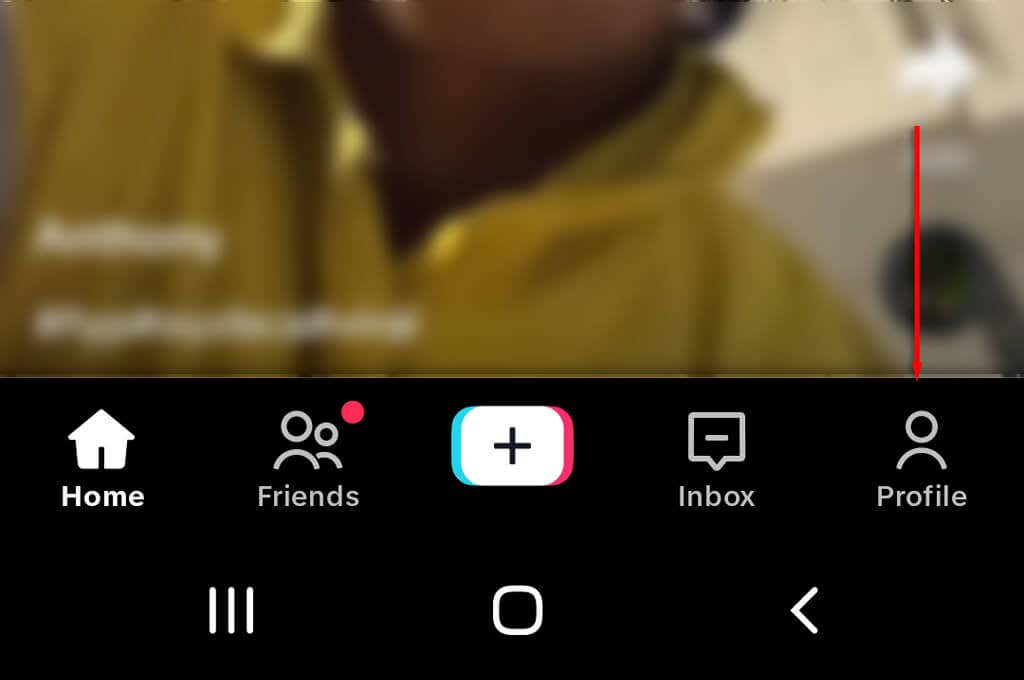
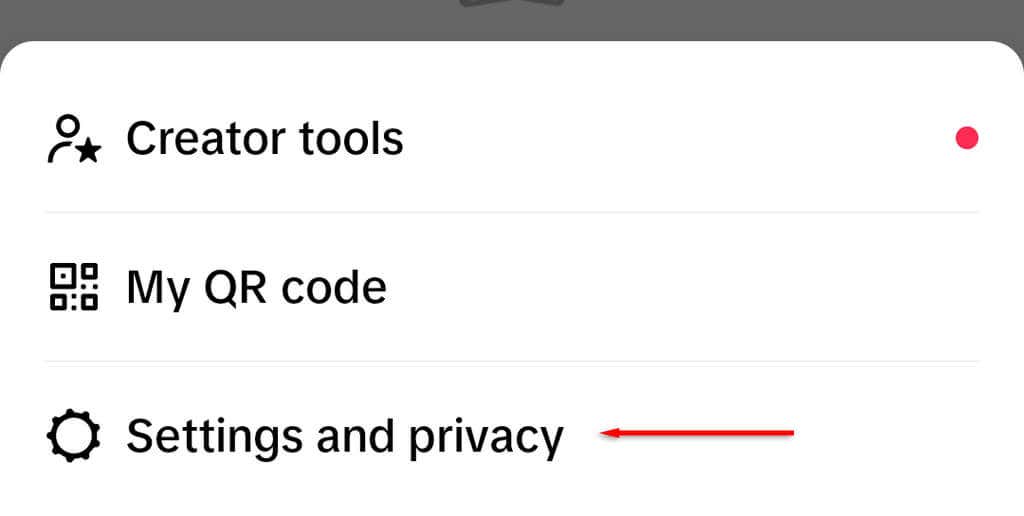
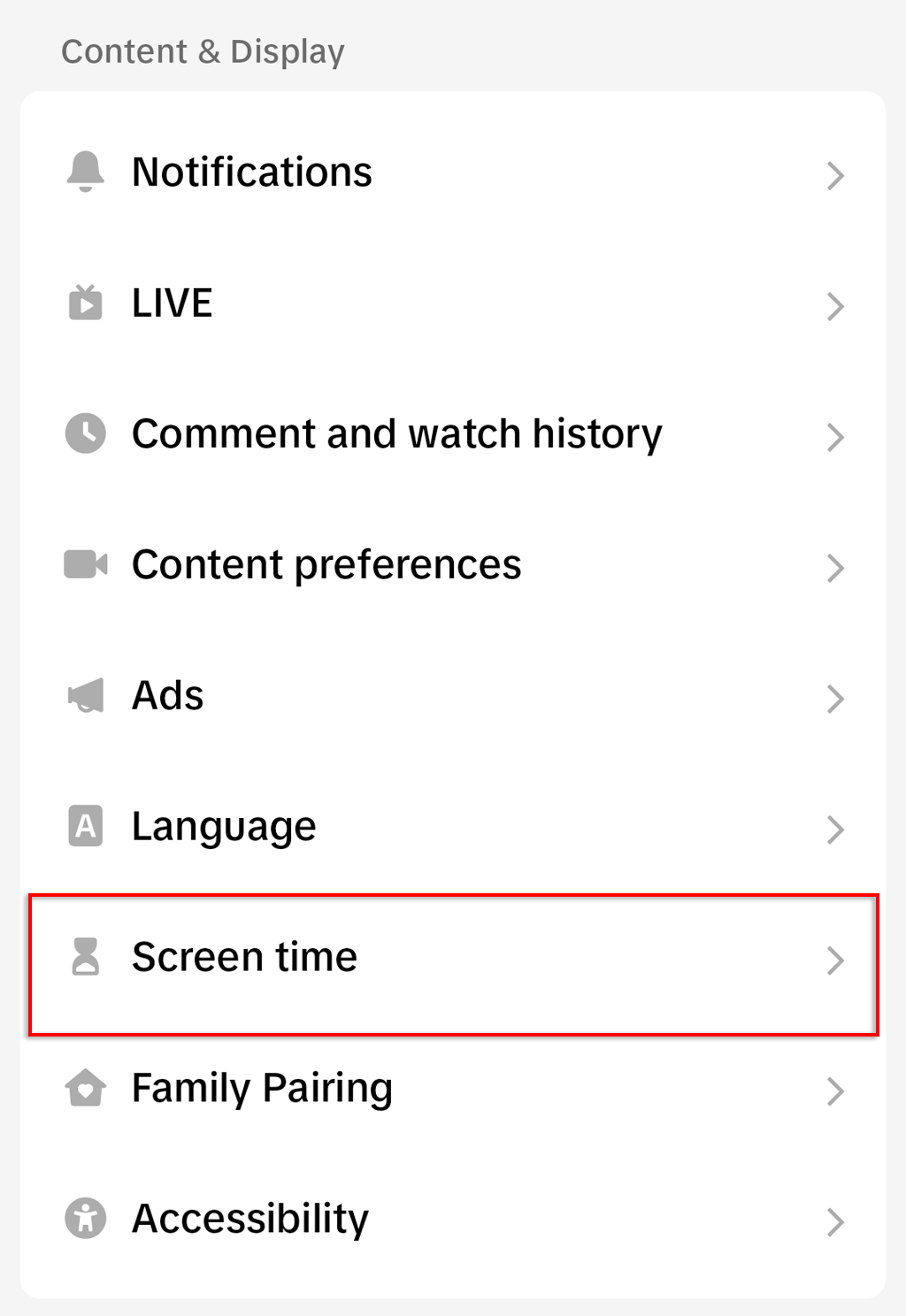
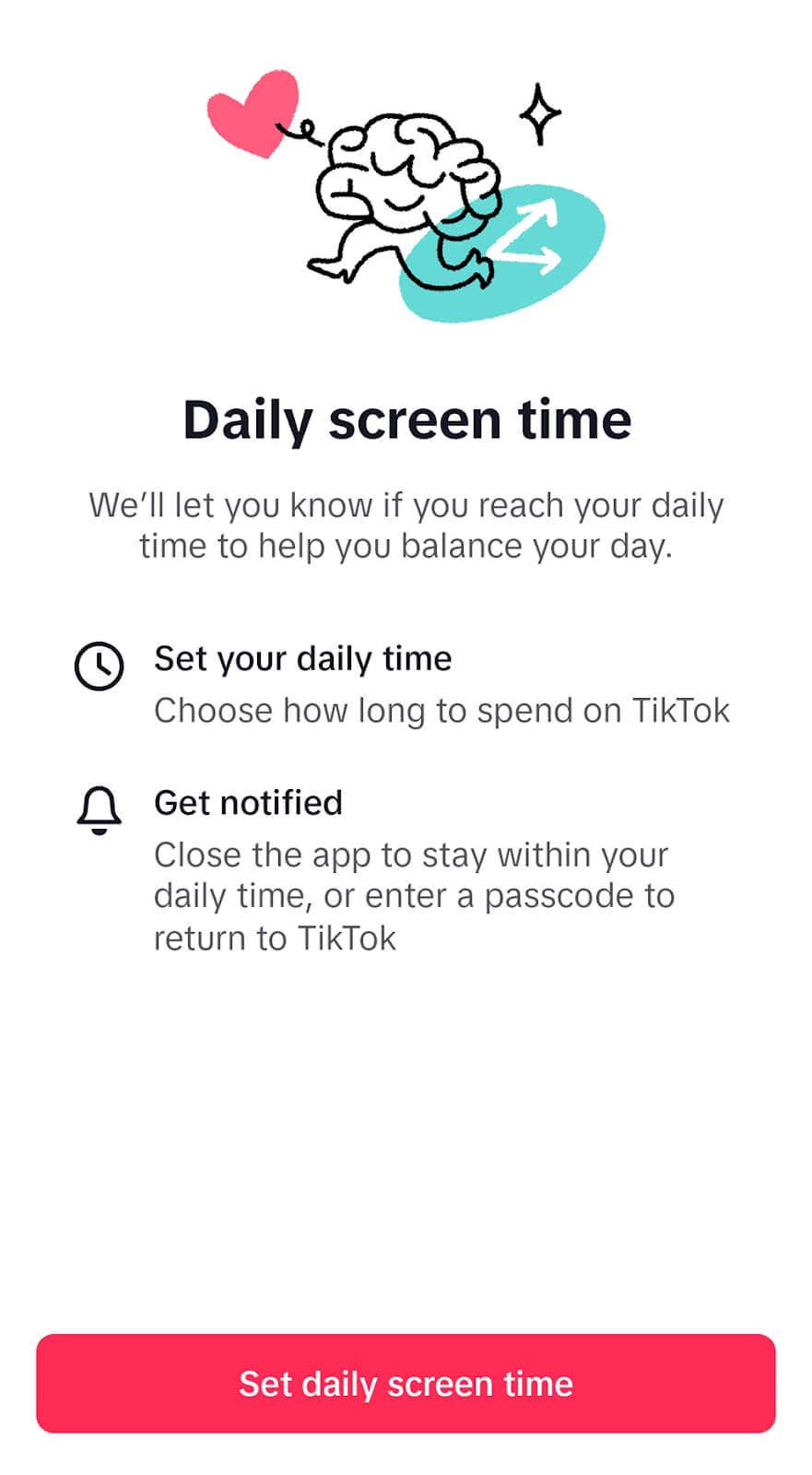
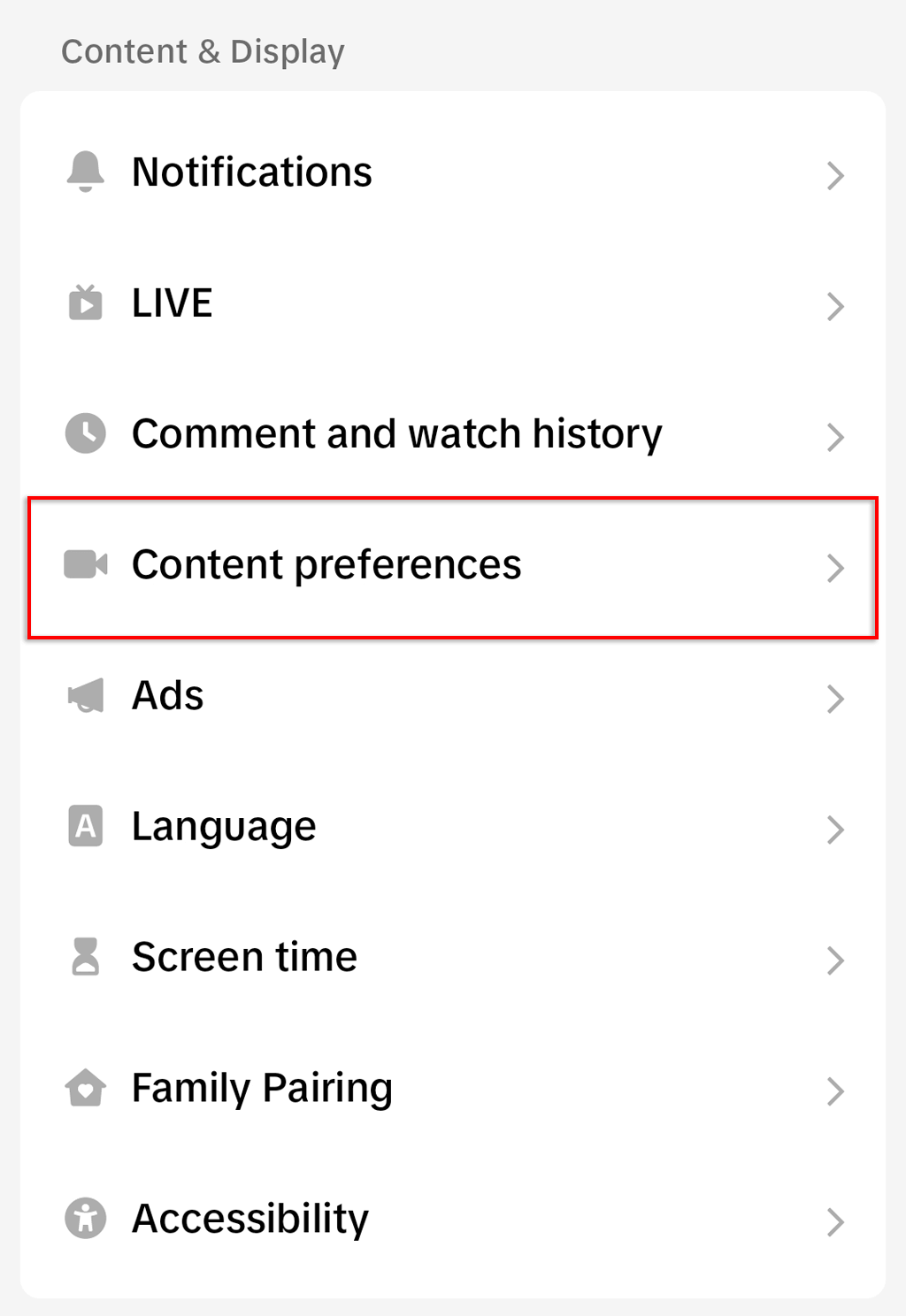
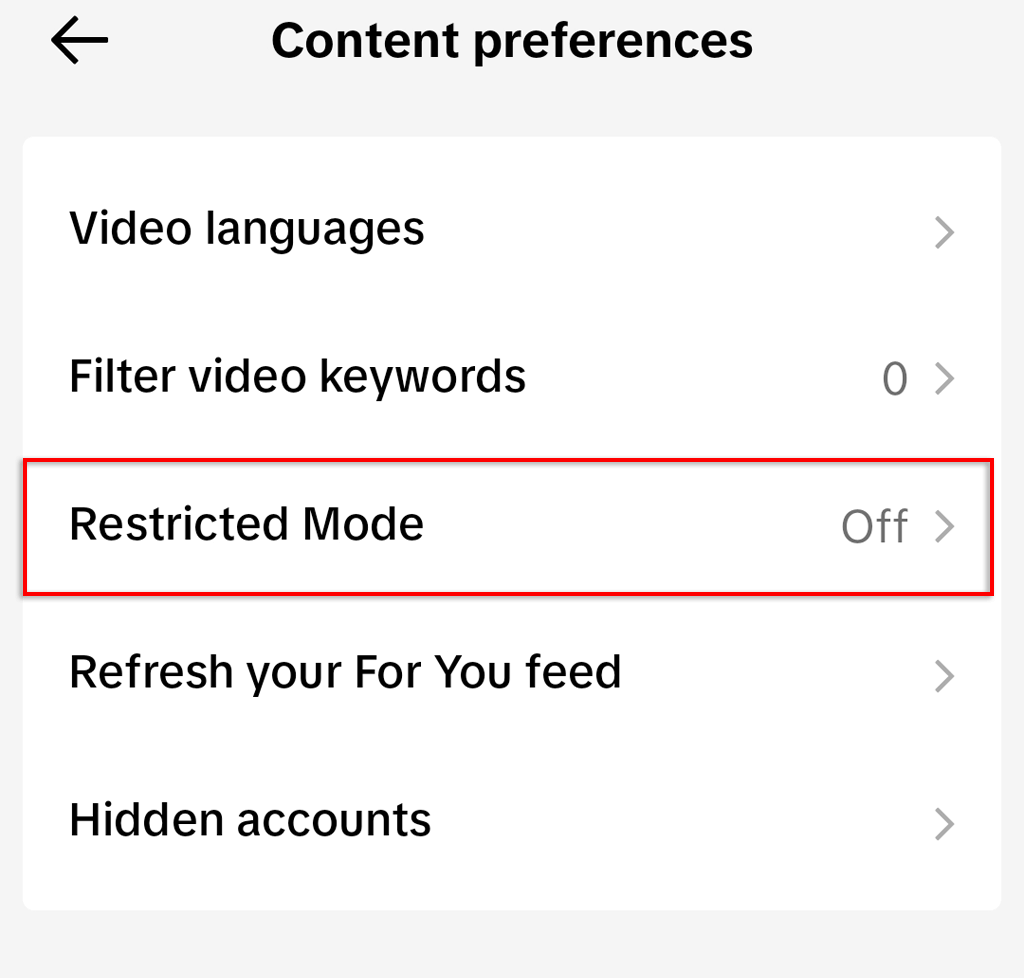
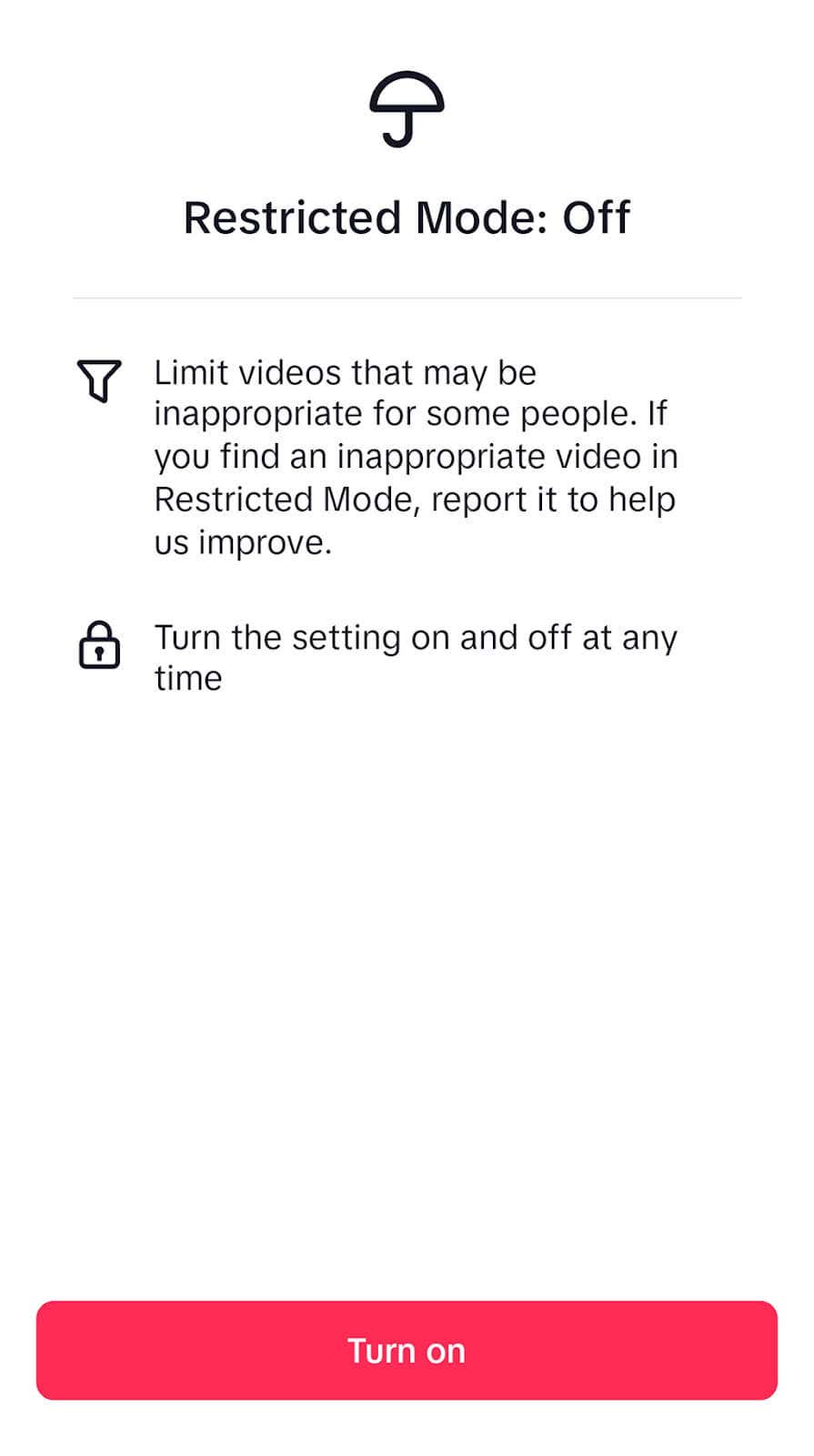
TikTok comes with a built-in screen time limiting feature that helps users cut down on how much time they spend on the app. This can be a useful feature for maintaining your own productivity, as well as for cutting down how much time your kids use the app. To use the Screen Time feature: TikTok also offers a restricted mode that can prevent your child from accessing inappropriate content, while still allowing them to use the app: Note: It’s also possible to block TikTok and limit screen time on Apple devices including iPhones and iPads.
Save Time, Stay Off TikTok
These days, it’s so easy to get distracted, open your phone, and start watching short-form videos on social media platforms like TikTok and Snapchat. The time-wasting content is so addictive that it’s hard to turn it off. Worse, social media makes it too easy for children to experience cyberbullying and witness inappropriate content. Sometimes, the only thing to do is block the app. Hopefully, with the help of this article, you can easily add blocklists, lock your TikTok account, and regain your freedom.