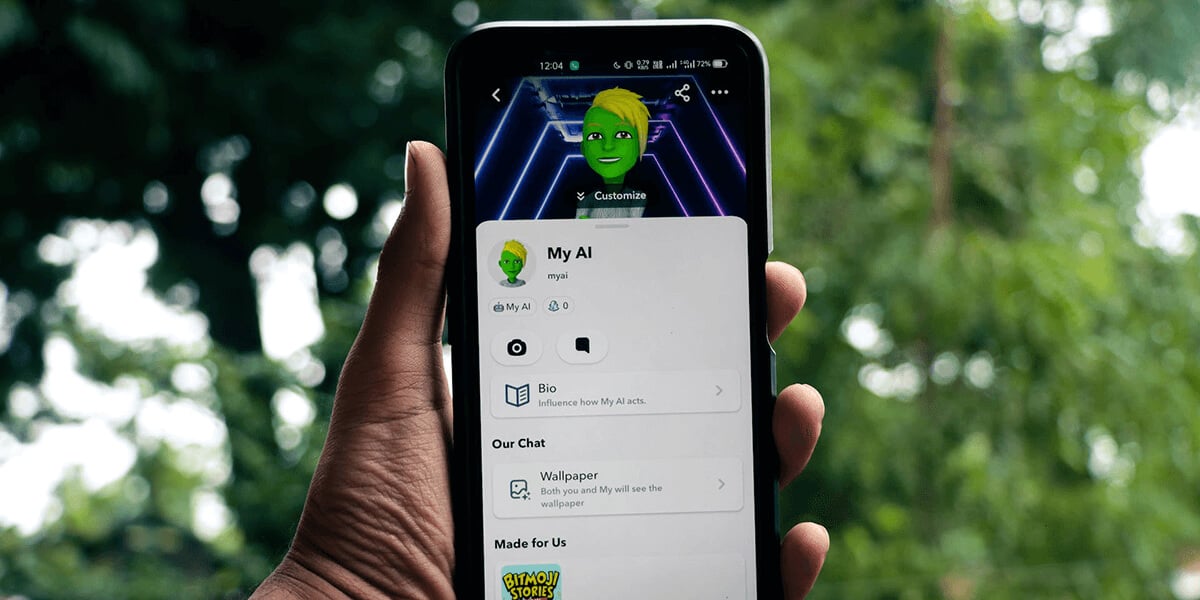
Once you access the chatbot, you can start asking questions, change the chatbot’s outfit and behavior, remove it from your Chat feed if you don’t want the tool there, and even clear your data stored with it.
Access My AI in Snapchat for iPhone and Android
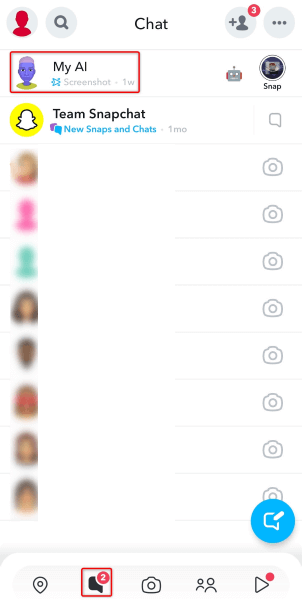
Accessing My AI in Snapchat on an iPhone or Android phone is as easy as starting a chat with a friend. Here’s how you get access to the chatbot.
Access My AI on Snapchat’s Website
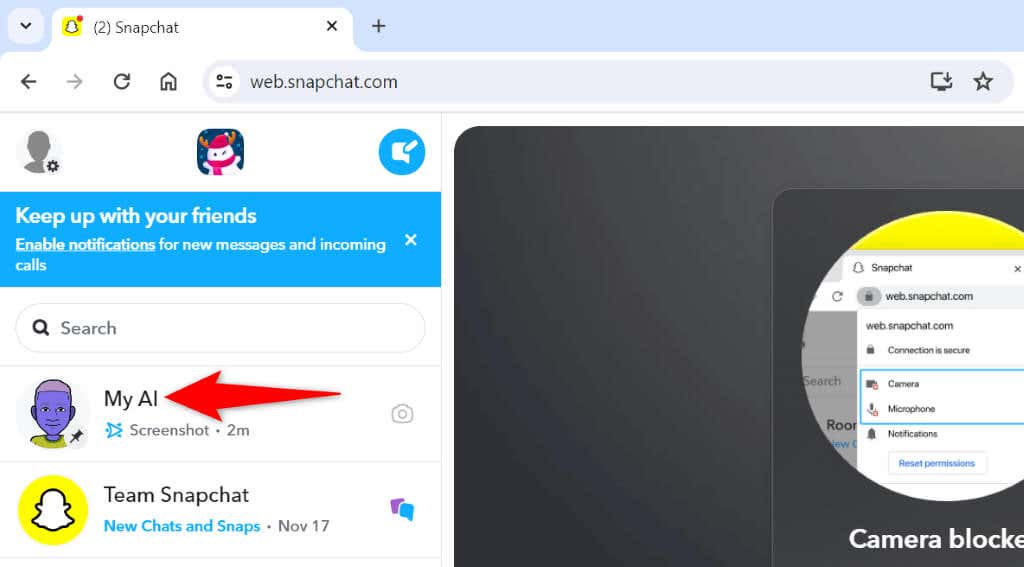
You can access and use My AI on a Windows, Mac, Linux, or Chromebook computer from the Snapchat web version.
How to Customize My AI’s Outfit and Behavior
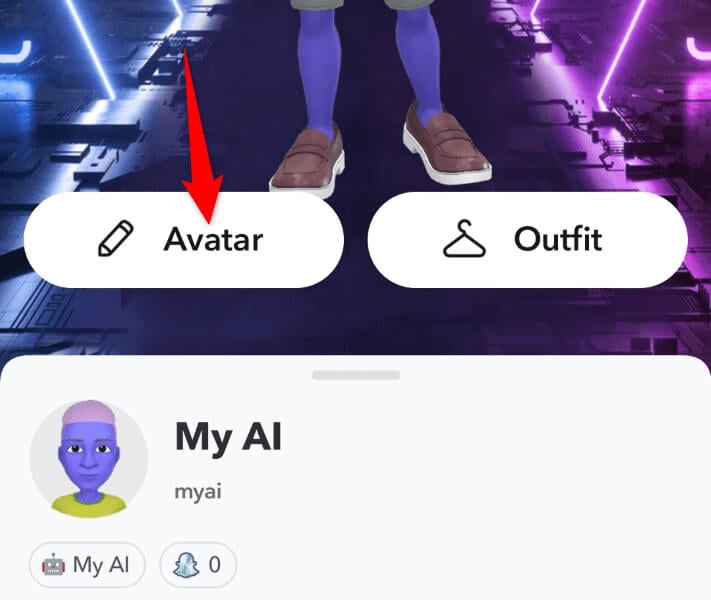
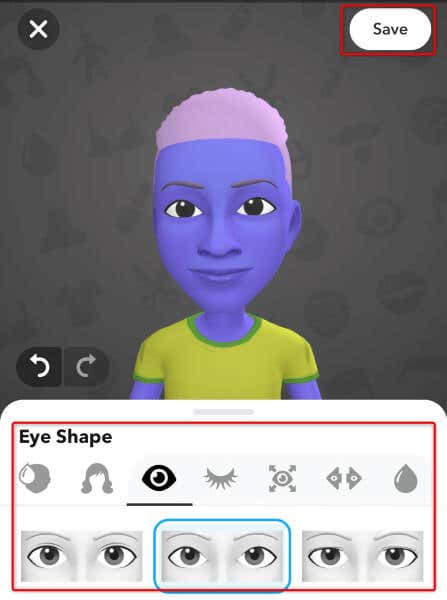
Snapchat allows you to customize My AI’s look and behavior, letting you make the chatbot truly yours. You can change the chatbot’s avatar, tweak various skin features, apply various clothing options, and even change how the chatbot behaves. The ability to change My AI’s behavior is only available to Snapchat+ subscribers, though.
Change My AI’s Appearance
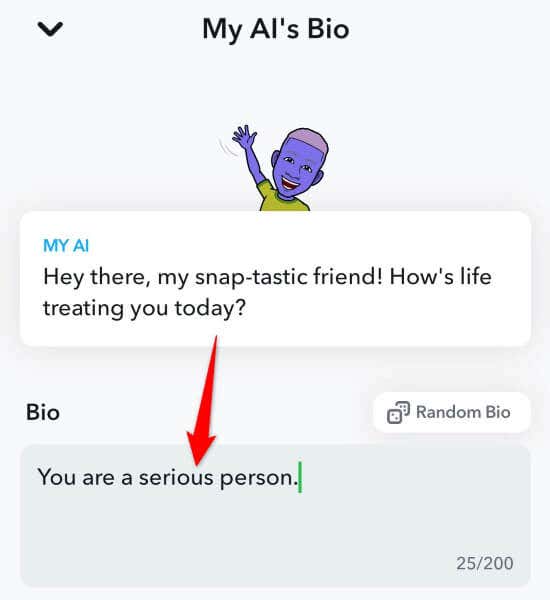
Change My AI’s Behavior
If you have a Snapchat+ subscription, you can change how My AI behaves. You can add a bio to My AI telling the chatbot what personality to use. For example, you can ask the chatbot to be a serious person, and the chatbot will then seriously answer your questions.
What Can You Ask Snapchat’s My AI?
You can ask Snapchat’s My AI various questions. You can ask the chatbot trivia questions, get suggestions for gifts, ask for advice about various life events, get trip and food-related suggestions, and more. As My AI is powered by ChatGPT, there are lots of things you can do with the chatbot. As long as your questions don’t violate Snapchat’s community guidelines, you will get answers from the chatbot.
What Should You Do If You Don’t Find My AI in Snapchat?
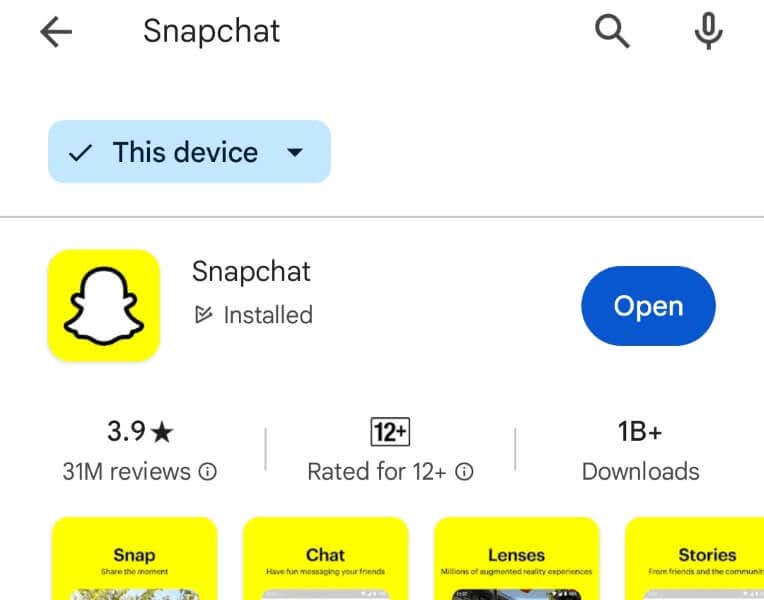
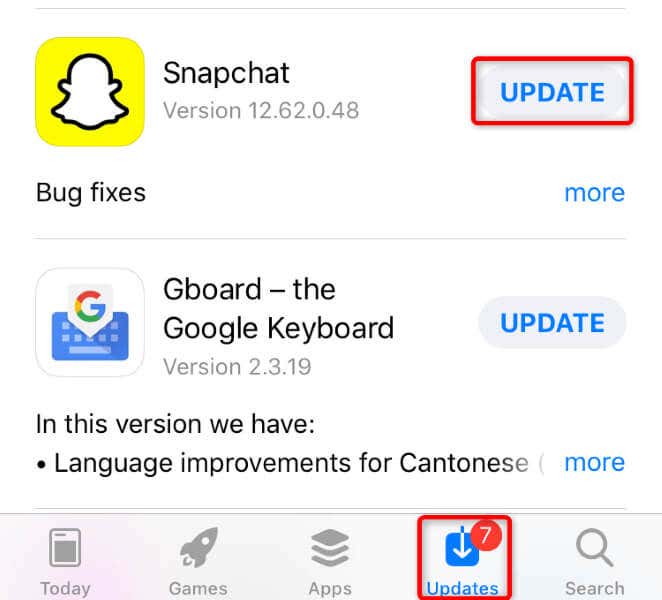
If you don’t find My AI on Snapchat’s Chat page, your app version might be outdated, or the company might not have rolled out the feature in your region. In the former case, you can update your app version to possibly bring My AI.
On Android
On iPhone
If you still don’t find My AI, wait until Snapchat rolls out the feature in your region.
How to Unpin My AI on Your Snapchat Chat Screen
If you’re a Snapchat+ subscriber, you can unpin My AI from your Chat screen so the chatbot doesn’t appear at the top of your feed.
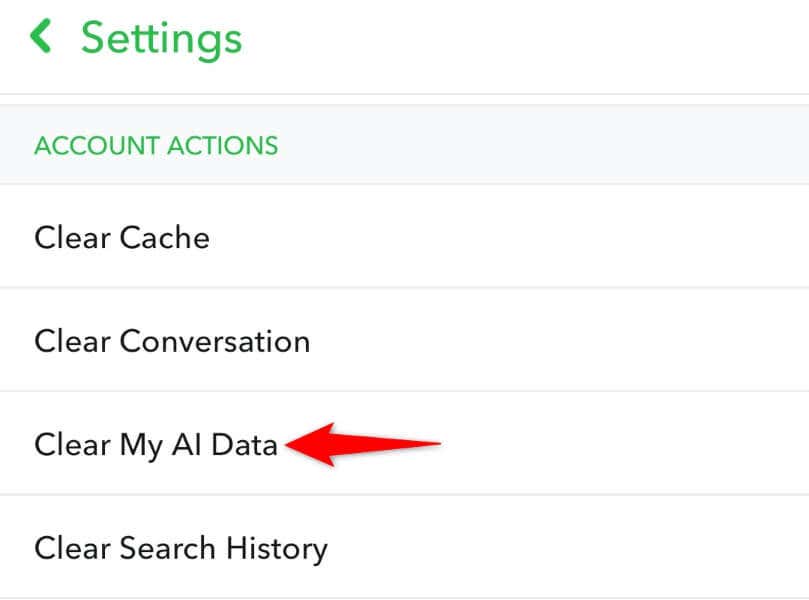
How to Delete Your Data With Snapchat My AI
Snapchat’s My AI chatbot keeps your conversations stored until you manually delete that data. If you’d like to erase the data My AI has on you, here’s how you do that.
Enhance Your Snapchat Experience With My AI Chatbot
Snapchat’s My AI chatbot aims to improve your app experience by letting you ask questions and get those questions answered from within the app. There are a plethora of questions you can ask the chatbot. The chatbot is free to use, and you can add it to your app by following a few steps, as explained above. We hope you enjoy your time with this AI-enabled chatbot in Snapchat on your phone.