Some other reasons you can’t use reaction emojis are that Instagram is down, your app’s cache files are corrupted, your app’s core files are damaged, and more.
1. Check Your Internet Connection
When you can’t use a feature in a web-enabled app like Instagram, ensure your phone’s internet connection is working. Your connection may be inactive or unstable, causing the emoji reaction feature not to work as expected. You can check if your connection is faulty by opening a web browser and launching a site. If your site fails to load, you have connection issues. You can try to resolve your internet problems by disconnecting and reconnecting to your Wi-Fi network, restarting your router, turning your mobile data off and back on, or contacting your internet service provider.
2. Check If Instagram Is Down
If your internet connection is working, check if Instagram’s servers are down. This is because your app features will be unavailable if the platform’s servers are facing an outage. You can check if Instagram is down using the Downdetector site. If this site tells you the platform is experiencing issues, wait until the company fixes the problems and brings all services back up.
3. Force Close and Relaunch Instagram on Your Phone
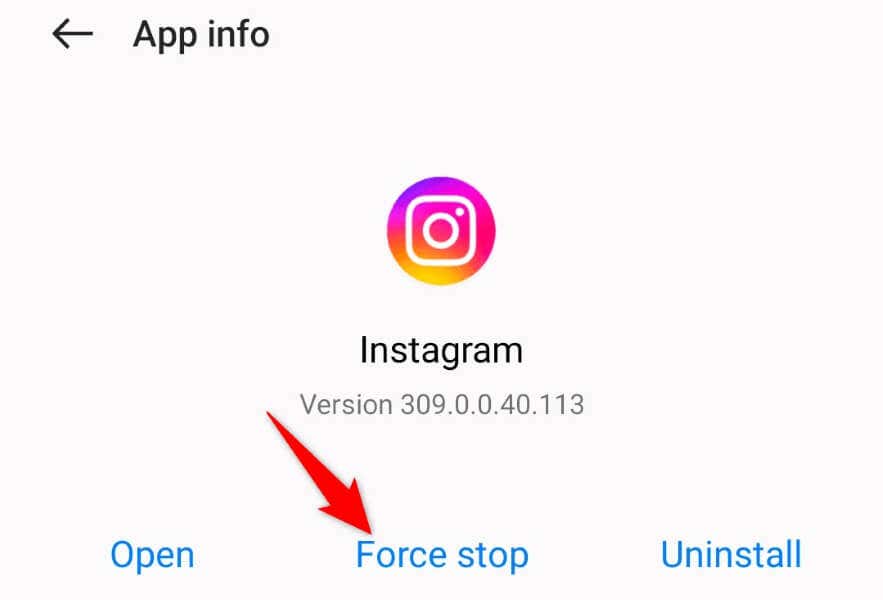
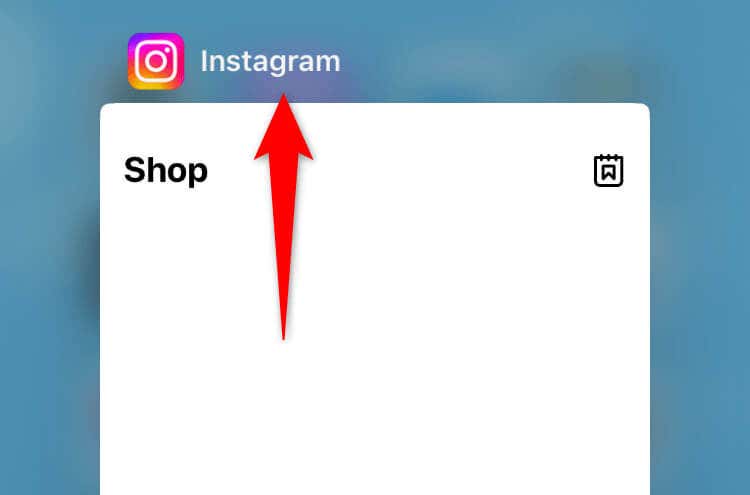
One possible reason you can’t use emoji reactions is that your Instagram app has minor glitches. In this case, force-quit and re-open the app to resolve your issue. Doing this turns off and back on all your app features, resolving many minor app problems.
On Android
On iPhone
4. Update Instagram on Your Phone
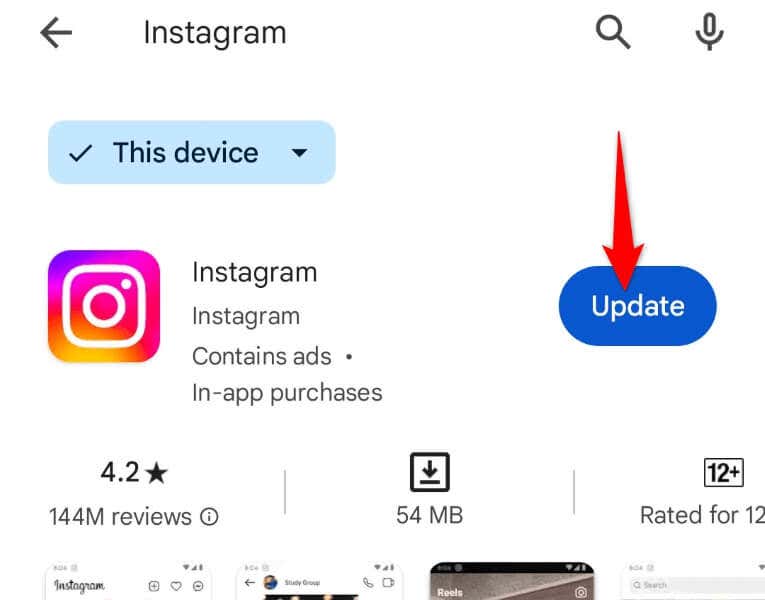
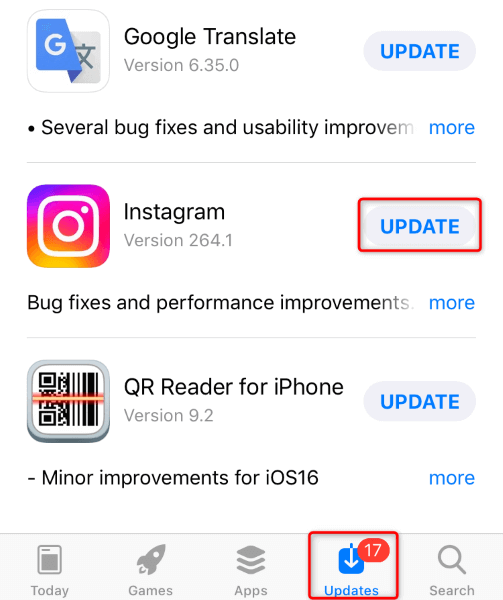
Instagram’s old app version can cause many issues, and this may be the case with you. You can resolve your app’s many bugs by updating your app to the latest version.
On Android
On iPhone
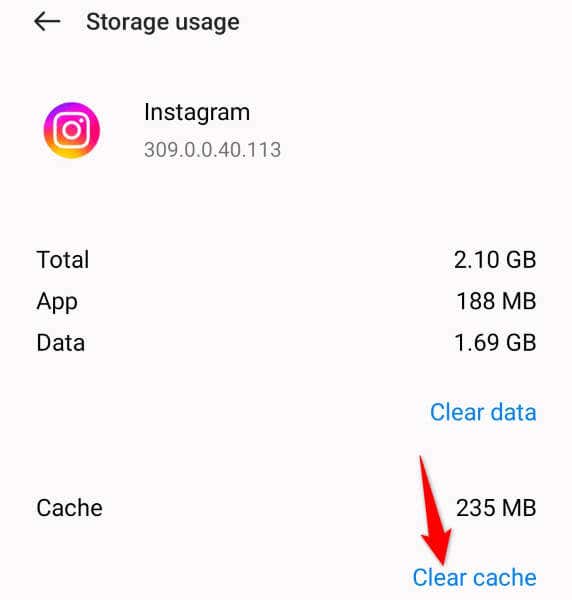
5. Clear Instagram’s Cache Files on Android
One way to fix a broken emoji reaction feature in Instagram’s Direct Messages is to clear your app’s cache files. This is because your app’s cached data may be corrupted, breaking your feature. Deleting this faulty data should resolve your problem. Note that you don’t lose your account data when you clear your app cache. Also, you can only perform this procedure on Android; the iPhone doesn’t allow you to delete an app’s cache.
6. Restart Your iPhone or Android Phone to Fix the Instagram DM Issue
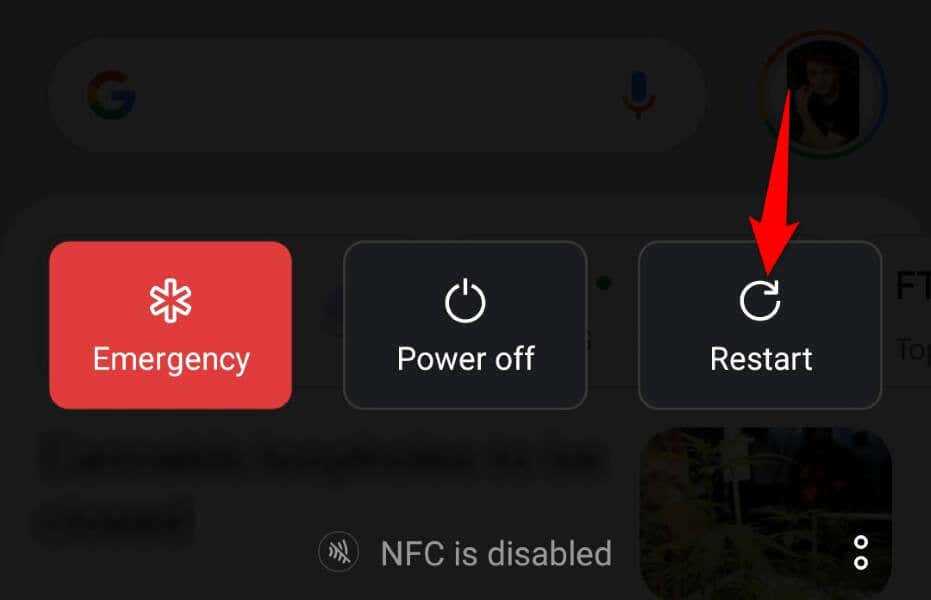
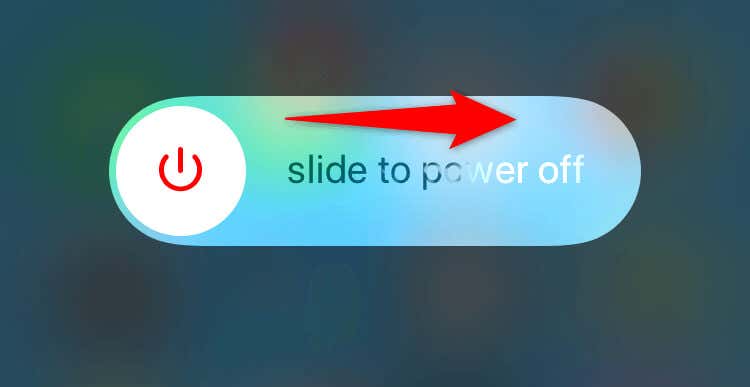
If your issue isn’t fixed, your iPhone or Android phone’s system may have a problem. Such system-level issues can cause your installed apps to malfunction. In this case, give your phone a reboot to see if that fixes your issue.
On Android
On iPhone
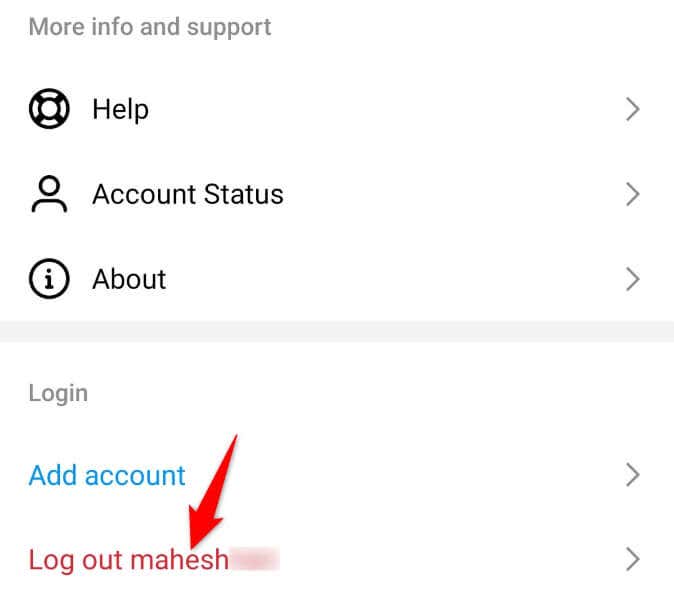
7. Log Out and Back Into Your Instagram Account
Sometimes, you can’t access certain app features because your login session has problems. You can resolve such login-related issues by signing out and back into your account in the app. Keep your Instagram login credentials handy, as you’ll need those details to log back in.
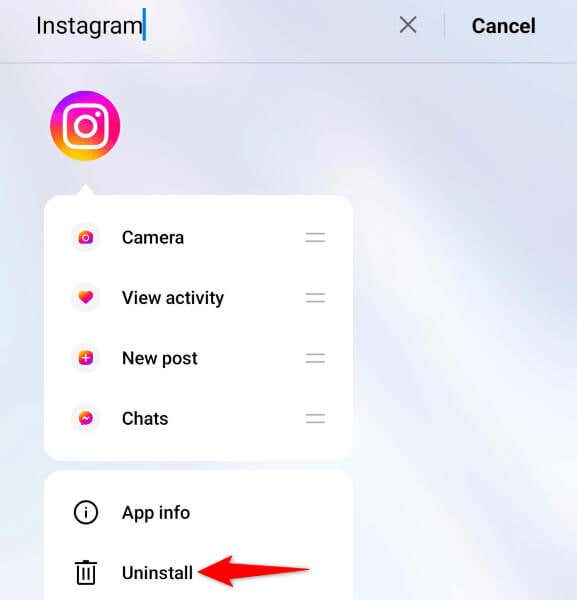
8. Uninstall and Reinstall Instagram on Your Phone
If the above methods fail to fix your issue, your Instagram app itself may be faulty. You can fix such app-level corruption by removing and reinstalling the app on your phone. Note that you don’t lose your account data when you reinstall the app.
On Android
On iPhone
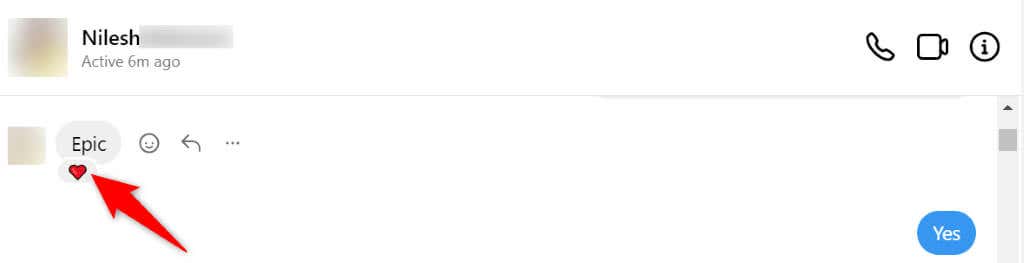
9. Use Instagram’s Desktop Site to React to Messages With Emojis
If nothing fixes your issue, your last option is to use Instagram’s desktop version to react to your specific messages with emojis. Instagram’s desktop website offers pretty much the same features as the Instagram mobile app.
Get Started Reacting to Instagram Messages With Emojis on Your Phone
Instagram’s emoji reaction feature allows you to express your feelings about your messages with emojis. If this feature isn’t working on your device, the guide above will help you fix and restore the function. You can then react to any received message on this social media network with your chosen emoji. Enjoy!