Some reasons you can’t post captions on Instagram are that your app’s cache is corrupted, your app is outdated, your login session in the app is faulty, and more.
Ensure Your Captions Meet Instagram’s Guidelines
Before applying fixes, ensure your caption text meets Instagram’s rules for posting content. Your caption may not be meeting these rules, causing the platform to reject your captions. The first rule is that your caption must not have more than 2,200 characters. You must also not use more than 30 hashtags in your post, which is the hashtag limit. In addition, the caption must follow the platform’s community guidelines. If your caption doesn’t meet the above rules, tweak the caption.
Refresh Your Instagram Feed
It’s possible you’ve successfully added your caption to your post, but Instagram’s feed isn’t correctly refreshed. This causes the app to display an older version of your post. In this case, refresh your feed to fix your issue. You can do that by accessing your home screen or profile screen in Instagram and pulling down from the top of the feed. You’ll then see your post with your captions.
Edit the Post and Re-Add the Caption
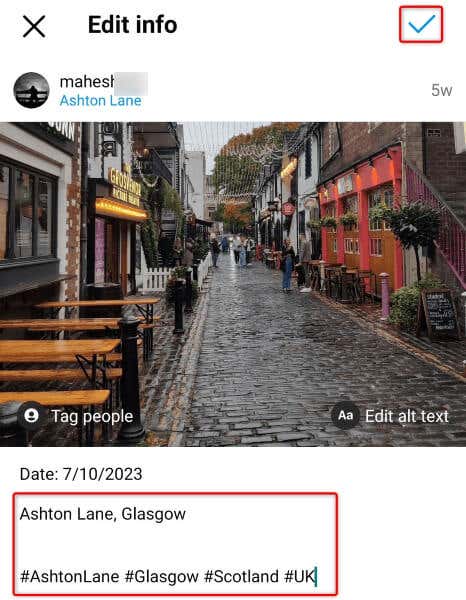
If the caption is still missing, edit your post and add the caption again. It’s possible Instagram failed to save your text the previous time, leading to a published post without captions.
Fix Instagram’s Caption Problem by Closing and Relaunching the App
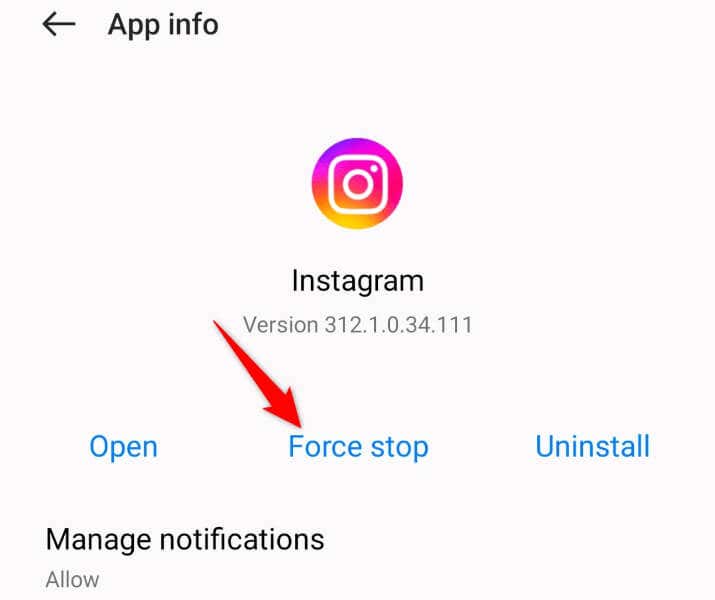
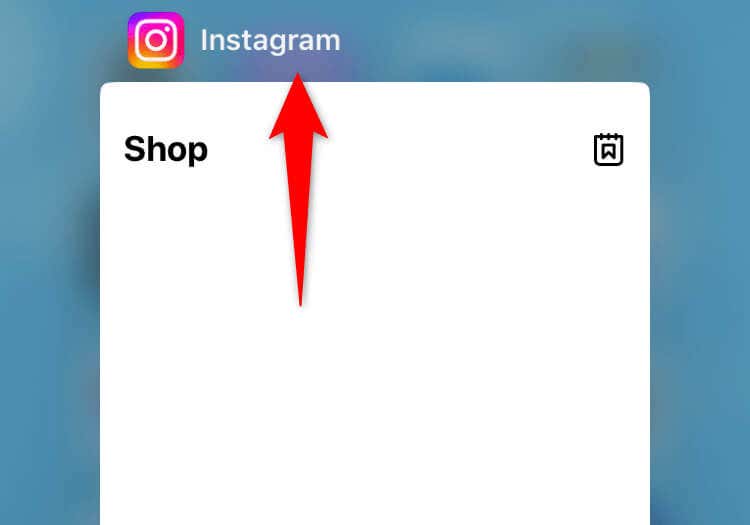
Closing and relaunching Instagram helps fix many minor app glitches, which can help resolve issues with the captions feature.
On Android
On iPhone
Clear Instagram’s Cache on Android
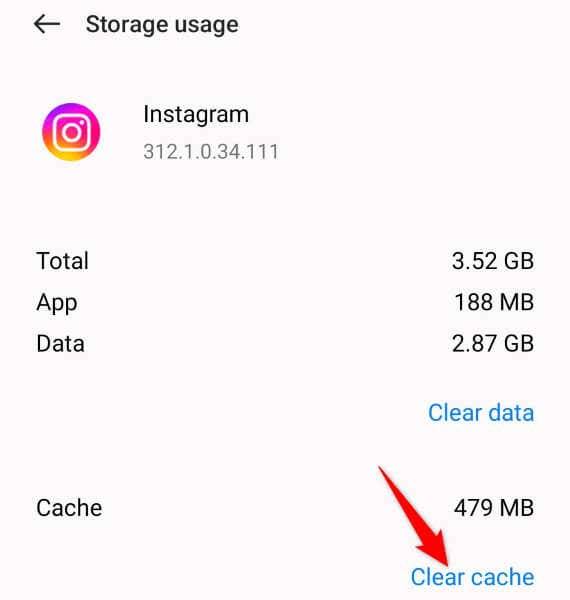
Instagram caches various files to optimize your app experience. Sometimes, these cached files become corrupted, leading to multiple functionality problems in the app. In this case, you can clear the app cache to resolve your issue. Clearing your Instagram cache doesn’t delete your account data or log you out of your account. Your phone will rebuild this cache as you use the app. Note that you can’t clear an app’s cache on an iPhone.
Update Instagram on Your Phone
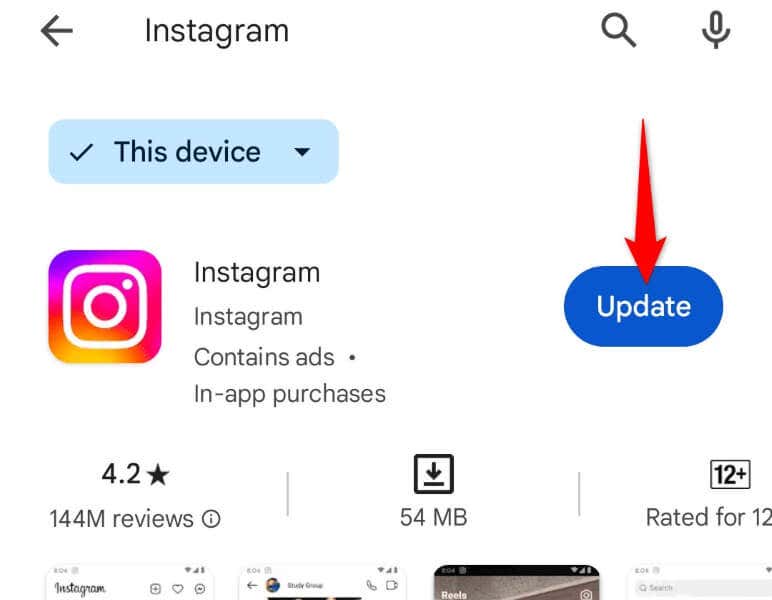
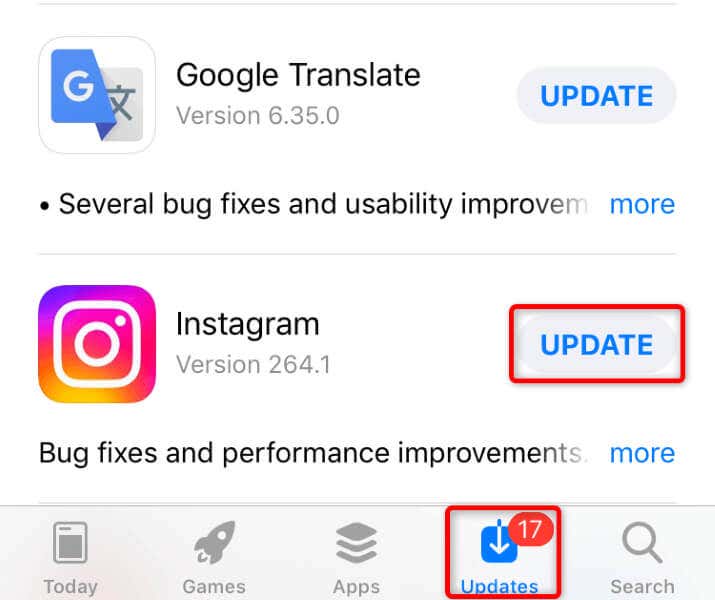
If your Instagram version is outdated, that might be the reason you can’t add captions to your posts. Older app versions are known to have bugs, and you can patch those bugs by updating your app. Updating the app also possibly adds new features.
On Android
On iPhone
Sign Out and Back Into Your Instagram Account
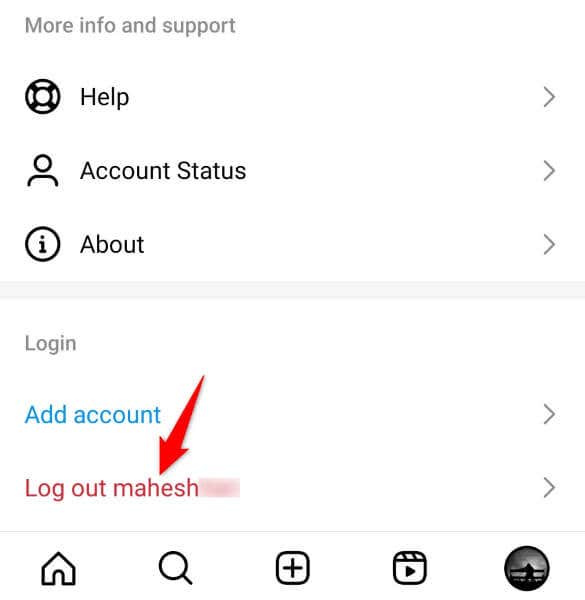
A login session problem in your Instagram app can cause various issues. This is rare, but it happens. In this case, log out and back into your account in the app to fix your problem. Keep your Instagram username and password handy to sign back in quickly.
Remove and Reinstall Instagram
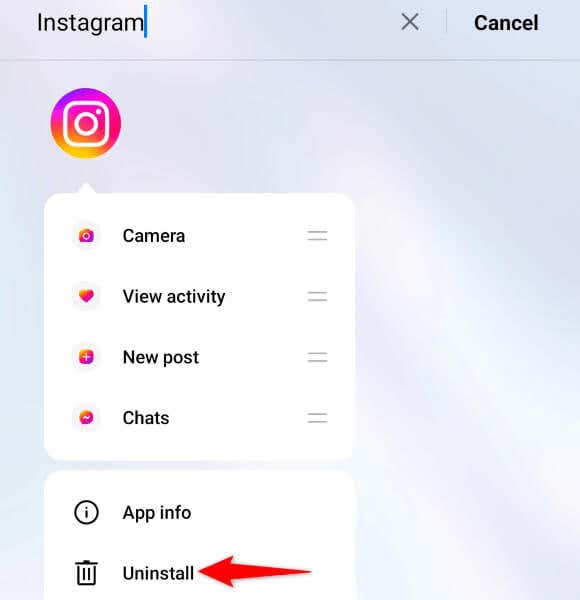
If your Instagram app itself is faulty, that might be why you can’t add captions. In this case, the only solution you can use is to uninstall and reinstall the app on your phone. Doing so deletes all the app’s problematic files and brings new working files. You don’t lose your account data when you do that.
On Android
On iPhone
Use Instagram on the Web
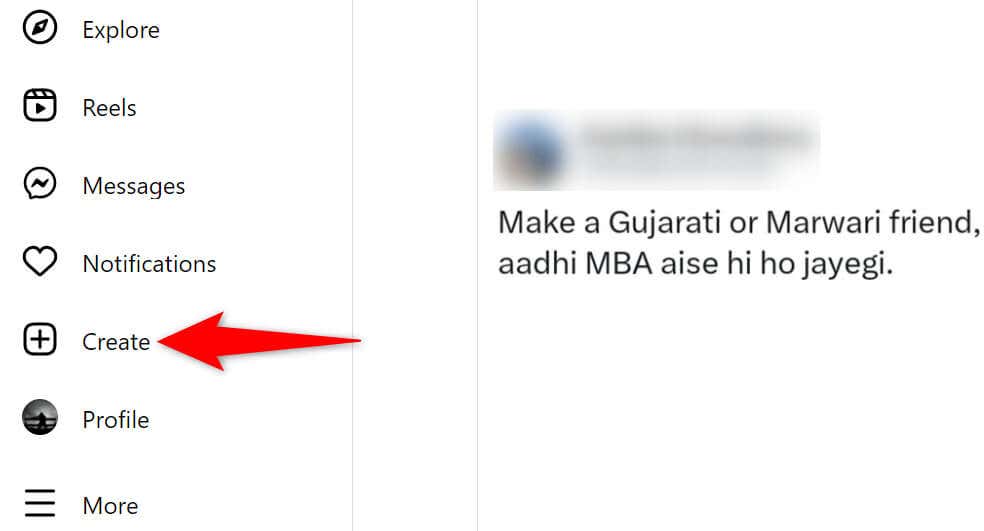
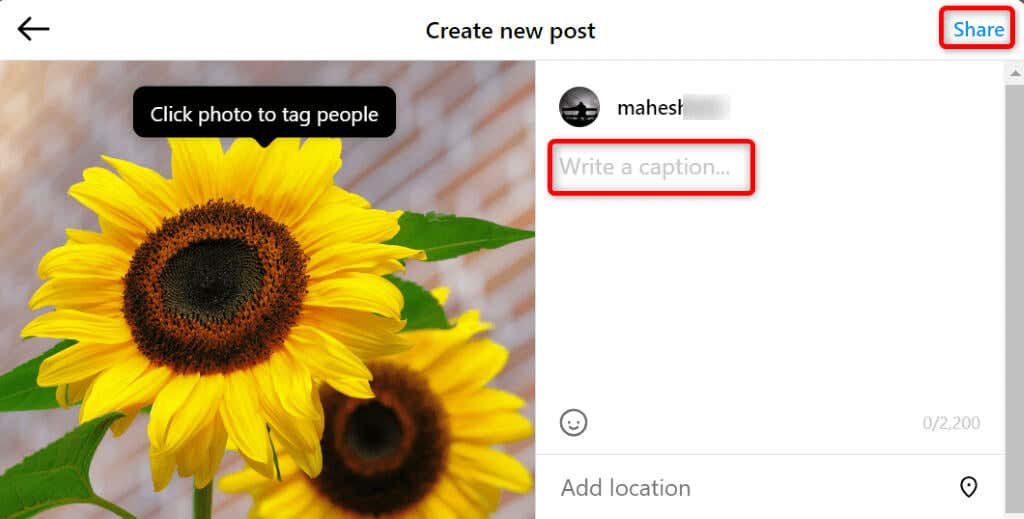
If Instagram’s mobile app doesn’t let you add captions no matter what, use Instagram’s web version to create or edit posts and add captions. You’ll need a Windows, Mac, Linux, or Chromebook computer to do this.
Resolve Your Instagram Caption Issue With Ease
If you think your Instagram posts are incomplete without captions and the app doesn’t let you add text, the methods above will help you fix the problem. Various items can cause the social media app not to save your captions, but you have ways to solve the problem. Enjoy!