A few reasons your McDonald’s app doesn’t work are that your app or your phone has a minor glitch, McDonald’s servers are facing an outage, your app has a login session problem, you haven’t given your app access to your location, and more.
1. Switch to Mobile Data From Wi-Fi Data
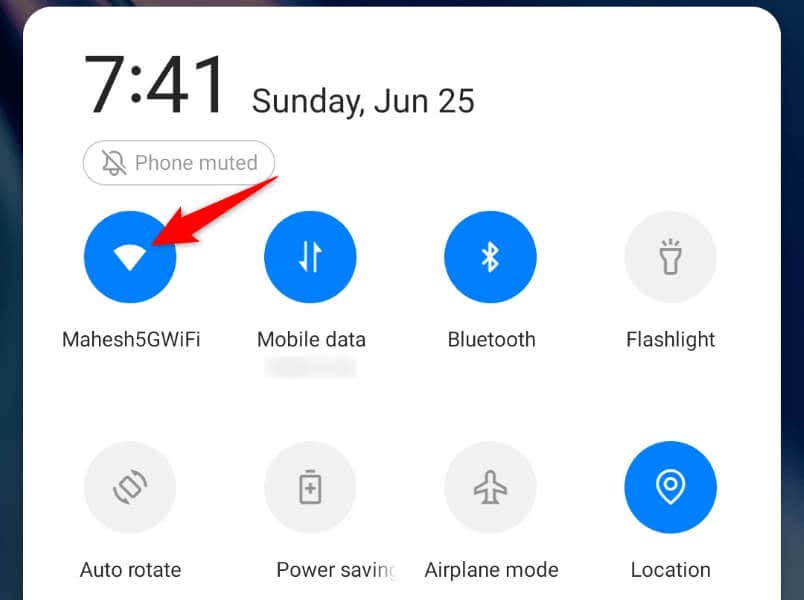
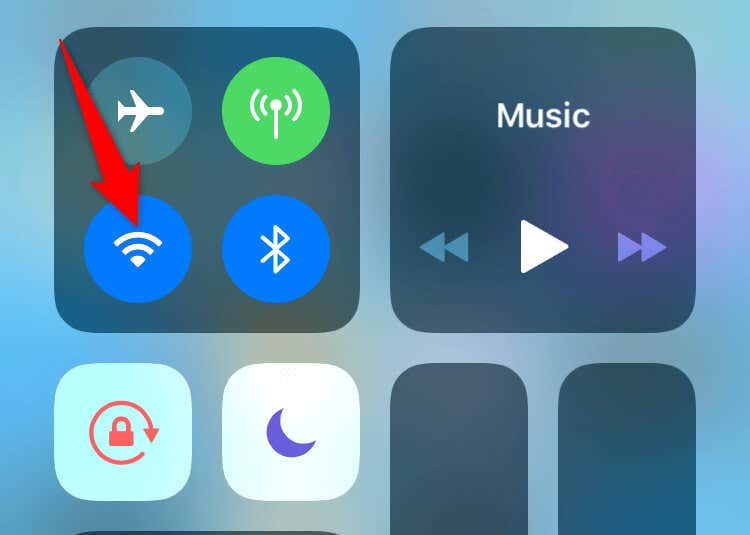
When you have trouble ordering food using the McDonald’s app, try disconnecting from your Wi-Fi network and switching to mobile data to see if that fixes your issue. You may be using a weak, unstable public Wi-Fi network, causing your app not to properly connect to the internet. Connecting to your carrier data ensures your phone has reliable internet access, which can fix your McDonald’s app. If you’re an Android user, you can disconnect from Wi-Fi by pulling down twice from the top of your phone’s screen and tapping the Wi-Fi icon. On an iPhone, you’ll swipe down from the top-right corner of your phone’s screen and tap the Wi-Fi icon. That will force your phone to use mobile data.
2. Close and Relaunch Your McDonald’s App
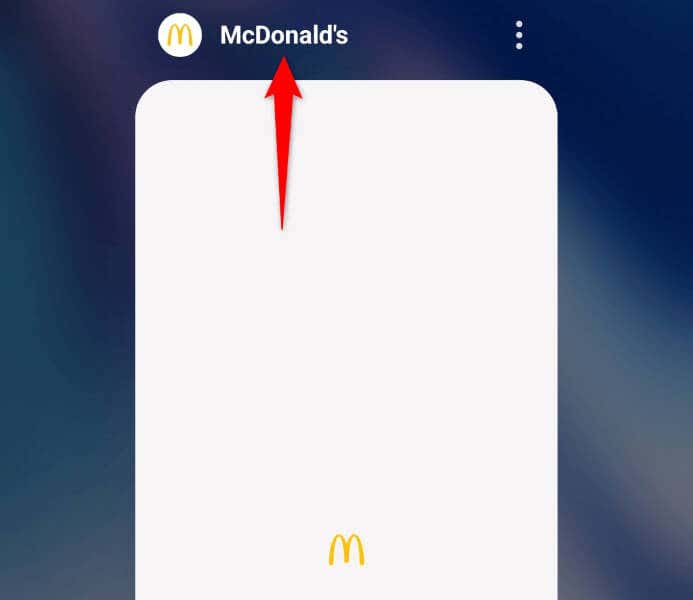
Your app’s minor issues can prevent you from fully utilizing all the app features. You can try to fix such issues by giving your app a restart. This allows your app to close and reload all the features from scratch, resolving minor glitches.
On Android
On iPhone
3. Check if McDonald’s Servers Are Down
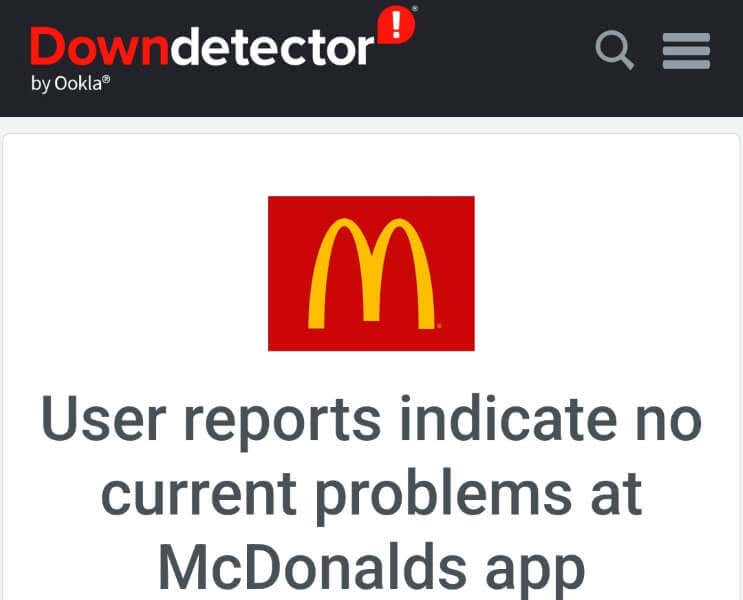
McDonald’s servers may be facing an outage, causing the company’s mobile app not to work. In this case, you can’t fix the issue on your end, as it’s the company that needs to resolve the issue on their servers. You can check if McDonald’s is down by visiting a site like Downdetector. This site will tell you if the company’s servers are facing downtime. If that’s the case, you’ll have to wait until the company fixes those issues and brings the servers back up.
4. Turn Off Your Mobile’s VPN to Fix McDonald’s App Not Working
Your phone’s VPN app allows you to route your internet data via a third-party server. This mechanism helps you in many scenarios, like bypassing your internet service provider’s restrictions. However, you should consider turning off your VPN when you face issues using an internet-enabled app like McDonald’s. Launch your VPN app and turn off the service. Then, open McDonald’s and see if the app works. If you can place orders with the app when your VPN is turned off, your VPN is the culprit. In this case, you can keep your VPN service disabled whenever you use McDonald’s. Another possible solution is to change your location in your VPN app to see if that helps.
5. Restart Your iPhone or Android Phone
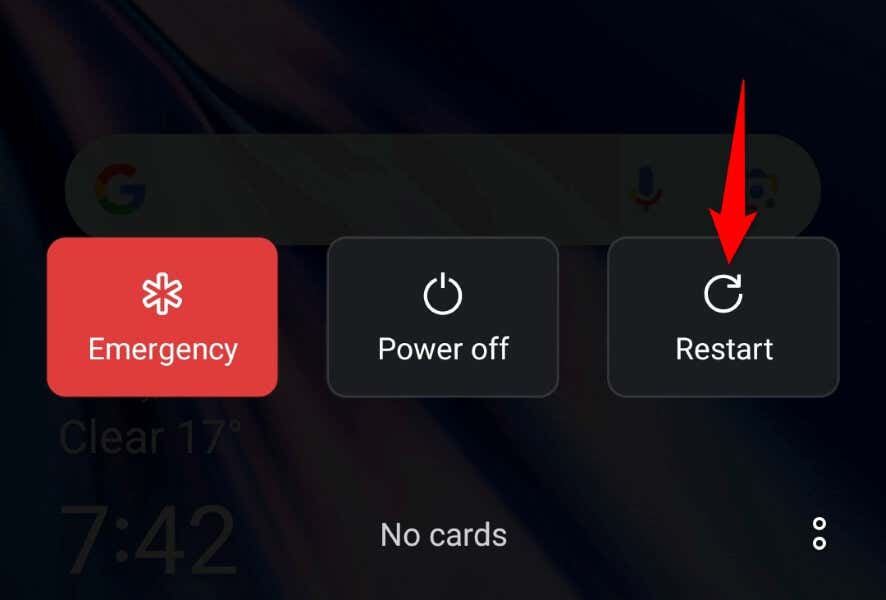
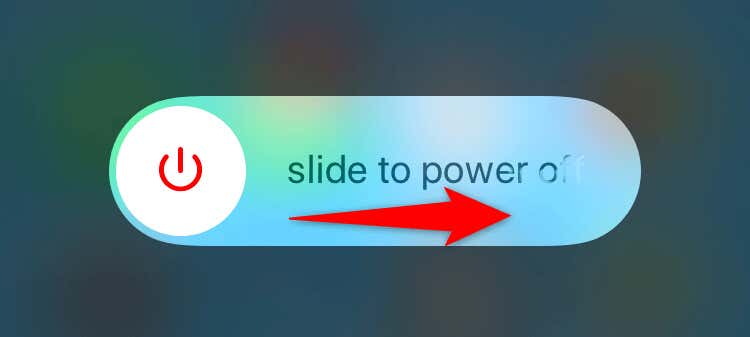
Like the McDonald’s app, your iPhone or Android phone may have a minor glitch, causing your apps not to work. In this case, reboot your phone to possibly fix your phone’s minor glitches. Make sure to save your unsaved work before turning off your device.
On Android
On iPhone
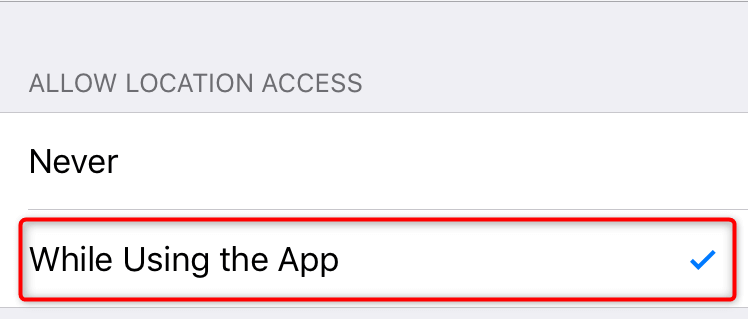
6. Give the McDonald’s App Access to Your Phone’s Location Data
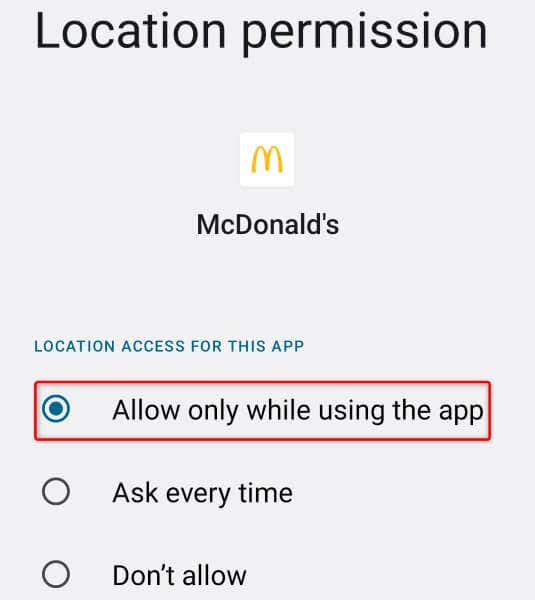
McDonald’s is a food delivery app, and the app requires access to your phone’s location data to serve your orders. If you’ve denied your location access to the app, give the app that access to resolve your app problems.
On Android
On iPhone
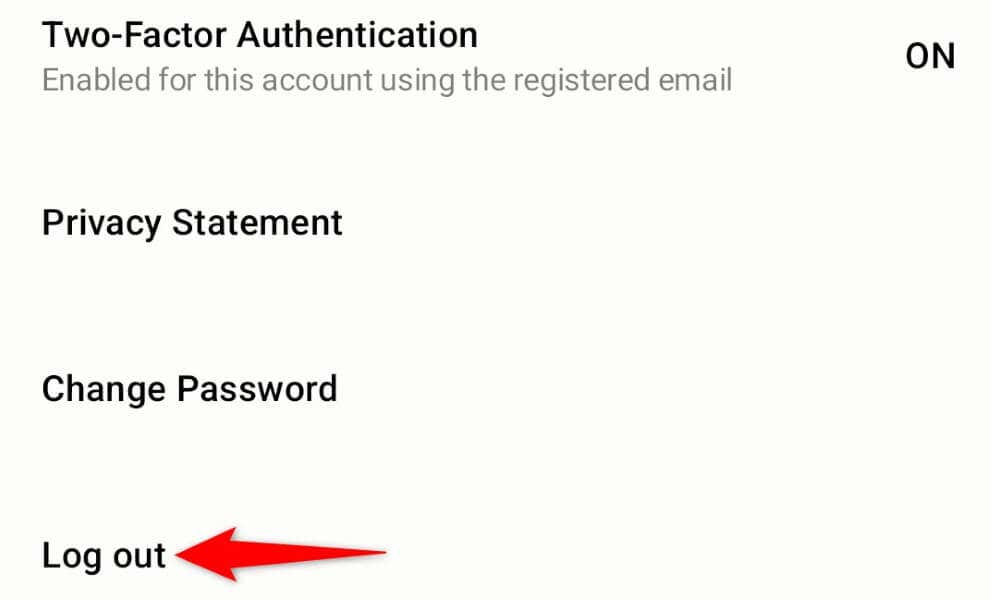
7. Log Out and Back Into Your Account in the McDonald’s App
Login session-related issues can cause your McDonald’s app not to work. Your app may have trouble locating your account on the company’s servers, or there may be another issue with your current login. You can try to fix that by signing out and back into your account in the app. Keep your McDonald’s username and password handy, as you’ll need those details to log back into your account.
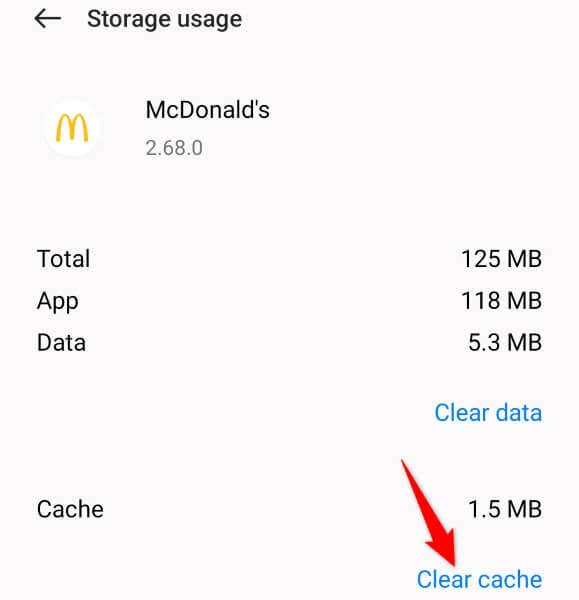
8. Clear McDonald’s App Cache
Like many other apps, McDonald’s saves cache files on your phone to speed up your app usage experience. Sometimes, this saved cache becomes corrupted, causing your app to malfunction. This may be the case with your app. In this case, clear your app’s cached data, and your issue will be resolved. You don’t lose your current login session or account data when you do this. Note that you can only perform this procedure on an Android phone. The iPhone doesn’t allow you to clear an app’s cached data.
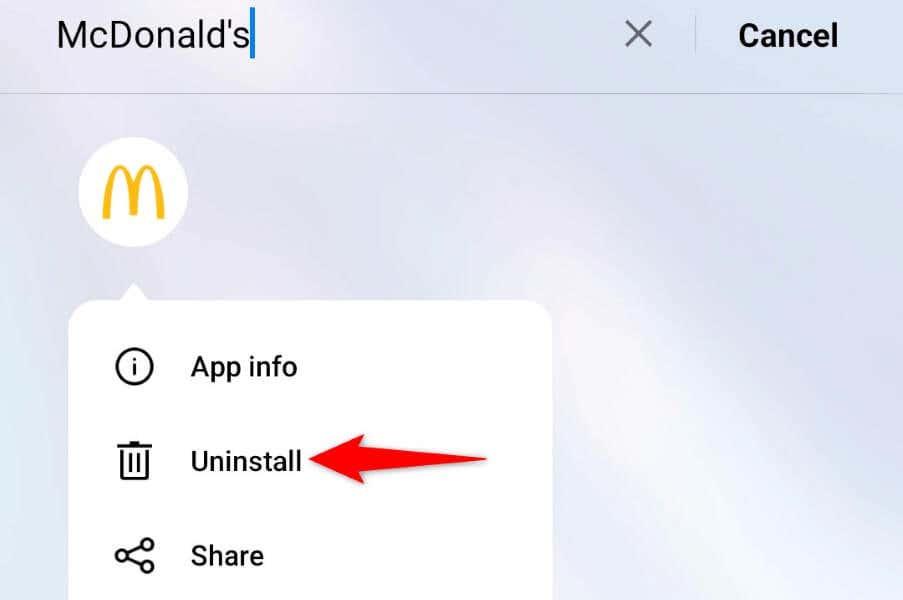
9. Remove and Reinstall McDonald’s on Your Phone
If you still can’t use the McDonald’s app on your phone, your last solution is to uninstall and reinstall the app on your phone. This fixes any core file-related issues with the app, allowing you to use your app without any problems. Note that you’ll have to log back into your account when you reinstall the app, so keep your login details handy.
On Android
On iPhone
Start Snacking by Resolving Your McDonald’s App Issues
The McDonald’s app issues can prevent you from viewing the company’s food menu or ordering items from the available menus. This happens for various reasons, and luckily, it’s easy to resolve the issue in most cases. Use the methods described above, and your McDonald’s app will be fixed. You can then start ordering your favorite food items. Enjoy!