Here are several simple tournament bracket tools, whether you want a generator to save or print the bracket or a template for Microsoft Excel or Word that you can reuse each season.
Tournament Bracket Generators
If you need a tournament bracket quickly or for a one-time competition, you can use an online generator to set up the participants.
1. Edit.org Tournament Bracket Maker
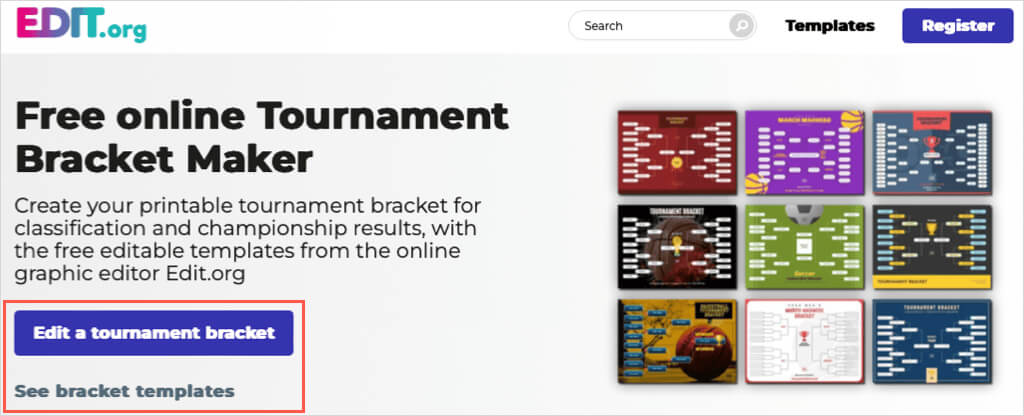
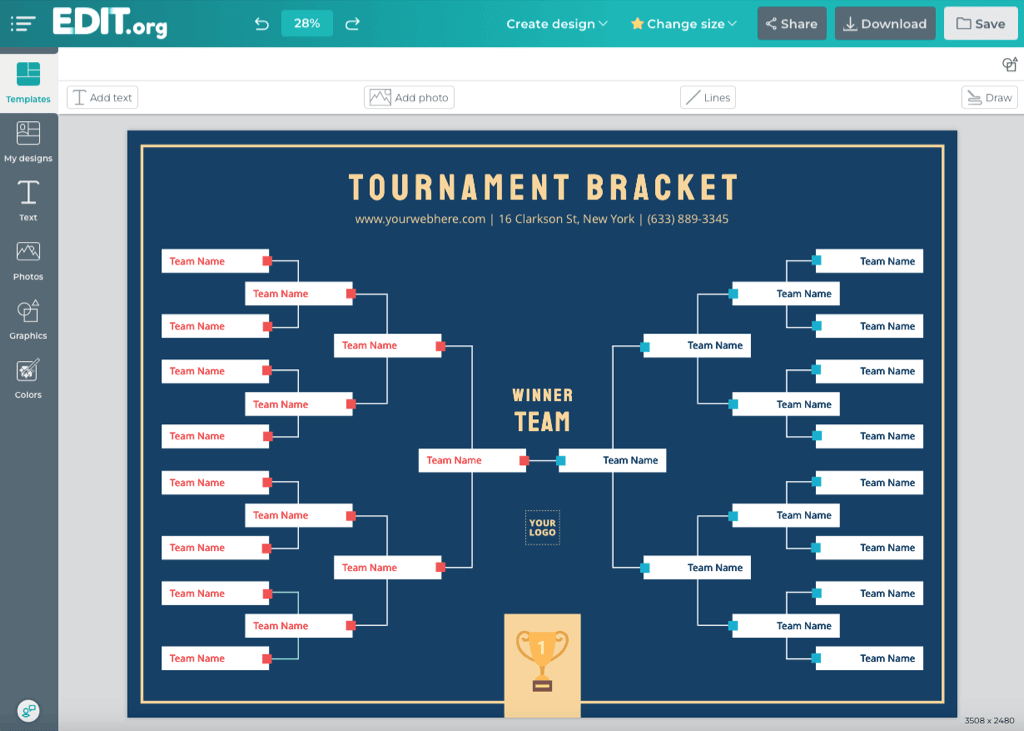
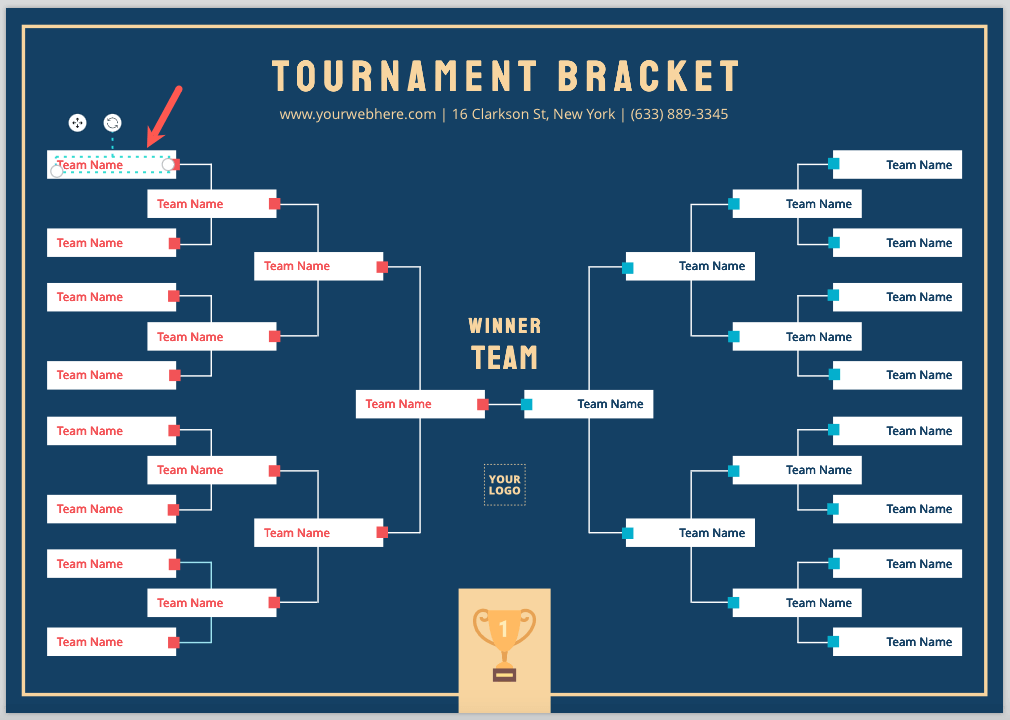
On Edit.org, you can start with a template to generate your bracket. You’ll find a nice selection for basketball, football, soccer, martial arts, and generic tournaments.
2. Print Your Brackets
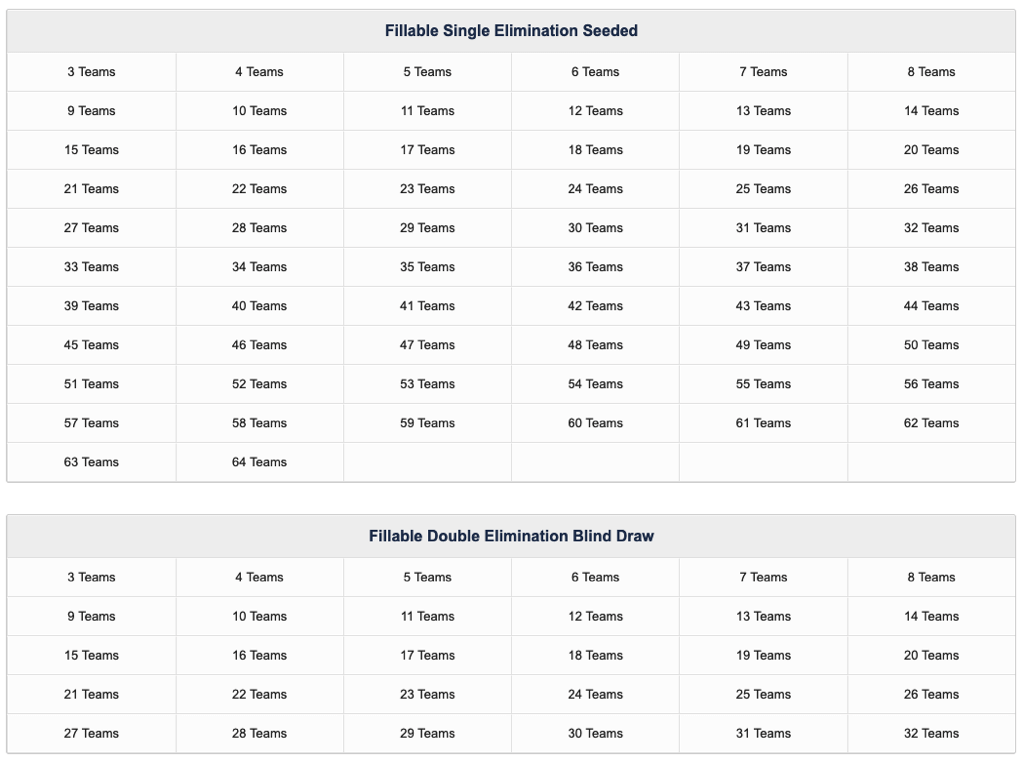
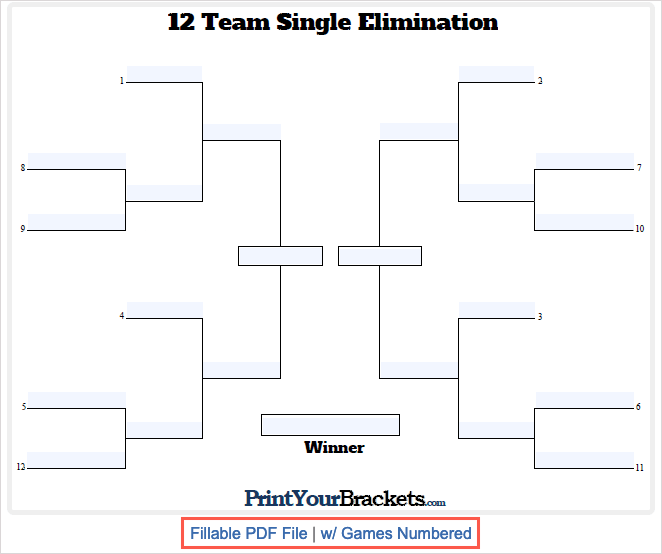
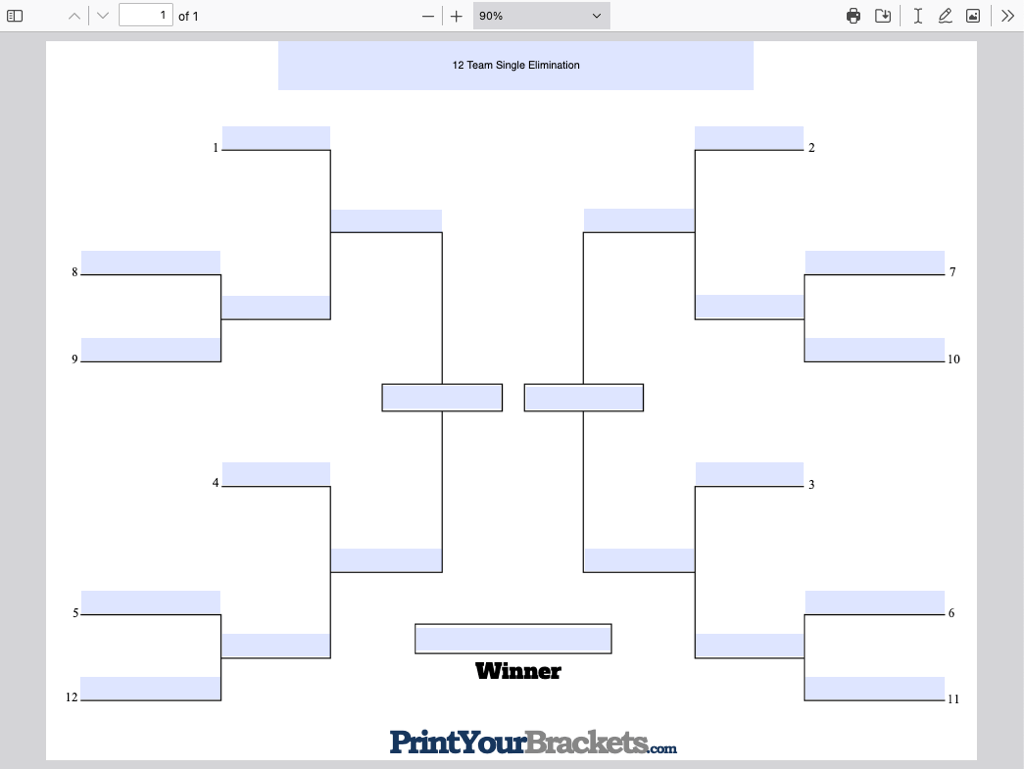
With Print Your Brackets, you’ll find fillable tournament brackets you can complete and download.
3. Bracket HQ
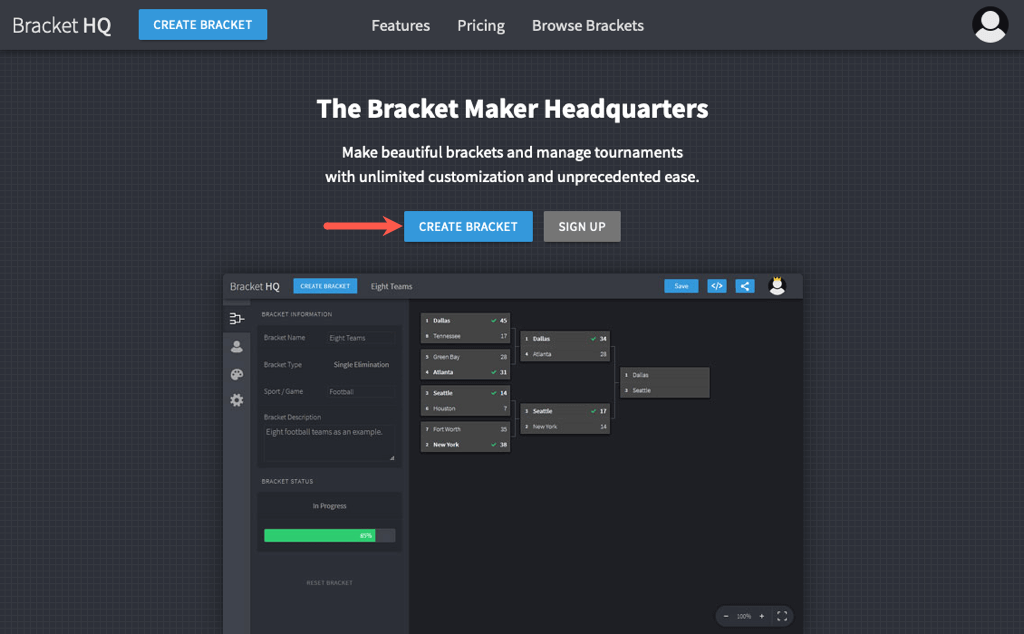
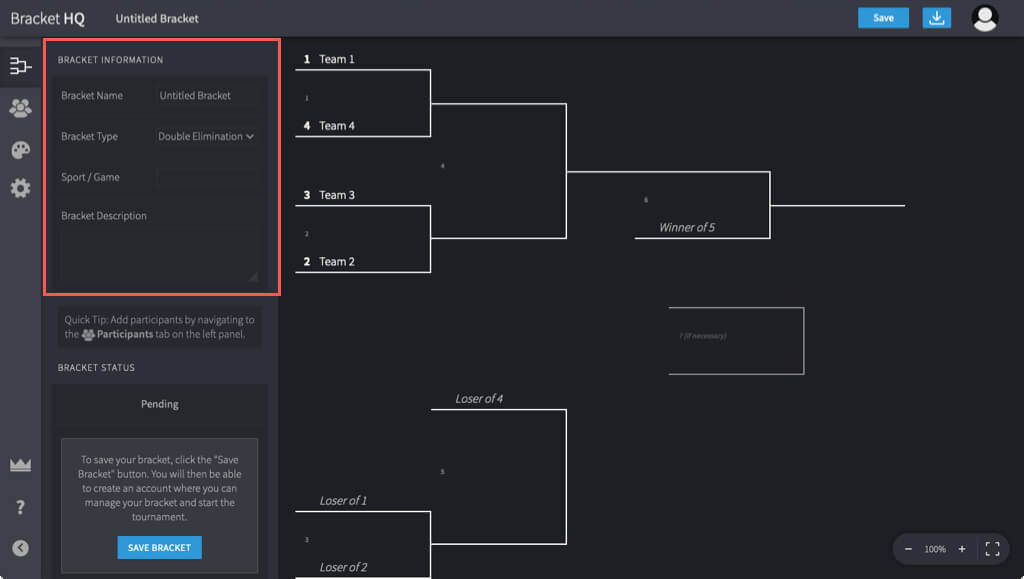
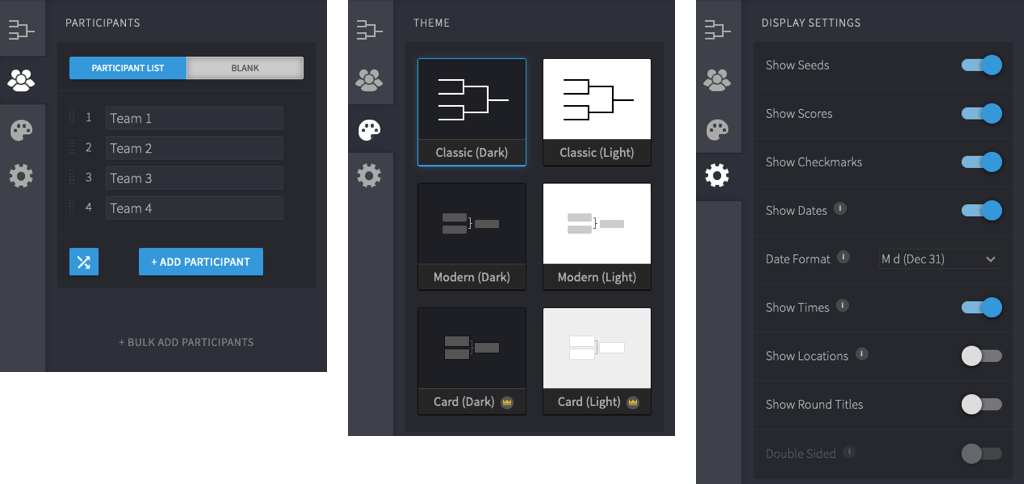
If you’d like to create a few brackets for different tournaments, submit scores throughout the competition, and choose from attractive themes, check out Bracket HQ.
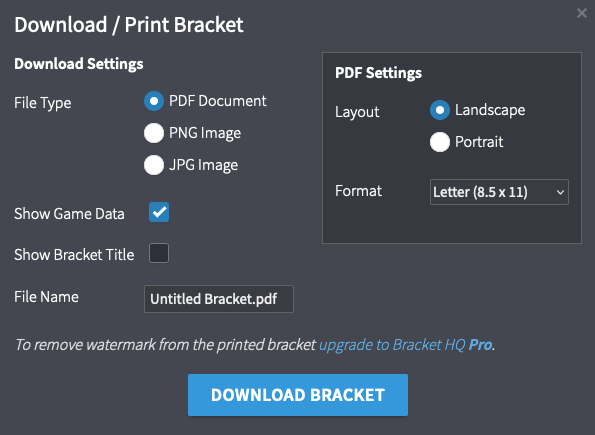
Bracket HQ offers additional tournament brackets in both the free and paid plans. The free plans give you unlimited brackets with up to 32 participants and basic themes. If you need more participants, want additional themes, or would like other features, you can look at the paid Pro plans.
4. Diamond Scheduler
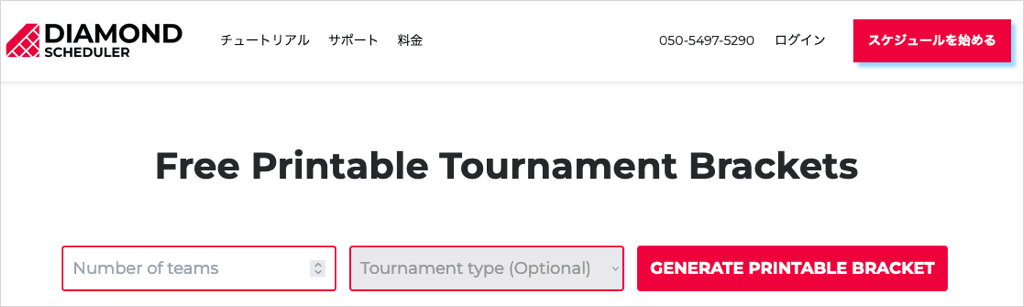
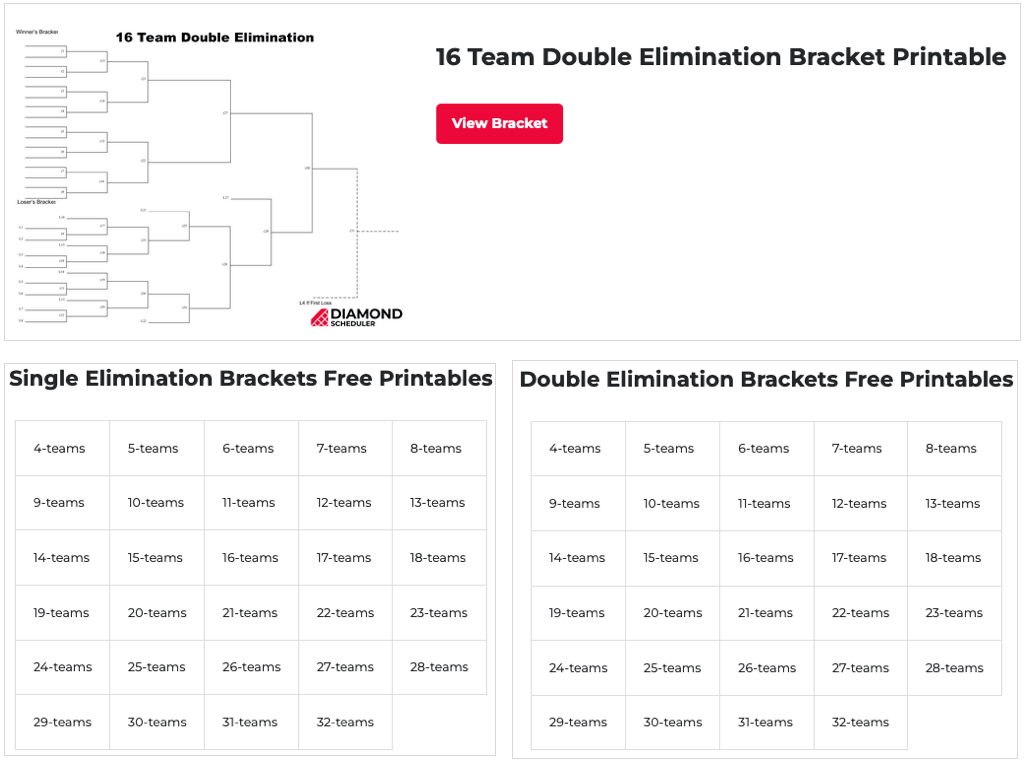
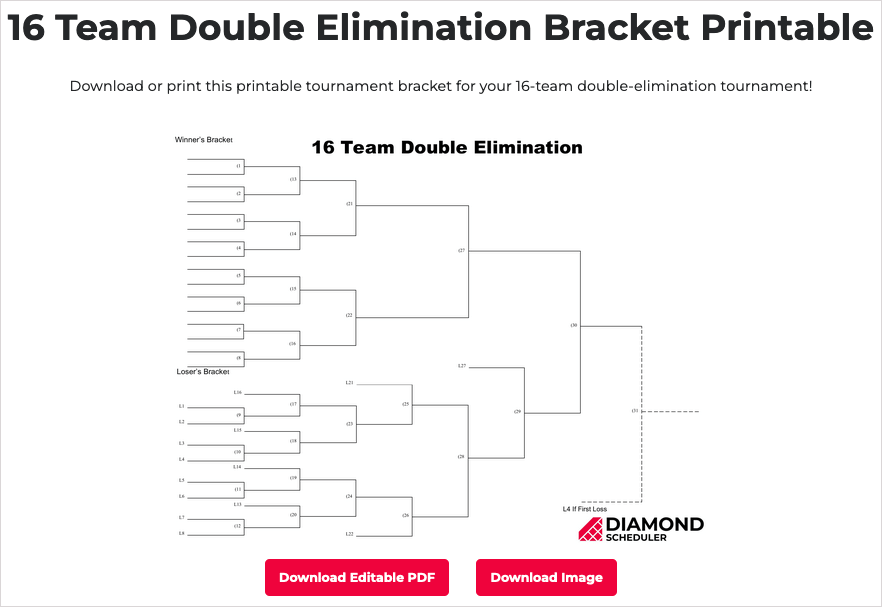
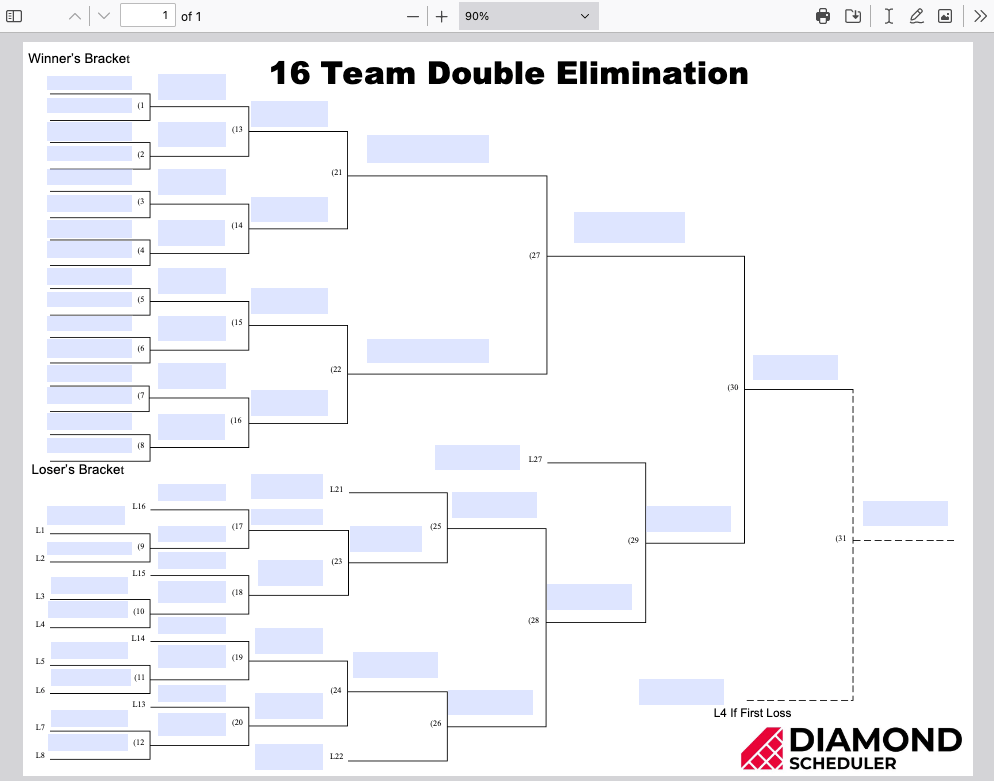
One more online tournament bracket generator to consider is Diamond Scheduler. With this option, you get a blank bracket to enter the team names in an editable PDF document on your computer.
Tournament Bracket Templates
You may plan to use a tournament bracket for various sports or want to have one handy for every season. You can easily edit and reuse an Excel or Word template anytime.
5. Vertex42 Excel Bracket Templates
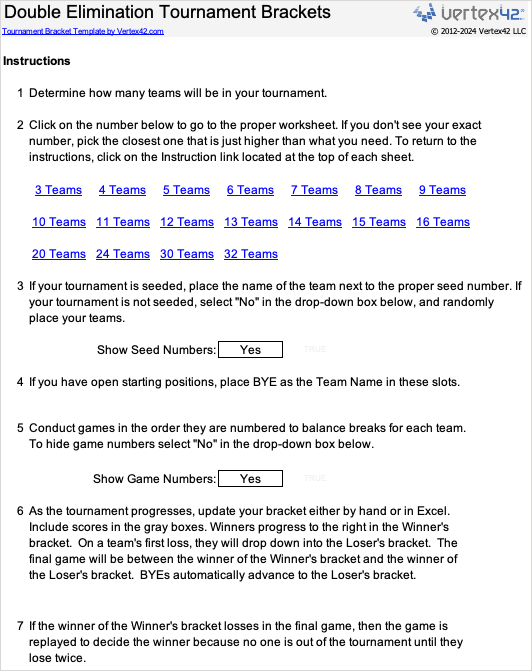
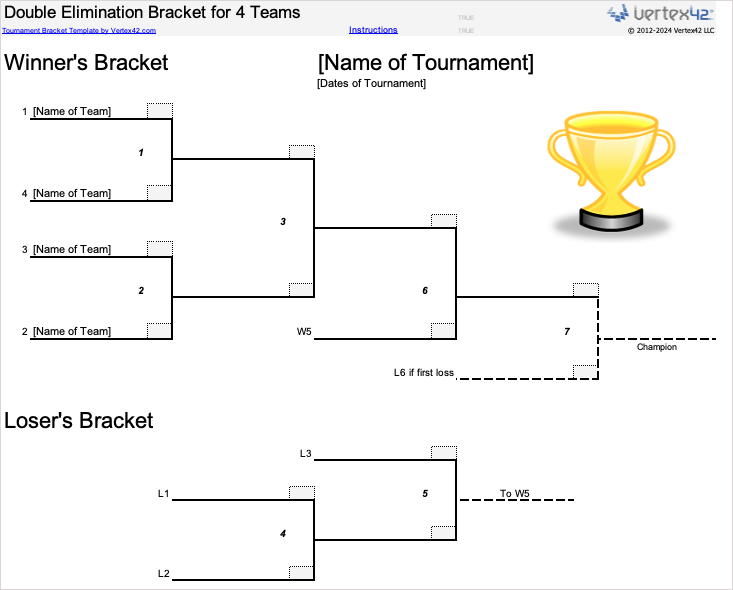
Vertex42 offers a few tournament bracket options for Microsoft Excel. You’ll see a bracket specifically for March Madness and a single or double-elimination bracket. For example, this double-elimination tournament bracket template provides a workbook full of sheets for various teams. Start on the Instructions tab and choose if you want to see seed and game numbers. Then, select the number of teams, and you’ll jump right to the sheet. Next, you can add the title and dates of the tournament and the team names. As the tournament progresses, insert the scores in the gray boxes.
6. TemplateLab Excel and Word Bracket Templates
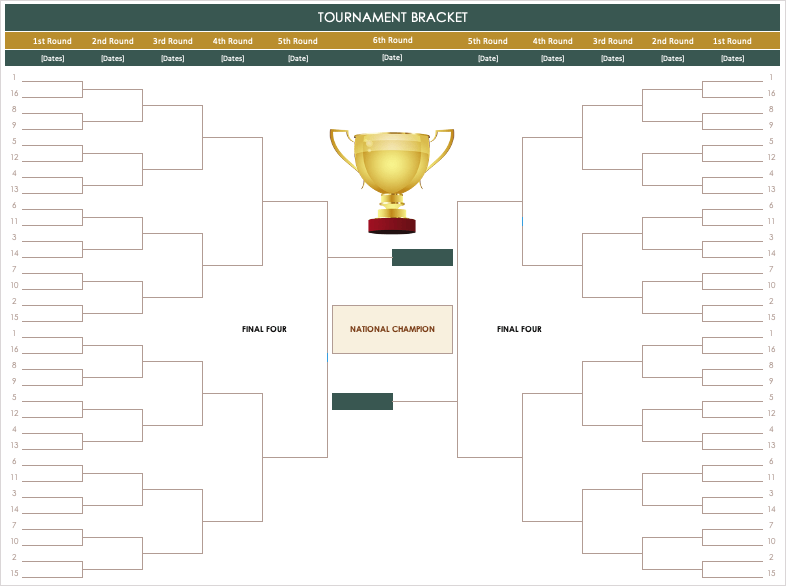
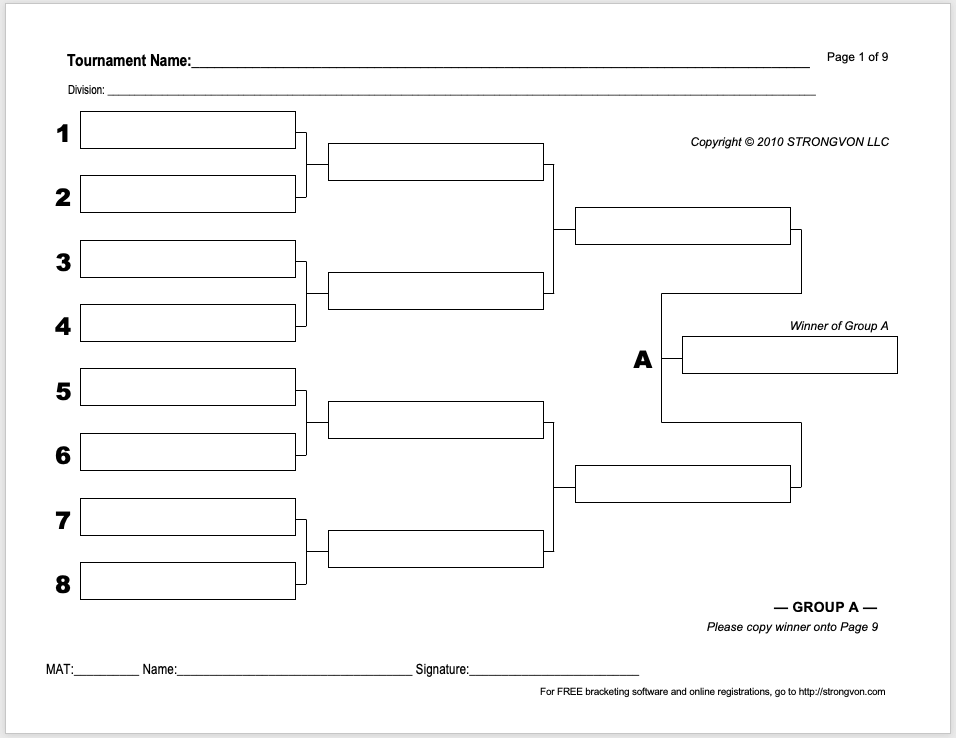
A great spot for both Microsoft Excel and Word tournament brackets templates is TemplateLab. You can choose from single, double, and triple eliminations, round robin, March Madness, blank brackets, and more. As an example, here we have an Excel tournament bracket in green and gold (template #01) with first and second rounds, the Sweet 16, Elite 8, and Final Four. You can add the winners to the next round with a simple drag and drop from the previous round or just type them in. For Microsoft Word, check out this 64-team bracket template (template #15). Each of the nine pages includes the tournament name and division at the top, with spots for eight teams and the group’s grand winner.
7. Microsoft Excel Bracket Template
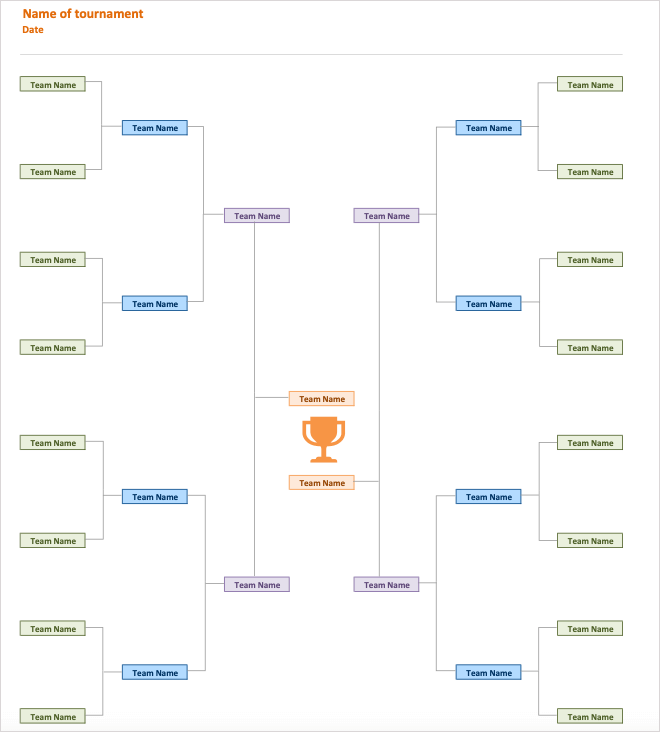
One more template available for Excel comes direct from Microsoft, so you can use it on the web or in the desktop version of Excel. Enter the title and date of the tournament and then each of the 16 team names. The template provides color-coded boxes for each round and a spot for the overall winner above the trophy at the bottom.
Let the Games Begin
With these free tournament bracket generator and template options, you’ll be set when the games begin. Whether a major sport, school competition, or fitness match, get your bracket ready to go.
If you’re having trouble with a TV screen that’s blurry or fuzzy while watching your favorite sports, we have ways to help you fix it.